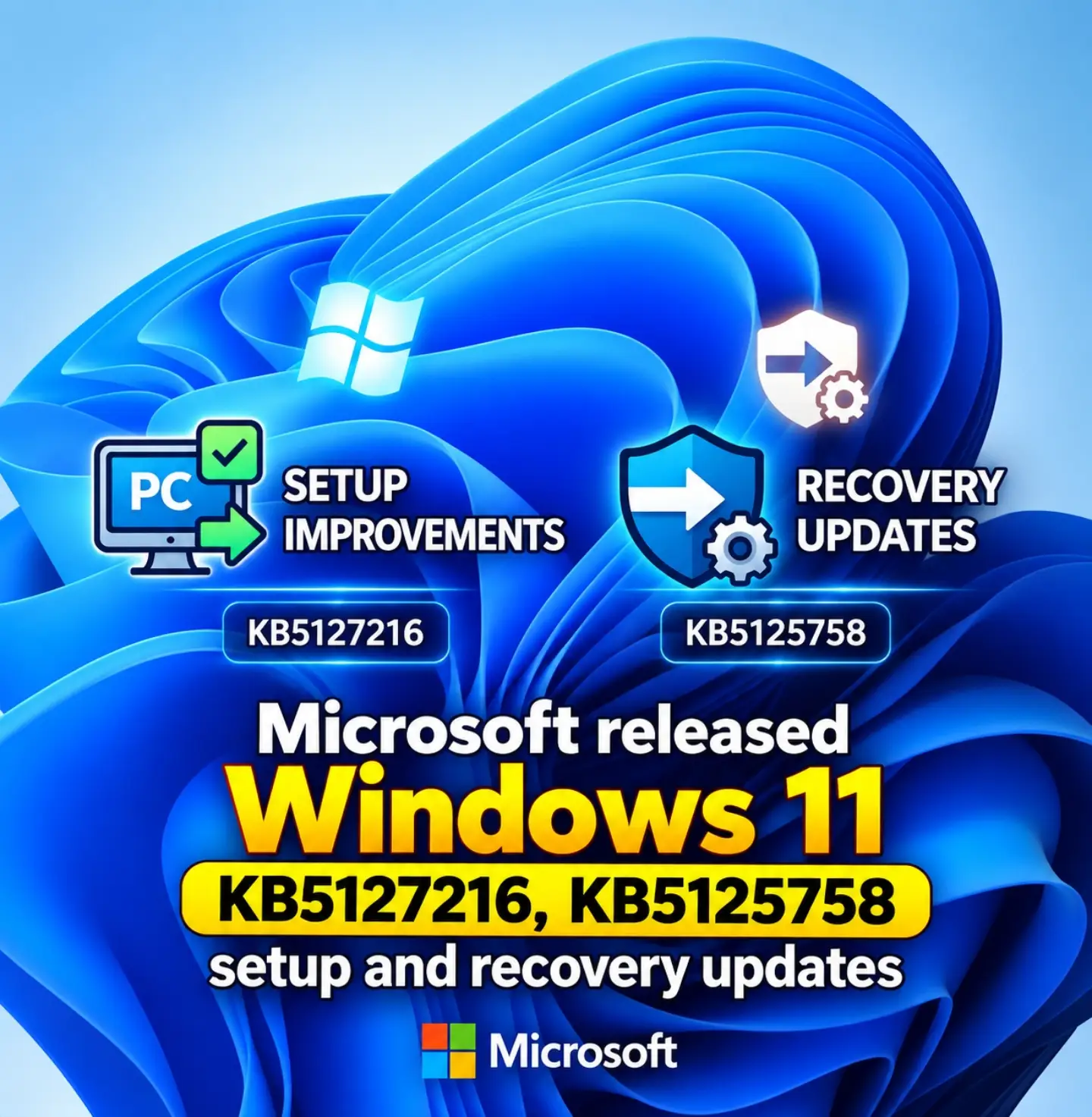
Windows 11, the operating system from Microsoft, recently received a pair of updates aimed at improving its reliability and user experience. The two updates, labeled KB5127216 and KB5125758, focus on enhancing PC setup and recovery processes.
The Windows 11 Updates
The Windows 11 updates feature significant enhancements to the operating system that make it robust and user-friendly. Microsoft has issued updates designated KB5127216 and KB5125758. These updates have distinct purposes: KB5127216 focuses on PC setup improvements, while KB5125758 addresses recovery updates. The updates aim to improve two key areas, enhancing system stability and making the setup and recovery processes more efficient. These updates ensure that users will have fewer issues during installation and recovery, making Windows 11 a more reliable operating system. The updates are not just about adding new features; they are about making the existing system more efficient and reliable. By focusing on setup and recovery, these updates ensure that users spend less time dealing with technical issues and more time enjoying their computing experience. Distinctive aspects of these updates are improvement in system reliability and efficiency in troubleshooting.
The Struggle for Smooth Updates
Microsoft’s updates are part of a larger effort to maintain Windows 11’s reliability and user experience. Updates are now more frequent and comprehensive. This is essential for maintaining Windows 11’s position in the market. The operating system faces stiff competition from other platforms and must continuously evolve to meet user needs. Microsoft’s focus on reliability and efficiency indicates a proactive approach to fixing issues before they significantly impact users. This is especially critical in an environment where user expectations for performance and reliability are always rising. These updates solidify Microsoft’s commitment to ensuring that Windows 11 remains a top choice for users.
Breakdown of the Updates
KB5127216: Elevating PC Setup
KB5127216 brings enhancements to the PC setup process by optimizing the installation process. This update streamlines the initial setup, thereby reducing the time it takes to configure the system. The improvements are not just about speed; they also focus on reducing errors during installation. This means users are less likely to encounter issues that would slow down setup. The update improves system stability and provides a smoother installation experience overall. In improving the initial setup, KB5127216 ensures user satisfaction and sets the stage for an efficient and reliable computing experience.
KB5125758: Enhancing Recovery Processes
KB5125758 focuses on improving recovery processes, ensuring users have better tools to troubleshoot and resolve issues. The updates aim to make recovery processes more efficient and less time-consuming. This enhances system reliability and ensures that users can get back to their work without lengthy downtimes. The recovery improvements focus on simplified tools and step-by-step guidance that minimizes user intervention. This update helps users recover from system issues quickly, making it less frustrating to deal with technical hiccups. KB5125758 enhances system resilience by making recovery processes both effective and user-friendly.
New tools for troubleshooting
Troubleshooting Tools: The Next Level
KB5125758 also includes new troubleshooting tools. These advanced tools make it easier to diagnose and fix problems that users might encounter. With these tools, users can get detailed insights about the issues and steps to resolve them. These new tools significantly enhance the user’s ability to troubleshoot, reducing the reliance on technical support. It also helps users manage minor issues independently, thereby enhancing their control over the system.
The Impact on User Experience
Better User Experience
The updates, KB5127216 and KB5125758, lead to an improved user experience. The setup improvements ensure a smoother installation process, while the recovery updates make troubleshooting and resolving issues more effective. Users experience fewer disruptions and a more reliable system. The updates also reflect Microsoft’s commitment to continuous improvement, ensuring users always get the best out of Windows 11. The updates enhance system reliability and user satisfaction.
Continuous Improvement
Microsoft’s dedication to continuous improvement is evident in these updates. The focus on setup and recovery reflects a detailed understanding of user needs and the challenges they face. These updates are not just about fixing issues but about creating a better overall experience. The updates enhance system efficiency and reliability, making Windows 11 a more attractive option for users.
Getting the updates
How to Secure the Latest Updates
To secure the latest updates, users should ensure their systems are set to receive automatic updates. This can be done through the Windows Update settings; users should prioritize keeping their systems updated. Automatic updates ensure that users get the latest features and improvements without manual effort. Users can also manually check for updates through the Windows Update settings. Following these guidelines helps users stay current with the latest features and improvements. The updates are designed to improve system stability and reliability, making Windows 11 a more robust operating system.
- Windows Update Settings: Access these settings, and ensure automatic updates are enabled.
- Check for Updates: Occasionally check for updates manually to ensure the system is up-to-date.
- Settings: Keep the system settings focused on user needs and knowledge levels.
- System reliability: Check your system's health and reliability before installing updates. These updates are critical for enhancing system stability and user satisfaction as Microsoft continues to refine Windows 11. By focusing on setup and recovery, users will experience fewer disruptions and a more reliable system. These updates reflect Microsoft’s commitment to continuous improvement, ensuring that Windows 11 remains a top choice for users.
Watch the Reel
Questions readers ask
What is the difference between KB5127216 and KB5125758 in Windows 11 updates?
KB5127216 focuses on improving the PC setup process, making it faster and more error-free. On the other hand, KB5125758 is designed to enhance recovery processes, providing better tools and guidance for troubleshooting and resolving system issues.
Can I expect fewer issues during the initial setup of Windows 11 with the KB5127216 update?
Yes, the KB5127216 update is specifically aimed at optimizing the installation process, which should result in fewer errors and a smoother setup experience.
How does KB5125758 improve the recovery process in Windows 11?
KB5125758 enhances recovery processes by providing more efficient tools and step-by-step guidance. This means users can troubleshoot and resolve issues more quickly, reducing downtime.
Are these updates only about adding new features, or do they improve existing ones?
These updates are primarily focused on improving existing features. They aim to make the PC setup and recovery processes more efficient and reliable, rather than just adding new features.
Why is Microsoft focusing on reliability and efficiency with these updates?
Microsoft is focusing on reliability and efficiency to maintain Windows 11's competitiveness and meet rising user expectations for performance. By addressing setup and recovery issues, Microsoft aims to ensure a more seamless user experience.
Related deep dives
Similar reads based on topic and creator.



Recent articles
Fresh deep dives from the latest Reels we unpacked.




Comments
Be the first to comment.