
Windows 11 Proxy Settings: Quick Access Guide
The proxy settings in Windows 11 aren’t buried away in a maze of menus. They’re tucked into a straightforward shortcut…
Tag
Deep-dive articles with this tag.
The proxy settings in Windows 11 aren’t buried away in a maze of menus. They’re tucked into a straightforward shortcut…

A single keystroke can summon a menu that controls every aspect of your Windows 11 system.

Clues to your PC’s Hidden Performance Windows 11 offers three underutilized optimization tools. One can access and twea…

Windows PCs with weak audio can get an instant boost with a hidden tweak. Adjusting the High Default Format setting isn…

When your Windows 11 PC freezes, there's a little-known trick to force a restart without the usual hassles. This trick…
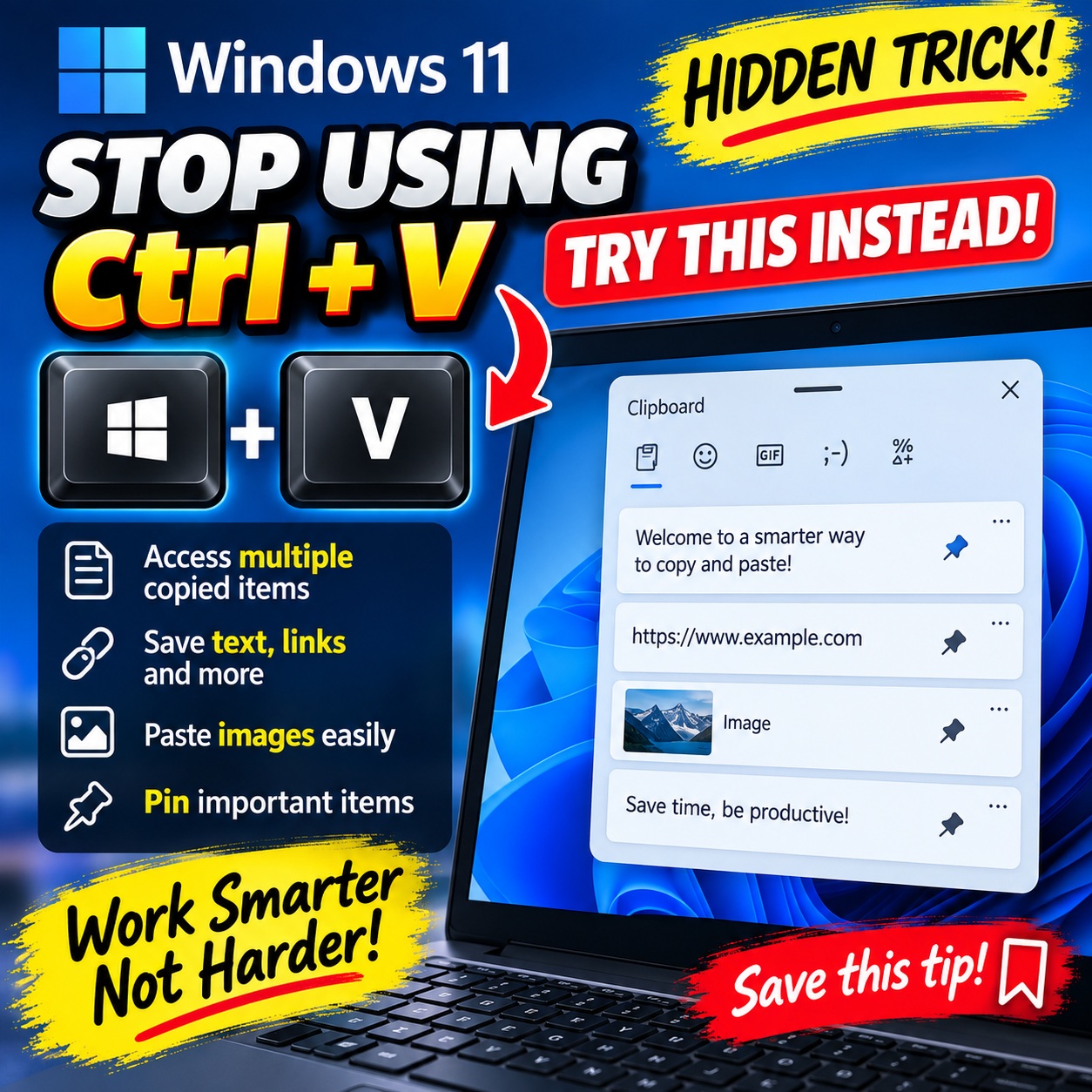
Windows 11’s clipboard shortcut, Windows key + V, ups productivity with a hidden trick. It provides an organized worksp…
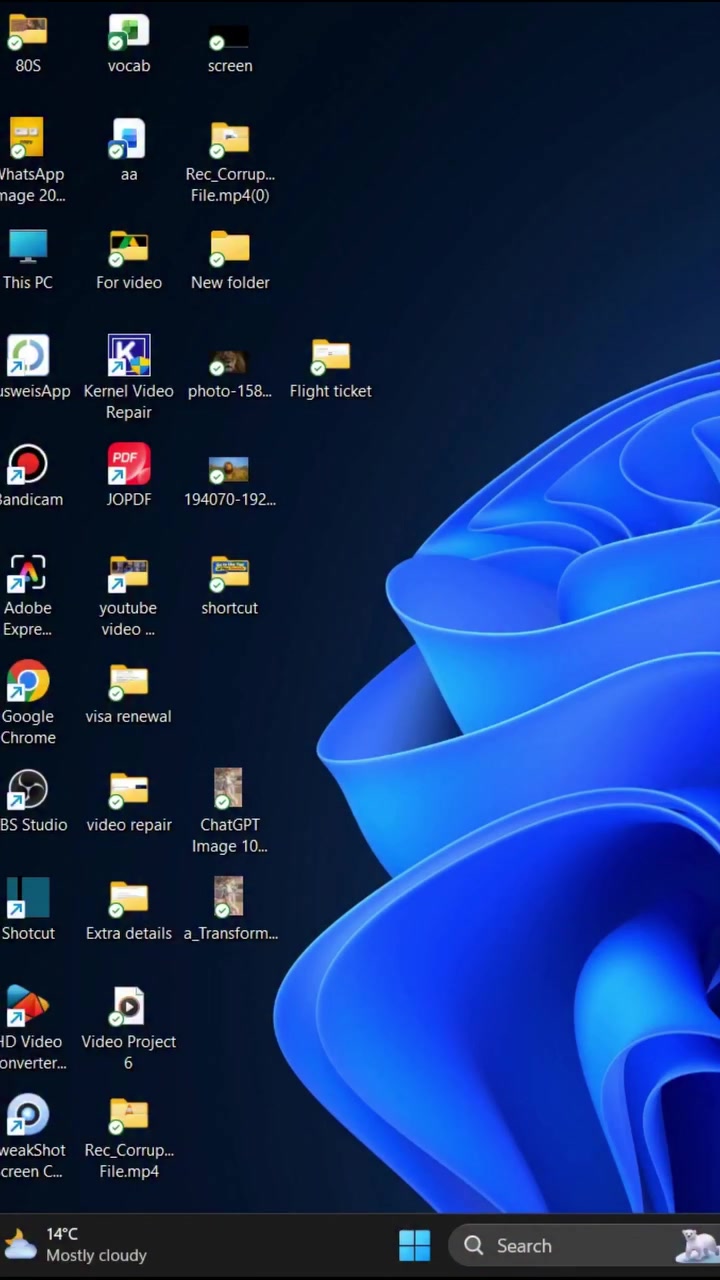
A couple of keystrokes let you access Windows 11’s Device Manager swiftly, bypassing the usual menu maze.

Your mouse is lagging again; it sometimes moves too fast and other times too slowly. This is how to take control.
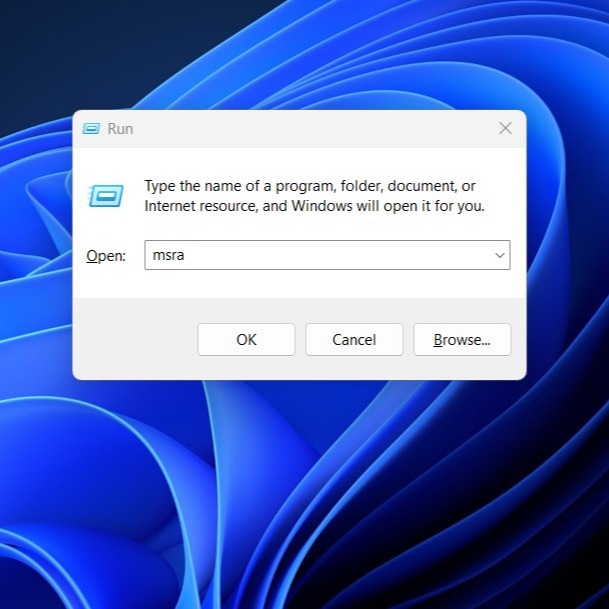
A single keystroke can make or break a productivity session. The Windows 11 Run Dialog lets users launch applications,…

When you sit down at a new Windows 11 device and see only a generic name on the login screen, it can be a frustrating e…

Windows 11 includes a built-in tool for assessing laptop battery health, helping users decide when to replace aging bat…

When your Windows 11 device troubleshooting tool vanishes, it's not just an inconvenience. With the command **msdt.exe…