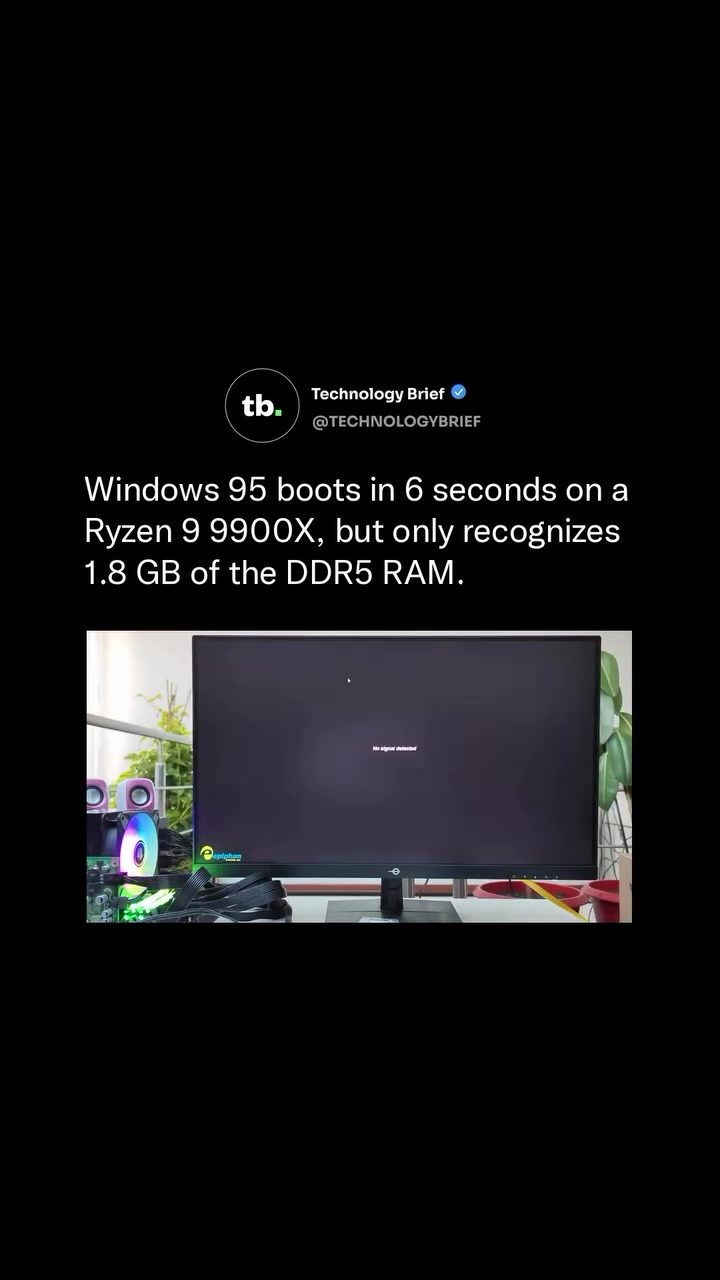
Windows 95 on Modern Hardware: A Surprising Feat
Running Windows 95 on a modern computer might seem like an unusual experiment. However, a user known as O_MORES successfully booted this 30-year-old operating system on a state-of-the-art AMD Ryzen 9 9900X processor in just 6 seconds. This setup highlights the remarkable adaptability of older software and the power of contemporary hardware.
Context / Why This Matters
Windows 95 was released in an era when computing power was vastly different from today. The minimum requirement for Windows 95 was a 386 processor running at 20 MHz, which is a far cry from the Ryzen 9 9900X's 4.4 GHz per core. The original hardware had limitations that are irrelevant under modern conditions, but running Windows 95 on a modern processor provides an excellent benchmark for comparing hardware capabilities.
Main Discussion
The Hardware Setup
The build uses an AM5 motherboard, 64 GB of DDR5 RAM, and a blazing-fast Gen 5 NVMe drive. This combination of cutting-edge components ensures that the system can handle demanding tasks with ease. The Ryzen 9 9900X, with its 16 cores and 32 threads, is an overkill for Windows 95, but it demonstrates the versatility of modern processors.
The Boot Process
Booting Windows 95 on this modern hardware is surprisingly fast, taking only 6 seconds. This speed is largely due to the small size of the operating system, which installs in about 50 MB. This small footprint allows the entire OS to fit easily into the processor’s memory cache, significantly speeding up the boot process. Despite the advanced hardware, the OS only recognizes 1.8 GB of the available DDR5 RAM, a limitation inherent to its design.
Compatibility Challenges
Running Windows 95 on modern hardware poses several compatibility challenges. The OS was built for a completely different era of computing and can only recognize a fraction of the available RAM. Additionally, it runs on a single processor core, which is a significant limitation given the multi-core capabilities of modern processors. To get driver support working, the setup required custom patches, legacy PCI adapters, and an old Nvidia GeForce 7900 GS graphics card. The Ryzen 9 9900X also had to run at a limited 4.4 GHz, as Windows 95 can crash on CPUs that are too fast.
Practical Tips
If you are interested in running older operating systems on modern hardware, there are a few key takeaways to consider:
- Custom Patches and Drivers: Be prepared to use custom patches and legacy drivers to ensure compatibility.
- RAM Limitations: Understand that older OSs may not recognize all available RAM, and plan accordingly.
- CPU Speed: Modern CPUs may need to be throttled to match the capabilities of the older OS.
- Hardware Selection: Choose components that are compatible with the older software, such as using an older graphics card for driver support.
Important Takeaways
Running Windows 95 on modern hardware underscores the vast improvements in computing power over the past three decades. The 9900X is roughly 280 times faster per core than the 386 processor that was the minimum requirement for Windows 95. This experiment highlights the broader concept of comparing and contrasting hardware performance across different generations.
Conclusion
The ability to boot Windows 95 in just 6 seconds on a Ryzen 9 9900X processor showcases the incredible advancements in hardware technology. While there were significant challenges in compatibility and performance, the successful boot demonstrates the versatility and power of modern computing. This experiment not only provides a fascinating glimpse into the past but also underscores the remarkable progress in technology.
Watch the Reel
Questions readers ask
Why does Windows 95 boot so quickly on the Ryzen 9 9900X?
The Ryzen 9 9900X has significantly higher processing power compared to the hardware of the 1990s, when Windows 95 was released. This massive leap in CPU speed and efficiency allows the operating system to load and initialize much faster. Specifically, the Ryzen 9 9900X has a base clock speed of 3.8 GHz and can boost up to 4.4 GHz, while the minimum requirement for Windows 95 was a 20 MHz processor.
What are the benefits of running older operating systems on modern hardware?
Running older operating systems on modern hardware, such as Windows 95 on the Ryzen 9 9900X, can provide a smoother, faster experience. Additionally, it allows users to test software compatibility, explore vintage software, or simply enjoy a nostalgic experience with the convenience and power of modern hardware.
Can other old operating systems run as fast as Windows 95 on the Ryzen 9 9900X?
Many other older operating systems can also benefit from the power of the Ryzen 9 9900X and may boot quickly. However, the exact boot time will vary depending on the operating system's design, optimizations, and hardware requirements. Additionally, some older OSes may have other limitations or compatibility issues when run on modern hardware.
Is it difficult to run Windows 95 on a Ryzen 9 9900X?
Running Windows 95 on a Ryzen 9 9900X is not overly difficult, but it does require some technical knowledge. Users typically need to create a virtual machine or use a compatible boot method, as Windows 95 may not natively support modern hardware. Additionally, some tweaks and driver installations might be necessary to ensure optimal performance.
What are the minimum requirements for Windows 95 compared to the Ryzen 9 9900X?
Windows 95's minimum requirements were a 386 processor running at 20 MHz, 4 MB of RAM, and 50-55 MB of hard drive space. In contrast, the Ryzen 9 9900X features 16 cores, 32 threads, a base clock speed of 3.8 GHz, and a boost clock speed of up to 4.4 GHz, along with support for modern memory and storage standards.
What is the advantage of running Windows 95 in a virtual machine?
Running Windows 95 in a virtual machine allows users to safely explore the operating system without affecting their primary OS. Virtual machines provide isolation and snapshotting capabilities, enabling users to test software, experiment with settings, or simply enjoy nostalgia without worrying about data loss or system instability.
Related deep dives
Similar reads based on topic and creator.




Recent articles
Fresh deep dives from the latest Reels we unpacked.




Comments
Be the first to comment.