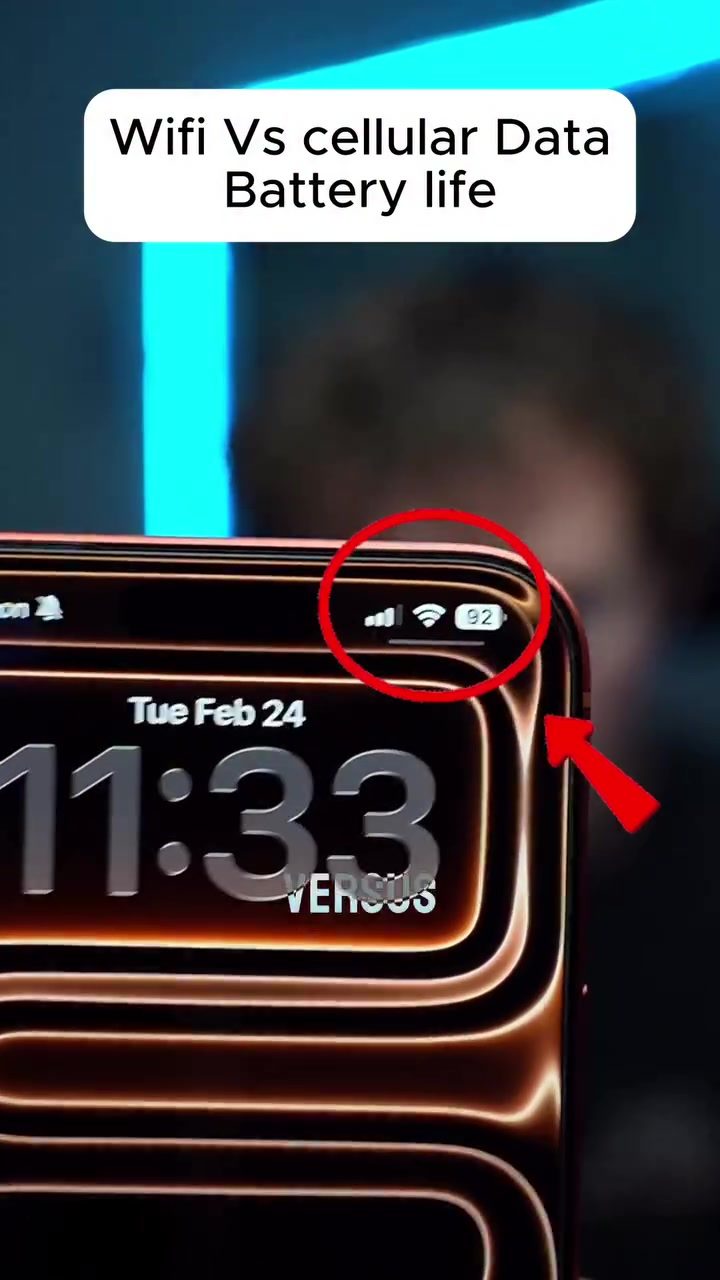
Wi-Fi vs. Cellular Data: Understanding the Impact on Smartphone Battery Life
The question of whether Wi-Fi or cellular data drains a smartphone's battery faster is a common one, especially in an era where connectivity is crucial. To understand the impact of each on battery life, it's important to look at the fundamental differences between the two.
Context: Why This Matters
Smartphones have become indispensable tools, and understanding how different connectivity options affect battery life can help users make informed decisions. Whether you're at home with Wi-Fi or on the go with cellular data, knowing the impact on your battery can improve your overall smartphone experience.
The Fundamentals of Wi-Fi and Cellular Data
How Wi-Fi Works and Its Impact on Battery Life
Wi-Fi allows smartphones to connect to the internet through a local network, typically within a range of a few hundred feet. This proximity means that the phone doesn't need to transmit signals over long distances, resulting in lower power consumption. Here are some key points about Wi-Fi:
- Signal Transmission: Wi-Fi routers are usually located within your home or office, making the signal transmission range shorter.
- Power Efficiency: The shorter distance means your phone uses less power, leading to better battery performance.
How Cellular Data Works and Its Impact on Battery Life
Cellular data, on the other hand, relies on mobile networks, which can extend for miles. This means your phone must transmit signals over much greater distances, requiring more power. This is especially true for high-speed networks like 5G:
- Signal Transmission: Cellular towers can be miles away from your phone, necessitating longer signal transmission distances.
- Power Consumption: The increased power needed to transmit signals over long distances results in faster battery drain.
Comparing Battery Life in Real-World Scenarios
To provide concrete insights, a YouTuber named PhoneBuff conducted an experiment comparing the battery life of a smartphone connected to Wi-Fi versus one using 5G cellular data. Here's a breakdown of the findings:
Basic Tasks: Texting and Light Browsing
For everyday tasks like texting and light web browsing, the battery drain between Wi-Fi and 5G was minimal. Both connections performed similarly, with no significant difference in battery usage.
Intensive Tasks: Video Calls
The real difference becomes apparent during more intensive tasks, such as a two-hour FaceTime call. The phone connected to Wi-Fi retained 62% of its battery, while the one using 5G dropped to 46%. This 17% difference highlights the impact of cellular data on battery life during prolonged, data-intensive activities.
Long-Term Use
Over the course of a full day, the 5G-connected phone completely drained its battery, while the Wi-Fi-connected phone still had a quarter of its battery left. This stark difference shows the cumulative effect of using cellular data versus Wi-Fi.
Practical Tips for Optimizing Battery Life
Given the findings, here are some practical tips to optimize your smartphone's battery life:
Use Wi-Fi Whenever Possible
- Home and Office: Whenever you're at home, work, or any location with Wi-Fi, switch to Wi-Fi instead of using cellular data. This simple switch can significantly extend your battery life.
- Public Places: Many public places like cafes, libraries, and airports offer free Wi-Fi. Take advantage of these networks to conserve battery.
Monitor Data Usage
- Background Apps: Turn off background data usage for apps that don't need real-time updates. This prevents unnecessary battery drain.
- Data-Saving Modes: Enable data-saving modes on your smartphone. These modes can help reduce data usage and, consequently, battery drain.
Optimize Settings
- Brightness: Lower your screen brightness to a comfortable level. This small change can significantly reduce power consumption.
- Notifications: Reduce the number of notifications you receive. Every notification requires your phone to wake up and use power.
Important Takeaways
- Wi-Fi: Generally more power-efficient, especially for intensive tasks like video calls.
- Cellular Data: Less efficient, particularly over long distances and with high-speed networks like 5G.
- Intensive Tasks: The difference in battery drain is most noticeable during prolonged, data-intensive activities.
- Dual-Switching: Consider switching between Wi-Fi and cellular data based on your needs and location.
Conclusion
Understanding the impact of Wi-Fi and cellular data on your smartphone's battery life can help you make better decisions about connectivity. By leveraging Wi-Fi whenever possible and optimizing your settings, you can significantly extend your battery life, ensuring your smartphone lasts longer throughout the day.
Watch the Reel
Questions readers ask
Does using Wi-Fi or cellular data affect my phone's battery life differently?
Yes, using Wi-Fi typically consumes less battery power than using cellular data. This is because Wi-Fi signals travel shorter distances, requiring less power to transmit and receive data, whereas cellular data, especially 5G, needs to transmit signals over much longer distances, which drains the battery faster.
Why does 5G drain my battery faster than Wi-Fi?
5G technology requires more power to transmit signals over greater distances compared to Wi-Fi, which operates over shorter ranges. Additionally, 5G networks often involve more complex processing and higher frequencies, leading to increased battery consumption.
Is there a significant difference in battery drain between Wi-Fi and 4G?
Yes, Wi-Fi generally drains less battery than 4G, similar to 5G. 4G, like 5G, transmits signals over longer distances than Wi-Fi, which requires more power. However, 4G is typically less power-intensive than 5G, so the battery drain difference between Wi-Fi and 4G is less noticeable than it is between Wi-Fi and 5G.
Can using cellular data in areas with poor signal affect my battery life?
Yes, using cellular data in areas with poor signal can significantly impact your battery life. When the signal is weak, your device needs to work harder to maintain a connection, leading to increased power consumption and faster battery drain.
How can I minimize battery drain when using cellular data?
To minimize battery drain when using cellular data, you can try to stay in areas with strong signal strength, avoid using data-intensive applications when necessary, and enable power-saving modes on your device. Additionally, turning off background app refresh and reducing screen brightness can help conserve battery life.
Related deep dives
Similar reads based on topic and creator.




Recent articles
Fresh deep dives from the latest Reels we unpacked.




Comments
Be the first to comment.