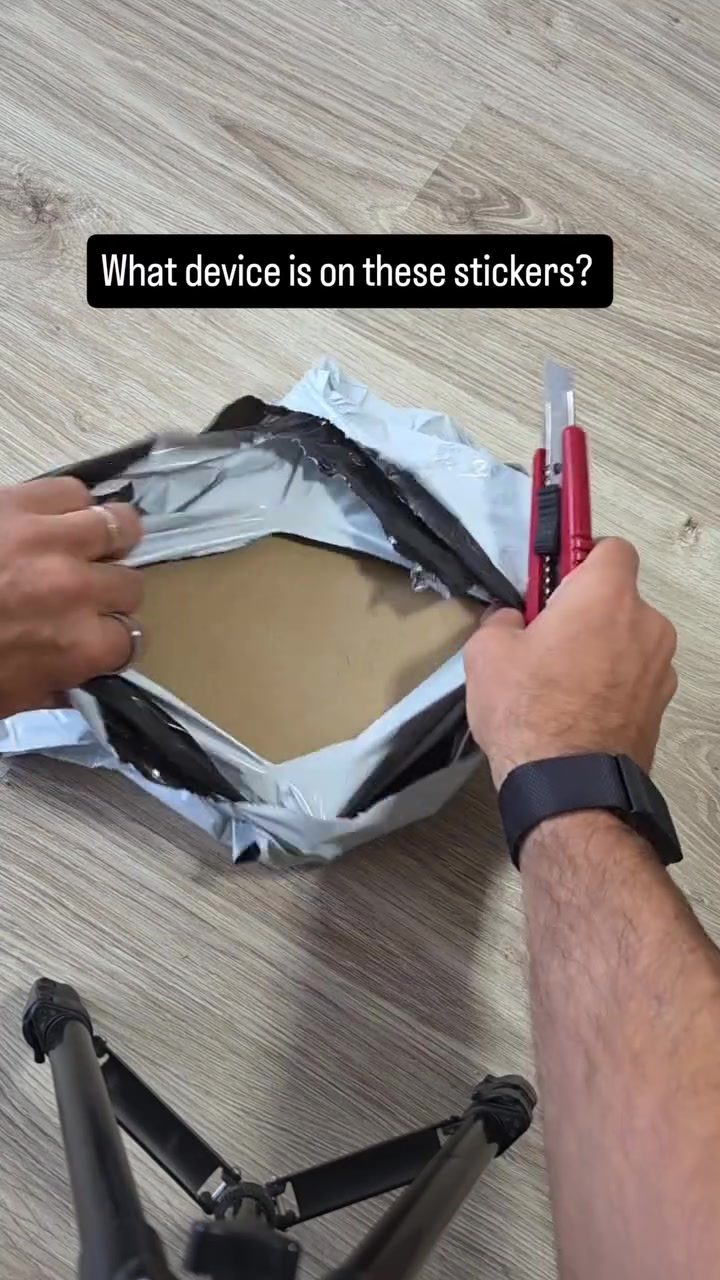
NFC Emulators for Security Analysis: A Closer Look at ChameleonUltra
NFC emulators are powerful tools in the field of security analysis, serving as versatile devices for replicating, analyzing, and testing NFC-based systems. The pocket-sized ChameleonUltra is an open-source RFID and NFC tool that combines the functionality of a cloner, copier, and emulator in a single device. This miniature powerhouse is designed to emulate and clone a wide range of key fobs and access cards, making it an indispensable asset for security professionals and enthusiasts.
Context: The Role of NFC Emulators in Security
NFC (Near Field Communication) technology is embedded in various devices, from smartphones to access cards, enabling seamless data transfer and communication over short distances. NFC emulators, like the ChameleonUltra, are specifically crafted to interact with these systems, allowing users to replicate and analyze NFC tags and cards. This capability is crucial for identifying vulnerabilities in security systems and understanding how NFC technology operates.
Understanding the ChameleonUltra: Features and Capabilities
Emulating and Cloning
The ChameleonUltra excels in both high-frequency (13.56 MHz) and low-frequency (125 kHz) tag emulation. This dual-frequency capability allows the device to interact with a broad spectrum of NFC and RFID systems, making it suitable for a wide range of applications. The device can clone key fobs and access cards, enabling users to test and analyze security protocols in a controlled environment. The process of cloning involves reading the data from an existing tag or card and transferring it to a new one, effectively replicating the original device.
Standalone Operation
One of the standout features of the ChameleonUltra is its standalone operation. Unlike many other tools that require a computer or additional hardware, the ChameleonUltra functions as a self-contained unit. This independence enhances its portability and usability, making it an ideal choice for on-the-go security assessments. The device can be easily carried in a pocket, ensuring that users have access to powerful NFC analysis tools at all times.
Swappable Card Slots
The ChameleonUltra features eight card slots, allowing users to store and switch between multiple NFC tags or cards instantly. This feature is particularly useful in scenarios where rapid testing and analysis of various access systems are required. The two buttons on the device enable quick navigation between the stored tags, making it an efficient tool for security assessments.
Practical Tips for Using the ChameleonUltra
Best Practices for Cloning
When using the ChameleonUltra to clone cards or key fobs, ensure that you are following ethical guidelines and legal regulations. Cloning should only be performed on systems where you have explicit permission to do so, such as during authorized security assessments or in a lab environment. Always verify the legality and ethical considerations of your actions to avoid potential legal consequences.
Testing and Analysis
The ChameleonUltra is designed for in-depth security analysis. To effectively use the device, consider the following steps:
- Setup and Configuration: Familiarize yourself with the device's interface and settings. The ChameleonUltra typically comes with a user manual that outlines the setup process and basic usage instructions.
- Read and Clone: Use the device to read the data from an existing NFC tag or card. The ChameleonUltra will then store this data in one of its card slots.
- Emulate and Test: Activate the emulation mode and test the cloned tag or card on the target NFC system. Observe how the system responds and identify any potential vulnerabilities.
- Document Findings: Keep detailed records of your findings, including any security flaws or areas of improvement.
Troubleshooting Common Issues
If you encounter issues with the ChameleonUltra, consider the following troubleshooting steps:
- Check Power Supply: Ensure that the device is properly charged or that the batteries are functioning.
- Update Firmware: Regularly update the device's firmware to benefit from the latest improvements and bug fixes.
- Compatibility: Verify that the NFC tags or cards you are using are compatible with the ChameleonUltra. Some advanced or proprietary tags may require additional configuration or software updates.
Security and Ethics
When dealing with NFC emulators, it is crucial to adhere to ethical and legal standards. Unauthorized use of such devices can result in severe legal consequences. Always obtain explicit permission before conducting any security assessments or cloning activities.
Important Takeaways
The ChameleonUltra is a powerful and versatile NFC emulator that combines the functions of a cloner, copier, and emulator in a single, portable device. Its ability to emulate both high and low-frequency tags makes it an essential tool for security professionals. The device's standalone operation and swappable card slots enhance its usability and portability, making it ideal for on-the-go assessments. When using the ChameleonUltra, always follow ethical guidelines and legal regulations to ensure responsible and effective security analysis.
Conclusion
NFC emulators like the ChameleonUltra are invaluable for security professionals and enthusiasts, offering a comprehensive suite of features that facilitate the emulation, cloning, and analysis of NFC-based systems. With its dual-frequency capability, standalone operation, and swappable card slots, the ChameleonUltra stands out as a top-tier tool for security assessments. By following best practices and adhering to ethical guidelines, users can leverage the full potential of this device to enhance their security analysis capabilities.
Watch the Reel
Questions readers ask
What is an NFC emulator, and how does the ChameleonUltra fit into this category?
An NFC emulator is a device that mimics the behavior of NFC tags or cards, allowing for the testing and analysis of NFC-based systems. The ChameleonUltra is a portable NFC emulator that can replicate and emulate a wide range of key fobs and access cards, making it a useful tool for security analysis and testing.
What makes the ChameleonUltra a valuable tool for security professionals?
The ChameleonUltra's versatility and compact size make it an invaluable tool for security professionals. It can clone and emulate various NFC and RFID devices, helping professionals identify vulnerabilities in NFC-based systems and enhancing overall security measures.
Can the ChameleonUltra emulate different frequency ranges for NFC and RFID systems?
Yes, the ChameleonUltra is designed to support multiple frequency ranges, making it capable of emulating a broad spectrum of NFC and RFID devices. This flexibility allows it to be used with various systems, ensuring comprehensive security analysis.
How does the ChameleonUltra compare to other mobile NFC emulators?
The ChameleonUltra stands out due to its standalone operation and open-source nature. Unlike many mobile NFC emulators that rely on a smartphone, the ChameleonUltra is a dedicated device, offering greater control and functionality for security analysis.
What types of key fobs and access cards can the ChameleonUltra clone?
The ChameleonUltra can clone a wide variety of key fobs and access cards, including those used in building access control, payment systems, and other NFC-based applications. Its ability to replicate these devices makes it a powerful tool for testing and identifying security weaknesses in real-world scenarios.
Related deep dives
Similar reads based on topic and creator.

Recent articles
Fresh deep dives from the latest Reels we unpacked.




Comments
Be the first to comment.