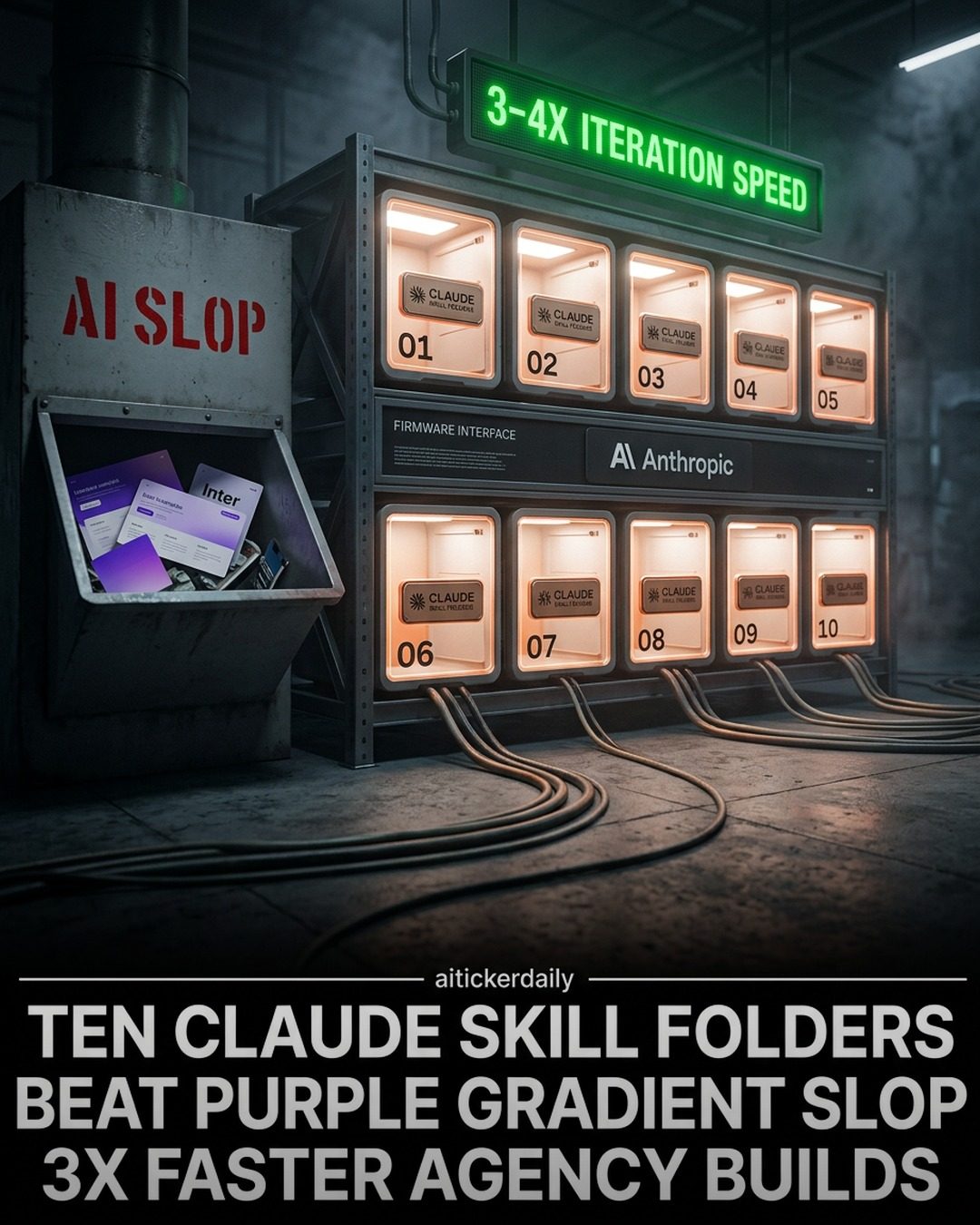
Enhancing AI Capabilities: Claude's Skill Folders
AI models are evolving from simple chatbots into powerful tools that can handle complex tasks. One such model, Claude, offers a range of skill folders that can transform it into a comprehensive development and design department. These skill folders are designed to streamline various tasks, from debugging to design, making the model more efficient and versatile.
Why This Matters
In the fast-paced world of software development and design, efficiency and speed are crucial. Claude's skill folders aim to address these needs by providing a suite of tools that can automate and optimize various tasks. By integrating these skills, developers and designers can work more efficiently, reducing the time and effort required for common tasks.
Exploring Claude's Skill Folders
Claude's skill folders are divided into ten distinct categories, each focusing on a specific aspect of development and design. Let's dive into some of the key features and capabilities of these skill folders.
Ten Skill Folders: An Overview
The ten skill folders in Claude cover a wide range of functionalities, including debugging, canvas design, context optimization, and more. Each folder is designed to enhance specific aspects of the development and design process, making Claude a versatile tool for various tasks.
Debugging and Canvas Skills
Two of the standout skills in Claude's suite are systematic debugging and canvas design. Systematic debugging focuses on a four-phase root-cause workflow, which includes boundary logging. This approach is claimed to reduce the time spent on bug fixing from hours to just 15-30 minutes, making it a highly efficient tool for developers.
Canvas design, on the other hand, follows a structured approach. It begins with a named design philosophy, then progresses to creating posters and covers in formats like PNG or PDF. This method ensures that the design process is logical and not based on random AI-generated wallpaper, making it more reliable and professional.
Context and Meta Skills
Context optimization and skill creation are also crucial components of Claude's capabilities. Context optimization involves techniques such as compaction, tool-output masking, and KV-cache tips. These methods help in maintaining the integrity of the context, even when sessions die after 30 minutes, ensuring a seamless workflow.
The skill creator tool is another significant feature. It teaches Claude to author skills with evaluations, benchmarks, and tests, ensuring that the rules stick in the workflow. This tool is particularly useful for developers who want to customize Claude's capabilities to suit their specific needs.
Practical Tips for Using Claude's Skill Folders
To make the most of Claude's skill folders, here are some practical tips:
-
Choose the Right Folder: Depending on your needs, you can choose to install different folders first. For instance, if you're focusing on frontend design, the Frontend Design folder might be your first choice. If you need to automate repetitive tasks, the Superpowers folder could be more beneficial.
-
Utilize GitHub Links: For more detailed information and customization options, refer to the GitHub links provided for each skill. These links offer a wealth of resources, including code, documentation, and community support.
-
Experiment with Different Skills: Don't hesitate to explore different skills to see which ones best fit your workflow. Claude's skill folders are designed to be versatile, so you can experiment with various combinations to find the most effective setup for your needs.
Important Takeaways
Claude's skill folders represent a significant advancement in AI capabilities, transforming it from a simple chatbot into a powerful development and design tool. By leveraging these skills, developers and designers can work more efficiently, reducing the time and effort required for common tasks. Whether you're focusing on debugging, design, or context optimization, Claude's skill folders offer a range of tools to enhance your workflow.
Conclusion
Claude's skill folders are a game-changer in the world of AI-driven development and design. By providing a suite of tools that can automate and optimize various tasks, Claude can significantly enhance productivity and efficiency. Whether you're a seasoned developer or just starting, exploring Claude's skill folders can open up new possibilities and streamline your workflow. So, dive in and discover how these skill folders can transform your approach to software development and design.
Watch the Reel
Questions readers ask
What are Claude's skill folders and how do they benefit developers and designers?
Claude's skill folders are sets of specialized tools designed to enhance the AI's capabilities in various areas. These folders benefit developers and designers by streamlining tasks such as debugging, coding, and design, making their workflow more efficient and versatile. By integrating these skills, users can automate repetitive tasks and focus on more complex aspects of their projects.
How does Claude's GitHub integration enhance the development process?
Claude's GitHub integration allows developers to manage their code repositories directly within the AI interface. This feature enables seamless version control, code reviews, and collaboration, making the development process more efficient. Developers can also receive real-time feedback and suggestions, which can help improve code quality and speed up the development cycle.
Can Claude assist with design tasks, and if so, how?
Yes, Claude can assist with design tasks through its design canvas and design briefing tools. The design canvas allows users to create and visualize designs directly within the AI, while the design briefing tool helps generate comprehensive design guidelines and specifications. These features can enhance the design process, making it more organized and collaborative.
How does Claude help in improving coding skills?
Claude offers tools that provide real-time coding assistance, including code suggestions, error detection, and best practice recommendations. By working with Claude, developers can enhance their coding skills, learn new techniques, and improve the overall quality of their code. The AI's ability to suggest optimizations and catch errors early in the development process makes it a valuable tool for continuous improvement.
What kind of tasks can be automated with Claude's skill folders?
Claude's skill folders can automate a wide range of tasks, including debugging, code generation, and design creation. By automating these tasks, users can save time and reduce the likelihood of human error. For instance, the AI can automatically generate code snippets, detect and fix bugs, and create design mockups, allowing developers and designers to focus on higher-level tasks and creativity.
Can Claude generate design briefs and how useful is it for product design?
Yes, Claude can generate detailed design briefs that include all necessary guidelines and specifications for a project. This feature is particularly useful for product design, as it ensures that all stakeholders are aligned and have a clear understanding of the project's goals and requirements. By providing a comprehensive design brief, Claude helps streamline the design process and improve collaboration among team members.
Related deep dives
Similar reads based on topic and creator.

Recent articles
Fresh deep dives from the latest Reels we unpacked.




Comments
Be the first to comment.