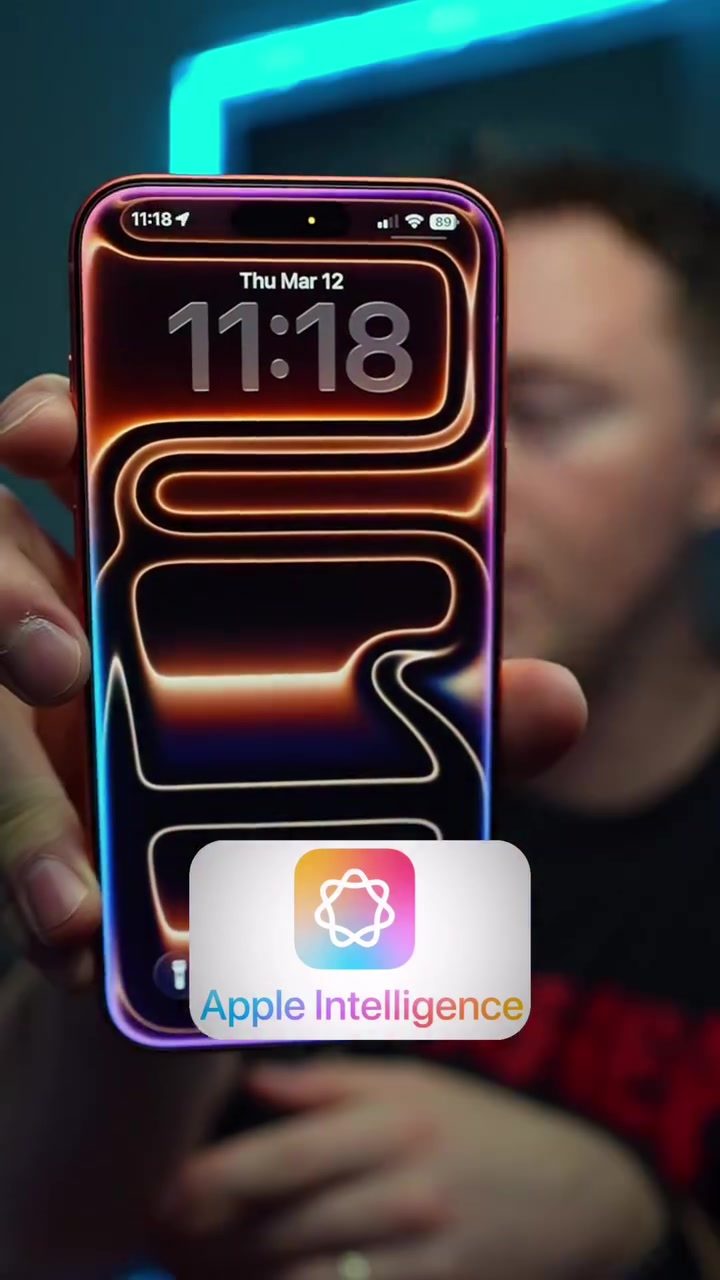
AI Voice Assistants: Siri, Gemini, and Bixby Face Off
Voice assistants have become essential tools in our daily lives, integrating into smartphones, smart homes, and various apps. In smartphone tech, three of the most recognized voice assistants are Siri (Apple), Gemini (Google), and Bixby (Samsung). To understand how these assistants stack up, let's delve into a hands-on comparison, focusing on their core capabilities, multitasking, and specific use cases.
Why This Matters
Voice assistants are transformative, streamlining tasks from sending messages to managing schedules. However, their effectiveness hinges on accuracy, multitasking, and contextual understanding. This comparison helps you leverage these tools to maximize productivity and convenience.
Multitasking and Accuracy
Opening Multiple Apps
One of the key features users look for in a voice assistant is the ability to open multiple apps simultaneously. Siri, Gemini, and Bixby demonstrate varied performance in this area.
Siri shows a limitation when asked to open Google and a gallery app at the same time. It prompts for clarification, hampering efficiency. Gemini, on the other hand, can open two apps simultaneously but requires the use of "and" between app names, which may not always work seamlessly.
Bixby stands out in this test. Simply command, "Open Google Chrome and the gallery app at the same time," and Bixby executes it flawlessly. This makes Bixby a robust choice for tasks that require managing multiple apps.
Setting Timers While Multitasking
Multitasking becomes even more critical when dealing with multiple tasks. For instance, setting a timer while opening apps. Here, the assistants show noticeable differences.
When asked to open ChatGPT, LinkedIn, and set a 30-minute timer, Siri only manages to open ChatGPT. Gemini opens both ChatGPT and LinkedIn but fails to start the timer, indicating a partial multitasking capability.
Bixby, once again, excels. It opens both ChatGPT and LinkedIn and successfully sets the 30-minute timer. This performance showcases Bixby's superior multitasking prowess, making it a favorite for users who need to manage multiple tasks seamlessly.
Tracking Calories and Nutrition
Voice assistants are increasingly integrating with health apps, assisting users in tracking their diet and fitness.
For instance, commands like, "I ate a pizza," can trigger a calorie-tracking feature. Siri, after a misunderstanding, eventually allowed the user to select the item, although this process was not intuitive. Gemini offers a more streamlined approach, correctly identifying the food item and tracking the calories.
Bixby not only correctly identifies the food but also provides options for different pizza types, making it a more versatile tool for dietary tracking.
Practical Tips for Using Voice Assistants
Maximize Ease and Efficiency
To get the most out of your voice assistant, use clear, specific commands. Avoid ambiguous phrases that may confuse the AI. For example, when using Gemini, always include "and" when opening multiple apps, as in "Open gallery app and Google Chrome at the same time."
Use Contextual Commands
For health-related tracking, use commands that provide context. Instead of just saying, "Track my food," say, "I ate a slice of pizza," to help the assistant understand and respond accurately.
Leverage Multitasking
For tasks that involve multiple steps, utilize the assistant's multitasking feature. For example, while working on a project, you can command, "Open my notes, LinkedIn, and set a 30-minute timer."
Important Takeaways
Performance Variability
The three assistants exhibit different strengths and weaknesses. Gemini and Bixby often outperform Siri in multitasking, making them more efficient for users who handle complex tasks.
Varying Adaptability
Gemini and Bixby show better adaptability to context and user commands, making them more user-friendly for everyday tasks.
Contextual Understanding
When it comes to health-related tasks, Bixby and Gemini offer better contextual understanding, helping users track their dietary intake more effectively.
Conclusion
The ongoing evolution of voice assistants continues to reshape the way we interact with our devices. Whether it's for managing tasks, tracking health metrics, or just getting things done more efficiently, each assistant has unique strengths. By understanding their capabilities, users can choose and optimize their voice assistant for maximum productivity and convenience.
Watch the Reel
Questions readers ask
Which voice assistant is best for handling multiple tasks simultaneously?
Bixby stands out for its multitasking abilities, performing best in managing several requests at once. While Siri and Gemini are capable, Bixby's performance in handling numerous commands consecutively makes it a top choice for users who need to juggle multiple tasks hands-free.
How accurate are Siri, Gemini, and Bixby in understanding voice commands?
Accuracy varies among the assistants. Siri and Gemini generally offer high accuracy in understanding and executing voice commands, although performance can dip in noisy environments. Bixby has made significant strides in accuracy, particularly in understanding context and nuanced language.
Can these voice assistants help manage my schedule and send messages?
Yes, all three assistants can manage your schedule and send messages. You can set reminders, create calendar events, and draft messages using voice commands. Each assistant has its unique commands and phrasing, so familiarity with the specific voice assistant can enhance efficiency.
Which voice assistant is most effective for opening and managing apps with voice commands?
Bixby and Siri both excel in opening and managing apps. Bixby often has an edge in speed and the ability to handle multiple app commands in a single session. Siri, on the other hand, is known for its seamless integration with Apple's ecosystem, making it efficient for users deeply integrated into the Apple environment. Gemini also has robust app management capabilities, but may require more specific commands.
What are the best use cases for each voice assistant?
Siri is ideal for users within the Apple ecosystem due to its seamless integration with other Apple devices and services. Gemini excels in providing information quickly and efficiently, thanks to Google's extensive search capabilities. Bixby is best for multitasking and managing multiple commands, making it a strong choice for users who need to handle numerous tasks simultaneously.
What are some tips for getting the most out of Bixby?
To maximize Bixby's potential, take advantage of its context-aware capabilities. Use specific commands and phrasing to get precise results, and explore its integrations with Samsung apps and services. Regularly updating the Bixby app and customizing its settings can also enhance its performance.
How do these voice assistants compare in terms of hands-free capabilities?
All three assistants offer robust hands-free capabilities, allowing you to perform a variety of tasks without touching your phone. Bixby and Siri are particularly strong in this area, with Bixby's multitasking features and Siri's seamless integration with Apple devices. Gemini also offers comprehensive hands-free functionality, but may require more specific voice commands to achieve the same level of efficiency.
Related deep dives
Similar reads based on topic and creator.




Recent articles
Fresh deep dives from the latest Reels we unpacked.




Comments
Be the first to comment.