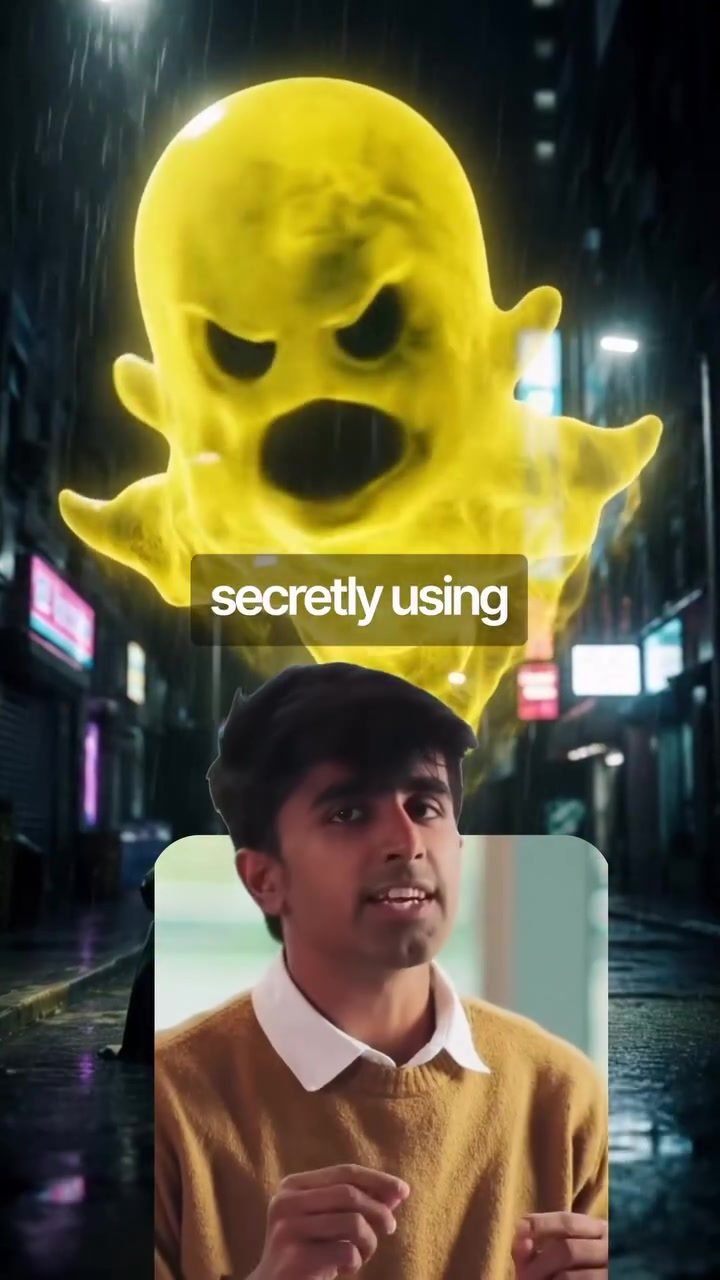
Snapchat and AI Training: What You Need to Know
Snapchat is using your photos to train its AI models. This practice, while not widely known, is part of the app's efforts to improve its generative AI features. By default, Snapchat can utilize publicly shared content, including public stories or spotlight posts, for AI training. This means that any content you share publicly on the platform could potentially be used to enhance Snapchat's AI capabilities. Understanding how this works and how to control it is essential for users who want to maintain control over their content.
Why This Matters
As social media platforms increasingly integrate AI to offer new features and improve user experience, it’s important to be aware of how your content is being used. Snapchat, like many other tech giants, relies on vast amounts of data to train its AI models. This data includes user-generated content, which can be a goldmine for developing more sophisticated and personalized features. However, this practice raises questions about privacy and consent. Users may not be fully aware that their public posts are being used to enhance AI capabilities, and this lack of transparency can be concerning.
Snapchat's AI Training: How It Works
Default Settings and Public Content
By default, Snapchat can access and use publicly shared content for AI training. This includes posts in public stories and spotlight posts, which are typically more visible to a broader audience. Snapchat's generative AI models benefit from this data to improve features such as filters, lenses, and other interactive elements within the app. While this can lead to more innovative and engaging features, it’s crucial to understand that your content might be part of this process.
Opting Out of AI Training
If you prefer not to have your content used for AI training, you can easily opt out. To do this, follow these steps:
- Open Snapchat: Launch the app on your device.
- Go to Settings: Tap on your profile icon to access your settings.
- Tap on My Privacy and Data: This section contains various settings related to your data and privacy.
- Open Generative AI Settings: Within this menu, you'll find options related to AI and data usage.
- Disable Allow Use of Public Content: Toggle this setting off to prevent your public content from being added to Snapchat's AI training database.
Once this setting is disabled, your future public posts won't be used for AI training. However, it's important to note that this change only affects future content. Any content you’ve already shared publicly may still be part of the AI training dataset.
Practical Tips
Review Your Privacy Settings
Regularly reviewing your privacy settings is a good practice, especially when apps update their features and policies. Snapchat’s settings provide options to control various aspects of your data usage, so take the time to explore them. The more familiar you are with these settings, the better you can protect your content.
Share This Information
Since not everyone may be aware of how their content is being used, sharing this information with friends and family can help others take control of their data. Encourage them to review their settings and opt out if they prefer not to have their content used for AI training.
Important Takeaways
- Snapchat Uses Public Content for AI Training: By default, publicly shared content is used to enhance AI features.
- Opt-Out Option Available: You can disable this feature by adjusting your privacy settings.
- Future-Proof Your Content: Disabling this setting only affects future posts, not past ones.
Understanding the Bigger Picture
While Snapchat’s AI training practices are part of a broader trend among social media platforms, it’s essential to stay informed and proactive. As AI continues to evolve, so will the ways in which our data is used. Being aware of these practices and taking control of your data can help you navigate this landscape more confidently.
Conclusion
Snapchat's use of public content for AI training is a reminder of the importance of understanding how your data is used. While these practices can lead to more advanced features, it's crucial to have the option to opt out if you prefer to keep your content private. By taking control of your privacy settings, you can ensure that your content is used in a way that aligns with your preferences. Stay informed, stay proactive, and make Snapchat work for you.
Watch the Reel
Questions readers ask
How does Snapchat use my photos for AI training?
Snapchat uses publicly shared photos to enhance its AI features such as filters and lenses. This involves utilizing images from public stories and spotlight posts to train AI models, improving the app's generative AI capabilities.
Can I prevent Snapchat from using my photos for AI training?
Yes, you can opt-out of Snapchat using your photos for AI training. To do this, go to your Snapchat settings, navigate to the 'Open Settings' section, and disable the feature that allows Snapchat to use your publicly shared content for AI training.
What types of content are used for AI training on Snapchat?
Snapchat primarily uses publicly shared content, including public stories and spotlight posts, for AI training. This means any photos or videos you share publicly on the platform could be used to improve Snapchat's AI features.
Why is Snapchat using my photos for AI training?
Snapchat uses your photos to train its AI models to enhance its features. This practice helps improve the quality and functionality of AI-driven features like filters and lenses, offering a more engaging and interactive user experience.
What are the benefits of allowing Snapchat to use my photos for AI training?
By allowing Snapchat to use your photos for AI training, you contribute to the development of more advanced and accurate AI features. This can lead to improved filters, lenses, and other generative AI features, enhancing the overall user experience on the platform.
How can I check if my photos are being used for Snapchat's AI training?
To check if your photos are being used for AI training, you can review your Snapchat settings. Look for the 'Open Settings' section and verify if the option to use your publicly shared content for AI training is enabled or disabled. If it's enabled, your photos could be used for this purpose.
Related deep dives
Similar reads based on topic and creator.




Recent articles
Fresh deep dives from the latest Reels we unpacked.




Comments
Be the first to comment.