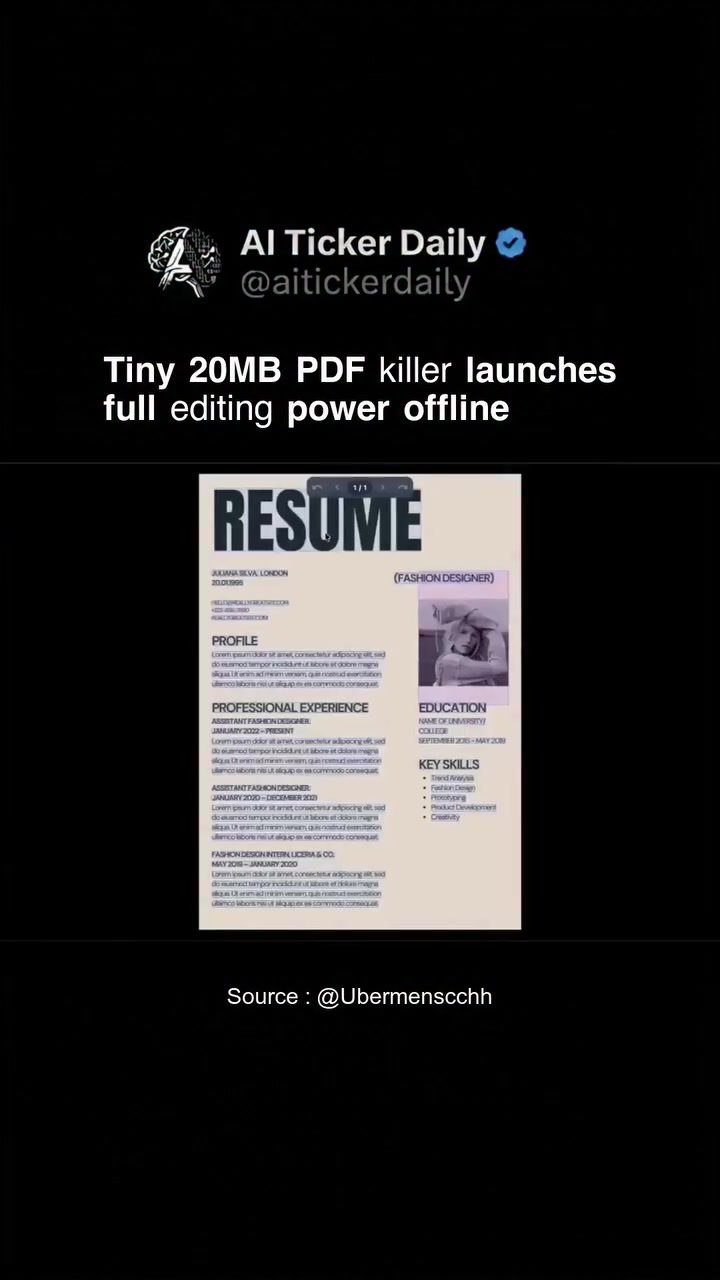
RevPDF: A Comprehensive, Offline PDF Editor
RevPDF is a free, lightweight desktop PDF editor designed for those who need to edit PDFs directly on their devices. Weighing in at just 20MB, RevPDF provides a suite of features that make it a powerful tool for both casual users and professionals. The editor is particularly notable for its offline capabilities, allowing users to work on their PDFs without an internet connection.
Why This Matters
The ability to edit PDFs offline is a significant advantage, especially for users who need to work in environments with limited or no internet access. RevPDF's lightweight nature, combined with its offline functionality, makes it an ideal choice for those who require a versatile and efficient PDF editor.
Main Discussion
Key Features of RevPDF
RevPDF offers a variety of features that cater to different needs, from basic editing to advanced document manipulation. Let's delve into some of its standout capabilities.
Direct Editing
One of the most notable features of RevPDF is its ability to let users open PDFs directly for advanced editing. This means you can edit text and images, add signatures, and redact sensitive information without any hassle. The direct editing feature is particularly useful for users who need to make quick changes to their documents.
Document Conversion
RevPDF supports the conversion of PDFs to other formats, making it a versatile tool for different workflows:
- PDF to Image: Convert individual pages or entire documents into image files. This is useful for presentations or when you need to extract images from a PDF.
- PDF to Word: Convert PDFs to Word documents (docx format). This feature is invaluable for users who need to edit text-heavy documents and prefer the flexibility of Word.
Watermarking
Adding a watermark to your documents can help protect your intellectual property or personalize your documents. RevPDF allows users to add text watermarks easily, ensuring that your documents are secure and professional.
Compression
Large PDF files can be cumbersome to handle and share. RevPDF's compression feature helps reduce file sizes, making it easier to manage and distribute documents without compromising on quality.
Merging and Splitting
RevPDF provides options to merge multiple PDFs into a single document or split larger documents into separate pages. These features are particularly useful for organizing and consolidating information efficiently.
Additional Features
RevPDF includes additional tools to enhance your document editing experience:
- Dimension Adjustment: Adjust the width and height of your PDF pages in pixels. This is useful for ensuring that your documents meet specific size requirements or for formatting purposes.
- Quick View: This feature allows for fast reading and previewing of documents, making it easier to navigate through your files.
Practical Tips
To make the most of RevPDF, consider the following tips:
Organize Your Workspace
RevPDF's workspace is designed to be user-friendly, with sections for quick files, quick actions, and advanced editing. Use these sections to keep your workflow organized and efficient. The quick view mode is particularly useful for previewing documents without opening them fully.
Utilize Shortcuts
Learning and utilizing keyboard shortcuts can significantly speed up your editing process. RevPDF offers a range of shortcuts for common actions, which can be accessed through the help menu. This will save you time and make your workflow more seamless.
Experiment with Settings
RevPDF offers a variety of settings for adjusting dimensions, applying watermarks, and compressing files. Don't hesitate to experiment with these settings to achieve the desired results for your documents.
Important Takeaways
RevPDF is a robust, lightweight, and versatile desktop PDF editor that offers a wide range of features for both basic and advanced editing needs. Its offline functionality, combined with its comprehensive toolset, makes it an excellent choice for users who need a reliable and efficient PDF editing solution.
Conclusion
Whether you are a professional needing to edit and convert documents regularly, or a casual user looking for a reliable offline PDF editor, RevPDF has you covered. Its extensive feature set, combined with its lightweight design, makes it a valuable tool for anyone working with PDFs. Investing in a tool like RevPDF can significantly enhance your productivity and efficiency, especially when dealing with documents in various formats.
Watch the Reel
Questions readers ask
Can I use RevPDF to merge multiple PDF documents into one?
Yes, RevPDF supports the merging of multiple PDF documents into a single file. This feature is particularly useful for consolidating information from various sources into one cohesive document, enhancing organization and readability.
Is RevPDF suitable for users who need to add watermarks to their PDFs?
Absolutely, RevPDF allows you to add watermarks to your PDFs easily. This can be helpful for protecting your documents with a visible mark, such as a company logo or a confidentiality notice, ensuring your content is secure.
Can I compress large PDF files using RevPDF?
Yes, RevPDF includes a compression feature that helps reduce the size of large PDF files. This is beneficial for email attachments or when storage space is limited, allowing you to share and store your documents more efficiently.
Can RevPDF convert word documents to PDF?
RevPDF is primarily a PDF editor and does not support direct conversion from Word documents to PDF. However, you can use other tools to convert your Word documents to PDF first, and then use RevPDF to edit them.
How do I edit PDF text and images using RevPDF?
RevPDF provides intuitive tools for editing text and images within your PDFs. You can easily modify text, change font styles, and even insert or replace images within your documents, making it a versatile tool for quick edits.
Will I need an internet connection to use RevPDF?
No, RevPDF is designed to work offline, which means you can perform all your editing tasks without an internet connection. This feature is especially useful for users who work in areas with limited or unreliable internet access.
What is the maximum file size that I can edit with RevPDF?
RevPDF can handle a variety of file sizes, and there is no stated maximum. However, the larger the file, the more system resources it may require. It is always a good idea to ensure your system has sufficient memory and processing power for larger files.
Related deep dives
Similar reads based on topic and creator.




Recent articles
Fresh deep dives from the latest Reels we unpacked.




Comments
Be the first to comment.