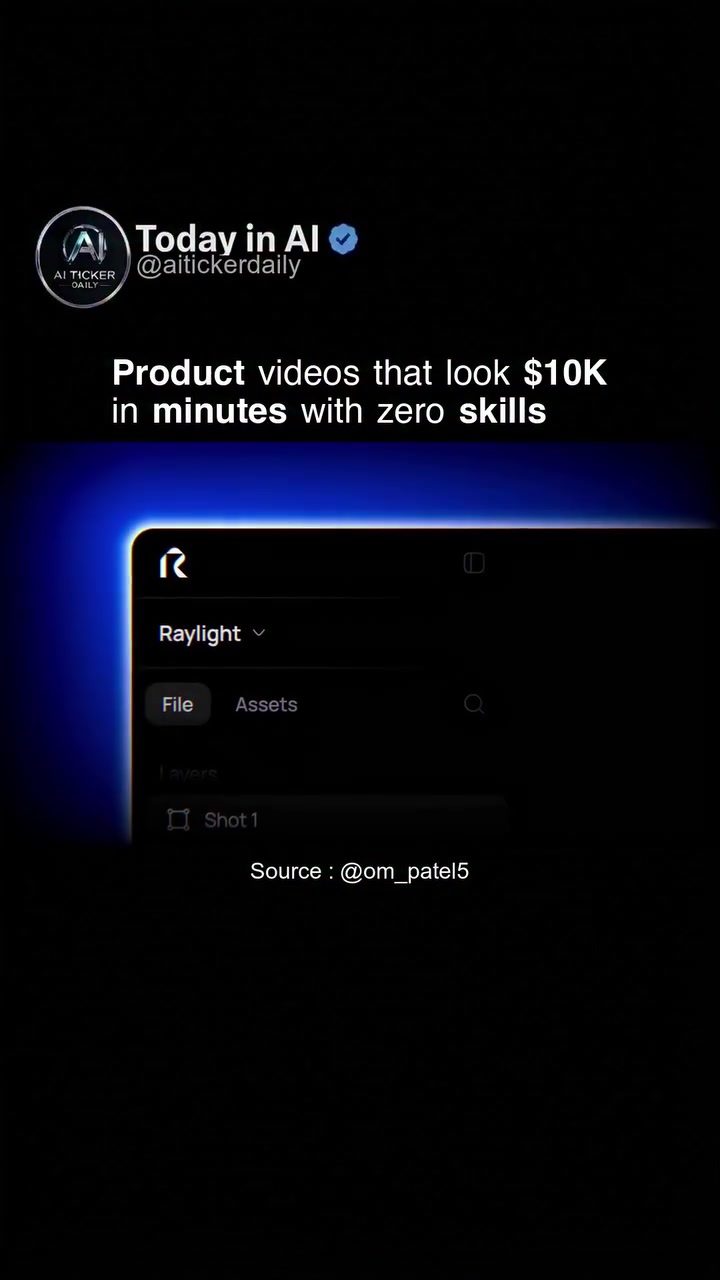
AI-Driven Video Creation with Raylight
The ability to create professional-looking product videos in a fraction of the time and cost traditionally required is now a reality, thanks to innovative software solutions like Raylight. This tool empowers users to produce high-quality, engaging product videos that look as if they were made by a top-tier agency, all without needing extensive skills or a big budget.
Context / Why This Matters
In today's digital age, the demand for high-quality video content is at an all-time high. Businesses and creators are constantly looking for ways to stand out in a crowded market. Professional product videos can significantly enhance a brand's image and drive customer engagement. However, the traditional process of creating such videos often involves hiring an agency or spending months learning complex software. This not only adds to the cost but also extends the production timeline, which can be a significant drawback in fast-paced industries.
The Emergence of AI in Video Creation
Enter AI, a game-changing technology that is transforming the video creation landscape. Tools like Raylight leverage AI to simplify and accelerate the process of making product videos. Gone are the days when creating polished, animated product videos required specialized skills and extensive resources. Raylight allows users to achieve professional results with zero prior experience, making high-quality video production accessible to everyone.
How Raylight Works
Raylight is designed to be user-friendly, ensuring that even beginners can create stunning videos. The software interface is intuitive, featuring straightforward options for file management and asset selection. Users can easily upload their assets, choose from a variety of templates, and customize elements to fit their brand.
Key Features of Raylight
When using Raylight, several key features stand out:
-
File Management: Easily import and manage your files within the software. Whether you're working with images, videos, or audio, Raylight ensures that your assets are organized and ready to use.
-
Asset Selection: Choose from a wide range of pre-designed templates and elements. These assets are professionally crafted to ensure a polished look and feel, even if you have no design experience.
-
Customization Options: Tailor your videos to match your brand's unique style. Adjust colors, fonts, and other design elements to create a cohesive and professional look.
-
Speed and Efficiency: Quickly produce videos that look as if they took months to create. Raylight's AI capabilities significantly reduce the time needed to complete a project, allowing you to focus on other aspects of your business.
Benefits of Using Raylight
The benefits of using Raylight go beyond just producing high-quality videos. This software offers a range of advantages that make it a valuable tool for anyone in need of professional video content:
-
Cost-Effective Solutions: Eliminate the need for expensive agencies or extensive training. Raylight provides a cost-effective way to create videos that look as if they cost thousands of dollars.
-
Time-Saving: Complete your video projects in a fraction of the time. Whether you need a quick turnaround or want to produce multiple videos, Raylight ensures that you can meet your deadlines without compromising on quality.
-
Professional Results: Achieve professional-looking videos that can enhance your brand's image and drive customer engagement. The high-quality templates and customization options ensure that your videos look polished and engaging.
Who Can Benefit from Raylight?
Raylight is a versatile tool that can be beneficial for a wide range of users, including:
-
Small Business Owners: Create professional product videos to showcase your offerings and attract customers without breaking the bank.
-
Marketing Professionals: Produce high-quality content for social media, websites, and advertising campaigns, ensuring that your brand stands out.
-
Content Creators: Enhance your video content with polished animations and effects, making your videos more engaging and shareable.
Practical Tips for Using Raylight
To get the most out of Raylight, consider the following tips:
-
Plan Your Content: Before you start creating, have a clear idea of what you want to achieve. Planning your content can help you make the most of Raylight's features and ensure that your videos are cohesive and effective.
-
Experiment with Templates: Explore the various templates and elements available in Raylight. Experimenting with different styles and designs can help you find the best fit for your brand.
-
Leverage Customization: Take advantage of the customization options to tailor your videos to your specific needs. Adjusting colors, fonts, and other elements can help your videos stand out and align with your brand's identity.
-
Utilize File Management: Keep your assets organized and easily accessible. Efficient file management can save you time and ensure that you have everything you need to create your videos.
Getting Started with Raylight
Getting started with Raylight is straightforward. Here are the basic steps to begin creating your first video:
-
Download and Install: Obtain the software from the official website and follow the installation instructions.
-
Explore the Interface: Familiarize yourself with the user interface, including the file management and asset selection features.
-
Upload Your Assets: Import your assets, such as images, videos, and audio files, into the software.
-
Choose a Template: Select a template that best fits your project and start customizing it.
-
Create and Export: Make your final adjustments, preview your video, and export it in the desired format.
Important Takeaways
AI tools like Raylight are revolutionizing the way product videos are created. By leveraging the power of AI, these tools make it possible to produce high-quality, professional-looking videos quickly and easily. Whether you're a small business owner, marketing professional, or content creator, Raylight offers a cost-effective and efficient solution for all your video needs. With intuitive features, customization options, and the ability to achieve professional results, Raylight is a valuable tool for anyone looking to enhance their video content.
Conclusion
The era of expensive and time-consuming video production is over. With tools like Raylight, creating stunning, professional product videos is now within reach for anyone with a computer and a vision. Whether you're promoting a new product, sharing a brand story, or creating engaging content for social media, Raylight empowers you to bring your ideas to life with ease and efficiency. Embrace the power of AI in video creation and elevate your content to new heights.
Watch the Reel
Questions readers ask
What makes Raylight stand out for product video creation?
Raylight's AI-driven approach allows users to create professional product videos with minimal effort and cost. This software generates high-quality videos that can rival those produced by top-tier agencies, making it accessible for businesses and creators of all sizes.
How does Raylight help in quick video production?
Raylight enables users to produce videos in minutes, significantly reducing the time traditionally required for video creation. This speed is achieved through the software's intelligent features that streamline the production process, allowing users to focus on their core activities.
Can Raylight be used by those without video production experience?
Yes, Raylight is designed to be user-friendly for everyone, regardless of their video production skills. The AI handles the complex aspects of video creation, enabling even beginners to produce professional-looking videos with ease.
What are the cost benefits of using Raylight for video production?
Raylight offers an affordable solution for video production, allowing businesses and creators to produce high-quality videos without a substantial budget. This cost-efficiency is achieved through AI-driven automation, eliminating the need for expensive equipment or extensive manpower.
What kind of videos can be created with Raylight?
Raylight specializes in product videos, enabling users to create engaging and professional content for their products. The software can generate various styles and formats, ensuring that the videos align with the user's brand identity and marketing goals.
How does Raylight ensure the quality of the videos?
Raylight leverages advanced AI algorithms to ensure high-quality video production. The software uses AI-driven graphics and templates to enhance the visual appeal of the videos, making them look polished and professional. This attention to detail helps in creating impactful content that resonates with the audience.
Is Raylight suitable for creating a large volume of videos, such as $10K videos?
Yes, Raylight is well-suited for creating a large volume of videos. The AI-driven automation allows users to produce videos swiftly and efficiently, making it feasible to create thousands of videos without compromising on quality. This capability is particularly advantageous for businesses looking to scale their video content production.
Related deep dives
Similar reads based on topic and creator.




Recent articles
Fresh deep dives from the latest Reels we unpacked.




Comments
Be the first to comment.