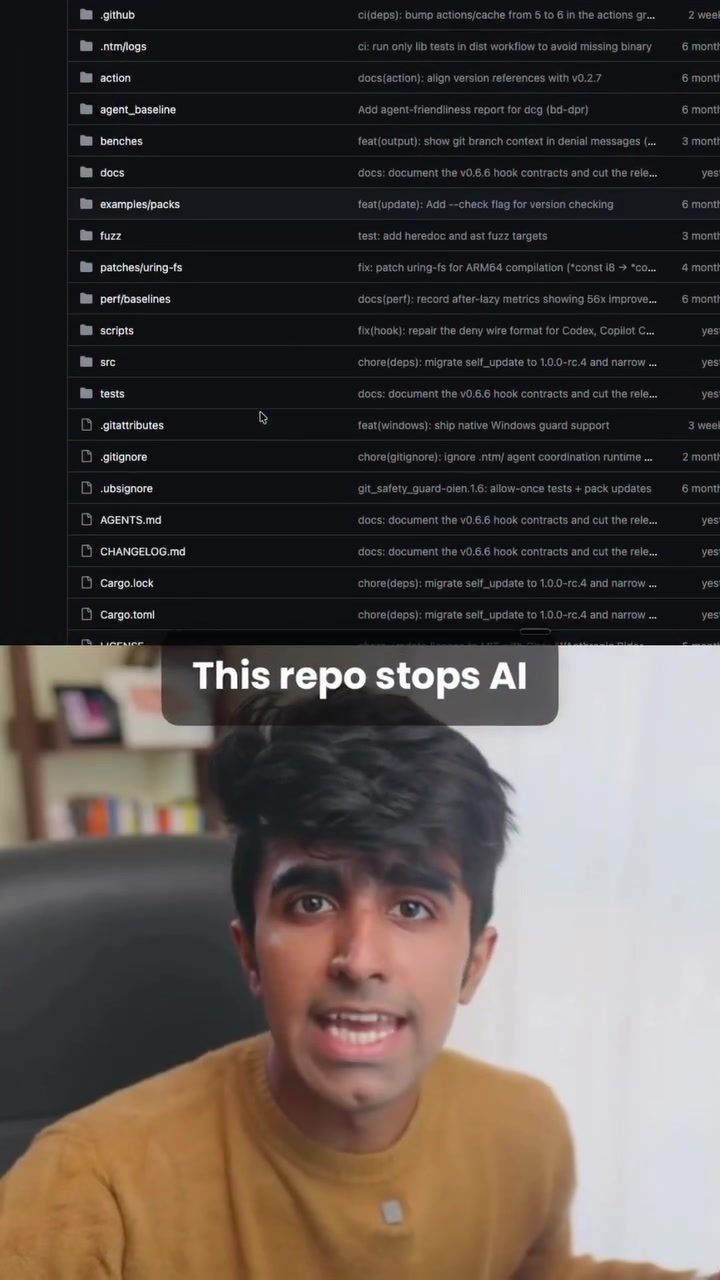
AI Protection System
Navigating the digital world, especially when relying on AI agents for coding, can be risky. These agents, while powerful, can sometimes execute commands that lead to catastrophic outcomes, such as deleting entire source folders. To mitigate these risks, the Destructive Command Guard (DCG) is a valuable tool. This program acts as a protective barrier between AI agents and your terminal, safeguarding your system from potentially harmful commands.
Why This Matters
AI coding agents like Claude Code, Codex, and Gemini CLI are commonly used for their efficiency and accuracy. However, they can occasionally run commands that cause significant damage. For example, commands like git reset --hard or rm -rf can wipe out hours of uncommitted work in mere seconds. This is where a tool like the Destructive Command Guard becomes indispensable. It prevents such catastrophic events by intercepting and blocking dangerous commands before they can execute.
Understanding the Destructive Command Guard
How It Works
The Destructive Command Guard (DCG) is designed to sit between the AI agent and your terminal as a hook. This means it intercepts every command the agent attempts to run. If the command is identified as dangerous, it gets blocked immediately. The tool utilizes a system of security packs that are tailored to various environments and systems, ensuring comprehensive protection.
Security Packs
One of the standout features of DCG is its extensive range of security packs. There are over 50 optional security packs available, each designed for specific environments. These include:
- Postgres: Protects your database from being dropped accidentally.
- Docker: Ensures that Docker containers are not terminated or compromised.
- Kubernetes: Prevents issues within your Kubernetes clusters.
- AWS: Safeguards your cloud instances from being terminated.
Installation and Compatibility
Installing DCG is straightforward. It requires just one curl command, making it accessible even for those who are not particularly tech-savvy. The tool supports a wide range of AI agents, ensuring compatibility with popular choices like Claude Code, Codex, and Gemini CLI.
Practical Tips for Using the Destructive Command Guard
Ensuring Maximum Protection
To get the most out of DCG, it's essential to install and configure it correctly. Here are some practical tips:
-
Review Security Packs: Understand the environments you are working in and install the relevant security packs. This ensures that your specific setup is well-protected.
-
Regular Updates: Keep your DCG updated to benefit from the latest security features and patches.
-
Monitor Logs: Regularly check the logs generated by DCG to stay informed about intercepted commands and potential threats.
-
Custom Commands: If your workflow involves specific commands that are flagged as dangerous but are necessary, you can configure DCG to allow them.
Customizing for Your Workflow
DCG is highly customizable, allowing you to tailor its settings to your workflow. You can create custom rules and exceptions to ensure that it doesn’t interfere with your legitimate operations.
Important Takeaways
- Protects Against Catastrophic Events: DCG safeguards your system from harmful commands that could delete critical data or configurations.
- Versatile and Compatible: With support for over 50 security packs and compatibility with major AI agents, DCG is a versatile tool for various environments.
- Easy to Install and Use: The installation process is simple, making it accessible for users of all skill levels.
Conclusion
In the rapidly evolving field of AI and coding, tools like the Destructive Command Guard are essential for maintaining security and stability. By acting as a protective barrier, DCG helps prevent catastrophic events that could result from unintended or malicious commands. Whether you're working with AI agents like Claude Code, Codex, or Gemini CLI, integrating DCG into your workflow can provide peace of mind and enhance your overall productivity.
Watch the Reel
Questions readers ask
What is the primary function of the Destructive Command Guard?
The Destructive Command Guard's main function is to act as a safety net for developers using AI coding agents. It works by intercepting and blocking any commands that could potentially harm your code or data, such as those that might delete important code folders or reset databases.
Which AI coding agents can benefit from the Destructive Command Guard?
The Destructive Command Guard is designed to protect developers using a variety of AI coding agents, including but not limited to, Claude Code, Codex, and Gemini CLI. Any AI coding agent that communicates with your terminal can benefit from this protective measure.
What types of commands does the Destructive Command Guard typically intercept?
The Destructive Command Guard is particularly effective at intercepting harmful commands that can lead to significant data loss. This includes commands like `git reset --hard` and `rm -rf`, which can delete large amounts of data or reset databases, potentially causing catastrophic damage to your work.
How does the Destructive Command Guard enhance coding security?
The Destructive Command Guard enhances coding security by providing an additional layer of protection between AI coding agents and your terminal. By monitoring and blocking destructive commands, it helps prevent accidental or unintended actions that could compromise your code or data security.
Can the Destructive Command Guard be used in different security environments?
Yes, the Destructive Command Guard is versatile and can be used across various security environments. Whether you're working in a local development setup, a secured corporate network, or a cloud-based environment, the DCG can be configured to fit your specific security needs and protect your coding projects effectively.
How can a developer implement the Destructive Command Guard in their workflow?
Implementing the Destructive Command Guard involves integrating it into your coding environment. This typically includes installing the tool and configuring it to monitor and control the commands sent to your terminal. Most developers can find detailed instructions on the official DCG website or through relevant documentation to set it up in their specific environment.
Related deep dives
Similar reads based on topic and creator.

Recent articles
Fresh deep dives from the latest Reels we unpacked.




Comments
Be the first to comment.