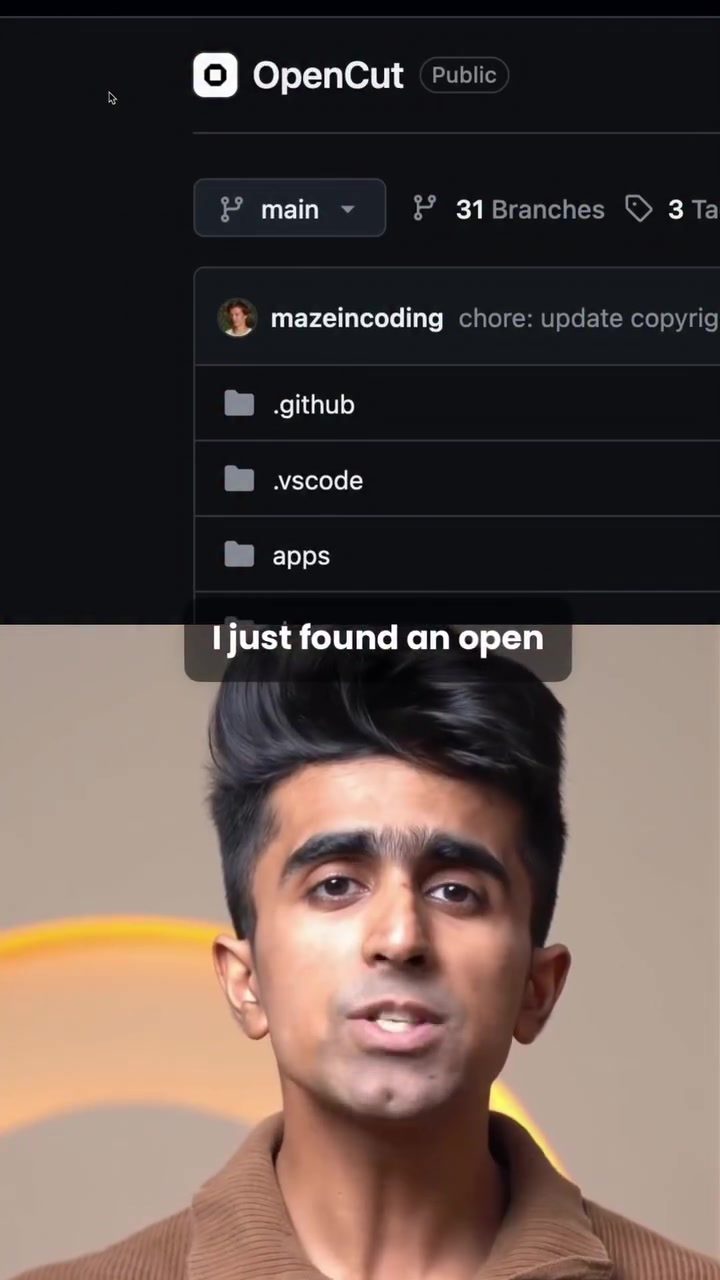
Open source video editing software is a game-changer for digital creators. Today, many video editors are proprietary, meaning users must rely on the developer for updates, bug fixes, and support. However, the emergence of open source video editing software, like OpenCut, has shifted the paradigm. Open source software is freely available, customizable, and can be run and modified by anyone.
What is OpenCut?
OpenCut is a free, open source video editing software designed to offer a robust editing experience while keeping all your data local. Your footage, clips, and edits never leave your device, ensuring your privacy and security. OpenCut has garnered attention from over 50,000 developers on GitHub, indicating a strong community and continuous development.
Why This Matters
The rise of open source tools in video editing brings several advantages:
Control and Customization
With open source software, you have complete control over the tool. If you need a specific feature, you can modify the code to add it. This level of customization is unprecedented in proprietary software, where users are at the mercy of the developer's roadmap.
Privacy and Security
OpenCut ensures that all your data remains on your device. This is particularly important for users who handle sensitive information or prefer to keep their creative process private. With no cloud storage involved, there's no risk of data breaches or unauthorized access.
Open Source: What Does It Mean?
Open source refers to software whose source code is publicly available. This means anyone can inspect the code, contribute to its development, or run it independently. Open source software is often developed collaboratively, with contributions from a global community of developers. This collaborative approach can lead to faster innovation and more robust software.
OpenCut, for instance, is built on Rust and WebAssembly. Rust is known for its performance and safety, making it an excellent choice for resource-intensive applications like video editing. WebAssembly, on the other hand, allows web applications to run at near-native speed, providing a seamless experience.
Performance and Speed
OpenCut leverages advanced technologies to deliver performance comparable to proprietary software. Built on Rust and WebAssembly, OpenCut offers speed and efficiency that rivals CapCut, making it a viable alternative for video editing.
OpenCut in Action
To understand OpenCut's capabilities, consider a practical scenario:
Editing a 4-Minute Talking Head Video
Editing a 4-minute talking head video with 3 b-roll layers can be challenging. However, OpenCut handles this task with ease. The timeline behaves exactly as expected, and the export comes out clean and in full quality. This demonstrates OpenCut's reliability and performance.
Desktop App and Self-Hosting
OpenCut offers a full desktop app for those who prefer a traditional editing environment. Additionally, for users who prioritize privacy, OpenCut allows self-hosting on your own machine. This means you can run the software independently, without relying on external servers or services.
Practical Tips
When diving into open source video editing, keep these tips in mind:
Explore the Code
If you're comfortable with coding, explore the source code. Understanding how the software works can give you insights into video editing techniques and help you customize the tool to your needs.
Engage with the Community
Open source software thrives on community engagement. Participate in forums, contribute to the code, or report bugs. The more you engage, the more you'll learn and benefit from the community's collective knowledge.
Test the Software
OpenCut is a powerful tool, but it's essential to test it thoroughly. Experiment with different features, try out various editing techniques, and see how it integrates into your workflow.
Stay Updated
Open source software is continuously evolving. Stay updated with the latest developments, download new versions, and benefit from ongoing improvements.
Important Takeaways
Open source video editing software offers a new level of control, customization, and privacy. Tools like OpenCut demonstrate the potential of open source in the video editing realm, providing a robust and reliable alternative to proprietary software.
Community and Collaboration
The strength of open source lies in its community. By engaging with the developer community, you can contribute to the software's development and benefit from collective knowledge.
Performance and Security
OpenCut, built on Rust and WebAssembly, offers performance that rivals proprietary software. Its focus on local data storage ensures your privacy and security.
Flexibility
OpenCut's flexibility makes it suitable for a wide range of users, from beginners to advanced editors. Whether you prefer a browser-based or desktop app, OpenCut has you covered.
Conclusion
Open source video editing software, like OpenCut, is a powerful and versatile tool for digital creators. Its open nature allows for endless customization, ensuring it can meet the unique needs of any user. Whether you're a beginner or a professional editor, OpenCut offers a robust, reliable, and secure editing experience. Embrace the power of open source and elevate your video editing skills.
Watch the Reel
Questions readers ask
What makes OpenCut different from other video editing software?
OpenCut differs from other video editing software because it is open-source and free, giving users full control over their editing tools and data. This means users can modify the software, ensuring privacy and customization, unlike proprietary software.
How does OpenCut ensure user privacy?
OpenCut ensures user privacy by keeping all data local. Your footage, clips, and edits remain on your device, and there is no need to upload any information to external servers. This local processing guarantees that your content stays private and secure.
Can I use OpenCut as an alternative to CapCut?
Yes, OpenCut can be used as an alternative to CapCut. It offers a range of video editing tools and features similar to CapCut but with the added benefit of being open-source, allowing for customization and ensuring that all your data stays on your device.
What kind of support can I expect from the OpenCut community?
As an open-source project, OpenCut benefits from a strong community of developers and users. You can expect support through community forums, GitHub discussions, and collaborative development. The community-driven nature of OpenCut means continuous improvement and updates based on user feedback.
How can I contribute to the development of OpenCut?
You can contribute to the development of OpenCut by becoming part of its active community on GitHub. The platform allows you to report issues, suggest features, and even modify the software's code. Your contributions can help enhance the software and add new features for all users.
Is OpenCut suitable for beginners?
OpenCut is designed to be user-friendly, making it suitable for both beginners and experienced users. While it offers advanced features for those who need them, its intuitive interface allows new users to get started with video editing without feeling overwhelmed.
What are some of the key features of OpenCut?
OpenCut offers a range of features including multi-track editing, transitions, effects, and audio editing. It also supports a wide range of file formats, ensuring compatibility with various video and audio files. Additionally, its open-source nature allows users to add or modify features as needed.
Related deep dives
Similar reads based on topic and creator.




Recent articles
Fresh deep dives from the latest Reels we unpacked.




Comments
Be the first to comment.