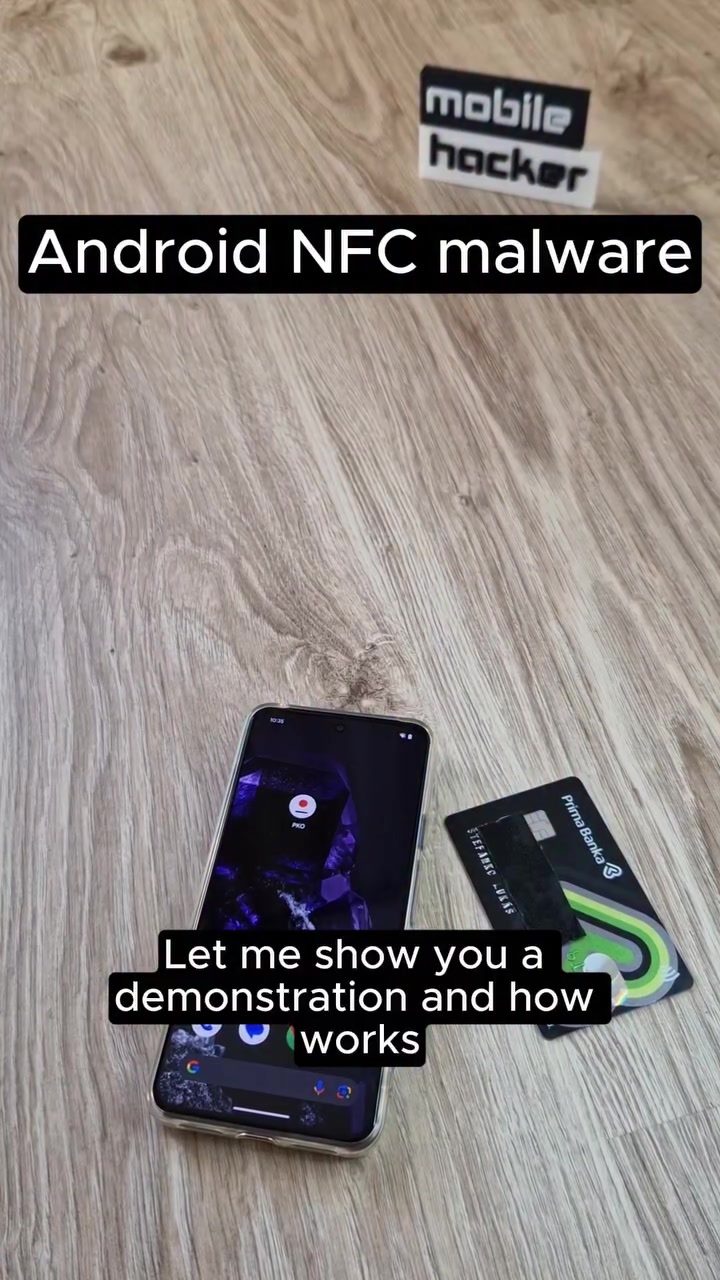
Android NFC Relay Malware: How It Works and How to Protect Yourself
Android NFC (Near Field Communication) relay malware is a sophisticated cybersecurity threat that targets the contactless payment features of smartphones. This type of malware can intercept and relay NFC data, enabling attackers to perform unauthorized transactions. Understanding how NFC relay malware works and how to protect yourself is crucial in today's digital age.
Why This Matters
With the increasing use of contactless payments, NFC technology has become a common feature in smartphones and payment cards. However, this convenience comes with potential security risks. NFC relay malware exploits these vulnerabilities, making it possible for attackers to steal sensitive information and perform unauthorized transactions. This can result in significant financial losses and compromised personal data.
NFC Relay Malware: How It Works
NFC relay malware, such as the recently discovered N-Gate, operates by impersonating legitimate applications, often those associated with banks. Here's a breakdown of how it works:
The Initial Attack
The attack begins when a victim installs a malicious application that impersonates a legitimate banking app, such as Prima Banka. Once opened, the malware requests verification of the client, which involves placing the payment card on the backside of the smartphone while NFC is enabled. This step is crucial for the malware to capture the NFC data from the payment card.
Data Relay
Once the card is placed on the smartphone, the NFC data is relayed through the malicious application to the attacker's device. This relay process allows the attacker to intercept the data without needing physical access to the payment card. The attacker can then use this data to perform contactless ATM withdrawals or make payments at point-of-sale (POS) terminals.
The Attacker's Capabilities
The attacker, in this case, referred to as the threat actor, can perform a variety of actions using the intercepted NFC data. This includes:
- Unauthorized ATM Withdrawals: The attacker can withdraw funds from the victim's account at an ATM.
- Point-of-Sale Transactions: The attacker can make purchases at POS terminals using the victim's card information.
- Relay Attacks: The attacker can perform relay attacks, where the data is transmitted over the internet, bypassing physical distance limits.
How to Protect Yourself
Protecting yourself from NFC relay malware involves taking proactive measures to ensure the security of your payment card and smartphone. Here are some practical tips:
Avoid Unauthorized NFC Requests
Never place your payment card on the backside of your smartphone when prompted by any application. Legitimate applications do not require this method of verification. If an app requests this, it is likely malicious.
Use Trusted Applications
Only use trusted and verified applications for banking and financial transactions. Avoid downloading applications from unofficial sources or unknown developers.
Enable Security Features
Enable security features on your smartphone, such as two-factor authentication and biometric verification, to add an extra layer of protection.
Keep Your Software Updated
Regularly update your smartphone's operating system and applications to ensure you have the latest security patches and features.
Monitor Your Accounts
Regularly monitor your bank accounts and credit card statements for any unauthorized transactions. If you notice any suspicious activity, contact your bank immediately.
Be Cautious with Public Wi-Fi
Avoid using public Wi-Fi networks for financial transactions, as they can be easily compromised. Use a secure, private network whenever possible.
Use a Physical Card Reader
For added security, consider using a physical card reader that requires a PIN for transactions. This reduces the risk of NFC relay attacks.
Practical Tips
Implementing these tips can significantly reduce the risk of falling victim to NFC relay malware:
- Verify Transactions: Always verify the authenticity of transactions before completing them. Double-check the recipient's details and the transaction amount.
- Use Strong Passwords: Use strong, unique passwords for your banking and financial applications. Avoid using the same password for multiple accounts.
- Enable Alerts: Enable transaction alerts on your banking and financial applications to receive notifications for any suspicious activity.
- Regularly Review Security Settings: Regularly review and update the security settings on your smartphone and financial applications to ensure they are up-to-date and secure.
Important Takeaways
- NFC relay malware, such as N-Gate, poses a significant security risk by intercepting and relaying NFC data from payment cards.
- Attackers can perform unauthorized transactions, including ATM withdrawals and POS payments, using the intercepted data.
- Protecting yourself involves avoiding unauthorized NFC requests, using trusted applications, enabling security features, and monitoring your accounts.
- Regularly updating your software, using a secure network, and enabling transaction alerts can further enhance your security.
Conclusion
NFC relay malware is a growing threat in the world of contactless payments. Understanding how it works and taking proactive measures to protect yourself is essential. By following the practical tips and security measures outlined in this article, you can significantly reduce the risk of falling victim to this type of cybersecurity threat. Stay vigilant and prioritize your financial security in an increasingly digital world.
Watch the Reel
Questions readers ask
What is NFC relay malware and how does it target Android devices?
NFC relay malware is a type of malicious software that exploits the Near Field Communication (NFC) features in Android devices. It intercepts and relays NFC data, allowing attackers to perform unauthorized transactions by mimicking legitimate banking apps and capturing sensitive information.
How does NFC relay malware facilitate unauthorized transactions?
By intercepting and relaying NFC data, this malware can perform unauthorized withdrawals and purchases. It mimics legitimate banking apps to capture and transmit the necessary data for transactions, making it difficult for users to detect.
What are the key indicators of an NFC relay malware attack?
Unusual or unauthorized transactions, unexpected app behavior, and increased data usage can all be signs of an NFC relay malware attack. If you notice any of these issues, it's important to take immediate action to secure your device.
What steps can Android users take to protect themselves from NFC relay malware?
To protect against NFC relay malware, users should keep their operating system and apps up to date, use trusted antivirus software, avoid downloading apps from unknown sources, and be cautious of phishing attempts. Additionally, consider using mobile security tools to monitor and protect against malware.
Can NFC relay malware affect iOS devices as well?
NFC relay malware primarily targets Android devices due to their higher incidence of NFC-enabled contactless payment features. While iOS devices are not immune, they are generally less vulnerable to this specific type of malware.
Are there any real-world examples of NFC relay malware attacks?
Yes, there have been instances of NFC relay malware attacks, such as those reported in Poland. These attacks highlight the importance of being vigilant and taking proactive measures to secure your device, especially when using contactless payment features.
What should I do if I suspect my Android device has been compromised by NFC relay malware?
If you suspect your device has been compromised, immediately disconnect from the internet, run a full system scan using reputable antivirus software, and change all your passwords. Consider seeking professional help to remove the malware and secure your device.
Related deep dives
Similar reads based on topic and creator.




Recent articles
Fresh deep dives from the latest Reels we unpacked.




Comments
Be the first to comment.