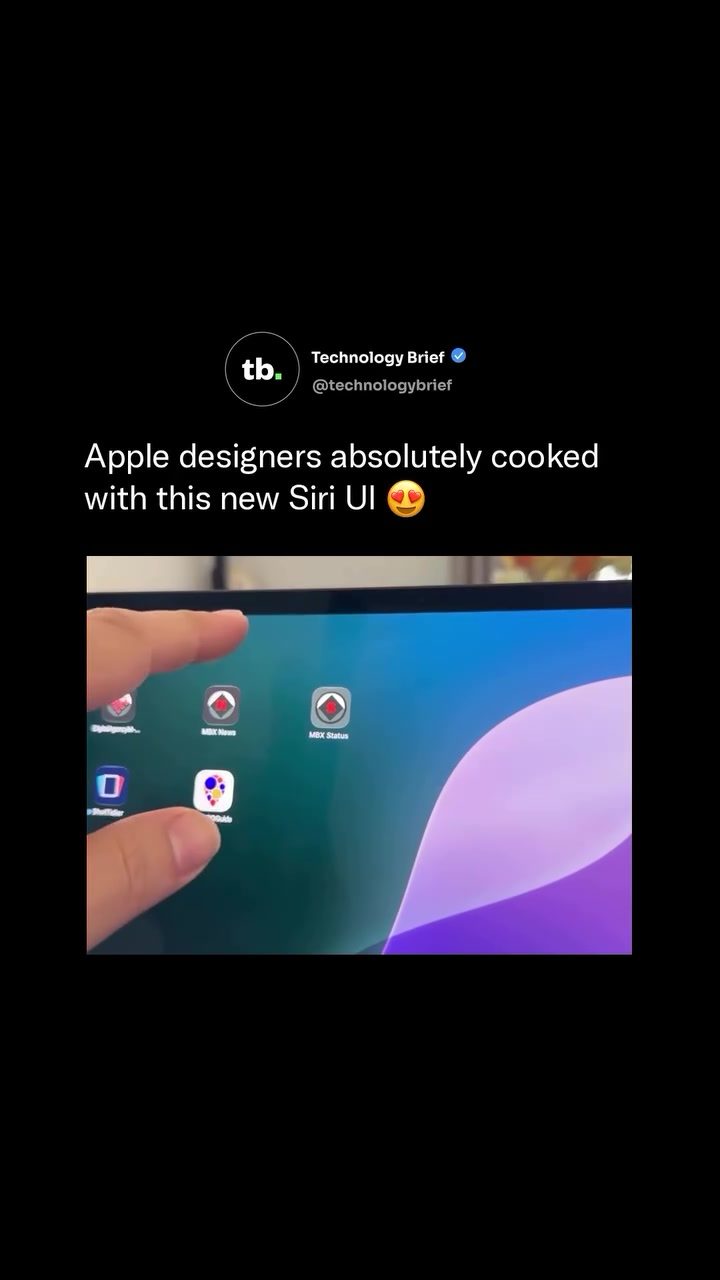
Apple Siri UI Redesign: A Major Overhaul for iOS 27
Introduction
Apple is set to unveil the most significant Siri redesign since its launch in 2011, with a focus on the Dynamic Island. This redesign introduces a range of new features and functionalities, transforming how users interact with the virtual assistant. The updated Siri experience promises a more integrated, intuitive, and AI-powered interface, making it a critical upgrade for iPhone users.
Context: Why this matters
Siri has been a staple of the Apple ecosystem since its inception, but it has faced criticism for lagging behind competitors like Google Assistant and Amazon Alexa in terms of functionality and integration. With the upcoming redesign, Apple aims to address these shortcomings and position Siri as a more robust and versatile AI assistant. The changes are expected to enhance user productivity, streamline interactions, and offer a more cohesive experience across the iOS platform.
Main discussion
Dynamic Island Integration
The redesign centers around the Dynamic Island, a small pill-shaped cutout at the top of the iPhone screen that houses the front-facing camera and sensors. In iOS 27, activating Siri will trigger a glowing, pill-shaped animation within this area. This visual cue signals the presence of Siri and sets the stage for a more interactive experience. The Dynamic Island becomes a hub for various Siri functionalities, allowing users to access and interact with the assistant more seamlessly.
New “Search or Ask” Panel
One of the most notable features of the redesigned Siri is the new “Search or Ask” panel. Users can swipe down from the Dynamic Island to open this panel, which offers a range of options such as launching apps, sending messages, searching notes, or asking AI-powered questions. This panel aims to provide a comprehensive interface that lets users perform multiple tasks without leaving the Siri environment. The panel uses a dark color scheme, which aligns with the overall aesthetic of the iOS interface and ensures that the content remains readable and visually appealing.
Rich Cards and Chatbot-Style Conversations
The redesign introduces rich cards that expand directly out of the Dynamic Island. These cards display results in a visually appealing and informative manner, making it easier for users to find and interact with the information they need. Swiping further into the panel drops users into a full chatbot-style conversation, allowing for more natural and uninterrupted interactions with Siri. This feature is designed to mimic the conversational flow of AI assistants like ChatGPT and Google Gemini, providing a more intuitive and user-friendly experience.
AI-Powered Features
The new Siri will leverage AI to deliver context-aware answers. The assistant will be able to read emails, messages, calendar events, and on-screen content, providing users with relevant information based on their current context. For example, if a user receives a message with a location, Siri can proactively offer directions. Similarly, if a user mentions a specific task while interacting with Siri, the assistant can suggest relevant apps or actions. This contextual awareness makes Siri more proactive and helpful, adapting to the user's needs in real-time.
Multi-AI Integration
Another significant enhancement is the ability to switch between different AI assistants from a single dropdown menu inside the panel. Users will be able to choose between Siri, ChatGPT, Google Gemini, and Anthropic’s Claude. This flexibility allows users to leverage the strengths of various AI models, providing a more versatile and customizable experience. This feature is particularly useful for users who prefer different AI assistants for specific tasks or who want to compare the performance of various models.
Practical tips
To make the most of the redesigned Siri, consider the following tips:
Customize Your Preferences
Take the time to explore the settings and customize your preferences. The new Siri offers a range of customization options, allowing you to tailor the assistant to your specific needs. Whether it's adjusting the voice, setting up shortcuts, or choosing your preferred AI model, customization can significantly enhance your overall experience.
Utilize the New Search Options
The “Search or Ask” panel offers a variety of new search options, from launching apps to sending messages. Get familiar with these options to streamline your interactions. For example, you can use Siri to quickly search for notes, schedule meetings, or set reminders, all without leaving the panel.
Experiment with the Chatbot Style
The chatbot-style conversation is a powerful feature that allows for more natural and uninterrupted interactions. Experiment with this feature to see how it can enhance your productivity. Whether it's asking for directions, setting up a meeting, or getting answers to complex questions, the chatbot-style interface can make your interactions with Siri more efficient and enjoyable.
Leverage the Multi-AI Integration
Take advantage of the ability to switch between different AI models. Each AI assistant has its unique strengths, and being able to switch between them can provide a more versatile and customizable experience. Whether you prefer the conversational flow of ChatGPT, the accuracy of Google Gemini, or the context-awareness of Anthropic’s Claude, having the option to switch can make your interactions with Siri more effective.
Important takeaways
The redesigned Siri represents a major shift in how users interact with the virtual assistant. The key takeaways include:
Enhanced User Experience
The redesigned Siri offers a more intuitive and user-friendly interface, making it easier for users to perform a wide range of tasks. From launching apps to searching notes, the new features and functionalities are designed to streamline interactions and enhance productivity.
Context-Aware AI
The ability to read emails, messages, and on-screen content provides a more context-aware experience. Siri can now deliver relevant and timely information, making it a more proactive and helpful assistant.
Versatility and Flexibility
The multi-AI integration and customization options offer users the flexibility to choose the AI model that best suits their needs. This versatility ensures that users can leverage the strengths of different AI assistants, providing a more personalized and effective experience.
Integration with the iOS Ecosystem
The redesigned Siri is deeply integrated into the iOS ecosystem, making it a persistent, system-wide AI layer. This integration ensures that users have seamless and consistent access to their assistant, enhancing the overall user experience.
Conclusion
The redesigned Siri represents a significant upgrade for iPhone users, offering a more intuitive, versatile, and context-aware virtual assistant. With its integration into the Dynamic Island, enhanced search options, and AI-powered features, the new Siri is poised to transform how users interact with their devices. By leveraging the new features and functionalities, users can enhance their productivity, streamline their interactions, and enjoy a more seamless and enjoyable experience.
Watch the Reel
Questions readers ask
What is the Dynamic Island and how does it relate to the Siri redesign in iOS 27?
The Dynamic Island is a new feature in iOS 27 that serves as the central hub for Siri and other interactive elements. It replaces the traditional Siri UI and provides a more integrated and intuitive experience. By housing Siri within the Dynamic Island, Apple aims to streamline user interaction and enhance overall functionality.
How does the Siri update in iOS 27 enhance user interaction?
The Siri update in iOS 27 focuses on making the assistant more responsive and context-aware. This transformation includes quick access to features and notifications, and seamless integration with apps and services, creating a smoother and more efficient user experience.
What are some key features of the Dynamic Island in iOS 27?
The Dynamic Island in iOS 27 offers several new features, including a more interactive display, improved notifications management, and seamless multitasking. It also provides quick access to Siri, allowing users to perform tasks more efficiently, such as making calls, sending messages, or accessing apps.
How does the Dynamic Island improve Siri's AI capabilities?
The Dynamic Island enhances Siri's AI capabilities by providing a more intuitive interface for users to interact with its features. This change allows Siri to better understand user context and preferences, delivering more relevant responses and actions.
What are the benefits of the Siri 2024 update for iPhone users?
The Siri 2024 update in iOS 27 brings significant benefits to iPhone users, including a more integrated and intuitive interface, enhanced search functionality, and improved AI capabilities. These changes make Siri a more powerful and versatile tool for everyday tasks and improve the overall user experience on iOS devices.
How does the Dynamic Island redesign impact existing Siri functionalities?
The Dynamic Island redesign in iOS 27 aims to enhance existing Siri functionalities by making them more accessible and intuitive. Users can expect improved voice recognition, faster response times, and better integration with other apps and services, making Siri a more seamless part of the iOS experience.
Will the new Siri UI in iOS 27 be compatible with older iPhone models?
The new Siri UI in iOS 27, featuring the Dynamic Island, is designed to be compatible with a range of iPhone models. However, some older models may not fully support all the new features. It's best to check the compatibility list provided by Apple to ensure your device can take full advantage of the update.
Related deep dives
Similar reads based on topic and creator.




Recent articles
Fresh deep dives from the latest Reels we unpacked.




Comments
Be the first to comment.