Google AI Tools: Nano Banana Pro and Vio 3.1
Google AI Studio offers a suite of powerful tools for creating and managing AI-generated content. Two notable tools in this suite are Nano Banana Pro and Vio 3.1. These tools allow users to generate a significant amount of images and videos for free, provided you follow a few key steps to set up your account and claim your free credits.
Why This Matters
AI-generated content has become a game-changer in various industries, from marketing to entertainment. Tools like Nano Banana Pro and Vio 3.1 make it easier than ever to create high-quality visuals and videos. With the ability to generate 2,500 plus images and 950 plus videos for free, these tools offer a cost-effective way to enhance your projects. Whether you're a graphic designer, a content creator, or a business owner, these tools can help you produce visually engaging content without breaking the bank.
Getting Started with Nano Banana Pro and Vio 3.1
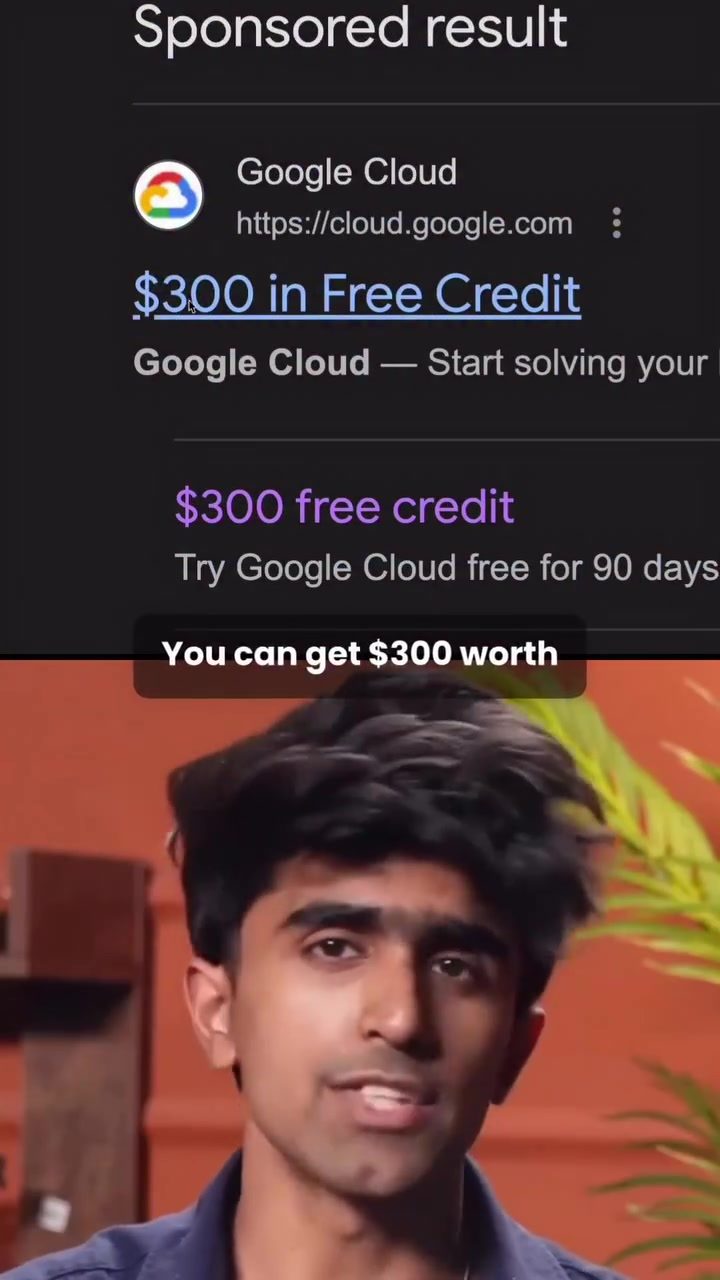
To get started with Nano Banana Pro and Vio 3.1, you'll need to follow a series of steps to claim your $300 worth of free credits. Here's a detailed guide to help you through the process:
Step 1: Access Google AI Studio
The first step is to head to Google AI Studio. This platform hosts a variety of AI tools, including Nano Banana Pro and Vio 3.1. Navigate to the Google AI Studio website and log in with your Google account.
Once you're in, you'll see various options. Click on Nano Banana Pro to start the setup process.
Step 2: Create a New Project
After selecting Nano Banana Pro, you'll need to create a new project. Look for the API Key option below Nano Banana Pro. Click on it, then select Go to Project Page and create a new project.
Step 3: Set Up Billing
Once your project is created, you'll be prompted to set up billing. This step is crucial as it allows you to claim your free credits. Fill in your details and add a credit card or UPI for payment. Note that Google may temporarily block Rs.1,000 as a refundable minimum amount, but this will be returned to you.
Step 4: Claim Your Free Credits
After setting up billing, upgrade to the free trial. Claim the $300 free credits, which is approximately Rs.26,000. This credit will cover the cost of generating 2,500 plus images and 950 plus videos.
Step 5: Generate Your API Key
Next, go back to the AI Studio projects page. Click where it says 0 keys and create a new API key. Save it once it's generated. The moment you see free tier next to your key, it means everything is activated. If not, double-check your billing information to ensure everything is set up correctly.
Step 6: Integrate with Nano Banana Pro and Vio 3.1
Finally, head back to Nano Banana Pro or Vio 3.1. Click Add API, select your project, and choose full control. This will allow you to start generating images and videos using the free credits you've claimed.
Practical Tips for Maximizing Your Free Credits
-
Plan Your Content: Before you start generating content, plan out what you need. This will help you make the most of your free credits and avoid wasting them on unnecessary projects.
-
Optimize Your Settings: Adjust the settings in Nano Banana Pro and Vio 3.1 to get the best quality outputs. Higher resolution and more detailed settings may consume more credits, so find a balance that works for your needs.
-
Monitor Your Usage: Keep an eye on your credit usage. Google AI Studio provides detailed insights into your credit consumption, helping you stay within your limits.
-
Experiment and Learn: Use this opportunity to experiment with different styles and types of content. The more you use these tools, the better you'll get at creating high-quality AI-generated content.
Important Takeaways
-
Free Credits: You can claim $300 worth of free credits to use with Nano Banana Pro and Vio 3.1. This is a significant amount that can be used to generate a large volume of content.
-
Easy Setup: The setup process is straightforward, involving creating a new project, setting up billing, and generating an API key. The detailed steps make it easy for anyone to get started.
-
Versatile Tools: Nano Banana Pro and Vio 3.1 are versatile tools that can generate a wide range of images and videos. Whether you need promotional materials, social media content, or educational videos, these tools can help you create it all.
-
Cost-Effective: With the ability to generate thousands of images and videos for free, these tools offer a cost-effective solution for content creation.
Conclusion
Google AI Studio's Nano Banana Pro and Vio 3.1 are powerful tools that can help you generate high-quality AI content for free. By following the steps outlined above, you can claim your $300 worth of free credits and start creating stunning visuals and videos. Whether you're a professional content creator or just starting, these tools offer a valuable opportunity to enhance your projects without any upfront costs. So, take advantage of this offer and explore the possibilities of AI-generated content with Nano Banana Pro and Vio 3.1.
Watch the Reel
Questions readers ask
How can I claim my $300 in free credits for Nano Banana Pro and Vio 3.1 on Google AI Studio?
To claim your free credits, you need to sign up for Google AI Studio and follow the prompts to set up your account. During the setup process, you will be given the option to claim your $300 in credits, which can be used with both Nano Banana Pro and Vio 3.1 tools. Make sure to complete the verification process to ensure you receive your credits.
What is the maximum number of images and videos I can generate with the free credits?
With $300 in free credits, you can generate over 2,500 images and 950 videos. This allows you to create a large volume of content at no cost, making it ideal for projects that require extensive visual media.
Can I use the free credits for other tools on Google AI Studio besides Nano Banana Pro and Vio 3.1?
The $300 in free credits is specifically for use with Nano Banana Pro and Vio 3.1. If you want to use other tools on Google AI Studio, you may need to purchase additional credits or look for other promotional offers that apply to those specific tools.
What industries can benefit from using Nano Banana Pro and Vio 3.1?
These tools are beneficial for a wide range of industries, including marketing, entertainment, graphic design, and content creation. They provide a cost-effective way to generate high-quality images and videos, enhancing the overall production value of various projects.
Are there any limitations or restrictions on the free credits?
The free credits are subject to the terms and conditions set by Google, such as usage limits and expiration dates. Make sure to review these details to fully utilize your credits before they expire. Additionally, the credits are non-transferable and can only be used by the account holder who claimed them.
How do I get started with generating images and videos using Nano Banana Pro and Vio 3.1?
After claiming your free credits, you can start generating images and videos by accessing the tools directly within Google AI Studio. Follow the on-screen instructions to input your parameters and initiate the generation process. Both tools offer user-friendly interfaces to help you create the content you need efficiently.
What happens if I exceed the number of images and videos I can generate with my free credits?
If you exceed the limit of images and videos that can be generated with your free credits, you will need to purchase additional credits to continue using the tools. Google AI Studio provides options to buy more credits, ensuring you can sustain your content generation needs.
Related deep dives
Similar reads based on topic and creator.




Recent articles
Fresh deep dives from the latest Reels we unpacked.




Comments
Be the first to comment.