Mobile Hacking with BetterCAP on Android
Ever noticed unfamiliar devices on your Wi-Fi network? Whether it's a potential hacker, an inquisitive neighbor, or an uninvited guest, knowing who is connected to your Wi-Fi can be crucial. With BetterCAP on Android, you can monitor your network in real-time, helping you spot unauthorized access and identify potential security risks. This tool is particularly useful for those who want to ensure their network is secure and free from rogue devices.
Context / Why This Matters
In today's interconnected world, Wi-Fi networks are a common target for hackers and cybercriminals. Unauthorized access to your network can lead to data breaches, identity theft, and other security issues. Monitoring your Wi-Fi network can help you detect and mitigate these risks. BetterCAP is a powerful tool that allows you to scan for devices connected to your network, providing valuable insights into who is using your Wi-Fi. This can be especially useful for home users, small businesses, and anyone concerned about their online security.
Main Discussion
What is BetterCAP?
BetterCAP is a powerful, flexible, and portable tool designed for network monitoring and penetration testing. It can be used to monitor and analyze network traffic, detect rogue devices, and identify potential security risks. BetterCAP is particularly useful for Android devices, as it allows users to monitor their Wi-Fi network in real-time, helping them detect newly connected devices and spot unauthorized access.
How to Use BetterCAP on Android
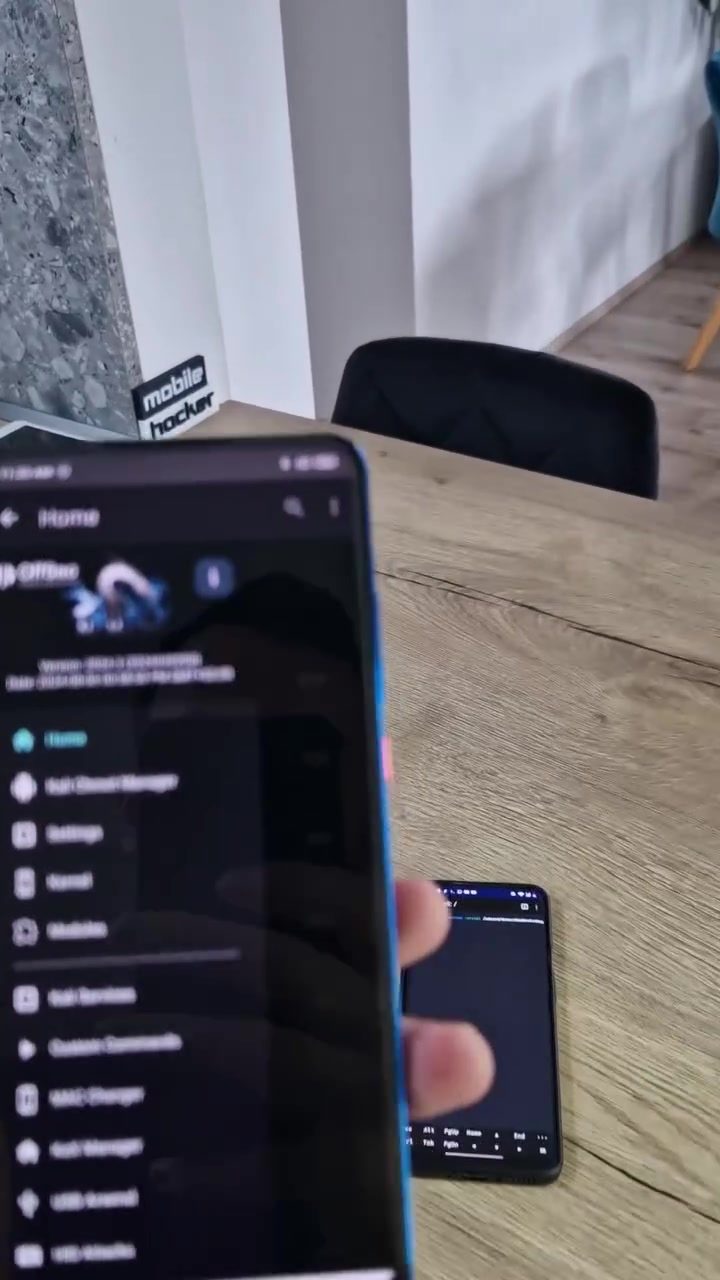
Using BetterCAP on an Android device involves several steps. First, you need to ensure that your device is rooted, as this tool requires root permissions to function correctly. Once your device is rooted, you can download and install BetterCAP from the mobile-hacker website. After installation, you can use the tool to scan for devices connected to your Wi-Fi network. The tool displays a terminal interface with commands being executed, allowing you to monitor your network in real-time.
Scanning for Wi-Fi Networks
BetterCAP allows you to scan for Wi-Fi networks and detect newly connected devices. This feature is particularly useful for identifying rogue devices or security risks. When using BetterCAP, you can see a list of devices connected to your network, along with their MAC addresses and IP addresses. This information can help you identify unauthorized devices and take appropriate action to secure your network.
Key Features of BetterCAP
- Real-time Monitoring: BetterCAP provides real-time monitoring of your Wi-Fi network, allowing you to detect newly connected devices as they join your network.
- Device Identification: The tool helps you identify devices connected to your network, providing valuable information such as MAC addresses and IP addresses.
- Security Risks: By monitoring your network, you can identify potential security risks and take appropriate action to secure your network.
Network Monitoring with BetterCAP
Monitoring your network with BetterCAP involves several key steps. First, you need to open the terminal interface and execute the necessary commands. The tool provides a user-friendly interface, making it easy to scan for devices and monitor your network in real-time. You can see a list of devices connected to your network, along with their MAC addresses and IP addresses. This information can help you identify unauthorized devices and take appropriate action to secure your network.
Real-time Monitoring with BetterCAP
One of the key benefits of using BetterCAP is its ability to monitor your network in real-time. This means that you can detect newly connected devices as they join your network, allowing you to take immediate action to secure your network. The tool provides a user-friendly interface, making it easy to scan for devices and monitor your network in real-time. You can see a list of devices connected to your network, along with their MAC addresses and IP addresses. This information can help you identify unauthorized devices and take appropriate action to secure your network.
Identifying Rogue Devices
Rogue devices are devices that are connected to your network without your knowledge or consent. These devices can pose a significant security risk, as they can be used to intercept your network traffic, steal your data, or launch attacks on other devices on your network. BetterCAP allows you to identify rogue devices by scanning for devices connected to your network and providing valuable information such as MAC addresses and IP addresses. This information can help you identify unauthorized devices and take appropriate action to secure your network.
Keeping Track of Connected Devices
Keeping track of devices connected to your network is essential for ensuring your network's security. With BetterCAP, you can monitor your network in real-time, allowing you to detect newly connected devices as they join your network. The tool provides a user-friendly interface, making it easy to scan for devices and monitor your network in real-time. You can see a list of devices connected to your network, along with their MAC addresses and IP addresses. This information can help you identify unauthorized devices and take appropriate action to secure your network.
Practical Tips
Here are a few practical tips for using BetterCAP on your Android device:
- Root Your Device: Ensure your Android device is rooted to gain the necessary permissions for BetterCAP to function correctly.
- Install BetterCAP: Download and install BetterCAP from the mobile-hacker website. Follow the installation instructions carefully.
- Start the Scan: Open the terminal interface and execute the necessary commands to start scanning for devices connected to your network.
- Monitor in Real-time: Use BetterCAP to monitor your network in real-time, detecting newly connected devices as they join your network.
- Identify Devices: Pay close attention to the list of devices connected to your network, noting their MAC addresses and IP addresses.
- Take Action: If you identify any unauthorized devices, take appropriate action to secure your network and protect your data.
Important Takeaways
- Real-time Monitoring: BetterCAP allows you to monitor your Wi-Fi network in real-time, helping you detect newly connected devices and spot unauthorized access.
- Identify Devices: The tool helps you identify devices connected to your network, providing valuable information such as MAC addresses and IP addresses.
- Secure Your Network: By monitoring your network, you can identify potential security risks and take appropriate action to secure your network.
- User-Friendly Interface: BetterCAP provides a user-friendly interface, making it easy to scan for devices and monitor your network in real-time.
Conclusion
In conclusion, using BetterCAP on an Android device is a powerful way to monitor your Wi-Fi network and ensure its security. By detecting newly connected devices, identifying rogue devices, and keeping track of who's on your network, BetterCAP helps you stay one step ahead of potential security risks. This tool is essential for anyone concerned about their online security and looking to protect their network from unauthorized access. Take the necessary steps to install and use BetterCAP on your Android device, and you'll be well on your way to a more secure Wi-Fi network.
Watch the Reel
Questions readers ask
What is BetterCAP and how does it work on Android?
BetterCAP is a powerful network monitoring tool that can be used on Android devices to detect and analyze network traffic. It works by capturing data packets and providing real-time information about the devices connected to your Wi-Fi network, helping you identify any unauthorized access and potential security threats.
Can BetterCAP help me secure my Wi-Fi network?
Yes, BetterCAP can significantly enhance your Wi-Fi security. By monitoring your network in real-time, it helps you detect unauthorized devices and potential security risks. This allows you to take immediate action to mitigate threats and ensure your network remains secure.
Is BetterCAP suitable for beginners in network security?
BetterCAP is a robust tool, but it may require some technical knowledge to use effectively. Those new to network security might find it beneficial to follow a tutorial or guide to understand its features and capabilities fully. There are resources available to help users get started with BetterCAP on Android.
How can I install BetterCAP on my Android device?
To install BetterCAP on your Android device, you will need to have root access. You can download the BetterCAP APK from the official GitHub repository. Follow the installation instructions provided, and ensure your device is compatible with the tool before proceeding.
What kind of information can BetterCAP provide about the devices on my Wi-Fi network?
BetterCAP can provide detailed information about the devices on your Wi-Fi network, including their IP addresses, MAC addresses, and device names. This information helps you identify each device and determine whether it is authorized to access your network.
Can BetterCAP be used to detect and mitigate hacking attempts on my Wi-Fi network?
Yes, BetterCAP can be very effective in detecting and mitigating hacking attempts. By monitoring network traffic in real-time, it can alert you to any suspicious activity, such as unauthorized access attempts or unusual data packets, allowing you to take appropriate action to secure your network.
How does BetterCAP compare to other Wi-Fi monitoring tools available for Android?
BetterCAP stands out due to its comprehensive features and real-time monitoring capabilities. While other tools might offer similar functionalities, BetterCAP's ability to capture and analyze network traffic in detail makes it a strong choice for those looking to enhance their network security on an Android device.
Related deep dives
Similar reads based on topic and creator.




Recent articles
Fresh deep dives from the latest Reels we unpacked.




Comments
Be the first to comment.