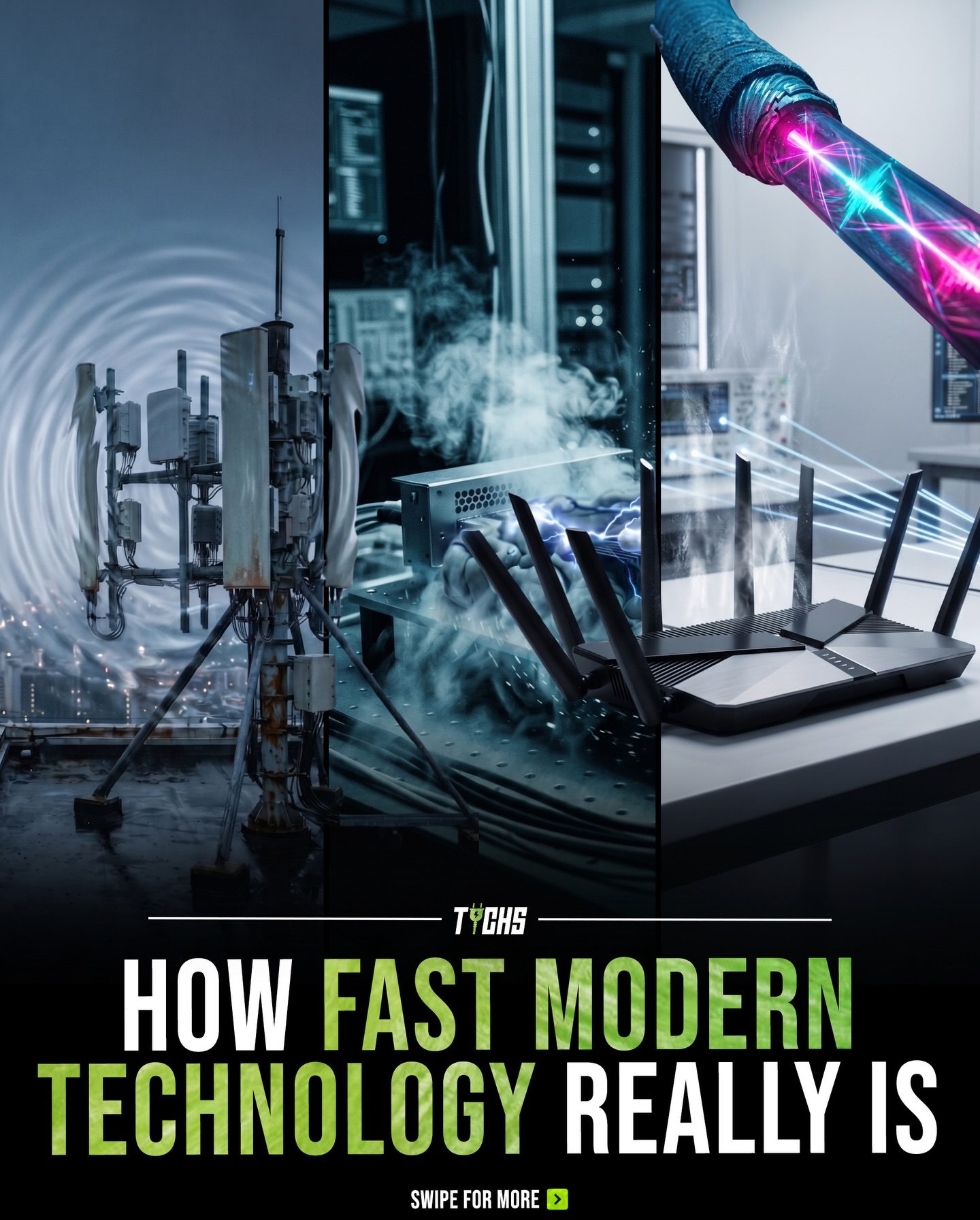
Modern Technology Speeds
From the human brain to fiber optic cables, the world of modern technology operates at a breathtaking range of speeds. Understanding these speeds can provide insight into how our devices and networks function, and how they enable instant communication across the globe.
Why This Matters
In today's interconnected world, data transfer speeds are paramount. They dictate how quickly we can send emails, stream videos, and connect with others. From the humble start of human biology to the blazing speeds of modern networks, the evolution of data transfer speeds has been nothing short of revolutionary. This matters because faster speeds mean more efficient and effective communication.
Main Discussion
Biological to Digital: Comparing Speeds
The human brain processes signals at around 120 meters per second (m/s). While this is impressive for a biological system, it pales in comparison to the speeds achieved by modern technology. For context, a typical computer processes instructions at around 3.8 billion cycles per second, or 3.8 GHz. This disparity highlights the vast leap from biological to digital processing.
WiFi 6 and Beyond
WiFi 6, the latest iteration of WiFi technology, delivers speeds up to 9.6 Gbps. This represents a significant upgrade from previous versions, offering ultra-fast wireless speeds that can handle multiple high-demand tasks simultaneously. Modern WiFi networks are designed to support the increasing number of connected devices in homes and offices, ensuring smooth performance even under heavy load.
Thunderbolt 4 and USB 4
High-performance connections like Thunderbolt 4 offer even faster transfer speeds, reaching up to 40 Gbps. Used in high-end devices, Thunderbolt 4 is designed for rapid data transfer, making it ideal for tasks that require large amounts of data to be moved quickly, such as video editing or high-resolution imaging. USB 4, which leverages the same protocol, also supports these speeds, ensuring compatibility across different devices.
Practical Tips
Upgrading Your Home Network
To take full advantage of the speeds offered by modern technology, consider upgrading your home network:
- Router Replacement: Invest in a router that supports WiFi 6. This will ensure that your network can handle the increased data speeds and provide better performance for all your connected devices.
- Wired Connections: For critical devices like gaming consoles or workstations, use Ethernet cables to take advantage of wired connections, which offer more stable and faster speeds than WiFi.
- Optimize Placement: Place your router in a central location to maximize coverage and reduce interference. Avoid placing it near large metal objects or electronic devices that can disrupt the signal.
Choosing the Right Devices
When selecting new devices, look for those that support the latest data transfer technologies:
- Laptops and Desktops: Opt for devices with Thunderbolt 4 or USB 4 ports. These will allow you to transfer data quickly and efficiently, improving productivity.
- Storage Solutions: High-speed SSDs and NVMe drives can take full advantage of the fast data transfer rates offered by Thunderbolt 4 and USB 4.
Fiber Optic Infrastructure
For businesses and large-scale operations, investing in fiber optic infrastructure can provide data transmission speeds close to the speed of light. This is particularly beneficial for data centers, cloud services, and telecommunications, ensuring seamless and instantaneous data transfer across vast distances.
Important Takeaways
The Speed of Modern Technology
Modern technology has evolved to support data transfer speeds ranging from human biological signals to near light-speed data transfers. This evolution has enabled instant communication and efficient data handling, making our world more connected and productive.
The Role of Routers
Routers like those from Tychs play a crucial role in modern networks. They facilitate the high-speed data transfer required for today's digital world, ensuring that devices can communicate quickly and efficiently. By upgrading to WiFi 6 routers, users can experience significantly faster and more reliable internet connections.
Balancing Speed and Efficiency
While faster speeds are desirable, it's important to balance them with efficiency. High-speed connections consume more energy and may require more robust infrastructure. However, the benefits—such as improved productivity, better video streaming, and more responsive online gaming—often outweigh the costs.
Conclusion
From the human brain's 120 m/s to the nearly light-speed data transfers of fiber optic systems, modern technology has come a long way. Routers, WiFi 6, Thunderbolt 4, and other innovations are pushing the boundaries of what's possible, enabling instant communication and data transfer on a global scale. By understanding and leveraging these speeds, we can enhance our digital experiences and stay ahead in an ever-evolving technological landscape.
Watch the Reel
Questions readers ask
What is the top speed of WiFi 6 compared to its predecessor, WiFi 5?
WiFi 6 offers a significant speed boost over WiFi 5. While WiFi 5 tops out at around 3.5 Gbps, WiFi 6 can reach up to 9.6 Gbps. This makes WiFi 6 about three times faster, allowing for quicker data transfer and improved performance in dense environments with many connected devices.
How does Thunderbolt 4 compare to WiFi 6 in terms of data transfer speeds?
Thunderbolt 4 is considerably faster than WiFi 6. While WiFi 6 can reach speeds up to 9.6 Gbps, Thunderbolt 4 can handle up to 40 Gbps. This makes Thunderbolt 4 ideal for high-demand tasks such as video editing, gaming, and external display connections.
Can I use a Thunderbolt 4 router for my WiFi network?
No, Thunderbolt 4 is not a wireless technology and does not support WiFi. Thunderbolt 4 is designed for wired connections, typically found on laptops and other devices. For modern WiFi networks, you would use a WiFi 6 router to take advantage of the latest wireless speeds.
How does the speed of WiFi 6 support multiple connected devices?
WiFi 6 uses advanced technologies like OFDMA (Orthogonal Frequency Division Multiple Access) to efficiently handle multiple devices. This allows many devices to connect and communicate simultaneously without significant speed loss, making it perfect for homes and offices with numerous connected devices.
What are the benefits of using the latest WiFi technology for high-speed data transfer?
Using the latest WiFi technology, such as WiFi 6, provides several benefits. These include faster speeds, better performance in congested areas, improved battery life for connected devices, and reduced latency. These advantages make WiFi 6 a strong choice for modern networks.
How do modern router speeds impact overall network performance?
Modern router speeds, like those offered by WiFi 6, greatly impact overall network performance. Faster speeds allow for quicker downloads, smoother streaming, and better gaming experiences. Additionally, modern routers can handle more connected devices efficiently, reducing lag and interruptions.
What is the significance of fast internet speeds in today's digital world?
Fast internet speeds are crucial in today's digital world as they enable efficient and effective communication. They support high-speed data transfer, allowing for seamless streaming, quick file downloads, and real-time interactions. This enhances productivity, entertainment, and overall user experience.
Related deep dives
Similar reads based on topic and creator.




Recent articles
Fresh deep dives from the latest Reels we unpacked.




Comments
Be the first to comment.