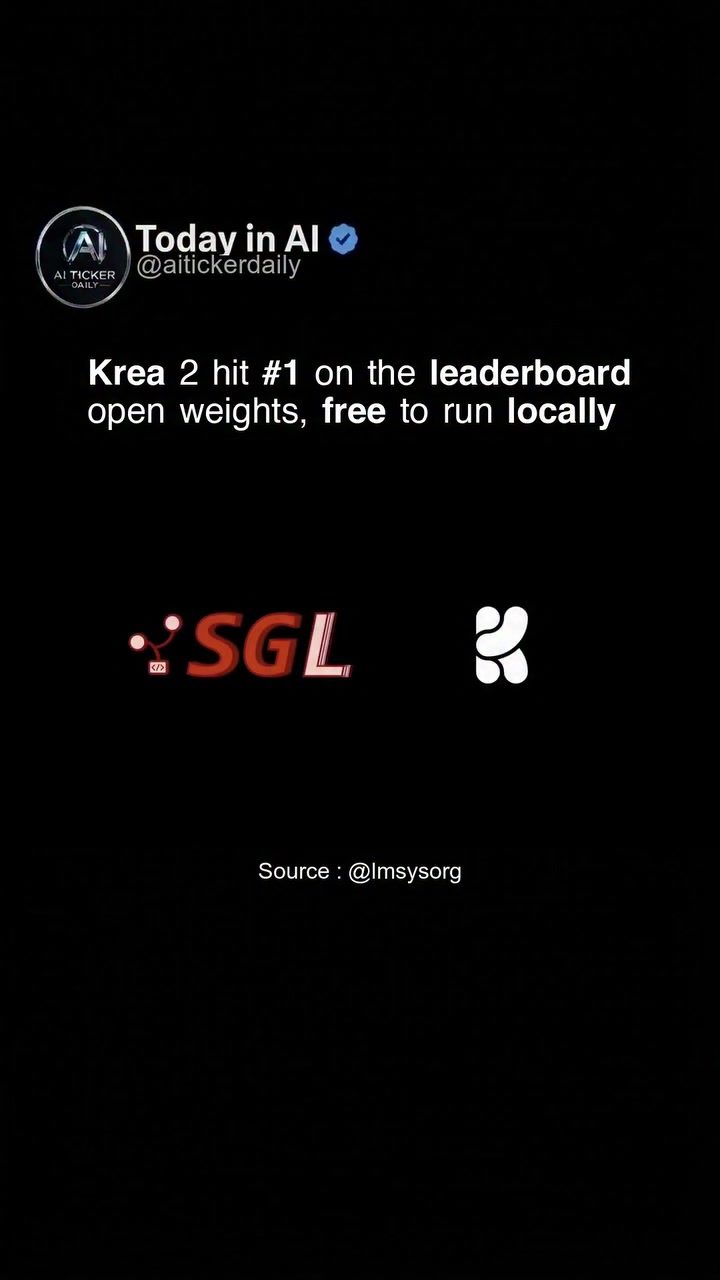
AI Leaderboard Results: Krea 2 Tops the Charts
Krea 2 has recently made headlines by securing the top spot on the LMSYS image leaderboard, a benchmark known for ranking some of the most advanced closed models. This achievement is noteworthy not just for its performance but also because Krea 2 operates with open weights, making it accessible for local running and fine-tuning. This development signifies a major milestone in the realm of artificial intelligence, particularly in image processing and model accessibility.
Why This Matters
The ranking of Krea 2 at the top of the LMSYS leaderboard is a significant event for several reasons. Firstly, it demonstrates the growing capability of open-source models to compete with proprietary, closed models. This could democratize AI development, allowing more researchers and developers to contribute and innovate without the constraints of closed systems.
Secondly, the fact that Krea 2 can be run locally with open weights means that users do not need expensive cloud resources or proprietary hardware to leverage its capabilities. This accessibility can lead to more widespread adoption and innovation in the AI community.
Understanding the Leaderboard and Benchmarks
The LMSYS Image Leaderboard
The LMSYS image leaderboard is a widely recognized benchmark in the AI community. It evaluates models based on their performance in image processing tasks, such as recognition, segmentation, and generation. The benchmark is particularly notable for including top closed models, which are typically proprietary and not accessible to the public. Achieving a high ranking on this leaderboard is a testament to the model's effectiveness and reliability.
Open Weights vs. Closed Models
Open weights refer to models whose parameters are publicly available, allowing anyone to fine-tune or run the model locally. This contrasts with closed models, which are proprietary and often require specific hardware or access permissions. The advantages of open weights include:
- Transparency: Users can inspect and understand the model's inner workings, which is crucial for trust and security.
- Customization: Developers can fine-tune the model to better suit their specific needs.
- Accessibility: Open weights make advanced AI models accessible to a broader range of users, including those with limited resources.
Krea 2: A Deep Dive
Model Performance
Krea 2's performance on the LMSYS leaderboard is a clear indication of its advanced capabilities. The model has demonstrated high accuracy and efficiency in various image processing tasks. Its ability to compete with top closed models highlights the potential of open-source AI development.
GPU Performance Metrics
The performance of AI models, particularly in image processing, is often measured by GPU usage. Krea 2 not only excels in terms of accuracy but also shows efficient GPU utilization. This means it can handle demanding tasks without requiring excessive computational resources, making it a practical choice for both research and real-world applications.
Open Weights and Local Running
One of the standout features of Krea 2 is its open weights, which allow developers to run and fine-tune the model locally. This provides several benefits:
- Cost Savings: Users can avoid the high costs associated with cloud-based services and proprietary hardware.
- Flexibility: Developers have the freedom to modify the model to better fit their specific use cases.
- Privacy: Running models locally ensures that data remains within the user's control, enhancing privacy and security.
Practical Tips for Working with Krea 2
If you're interested in leveraging Krea 2 for your projects, here are some practical tips to get you started:
- Installation: Follow the official documentation to install Krea 2 on your local machine. Ensure you have the necessary dependencies and a compatible GPU.
- Fine-Tuning: Use the open weights to fine-tune the model for your specific needs. This may involve adjusting hyperparameters or retraining the model on a custom dataset.
- Performance Optimization: Monitor GPU usage and optimize the model for better performance. This might include tweaking the model architecture or using more efficient algorithms.
- Community Support: Engage with the AI community for support and collaboration. Open-source projects often have active forums and repositories where you can find help and share your experiences.
Important Takeaways
- Open Weights: The availability of open weights in Krea 2 allows for greater accessibility and customization, making it a powerful tool for developers and researchers.
- Performance: Krea 2's top ranking on the LMSYS leaderboard demonstrates its high performance and reliability in image processing tasks.
- Local Running: The ability to run Krea 2 locally provides cost savings, flexibility, and enhanced privacy.
- Community and Innovation: The open-source nature of Krea 2 fosters a collaborative environment, encouraging innovation and continuous improvement.
Conclusion
The rise of Krea 2 to the top of the LMSYS image leaderboard marks a significant advancement in AI, particularly in the realm of open-source models. Its open weights and efficient performance make it a valuable asset for developers and researchers. As more models follow suit, we can expect a continued shift towards more accessible and transparent AI solutions. This development not only enhances innovation but also democratizes access to cutting-edge technology, empowering a broader range of users to contribute to and benefit from AI advancements.
Watch the Reel
Questions readers ask
What does it mean for Krea 2 to have open weights?
Having open weights means that the internal settings and parameters that define how Krea 2 operates are publicly available. This allows users to run the model on their local machines and modify it to better suit their specific needs, without relying on external servers or proprietary restrictions.
How does Krea 2's position on the LMSYS image leaderboard impact AI development?
Krea 2's top position shows that open-source AI models can outperform proprietary models in image processing tasks. This encourages more development and investment in open-source AI, fostering a more accessible and innovative AI landscape.
Can I run Krea 2 on my personal computer?
Yes, because Krea 2 has open weights, you can download and run it on your local machine. This allows for greater flexibility and control, enabling you to use the model even without an internet connection.
What benefits does open-source AI offer over proprietary AI?
Open-source AI, like Krea 2, promotes accessibility and customization. Users can modify the model to fit their needs, and the open nature encourages community collaboration, leading to faster improvements and a wider range of applications.
How does the LMSYS image leaderboard evaluate AI models?
The LMSYS image leaderboard evaluates AI models based on their performance in various image processing tasks. It ranks models to provide a clear comparison, helping users and developers identify the most effective tools for their needs.
Why is the accessibility of Krea 2 significant?
Krea 2's accessibility means that more people can use and benefit from advanced AI technology, regardless of their resources or technical expertise. This democratizes AI, making it available to a broader audience for various applications.
What does the term 'fine-tuning' mean in the context of AI models like Krea 2?
Fine-tuning refers to the process of taking a pre-trained AI model, like Krea 2, and making small adjustments to its weights to better suit a specific task or dataset. This allows users to tailor the model to their particular needs without having to train a new model from scratch.
Related deep dives
Similar reads based on topic and creator.




Recent articles
Fresh deep dives from the latest Reels we unpacked.




Comments
Be the first to comment.