Dead Pixels: Causes, Differences, and Solutions
Dead pixels are tiny, non-responsive spots on a screen that appear as permanent black dots, unaffected by the content displayed. They can emerge on any screen, from computer monitors and TVs to phones, and are typically the result of manufacturing defects, transistor failures, or physical damage to the display panel.
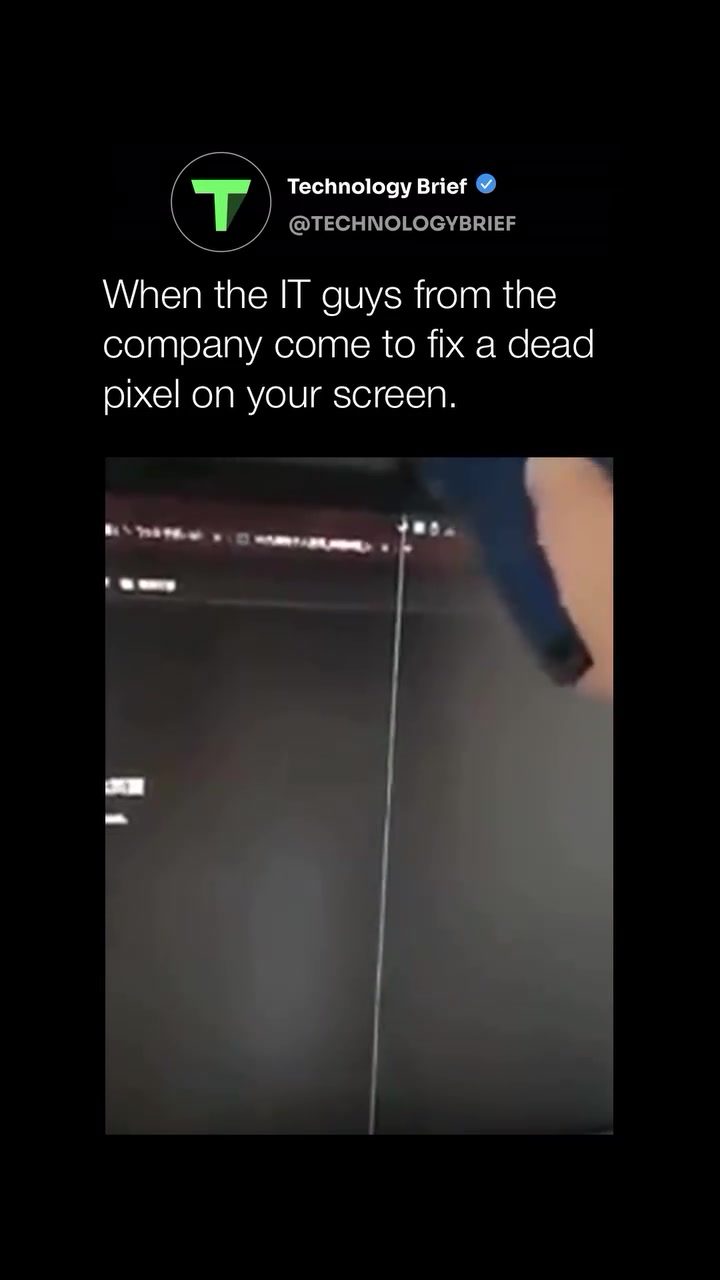
If you've ever experienced a dead pixel, you might have heard the myth that hitting or pressing the screen hard can revive it. However, this approach is far more likely to cause further damage than to fix the issue. Understanding the difference between a dead pixel and a stuck pixel is crucial for addressing the problem effectively.
Why This Matters
Dead and stuck pixels can significantly impact your viewing experience, especially if they appear in prominent areas of the screen. While a single dead pixel might not seem like a big deal, multiple issues can detract from the overall quality of the display. Knowing how to identify and address these problems can help prolong the life of your device and maintain optimal performance.
Causes and Types of Dead Pixels
Manufacturing Defects
Many dead pixels are the result of imperfections during the manufacturing process. These defects can range from minor issues in the display panel's circuitry to more significant problems with the transistors that control individual pixels. While quality control measures aim to minimize these defects, they can still occur.
Transistor Failure
Transistors are responsible for controlling the electrical current that activates each pixel. When a transistor fails, the corresponding pixel can become permanently off, resulting in a dead pixel. This type of failure can happen over time due to regular use or as a result of sudden impacts or electrical surges.
Physical Damage
Physical impacts, such as dropping your device or applying excessive pressure to the screen, can cause dead pixels. These incidents can damage the display panel or the underlying circuitry, leading to one or more pixels becoming unresponsive.
The distinction between a dead and a stuck pixel is essential for determining the best course of action. A dead pixel is permanently off and essentially unfixable, while a stuck pixel is frozen on a single color and can sometimes be corrected.
Identifying and Addressing Dead and Stuck Pixels
Dead Pixels
Dead pixels are characterized by their permanent black appearance, unaffected by any changes in the displayed content. These pixels are typically the result of a failed transistor or physical damage to the display panel. Unfortunately, there are no guaranteed fixes for dead pixels, making prevention and manufacturer warranties crucial for addressing this issue.
Stuck Pixels
Stuck pixels, on the other hand, are frozen on a single color and can sometimes be corrected. These issues often arise due to minor electrical problems in the display panel. Free tools like JScreenFix can help address stuck pixels by rapidly cycling colors on the affected area, attempting to jolt the pixel loose.
Practical Solutions
Here are some practical steps you can take to address dead and stuck pixels:
-
Check the Manufacturer’s Warranty: Some brands offer replacements for screens with even a single dead or stuck pixel. Review your device’s warranty terms to see if you qualify for a replacement.
-
Use Software Tools: For stuck pixels, tools like JScreenFix can help. These tools rapidly cycle colors on the affected area, attempting to jolt the pixel loose.
-
Gentle Pressure: In some cases, very gentle pressure using a soft cloth can help correct stuck pixels. Be cautious with this method, as excessive force can cause further damage.
-
Professional Assessment: If your device is out of warranty or the above methods don't work, consider having the panel professionally assessed. A professional can evaluate the extent of the damage and recommend appropriate repairs.
Preventative Measures
Preventing dead and stuck pixels is often more effective than trying to fix them. Here are some preventative measures you can take:
-
Handle Devices Carefully: Avoid dropping your device or applying excessive pressure to the screen. Use protective cases and screen protectors to minimize the risk of physical damage.
-
Maintain Optimal Temperature: Extreme temperatures can affect the performance of your device. Avoid exposing your screen to direct sunlight or placing it near heat sources.
-
Update Software Regularly: Some software updates include fixes for display issues. Ensure your device’s software is up-to-date to benefit from these improvements.
When to Seek Professional Help
If you've tried the above methods and your dead or stuck pixels persist, it might be time to seek professional help. A professional can assess the damage and recommend the best course of action, which may include repairing or replacing the display panel.
Common Misconceptions
There are several misconceptions surrounding dead and stuck pixels. One common myth is that hitting or pressing the screen hard can revive a dead pixel. This approach is not only ineffective but can also cause further damage to the display. Another misconception is that dead and stuck pixels are always the result of manufacturing defects. While this is sometimes the case, physical damage and transistor failures can also be culprits.
Important Takeaways
Dead and stuck pixels are common issues that can affect the performance and viewing experience of your screen. By understanding the causes and differences between these types of pixels, you can take appropriate steps to address and prevent them. Checking the manufacturer’s warranty, using software tools, and seeking professional help are all viable options for resolving these issues.
Conclusion
Dead pixels are a frustrating but manageable issue that can affect any screen. By handling your device carefully, using available tools, and seeking professional help when needed, you can maintain the quality and longevity of your display. Whether you're dealing with a single dead pixel or multiple stuck pixels, knowing the right steps to take can make all the difference.
Watch the Reel
Questions readers ask
What is the difference between a dead pixel and a stuck pixel?
A dead pixel is a permanently non-responsive spot on a screen that remains black, while a stuck pixel is a pixel that is stuck displaying a single color. Dead pixels are typically caused by manufacturing defects or physical damage, while stuck pixels can sometimes be fixed with the right techniques.
Can a dead pixel be fixed at home?
While some stuck pixels can be temporarily fixed with specific methods, dead pixels are usually permanent. However, you can try using a dead pixel tool or software to fix a stuck pixel. If the pixel is truly dead, it will not respond to these methods and professional repair may be needed.
How do I know if I have a dead pixel on my screen?
Dead pixels appear as small, black dots on your screen that do not change color or respond to display content. To detect a dead pixel, look for these persistent black dots while displaying a solid color, such as white or a bright color, on your screen.
What are the common causes of dead pixels on screens?
Dead pixels are often due to manufacturing defects, transistor failures, or physical damage to the display panel. These issues can occur in any screen, from phones and computers to TVs, and usually become apparent soon after purchasing a new device or following an impact.
Are there any tools that can help fix a dead pixel?
There are several tools and software programs designed to help fix dead or stuck pixels. These tools typically involve displaying rapidly changing colors or patterns to stimulate the pixel back to life. However, these tools are more effective with stuck pixels rather than dead ones.
What should I do if I find a dead pixel on my new phone?
If you spot a dead pixel on your new phone, contact the manufacturer or retailer as soon as possible. Many devices come with warranties that cover dead pixels, and you may be entitled to a replacement or repair within a specific time frame.
Can pressing or hitting the screen fix a dead pixel?
No, pressing or hitting the screen is not recommended and can cause further damage. This myth suggests that pressure can revive a dead pixel, but in reality, it's more likely to create more dead pixels or damage the screen entirely. Instead, try using a dead pixel tool or software, or consult a professional for assistance.
Related deep dives
Similar reads based on topic and creator.




Recent articles
Fresh deep dives from the latest Reels we unpacked.




Comments
Be the first to comment.