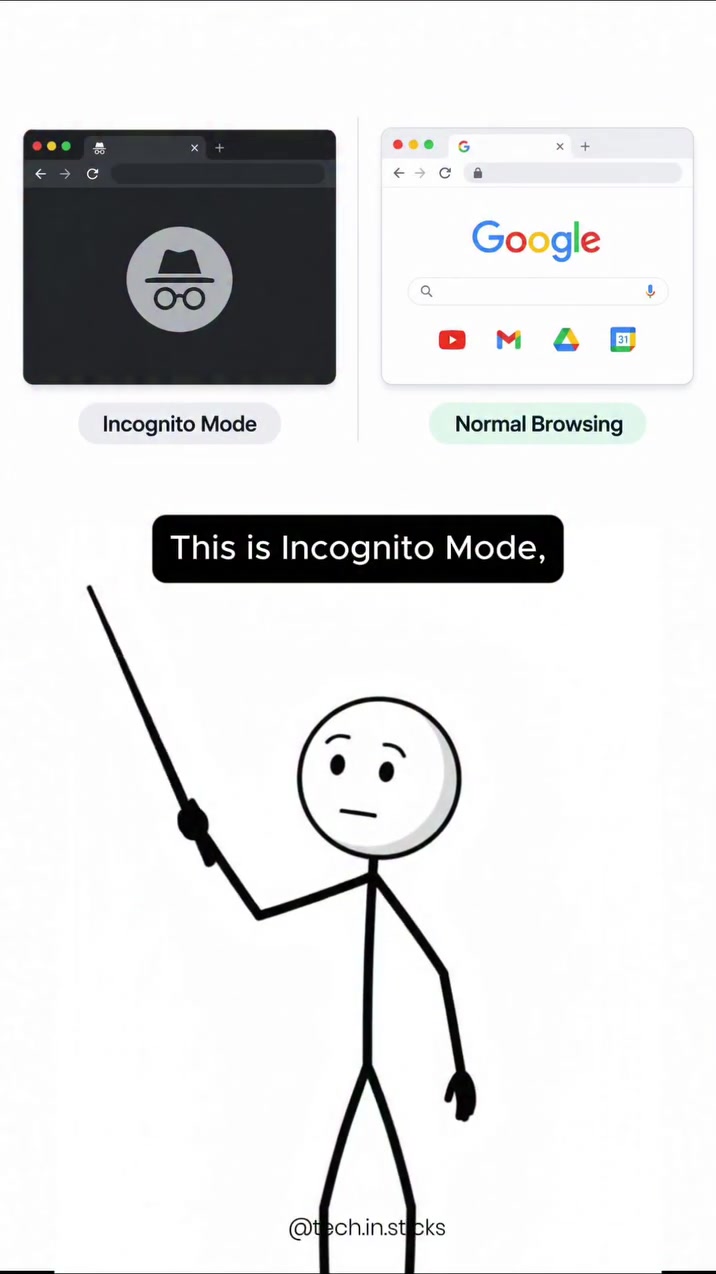
Incognito mode is not a privacy panacea
It does not hide your browsing activity from everyone. Despite this, most web browsers offer a private or "incognito" browsing mode. Many users think that this mode hides their browsing activity from everyone—it does not. The feature simply prevents a browser from saving your browsing history and cookies after closing the session. Some users mistakenly believe incognito mode provides complete privacy in the digital world. This is why exploring what incognito mode does—and what it doesn't do—is vital to a clearer understanding of personal privacy online.
Offline privacy, not online
Incognito mode operates by preventing the web browser from storing your browsing history, cookies, and other form data on your device after closing the session. However, the mode's distinguishing feature is an emphasis on the local workings of your browser, not the existence of online trackers. The name "incognito" implies a sense of anonymity or secrecy. But this name is misleading. For example, your web browser does not store your history and cookies, but your internet service provider (ISP) can still see your traffic, networks can block access, and websites will also track your activity. Websites use cookies to track your browsing activity, but incognito mode prevents this feature from collecting data on your device. Even still, it remains challenging to obscure your browsing activity from everyone. Incognito mode confirms that it doesn't hide your activity from the entire internet. Even though incognito prevents websites from tracking cookies on your personal device, your web browsing activity becomes visible to others.
How incognito mode works
Incognito mode prevents the storing of your browsing history, cookies, and site data in the browser. The mode operates in a vacuum, making it impossible for websites to track your browsing behavior. However, the data remains in the web browser's memory until the session ends.
What incognito mode does
It deletes your browsing history and cookies after the session ends. The feature makes it difficult for websites to track your browsing history in the browser. However, your internet service provider (ISP) is still able to see your activity.
What incognito mode doesn't do
Website or ISP tracking is unaffected by incognito mode. Your browsing history on the websites you visit, as well as your ISP, can still see your traffic. Any website that you visit before incognito or any network can block your access to the website if it discovers you are using incognito.
What about third parties?
Incognito mode doesn't hide all your activity from third parties, including ISPs, which can still monitor your activity. For instance, Google can track your browsing history and your web activity, but your browser history is only hidden from your device.
The bare reality of basic privacy
Even when using incognito mode, your browsing history and website tracking is only saved on your device. This includes the cookies and site data from the websites you visit. However, your activity is still visible to the website's tracking, ISP, and any network that can block your access.
What happens in the background
Google, the most popular search engine, is one of the companies that track your browsing activity, and any browser you use on every website you visit. Your browsing activity, like any other site data, is visible to them even when you use Incognito Mode.
For example:
Here's a scenario to illustrate how incognito mode works: Imagine you are browsing the web after a long day of work. You open incognito mode and browse social media sites and news websites. Once the session ends, incognito mode deletes your browsing history and cookies, so you don't have to worry about anyone seeing your activity.
Achieving more online privacy
Incognito mode may be sufficient for stopping cookies and site data from being stored on your local device, but it doesn't hide your activity from ISPs, networks, or websites. However, you can achieve more privacy by using a reliable VPN to mask your IP address, thereby making it difficult for your browser or ISP to see your activity.
Basic mask.
- VPN: A VPN routes your web traffic through a different server, making it impossible for your ISP to see your activity. Some companies offer VPNs that don't keep logs of your activity, so even if they were to record your browsing, they wouldn't be able to track it back to you. Neutral non-tracking tools like Brave and DuckDuckGo make a difference, but they are more utlititarian.
- Privacy-focused search engines and browsers: Use search engines like DuckDuckGo, which avoid tracking user activity. It doesn't track your browsing history, cookies, or other tracking data. In addition, browsers like Brave are designed for privacy.
Advanced encoding.
- Browser extensions: Google Chrome, Firefox, and other browsers have extensions that block ads and trackers. For example, Ghostery is an extension for browsers that blocks ads and trackers, making it difficult for websites to track your activity.
- Two-factor Authentication: Two-factor authentication makes it impossible (or at least more challenging) for anyone to access your accounts. To log in, you need both the password and an authentication code sent to your mobile phone or email.
What is left of incognito?
When using incognito mode, your browsing data is only stored on your device. That means that your browsing history, cookies, and site data are only stored locally. But are there sites data that can be saved even when you use incognito? In the video or on the screen, the narrator states: "history saved on your own device." There are still a few things to keep in mind:
- Site data: While incognito mode doesn't save all site data in your browser. Very few sites are as discrete. Some sites can still track you for their purposes.
- Cache Data: And cache data is often stored in a browser's cache, so you might still notice the same content or data in your browser. In this article, we've explained what incognito mode does, what it doesn't do, how it works, how ISPs and websites monitor your activity, and the importance of using other tools to protect your browsing history and personal information online.
Watch the Reel
Questions readers ask
What exactly does incognito mode do to protect my privacy?
Incognito mode primarily prevents your web browser from saving your browsing history, cookies, and site data on your device after the session ends. This means that anyone using the same device won't be able to see what sites you've visited. However, it doesn't hide your activity from your internet service provider (ISP) or the websites you visit.
Can my ISP still see my browsing activity if I'm using incognito mode?
Yes, your ISP can still see your browsing activity even when you're using incognito mode. The mode only affects what is stored on your local device, not the data transmitted over the internet. This is why incognito mode doesn't provide complete privacy.
Do websites still track me when I'm in incognito mode?
Yes, websites can still track your activity. While incognito mode prevents the browser from storing cookies and site data on your device, websites can use other methods to track your behavior, and your ISP can also see the sites you're visiting.
How does incognito mode handle cookies?
Incognito mode prevents cookies from being stored on your device. Cookies are small files that websites use to track your browsing activity, but incognito mode ensures that these cookies are deleted once the session ends. However, this doesn't stop websites from tracking your activity through other means.
Can I be blocked from accessing a website if I'm in incognito mode?
Yes, websites can detect that you're using incognito mode and potentially block your access. This is because incognito mode doesn't hide your IP address or browsing activity from the website's server. If a website suspects you are using incognito mode, it can take measures to block your access.
Why might incognito mode not be enough for someone trying to hide their browsing activity from their employer?
Incognito mode doesn't hide your activity from your ISP, and your employer can request browsing history from your ISP. Additionally, websites can still track your activity and share this data with your employer if you're using a work device or network. For stronger privacy, consider using a VPN or other privacy-focused tools.
Related deep dives
Similar reads based on topic and creator.



Recent articles
Fresh deep dives from the latest Reels we unpacked.




Comments
Be the first to comment.