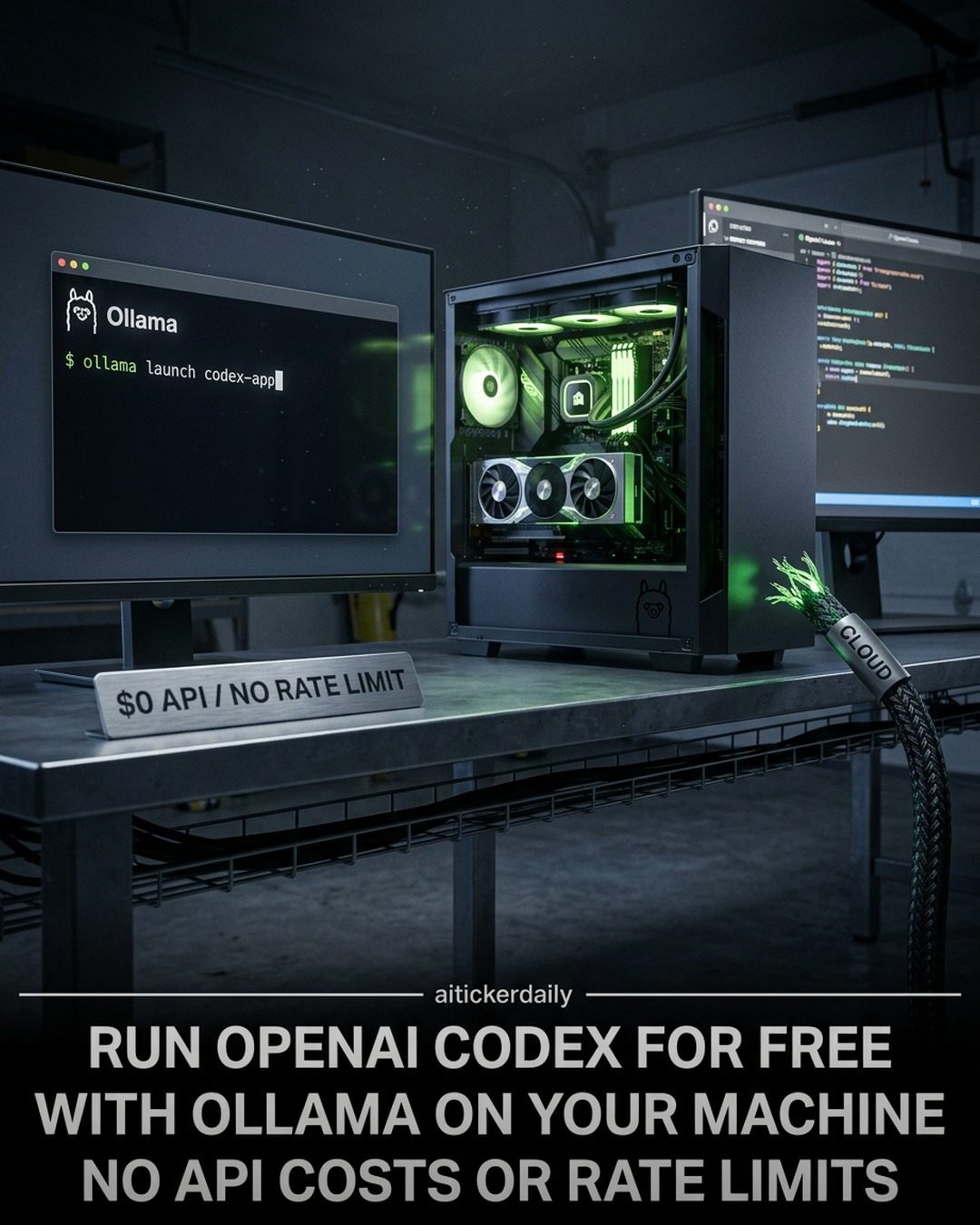
Ollama: Running OpenAI Codex for Free with Local Models
Ollama offers a powerful solution for developers looking to leverage the capabilities of OpenAI's Codex without the burden of API costs or rate limits. With the updated version 0.24, Ollama enables local execution of the Codex App and Codex CLI, integrating open models like Gemma 4, Qwen 3.6, and DeepSeek V4. This shift to local processing not only reduces costs but also enhances the flexibility and control developers have over their coding tasks.
Why Local Matters
In an era where cloud-based AI solutions often come with significant financial constraints and rate limits, the ability to run AI models locally unlocks new possibilities. By installing Ollama v0.24 or newer, developers can leverage open models locally, ensuring that their workflows are not hindered by external factors. This local approach eliminates the costs and restrictions associated with API calls, providing a more efficient and reliable coding environment.
Setting Up Ollama for Local Execution
The process of setting up Ollama to run the Codex App locally is straightforward. Here's a step-by-step guide to get started:
-
Update to Ollama v0.24 or Newer: Ensure your system is running the latest version of Ollama. This is crucial for utilizing the local execution of the Codex App.
-
Launch the Codex App: Use the command
ollama launch codex-appto initiate the application. The built-in browser allows you to open local development sites, annotate directly on the page, and request edits visually, making the coding process more intuitive. -
Restore Cloud Settings: If you have previously used cloud settings, you can restore them later with the command
ollama launch codex-app --restore.
Key Features of the Codex App
The Codex App by Ollama comes with several features designed to enhance the development experience:
- Built-in Browser: This feature allows developers to spin up a local development server and open it inside the Codex app. You can circle UI issues directly on the live page, making it easier to identify and correct problems.
- Review Mode: In review mode, you can inspect code diffs, leave comments, and iterate on your code without leaving the app. This integrated environment streamlines the development process, making it more efficient.
- Model Selection: Ollama supports various open models, including Gemma 4, Qwen 3.6, and DeepSeek V4. Choosing the right model depends on your specific needs and the nature of your project. Models like Gemma 4 and Qwen 3.6 are known for their versatility and performance in different coding scenarios.
Practical Tips for Maximizing Ollama's Potential
To make the most out of Ollama and the Codex App, consider the following practical tips:
- Choose the Right Model: Depending on your project requirements, select the model that best suits your needs. For instance, if you are working on complex coding tasks, models like DeepSeek V4 might offer better performance.
- Leverage the Built-in Browser: Use the built-in browser to visually annotate and request edits. This feature can significantly reduce the time spent on debugging and improving code quality.
- Regularly Update Ollama: Ensure you are using the latest version of Ollama to benefit from new features, bug fixes, and performance improvements.
- Explore Model Variants: Experiment with different model variants to understand their strengths and weaknesses in different coding scenarios. This can help you make more informed decisions in the future.
Important Takeaways
- Cost Efficiency: Running the Codex App locally with Ollama eliminates API costs and rate limits, making it a cost-effective solution for developers.
- Flexibility and Control: Local execution provides greater control over your coding environment, allowing for more flexible and efficient workflows.
- Enhanced Features: The built-in browser and review mode in the Codex App enhance the coding experience, making it easier to inspect, annotate, and iterate on code.
- Model Variety: Ollama supports various open models, offering versatility in tackling different coding tasks.
Conclusion
Ollama's ability to run the Codex App and CLI locally offers developers a powerful and cost-effective solution for coding. By leveraging open models and providing an integrated, intuitive development environment, Ollama enhances productivity and efficiency. Whether you choose to use the App or CLI, selecting the right model and utilizing the built-in features can significantly improve your coding experience. Stay updated with the fast-moving world of AI by following relevant resources and communities to make the most of this transformative tool.
Watch the Reel
Questions readers ask
What are the key benefits of running OpenAI Codex locally with Ollama v0.24?
Running OpenAI Codex locally with Ollama v0.24 eliminates the need for API costs and rate limits, providing a cost-effective and efficient development environment. This local approach also offers greater flexibility and control over coding tasks, as developers can leverage open models without relying on external services.
Which open models does Ollama v0.24 integrate for local use?
Ollama v0.24 integrates several open models for local use, including Gemma 4, Qwen 3.6, and DeepSeek V4. These models are designed to enhance the capabilities of the local coding environment, providing developers with a robust set of tools for various coding tasks.
How do I start the Ollama CLI for launching OpenAI Codex?
To start the Ollama CLI for launching OpenAI Codex, you need to have Ollama v0.24 installed. Once installed, you can launch the CLI by running the appropriate command in your terminal. This will allow you to access the full range of features provided by the Codex model, all within a local environment.
What are the main features of Ollama v0.24 that enhance local coding environments?
Ollama v0.24 offers a range of features that enhance local coding environments, including the ability to run OpenAI Codex locally, integrate open models, and provide a cost-effective and efficient setup. Additionally, it supports both browser-based and local coding, giving developers multiple options for their workflow.
Does Ollama v0.24 support browser-based coding?
Yes, Ollama v0.24 supports browser-based coding, in addition to local coding. This means developers can choose to work within a web-based interface or directly on their local machines, providing flexibility in how they interact with the coding environment.
What steps are involved in setting up a local development environment with Ollama v0.24?
Setting up a local development environment with Ollama v0.24 involves installing the software, integrating the desired open models, and configuring the local coding environment. Once set up, developers can launch the CLI and start using the powerful features of OpenAI Codex directly from their local machines.
Related deep dives
Similar reads based on topic and creator.




Recent articles
Fresh deep dives from the latest Reels we unpacked.




Comments
Be the first to comment.