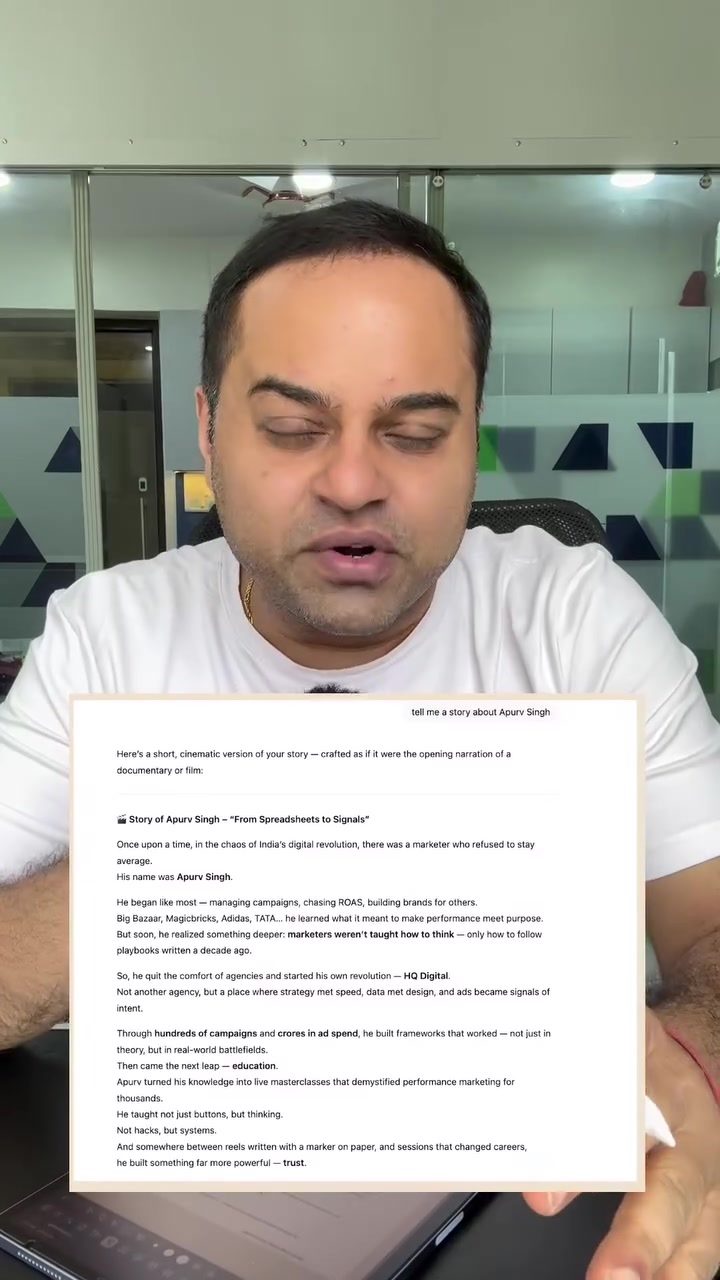
Customizing ChatGPT Responses: Limiting the Use of Em Dashes
Em dashes (—) are a common feature in ChatGPT's responses, but they can sometimes disrupt the flow of information. Customizing how ChatGPT responds can significantly enhance readability and user experience. Here's how to limit the use of em dashes in ChatGPT’s responses. This article focuses on customizing ChatGPT’s style and tone, specifically addressing the overuse of em dashes and replacing them with more readable punctuation.
Context: Why this Matters
The Role of Em Dashes
Em dashes are versatile punctuation marks that can be used to create a pause, add an explanatory element, or set off a parenthetical thought. While they are useful in many contexts, their frequent use in automated responses, such as those from ChatGPT, can make the text appear cluttered or confusing. By limiting the use of em dashes, you can make the responses more reader-friendly and visually appealing.
Customization in AI Tools
Customization is a key feature in many AI-driven tools, including ChatGPT. The ability to tailor responses to specific needs and preferences can greatly enhance user satisfaction. For marketers, customization means creating more personalized and effective communication strategies. By adjusting the style and tone of responses, users can ensure that the AI aligns with their branding or communication goals.
Customizing ChatGPT: Limiting Em Dashes
Step-by-Step Guide
To customize ChatGPT and limit the use of em dashes, follow these steps:
-
Access Personalization Settings: Click on your profile picture located in the bottom left corner of the screen. This will open a dropdown menu with various options.
-
Enable Customization: Within the dropdown menu, select "Personalization." Make sure the "Enable Customization" option is turned on. This will allow you to customize how ChatGPT responds to your queries.
-
Custom Instructions: Click on "Custom Instructions" to open the customization prompt. This is where you can define how you want ChatGPT to format its responses.
-
Paste the Prompt: Enter a specific prompt to instruct ChatGPT on how to replace em dashes. For example, you can use a prompt that instructs ChatGPT to "Systematically replace em-dashes (—) with a dot (•) to start a new sentence."
-
Save the Setting: Once you have entered the custom prompt, save the setting. ChatGPT will now use the new formatting guidelines in its responses.
Main Discussion
Tailoring AI Responses
Customizing AI responses is not limited to adjusting punctuation. The ability to set the style and tone of AI-generated content is a powerful tool for marketers and content creators. By specifying the desired tone—whether it be formal, informal, professional, or friendly—users can ensure that the AI's output aligns with their brand voice.
Enhancing Marketing Strategies with AI
AI tools like ChatGPT can be invaluable in marketing, from generating content to providing customer support. By customizing the responses, marketers can create more engaging and effective communication strategies. This includes tailoring the AI's output to specific audiences, ensuring that the content resonates with the target demographic.
Practical Applications
AI customization can be applied in various scenarios, such as:
- Content Generation: Creating blog posts, social media updates, and newsletters that match the brand's voice and style.
- Customer Support: Providing responsive and personalized support through chatbots and virtual assistants.
- Email Marketing: Crafting email campaigns that engage readers and drive action.
- Advertising: Developing ad copy that aligns with the brand's messaging and tone.
Practical Tips
Using Custom Prompts
Crafting the right custom prompt is crucial for achieving the desired output. Here are a few tips:
- Be Specific: Clearly define the changes you want. For example, instead of just asking to "limit em dashes," specify how you want them replaced (e.g., with commas or periods).
- Test Different Prompts: AI responses can vary based on the prompt. Experiment with different phrasing and instructions to see what works best.
- Review Results: After implementing a custom prompt, review the responses to ensure they meet your expectations. Make adjustments as needed.
Advanced Customization
For those looking to take customization to the next level, consider the following:
- Consistency: Ensure that the custom prompts are consistent across different contexts. This helps maintain a unified brand voice.
- Feedback Loop: Use the feedback from AI responses to refine your prompts further. This iterative process can lead to more precise and effective customization.
- Scalability: Think about how your custom prompts can be applied across different AI tools and platforms. Consistency in customization can enhance the overall user experience.
Important Takeaways
- Customization is Key: The ability to customize AI responses is a powerful feature that can enhance readability and effectiveness.
- Limit Em Dashes: By limiting the use of em dashes, you can make AI responses more readable and visually appealing.
- Tailor to Needs: Customizing the style and tone of AI responses ensures that the content aligns with your branding and communication goals.
- Practical Applications: AI customization can be applied in various marketing and content creation scenarios, from customer support to content generation.
Conclusion
Customizing ChatGPT responses to limit the use of em dashes is a simple yet effective way to enhance the readability and effectiveness of AI-generated content. By following the steps outlined above, you can tailor AI responses to better align with your brand's voice and communication strategies. This not only improves the user experience but also strengthens your marketing and content efforts, making your AI tools more valuable and impactful.
Watch the Reel
Questions readers ask
Can I completely eliminate em dashes from ChatGPT's responses?
While you can't completely eliminate em dashes, you can significantly reduce their use. By customizing the response format, you can instruct ChatGPT to use alternative punctuation marks, enhancing the overall readability of the responses.
How do I instruct ChatGPT to use fewer em dashes?
You can instruct ChatGPT to use fewer em dashes by specifying your preferences in the prompt. For example, you can ask ChatGPT to avoid using em dashes and to use commas, periods, or other punctuation marks instead. Additionally, you can guide ChatGPT to restructure sentences to minimize the need for em dashes.
What are some alternatives to using em dashes in ChatGPT responses?
Alternatives to em dashes include commas, colons, and parentheses. You can also encourage ChatGPT to use shorter, simpler sentences that convey the same information without needing em dashes. For instance, instead of 'I went to the store—it was crowded,' you could say, 'I went to the store. It was crowded.'
Can I customize ChatGPT's responses for better readability on different devices like tablets?
Yes, you can customize ChatGPT's responses for better readability across various devices, including tablets. By adjusting the formatting and limiting the use of em dashes, you ensure that the text is clearer and more engaging, regardless of the screen size.
Will reducing em dashes in ChatGPT responses affect the content?
Reducing the use of em dashes should not affect the content of the responses. Instead, it should enhance the clarity and flow of the information. The key is to ensure that the alternative punctuation marks and sentence structures effectively convey the same ideas without disrupting the natural flow of the text.
Can I set a default format for ChatGPT to always limit em dashes?
As of now, ChatGPT does not support setting a default format to always limit em dashes. However, you can consistently include your preference for limited em dash use in your prompts. Over time, this can help train the model to adapt to your preferred style, making it more efficient to achieve the desired readability.
How can I ensure consistent formatting in ChatGPT responses across different topics?
To ensure consistent formatting across different topics, you can create a set of guidelines or prompts that you use consistently. Include specific instructions on punctuation, sentence structure, and the avoidance of em dashes. By maintaining these guidelines, you can achieve a uniform style that improves the overall readability of the responses across various subjects.
Related deep dives
Similar reads based on topic and creator.




Recent articles
Fresh deep dives from the latest Reels we unpacked.




Comments
Be the first to comment.