Optimizing Session Management in Claude Code
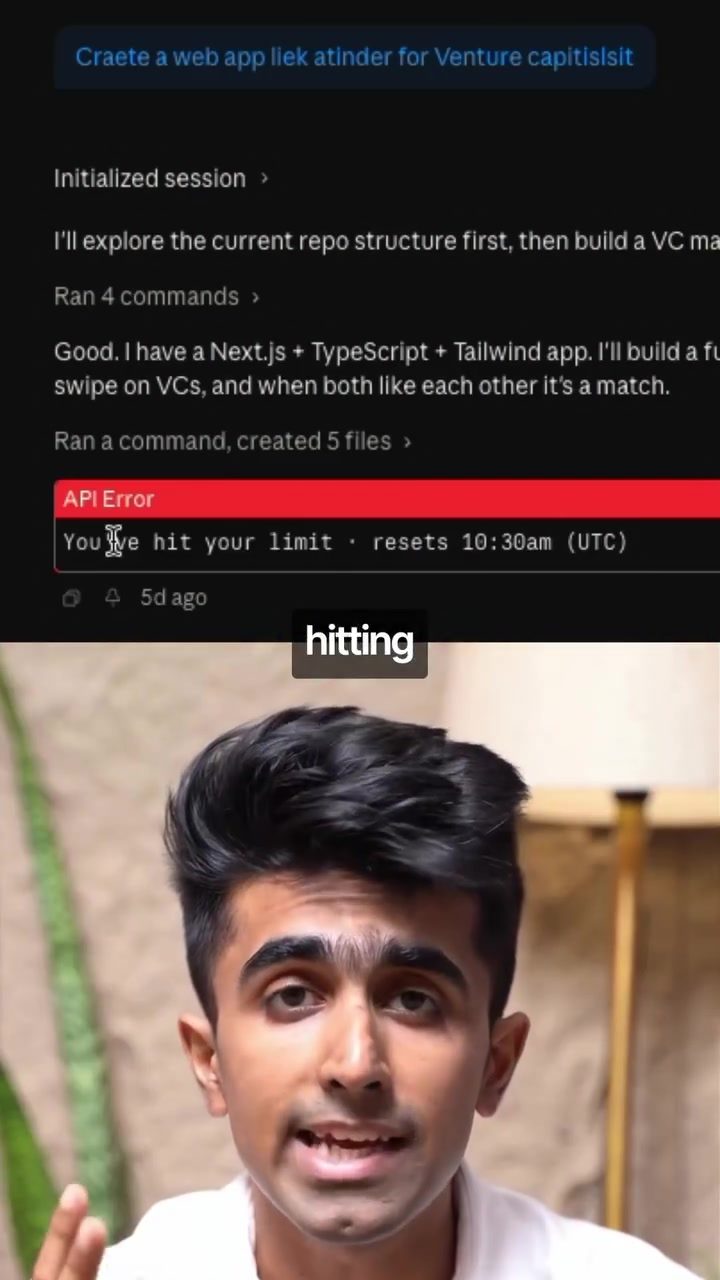
Managing sessions effectively is crucial when using Claude Code, a powerful software tool designed for code generation and potentially campaign management. If you frequently encounter usage limits, understanding and applying the right commands can significantly improve your experience.
Every time you run Claude Code, it creates a context window—a running memory of everything you've said. This window grows with each interaction, and the longer it gets, the more expensive each response becomes. Here are three key commands that can help manage your sessions more efficiently:
Understanding the Context Window
The context window in Claude Code is essentially a memory bank that stores all interactions within a session. As this window expands, it requires more computational resources, leading to slower and more expensive responses. This is where effective session management comes into play.
The /compact Command
Think of the /compact command as a compression tool for your session. It retains the important bits of the conversation while quietly dropping the verbose back-and-forth filler. The rule of thumb is to run this command at around 50% of your session's capacity. This helps in keeping the session lightweight and responsive.
The /clear Command
The /clear command performs a full reset of your session. It creates a completely new session with zero residual context. This is particularly useful when you're switching from one project to a completely unrelated one. Carrying forward an old session can make responses slower, messier, and more expensive because the model is still dragging the weight of the last conversation.
The /rewind Command
The /rewind command is less commonly known but extremely useful. If a response goes off track, /rewind rolls you back to just before that turn happened. This is much cheaper than trying to correct course within the same session because even after you push back, the model still has that bad turn in memory and it still costs tokens.
Why Session Management Matters
Effective session management is not just about optimizing costs; it's about enhancing the overall efficiency and accuracy of your code generation tasks. By keeping your sessions trimmed and focused, you ensure that Claude Code can provide the best possible responses, making your development process smoother and more productive.
Practical Tips for Effective Session Management
-
Use /compact Regularly: Make it a habit to run the
/compactcommand at regular intervals. This will help in maintaining a lean and efficient session without losing important context. -
Reset with /clear: When starting a new project, always use the
/clearcommand to ensure a fresh start. This prevents any residual context from interfering with your new tasks. -
Correct Mistakes with /rewind: If you encounter a misstep, don't hesitate to use the
/rewindcommand. It's a cost-effective way to get back on track without the added burden of correcting within the same session.
Important Takeaways
- Context Window Management: Understand that the context window grows with each interaction and affects the cost and speed of responses.
- Essential Commands: Learn and use the
/compact,/clear, and/rewindcommands to manage your sessions effectively. - Efficiency and Cost: Proper session management can significantly reduce costs and improve the efficiency of your code generation tasks.
Conclusion
By mastering these commands and understanding the context window, you can optimize your Claude Code sessions, making your development process more efficient and cost-effective. Whether you're building an MVP for a food delivery app or working on another project, these tips will help you get the most out of Claude Code.
Watch the Reel
Questions readers ask
What is the context window in Claude Code and why is it important to manage?
The context window in Claude Code is a memory bank that stores all interactions within a session. Managing this window is crucial because the longer it gets, the more expensive each response becomes, and it could potentially lead to hitting usage limits.
How can I keep my interactions with Claude Code efficient and responsive?
To keep interactions efficient and responsive, use key commands to manage the session context. Regularly clear the context window to prevent it from becoming too large and costly.
What are some key commands that can help optimize Claude Code usage?
Three key commands can help manage sessions: the ‘reset’ command to clear the context window, the ‘summarize’ command to condense information, and the ‘export’ command to save and review key parts of the session. These commands can help prevent hitting usage limits and keep interactions cost-effective.
How does managing the context window help prevent hitting usage limits in Claude Code?
By regularly managing the context window, you can control the amount of data that Claude Code processes, making interactions more cost-effective. This helps prevent hitting usage limits and ensures you get the most out of your sessions.
Why is it beneficial to use the 'summarize' command in Claude Code?
The ‘summarize’ command is beneficial because it condenses the information in the context window, allowing you to retain essential data without the extra cost of lengthy responses. This helps maintain efficient and responsive code sessions.
What is the purpose of the ‘export’ command in Claude Code?
The ‘export’ command allows you to save and review key parts of the session. This is useful for keeping a record of important information without having to maintain a large context window, and helps to keep the session running smoothly.
Can I clear the context window at any point during a Claude Code session?
Yes, you can use the ‘reset’ command to clear the context window at any point during a session. It helps to keep the session size manageable, and it is particularly useful when you want to start fresh and avoid the cost of managing a large context window.
Related deep dives
Similar reads based on topic and creator.


Recent articles
Fresh deep dives from the latest Reels we unpacked.




Comments
Be the first to comment.