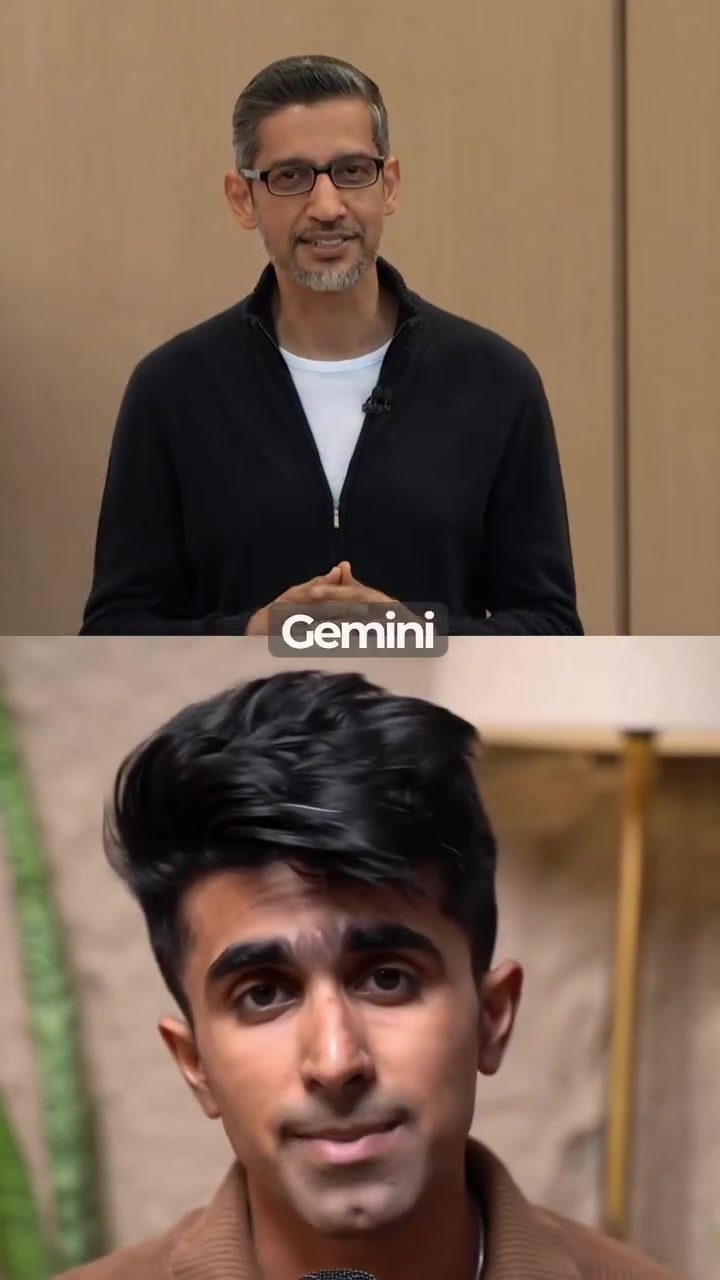
Creating a Digital Twin with Google Gemini Avatars
Google has introduced a groundbreaking feature with the launch of Gemini avatars, offering users the ability to create a digital clone of themselves that can speak any text provided. This AI-driven technology is available in the Google Gemini app for pro and ultra users, making it one of the most accessible ways to create a talking head avatar without the need for complex camera setups.
Understanding the Appeal of Digital Avatars
Digital avatars have long been a fascination in the tech world, representing a user's digital identity. These avatars can mimic your appearance, voice, and mannerisms, creating a highly personalized digital twin. The Gemini avatars take this concept a step further by allowing users to control their avatar through text inputs, making it a powerful tool for content creation, customer service, and more.
How to Create Your Own Gemini Avatar
Creating a Gemini avatar is surprisingly straightforward. Here’s a step-by-step guide to get you started:
Step 1: Accessing the Avatar Feature
- Open the Google Gemini App: Start by opening the Gemini app on your device. Navigate to the avatars section.
- Add a New Avatar: Tap on "Add Avatar," and the app will prompt you with a QR code to scan.
Step 2: The Biometric Scan
- 3D Biometric Scan: Instead of taking a single selfie, Gemini performs a full 3D biometric scan. This involves reading out a few numbers while the app scans your face from every angle. The scan captures the actual shape of your face, how you move, and how you pronounce your words. This detailed scan ensures that the avatar accurately mimics your appearance and mannerisms.
- Automatic Addition: Once the scan is complete, the avatar is automatically added to your account. This process typically takes a couple of minutes, depending on the quality of the scan and your device’s performance.
Step 3: Using Your Avatar
- Tagging and Typing: To use your avatar, simply tag it with your ID or email and type what you want it to say. The avatar will generate a video of you speaking the text in any language you choose.
- Language Support: One of the standout features of Gemini avatars is their ability to speak in multiple languages. This makes them incredibly versatile for global audiences.
Data Privacy and Security
Google emphasizes the importance of data privacy and security with Gemini avatars. Here’s what you need to know:
Data Collection
- Face and Voice Data: The only data collected during the avatar creation process is your face and voice from the initial recording. This data is securely stored in your Google account and is locked to you.
Deletion and Privacy
- Deletion Option: You can delete your avatar at any time, and Google will wipe the face and voice data from its systems.
- Exceptions: It’s important to note that any videos you’ve already posted using the avatar will remain up, even after you delete the avatar. This ensures that your previously created content remains accessible.
Age Restrictions
- Age Requirement: The feature is available only to users who are 18 and above, ensuring that it is used responsibly and ethically.
Practical Tips for Using Gemini Avatars
Here are some tips to make the most out of your Gemini avatar:
Content Creation
- Dynamic Content: Use your avatar to create dynamic and engaging video content. Whether it’s a tutorial, a personal vlog, or a business presentation, your avatar can deliver the message in a personalized way.
- Multilingual Support: Take advantage of the multilingual capabilities to reach a broader audience. Create content in multiple languages without the need for additional voice actors or translators.
Customer Service
- Personalized Interactions: Use your avatar to provide a more personalized and engaging customer service experience. Your avatar can answer frequently asked questions, provide product demonstrations, and offer support in various languages.
Social Media
- Consistent Messaging: Maintain consistent messaging across your social media platforms. Use your avatar to deliver updates, promotions, and announcements in a consistent and recognizable format.
Important Takeaways
Creating a digital twin with Google Gemini avatars opens up a world of possibilities for content creation, customer service, and more. Here are the key takeaways:
- Ease of Use: The process of creating and using a Gemini avatar is straightforward and user-friendly. The 3D biometric scan ensures high accuracy, and the text-to-speech functionality makes it versatile.
- Data Security: Google’s commitment to data privacy and security ensures that your personal information is protected. You have the option to delete your avatar and wipe your data at any time.
- Versatility: The ability to speak in multiple languages and the option to control your avatar through text inputs make it a powerful tool for various applications.
Conclusion
Gemini avatars represent a significant leap forward in digital identity and content creation. With their ease of use, high accuracy, and multilingual capabilities, they offer a unique and valuable tool for users looking to create engaging and personalized content. Whether you're a content creator, a business owner, or simply someone interested in exploring the potential of digital twins, Gemini avatars provide a compelling and accessible way to bring your digital self to life.
Watch the Reel
Questions readers ask
What is required to create a digital clone with Google Gemini Avatars?
To create a digital clone using Google Gemini Avatars, you need to be a pro or ultra user of the Google Gemini app. The process involves a simple 3D biometric scan, which captures your appearance, voice, and mannerisms to generate a realistic talking head avatar.
Can Google Gemini Avatars be used for purposes beyond content creation?
Yes, Google Gemini Avatars have a wide range of applications. They can be used in customer service to provide personalized interactions, in virtual reality for immersive experiences, and in various other domains where a realistic digital representation of a person is beneficial.
Is any special equipment needed to create an avatar with the Google Gemini app?
No, the Google Gemini app simplifies the process by not requiring complex camera setups. The app utilizes a straightforward 3D biometric scan, making it accessible for users to create their digital clone without needing additional equipment.
How does the voice mimicry feature work in Google Gemini Avatars?
The voice mimicry feature in Google Gemini Avatars uses advanced AI to replicate your unique voice patterns and mannerisms. Once the 3D biometric scan is complete, the avatar can speak any text provided, maintaining the authenticity of your voice.
What are the key benefits of using a digital avatar in customer service?
Using a digital avatar in customer service offers several benefits. It provides a personalized touch, enhancing customer interactions. It can also handle queries 24/7, ensuring consistent service and reducing the workload on human agents. Additionally, it can be used to collect valuable data on customer interactions.
Related deep dives
Similar reads based on topic and creator.




Recent articles
Fresh deep dives from the latest Reels we unpacked.




Comments
Be the first to comment.