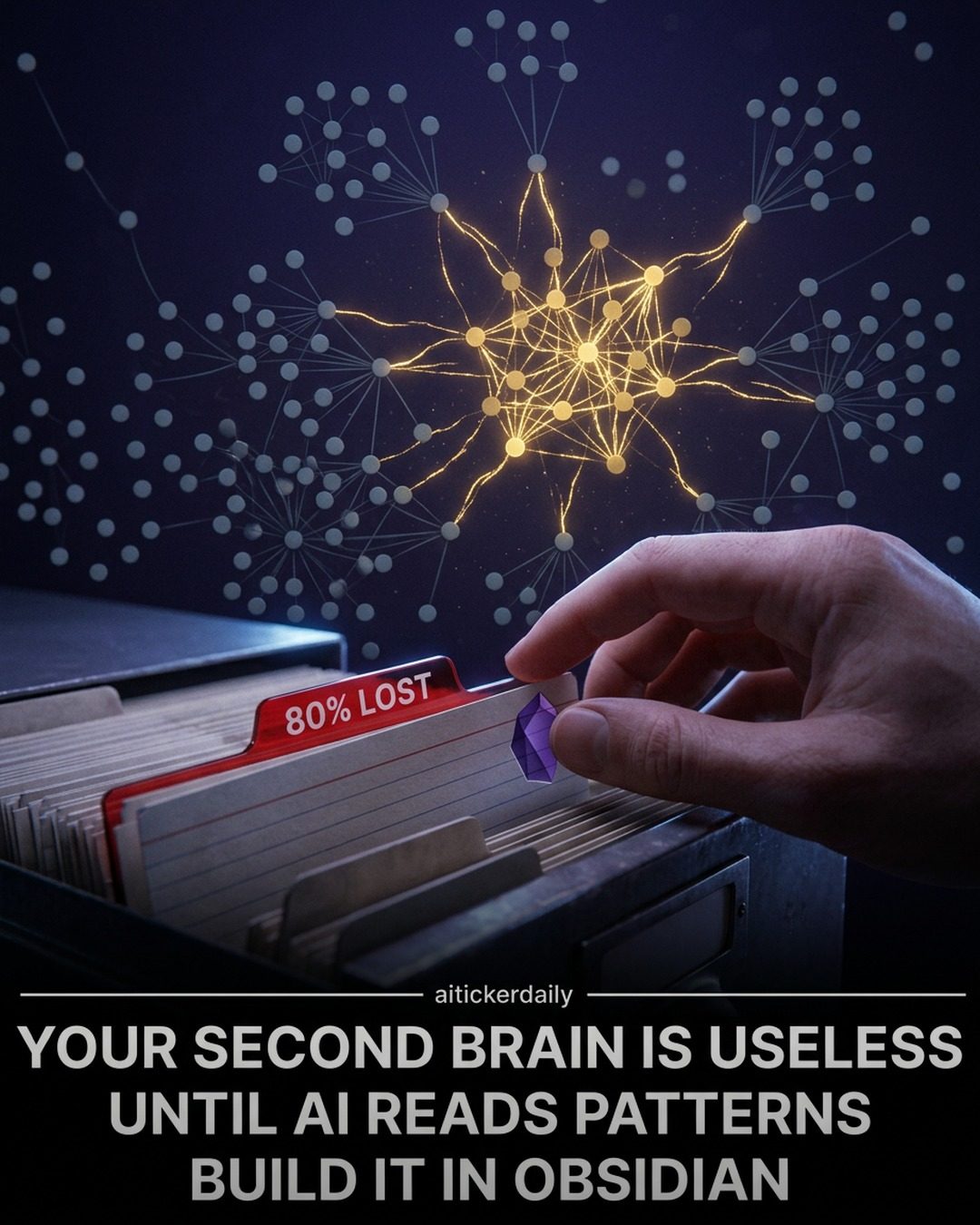
AI and Obsidian: Building a Second Brain for Enhanced Productivity
Obsidian is a powerful productivity tool that helps users organize their thoughts, notes, and ideas. When combined with AI, it becomes an even more robust system for enhancing productivity and creativity. This approach leverages AI to read the patterns within your data, transforming your second brain into a dynamic and intelligent system.
Why This Matters
In today's fast-paced world, staying organized and productive is more important than ever. Traditional methods of note-taking and information storage often fall short, leading to lost ideas and missed opportunities. By integrating AI with productivity tools like Obsidian, users can unlock new levels of efficiency and creativity. AI can read the patterns within your data, helping you to surface hidden connections and insights that you might otherwise miss.
Main Discussion
Building a Second Brain in Obsidian
Obsidian allows users to build a second brain by creating a network of interconnected notes. This system can help you to organize your thoughts, track your progress, and surface hidden connections. The key to making this system work is to save full context, not just information. This means including details about the source, the context in which the information was encountered, and any related thoughts or ideas.
Contextual Information Storage
Saving full context is crucial for AI to understand your thinking. Generic AI struggles with memory, examples, and taste because it lacks the contextual information needed to make meaningful connections. By storing full context, you provide AI with the data it needs to read the patterns in your data and surface insights that you might otherwise miss.
AI and the Evolution of the Second Brain
Before the advent of AI, the second brain was primarily a tool for personal organization. Now, it can serve as a context for AI, providing it with the data it needs to understand your thinking and surface valuable insights. This shift changes how we approach productivity and creativity, making it possible to leverage AI in new and exciting ways.
Memory as Leverage
Memory provides leverage for thinking and building. A well-organized vault of notes can reveal hidden connections and insights that you might otherwise miss. Over time, your vault surfaces topics that keep returning, ideas you almost answered, and projects that connect. By leveraging AI, you can surface these patterns and insights more effectively, making it easier to build on your existing knowledge and ideas.
Practical Tips for AI and Obsidian Workflows
Building a second brain in Obsidian and leveraging AI requires a structured approach. Here are some practical tips to help you get started:
-
00–10 Folders: Create a folder structure that reflects the main topics and categories of your work. This helps to organize your notes and makes it easier to find specific information.
-
Five-Question Notes: Each note should answer five key questions: What, Why, How, When, and Where. This structure helps to ensure that your notes are comprehensive and contextually rich.
-
Claude Context Prompts: Use Claude context prompts to provide AI with the context it needs to read the patterns in your data. This involves including details about the source, the context in which the information was encountered, and any related thoughts or ideas.
-
Weekly Loop: Regularly review and update your notes to keep them current and relevant. This helps to surface hidden connections and insights that you might otherwise miss.
-
Eleven-Slide Deck: Create a slide deck that outlines your workflow, including storage traps, thinking questions, what to store, folder tree, note format, AI memory shift, Claude prompts, weekly workflow, and long-term leverage.
Important Takeaways
-
AI and Obsidian: Combining AI with productivity tools like Obsidian can enhance productivity and creativity by reading the patterns in your data and surfacing hidden connections and insights.
-
Contextual Information Storage: Save full context, not just information, to provide AI with the data it needs to understand your thinking and surface valuable insights.
-
Memory as Leverage: A well-organized vault of notes can reveal hidden connections and insights that you might otherwise miss. Leverage AI to surface these patterns and insights more effectively.
Conclusion
Using AI with Obsidian to build a second brain can significantly enhance your productivity and creativity. By saving full context, leveraging AI to surface hidden connections and insights, and maintaining a structured workflow, you can unlock new levels of efficiency and innovation. Follow the practical tips outlined above to get started and transform your second brain into a dynamic and intelligent system that understands how you think and helps you achieve more.
Watch the Reel
Questions readers ask
How does AI enhance the functionality of Obsidian for productivity?
AI transforms Obsidian by analyzing patterns in your notes, helping you uncover hidden connections and insights. This makes the process of thought organization more efficient, allowing you to leverage your notes more effectively.
What is a 'second brain' system in the context of Obsidian and AI?
A 'second brain' system in Obsidian refers to an interconnected network of notes and ideas. When enhanced with AI, it actively supports creativity and efficiency by dynamically organizing and linking information, making it easier to retrieve and utilize your thoughts.
How can AI help in note organization within Obsidian?
AI can automatically categorize, tag, and link your notes based on content and context. This reduces the manual effort required for organization and helps in building a more cohesive and interconnected knowledge base.
What are the benefits of using AI for thought organization in Obsidian?
Using AI for thought organization in Obsidian allows for enhanced memory retention, quicker retrieval of information, and the ability to see the big picture by connecting seemingly unrelated ideas.
Can AI tools help in building a second brain with Obsidian for memory enhancement?
Yes, AI tools can significantly aid in building a second brain with Obsidian. They enhance memory by making your notes more searchable and interconnected, ensuring that no idea is lost and that relevant information is always at your fingertips.
How does integrating AI with Obsidian improve productivity?
Integrating AI with Obsidian improves productivity by automating repetitive tasks, such as note categorization and linking. This frees up time and mental energy, allowing you to focus on creative and strategic thinking.
What are the key features of AI-enhanced note-taking in Obsidian?
Key features include automatic tagging, smart linking of related notes, and pattern recognition. These features help create a dynamic and intelligent system that adapts to your note-taking habits and makes your information more accessible.
Related deep dives
Similar reads based on topic and creator.




Recent articles
Fresh deep dives from the latest Reels we unpacked.




Comments
Be the first to comment.