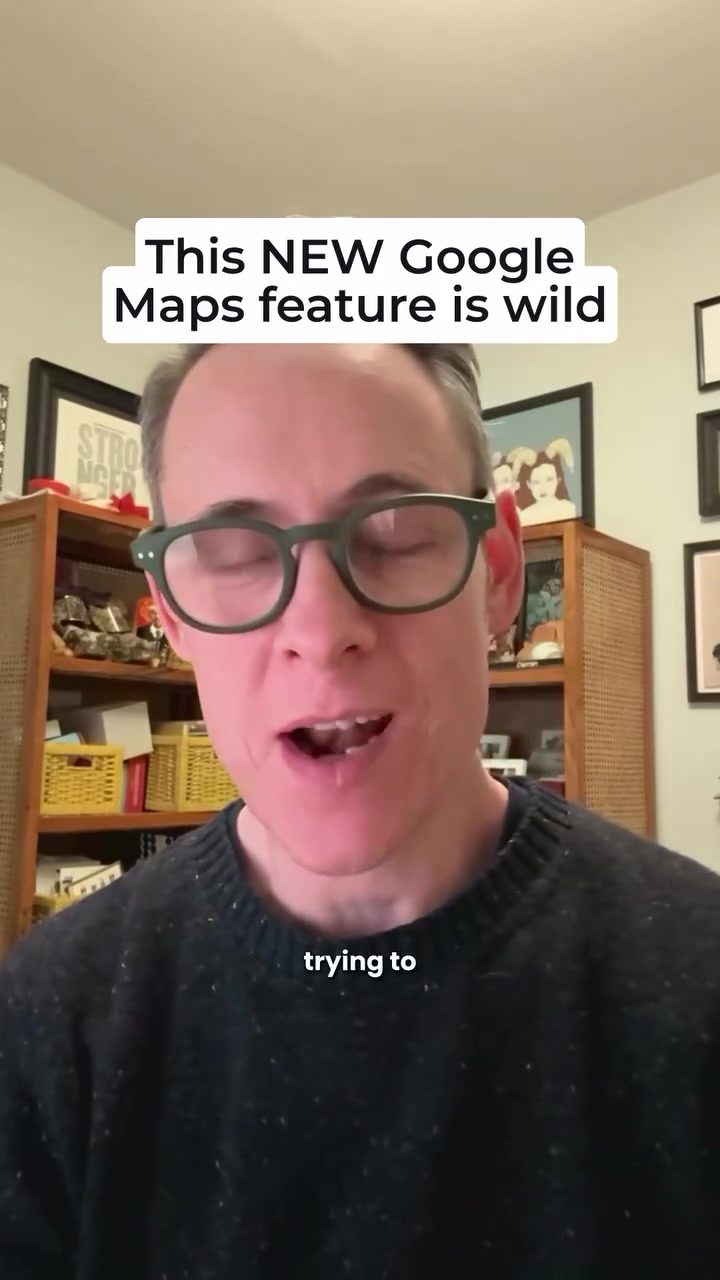
Streaming Google Maps: The New Video Editing Features
Google has recently introduced an exciting update to the Google Maps app, offering a full suite of video editing features. This enhancement allows users to edit videos directly within the app, eliminating the need for third-party software or dedicated video editors.
Context / Why this Matters
The integration of video editing tools within Google Maps is a significant step forward in the evolving landscape of digital navigation. This new feature enables users to capture and enhance their experiences effortlessly, making it easier to share local insights and connect with communities through visual storytelling. Whether you are a business owner looking to showcase your establishment or a traveler sharing your journey, these editing capabilities can help you create more engaging content.
How to Edit Videos in Google Maps
The new video editing feature in Google Maps is designed to be user-friendly. Here’s a step-by-step guide to help you get started:
Accessing the Video Editing Feature
- Open the Google Maps app and navigate to a business or location.
- Click “Add a Photo” and select the video you want to upload.
- Tap the “Edit” button at the bottom of the video preview.
- Click “Edit Video” to enter the full-screen editing mode.
Editing Your Video
Once in the editing mode, you have a variety of tools at your disposal:
- Trim the Length: Adjust the duration of your video to capture the most relevant moments.
- Crop the Frame: Change the aspect ratio or focus on a specific area of the frame.
- Edit the Audio: Enhance the audio quality or add background music to set the mood.
- Add Filters: Apply filters to enhance the visual appeal of your video.
- Adjust Spacing and Volume: Fine-tune the spacing between frames and adjust the volume to ensure clarity.
Adding Captions and Descriptions
Captions and descriptions are essential for providing context to your video. They help viewers understand what’s happening and can improve your video’s ranking in search results. Make sure to use relevant keywords and clear, concise language to further describe the content of your video.
Enhancing Your Business Profile
For business owners, the ability to edit videos directly in the Google Maps app offers a valuable opportunity to enhance your Google Business Profile. High-quality, engaging videos can help attract more customers and provide a better understanding of your business offerings. By utilizing the full suite of editing features, you can create professional-looking videos that showcase your products, services, and customer experiences.
The Future of Google Maps
This new feature is part of Google's ongoing effort to evolve the Google Maps app, making it a more versatile and functional tool. The addition of video editing capabilities aligns with the growing trend of visual content, allowing users to share their experiences in a more dynamic and engaging way.
What to Expect
As Google continues to develop and refine this feature, we can expect to see more advanced editing tools and functionalities. The current suite of features is already impressive, but future updates could include additional filters, transitions, and special effects.
Practical Tips for Creating Engaging Videos
To make the most of the new video editing features in Google Maps, consider the following practical tips:
- Plan Ahead: Before you start filming, have a clear idea of what you want to capture. This will help you create a more cohesive and engaging video.
- Use High-Quality Equipment: While smartphones are capable of capturing high-quality footage, consider using a dedicated camera for more professional results.
- Focus on Content: High-quality visuals and audio are important, but the content is what will truly capture your audience’s attention. Make sure your video tells a story or provides valuable information.
- Optimize for Mobile: Given that most users will be viewing your video on a smartphone, ensure that the video is optimized for mobile viewing. Use clear and concise captions, and avoid overly complex transitions or effects that may be difficult to see on a small screen.
- Experiment with Filters and Effects: Don’t be afraid to get creative with the editing tools. Experimenting with different filters, transitions, and effects can help you create a unique and engaging video.
Important Takeaways
- Ease of Use: The new video editing features in Google Maps are designed to be user-friendly, making it easy for anyone to create and edit videos without the need for specialized software.
- Versatility: The suite of editing tools allows you to trim, crop, and enhance your videos in various ways, ensuring that your content is polished and engaging.
- SEO Benefits: Adding captions and descriptions to your videos can help improve their ranking in search results, making it easier for potential viewers to find your content.
- Business Potential: For business owners, this feature offers a valuable opportunity to enhance their Google Business Profile and attract more customers through high-quality, engaging videos.
Conclusion
Google's new video editing features in the Google Maps app represent a significant advancement in digital navigation and visual storytelling. By providing a full suite of editing tools, Google has made it easier than ever to capture, enhance, and share your experiences. Whether you’re a traveler, a business owner, or a local enthusiast, these features offer a powerful way to connect with your audience and share your story. So, go ahead and give it a try—you might be surprised by the results!
Watch the Reel
Questions readers ask
How do I access the new video editing features in Google Maps?
To access the new video editing features, open the Google Maps app and start recording a video as you normally would. After capturing your video, tap on the video thumbnail to open the editing tools directly within the app.
What kind of edits can I make to my videos in Google Maps?
The in-app video editing tools allow you to trim the length of your video, adjust brightness, and apply filters. You can also add text, draw on the video, and include location tags to provide context to your viewers.
Can I use these video editing features for business promotion?
Absolutely. If you own a business, you can use the Google Maps video editing features to create engaging promotional content. Highlight unique aspects of your location, share customer testimonials, or showcase events to attract more visitors.
Do I need to install additional software to edit videos in Google Maps?
No, the video editing features are built directly into the Google Maps app. This means you can capture, edit, and share your videos without needing any external software, making the process seamless and efficient.
How can I share my edited videos from Google Maps?
After editing your video, you can share it directly from the Google Maps app. Tap the share icon and choose your preferred platform, such as social media, messaging apps, or email. You can also save the video to your device for later use.
Are there any limitations to the video editing features in Google Maps?
The in-app video editing tools are designed to be user-friendly and efficient. However, they may not offer the same level of advanced editing options as dedicated video editing software. For basic enhancements and sharing, these tools should suffice.
Can I edit videos that were previously recorded and saved in my gallery?
Currently, the in-app video editing feature in Google Maps is designed to work with videos recorded directly within the app. Videos from your gallery will need to be imported and edited separately using external software and subsequently uploaded to Google Maps.
Related deep dives
Similar reads based on topic and creator.


Recent articles
Fresh deep dives from the latest Reels we unpacked.


Comments
Be the first to comment.