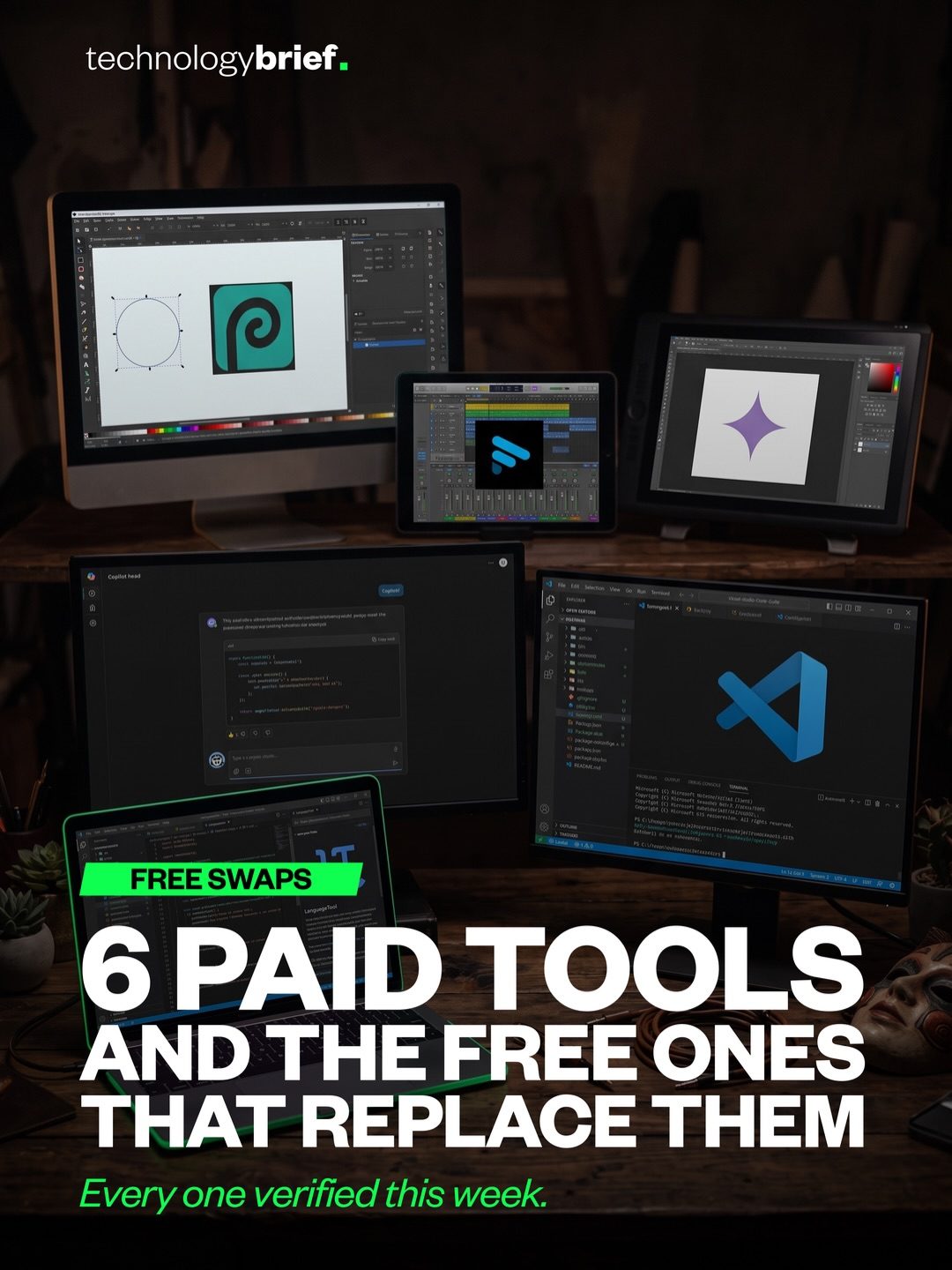
Software Subscriptions and Free Alternatives
Software subscriptions are a staple of modern digital life, but they can quickly add up. Tools like Photoshop, Otter, Midjourney, Grammarly, Copilot, and ChatGPT Plus can cumulatively cost close to $100 a month, even if you only use each one for a few specific tasks. However, the landscape of free software alternatives has significantly improved, offering robust options that can replace many of these paid tools.
The Cost of Software Subscriptions
The cost of software subscriptions can be a significant expense, especially for professionals who rely on multiple tools for their work. For instance, Photoshop is a staple for graphic designers, but its monthly subscription fee can be steep. Similarly, tools like Otter.ai for transcription and Midjourney for image generation are invaluable for their respective purposes, but their costs can add up quickly. Grammarly is essential for writers, while Copilot and ChatGPT Plus are game-changers for developers and content creators. Each of these tools offers unique features that justify their cost, but when combined, the total can be prohibitive.
Free Alternatives: What’s Available?
Fortunately, there are free alternatives that can handle many of the tasks traditionally managed by paid software. Here are some notable free tools and their equivalents:
- Photopea: This browser-based tool can open PSD files, making it a viable alternative to Photoshop for many basic tasks.
- Fathom: This software offers unlimited meeting recordings and transcriptions, making it a strong competitor to Otter.ai.
- Gemini: This tool can generate images, providing a free alternative to Midjourney.
- LanguageTool: This tool handles grammar and style checks, making it a practical replacement for Grammarly.
- Free Copilot: This tool offers 2,000 code completions and 50 chats per month, making it a viable alternative to the paid version of Copilot Pro. It's worth noting that these free tools might not offer all the advanced features of their paid counterparts, but for many users, they cover the essentials.
When to Stick with Paid Versions
While free tools are increasingly capable, there are situations where the paid versions might still be necessary. Advanced users who rely on specific features or need more robust support may find that the paid tools justify their cost. For example, professionals who need high-end graphics editing might find that Photopea lacks some of the advanced features they require. Similarly, users who need extensive transcription capabilities or integration with other tools might benefit from Otter.ai's paid plan.
Practical Tips for Choosing Software Tools
Choosing the right software tools can significantly impact your workflow and budget. Here are some practical tips to help you make informed decisions:
- Assess Your Needs: Before subscribing to a tool, assess your specific needs. Determine which features are essential and which are nice-to-have.
- Test Free Alternatives: Try out free alternatives to see if they meet your requirements. Many free tools offer a good starting point and can handle basic tasks effectively.
- Consider Long-Term Costs: Think about the long-term costs of subscriptions. Sometimes, paying for a year upfront can save money compared to monthly payments.
- Take Advantage of Free Trials: Many paid tools offer free trials. Use these trials to determine if the tool is worth the investment.
- Community and Support: Consider the community and support available for both paid and free tools. Paid tools often come with dedicated support, which can be invaluable for troubleshooting and optimization.
Important Takeaways
Software subscriptions can be costly, but there are many free alternatives that can handle most tasks effectively. While the paid versions often offer advanced features and better support, for many users, free tools are adequate. It’s crucial to assess your needs and test different options to find the best fit for your workflow and budget. Additionally, don’t forget to regularly review your software subscriptions to ensure you’re not paying for tools that you no longer use or need.
Conclusion
The world of software tools is vast and ever-evolving, with both paid and free options available. By carefully evaluating your needs and exploring the free alternatives, you can optimize your workflow and save money. Whether you’re a designer, developer, or content creator, there are tools available that can help you achieve your goals without breaking the bank.
Watch the Reel
Questions readers ask
What are some free alternatives to Photoshop?
There are several free alternatives to Photoshop, one of the most popular being GIMP (GNU Image Manipulation Program). It offers a wide range of tools for photo editing, digital art, and graphic design. Other notable mentions include Krita, which is great for painting and illustration, and Inkscape, which is ideal for vector graphics. All of these tools are powerful and can handle many of the tasks you would use Photoshop for.
Are there any free tools that can replace Otter.ai for transcription?
Yes, there are free tools that can transcribe audio to text. Otter.ai offers a free plan that is suitable for basic use, but you can also consider options like Google's Live Transcribe or Microsoft OneNote, both of which offer transcription services that are useful for note-taking and meeting summaries.
What are some free grammar checking tools?
There are several free grammar checking tools available. One of the best is LanguageTool, which offers comprehensive grammar, spelling, and style checking. It supports multiple languages and can be used directly in your browser or as an extension in various text editing tools. Another option is Hemingway Editor, which focuses on improving readability and clarity.
What are some free productivity tools for managing tasks?
There are several highly effective free productivity tools available. Todoist is a popular option for task management. It allows users to create and manage to-do lists, set reminders, and organize tasks effectively. Another excellent option is Trello, a visual project management tool that uses boards, lists, and cards to help you organize and prioritize tasks and projects.
What are the best free software tools for coding?
There are several excellent free software tools for coding. One of the most highly regarded is Visual Studio Code by Microsoft. It is a versatile, free, and open-source code editor that supports a wide range of programming languages and offers a range of powerful extensions. Additionally, Atom is another popular open-source text editor with a wide array of plugins to enhance your coding experience.
Are there any free screen recording software options?
Yes, there are several free screen recording software options available. One of the most popular is OBS Studio, which is widely used for live streaming and screen recording. It offers a range of features, including real-time video and audio capturing, and mixing. Another option is ShareX, a versatile screen capture and screen recording tool that is great for creating tutorials, recording gameplay, or capturing any on-screen activity.
Related deep dives
Similar reads based on topic and creator.

Recent articles
Fresh deep dives from the latest Reels we unpacked.




Comments
Be the first to comment.