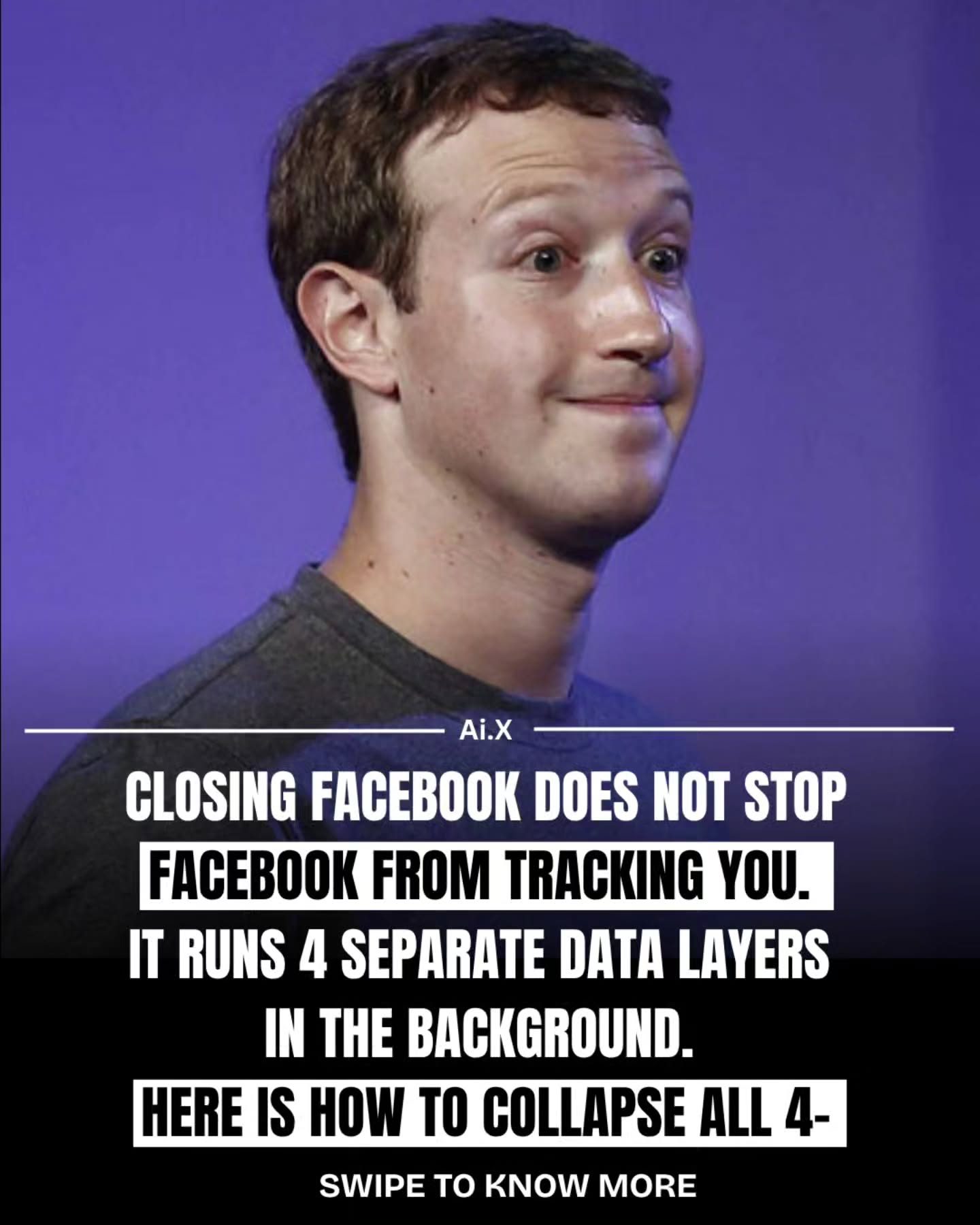
Facebook's tracking capabilities are extensive and multifaceted, operating through several distinct layers that persist even after the app is closed. This comprehensive tracking system can be broken down into four main components, each playing a crucial role in monitoring user activity.
Off-Facebook Activity
The first layer involves Off-Facebook Activity, which encompasses data sent by other websites and apps via Facebook Pixel. This means that even if you don't have the Facebook app installed, your interactions on other platforms can still be tracked and sent to Facebook.
Meta Business SDK
The second layer is the Meta Business SDK, which is embedded in a significant portion of popular apps. This SDK sends usage patterns to Facebook, regardless of whether the Facebook app is installed on a user’s device. This tracking mechanism extends Facebook's reach far beyond its own platform, allowing it to gather data from a wide array of applications.
Background App Activity
The third layer involves background app activity, which includes processes like location pings, notification checks, and background refreshes. Even when the Facebook app is not actively being used, these background activities continue to run, gathering data about the user's location and other relevant information.
Shadow Profiles
The fourth and perhaps most concerning layer is the creation of shadow profiles. These profiles are built from the contacts that users' friends upload, even if the user has never had a Facebook account. This layer allows Facebook to compile a comprehensive user profile without the user’s direct involvement, raising significant privacy concerns.
Why This Matters
Understanding the intricacies of Facebook's tracking capabilities is crucial for anyone concerned about their online privacy. The extent to which Facebook monitors user activity, even when the app is not in use, highlights the need for users to take proactive steps to protect their data. This tracking system not only affects individual privacy but also has broader implications for data security and user control over personal information.
Collapsing the Tracking Layers
While Facebook's tracking is pervasive, there are ways to mitigate its impact. To fully disable these tracking mechanisms, users need to take several steps, including disabling Off-Facebook Activity, opting out of tracking at the operating system level, restricting background permissions, and requesting the deletion of their shadow profiles. These steps can help users regain some control over their data. The exact steps will depend on the device being used.
For iOS Users
Disabling Off-Facebook Activity
To disable Off-Facebook Activity:
- Go to Settings.
- Navigate to Privacy & Security.
- Select Tracking.
- Toggle Allow Apps to Request to Track to OFF.
Restricting Background Permissions
To restrict background app activity:
- Go to Settings.
- Find the Facebook app.
- Turn Background App Refresh to OFF.
- Set Location to Never.
For Android Users
Disabling Off-Facebook Activity
To disable Off-Facebook Activity:
- Go to Settings.
- Navigate to Privacy.
- Select Ads.
- Click on Delete advertising ID.
Restricting Background Permissions
To restrict background app activity:
- Go to Settings.
- Navigate to Apps.
- Find and select Facebook.
- Go to Battery and set it to Restricted.
- In Permissions, revoke access to Location, Contacts, Camera, and Mic.
Requesting Shadow Profile Deletion
Understandably, shadow profiles are an invasive practice. Requesting the deletion of your shadow profile can be a complex process, typically involving legal mechanisms like GDPR (General Data Protection Regulation) or CCPA (California Consumer Privacy Act). Users can submit requests to Facebook to delete their shadow profiles through these legal frameworks, although the process may require additional steps and documentation.
Practical Tips
While the idea of comprehensive tracking might seem daunting, there are actionable steps users can take to limit the extent of Facebook's data collection. Here are some practical tips to help users regain control over their data:
Regularly Review App Permissions
Regularly review and adjust the permissions granted to Facebook and other apps on your device. This includes location access, contacts, and microphone permissions.
Limit Third-Party Integrations
Be mindful of third-party apps and websites that have access to your Facebook data. Minimize the number of apps that have permission to access your data, and regularly audit the connections on the platform.
Use Privacy-Focused Browsers
Consider using privacy-focused browsers that offer enhanced tracking protection. These browsers can block tracking scripts and limit the amount of data collected by Facebook and other companies.
Important Takeaways
Facebook's tracking capabilities are extensive and multifaceted, operating through several distinct layers that persist even after the app is closed. Understanding these layers—Off-Facebook Activity, Meta Business SDK, background app activity, and shadow profiles—is crucial for users looking to protect their privacy. By taking proactive steps, such as disabling Off-Facebook Activity, opting out of tracking at the OS level, restricting background permissions, and requesting the deletion of shadow profiles, users can significantly limit the amount of data Facebook collects.
Conclusion
Facebook’s tracking mechanisms are designed to be comprehensive and persistent, often continuing even when the app is not in use. By understanding the layers of tracking and taking the necessary steps to mitigate their impact, users can regain some control over their data and protect their privacy. Whether through adjusting permissions, limiting third-party integrations, or requesting the deletion of shadow profiles, there are actionable steps users can take to safeguard their personal information in an increasingly digital world.
Watch the Reel
Questions readers ask
What is Off-Facebook Activity and how does it track my data?
Off-Facebook Activity refers to data collected by Facebook from third-party websites and apps that use Facebook's tracking tools, such as the Facebook Pixel. This means that your interactions on these platforms, even if you don't have the Facebook app, can be monitored and sent to Facebook, contributing to your comprehensive user profile.
How does the Meta Business SDK contribute to Facebook's tracking?
The Meta Business SDK is a set of tools embedded in many popular apps, allowing these apps to send usage data back to Facebook. Even if you don't have the Facebook app, this SDK can still track your activities and send them to Facebook, regardless of whether you have a Facebook account.
What are Facebook's shadow profiles, and how do they work?
Facebook's shadow profiles are hidden profiles that compile data from various sources, including off-Facebook activities and Meta Business SDK data. These profiles are created to enhance Facebook's tracking capabilities, even if you don't have a Facebook account. This data is still linked to you through your online activities like device identifiers.
How can I stop Facebook from tracking my location?
To stop Facebook from tracking your location, you can adjust your location settings on your device. On Android, you can revoke location permissions from the Facebook app or turn off location services completely. Additionally, using a VPN can help mask your location while browsing the web, making it more difficult for Facebook to track your movements.
Can I disable Facebook tracking on Android? If so, how?
Yes, you can disable Facebook tracking on Android by adjusting your app permissions. Go to your device's settings, find the Facebook app, and revoke permissions for categories like Location and Storage. Additionally, you can turn off background data for the app or uninstall it entirely to minimize its tracking capabilities.
What are the four main components of Facebook's tracking system?
Facebook's tracking system consists of four main components: Off-Facebook Activity, Meta Business SDK, Shadow Profiles, and background processes. These components work together to monitor user activity across various platforms, compile data, and create comprehensive user profiles, even when the Facebook app is not in use.
Related deep dives
Similar reads based on topic and creator.




Recent articles
Fresh deep dives from the latest Reels we unpacked.




Comments
Be the first to comment.