System Prompts in AI: Anatomy and Applications
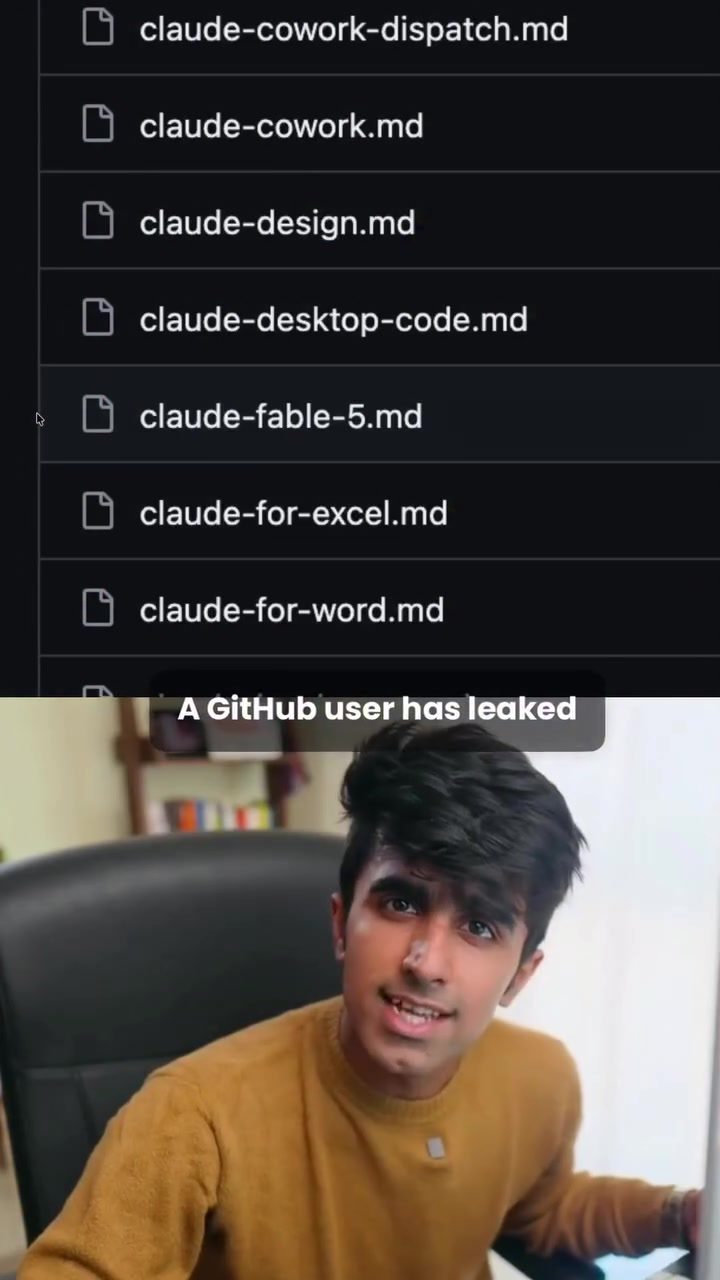
AI system prompts are the often overlooked, but vital, backbone of how AI models function. A recent discussion has shed light on these underlying instructions, particularly focusing on the Claudefable5 system prompt, which was leaked by a GitHub user. This prompt is a treasure trove of insights that can be applied to a variety of AI models, from open-source options like IME, GLM, and Longcat to specialized agents like Claude Code.
What is a system prompt?
A system prompt is a set of instructions that guide an AI model's behavior before it even starts processing user inputs. Think of it as the model's rulebook, setting parameters for how it behaves, formats answers, handles tools, ensures safety, and maintains a consistent tone. By understanding and leveraging these instructions, you can significantly enhance the quality of the outputs generated by any AI model.
The Claudefable5 Leak: What It Tells Us
A GitHub user recently leaked the Claudefable5 system prompt, providing a unique opportunity for users to explore the inner workings of a sophisticated AI model. This system prompt offers a structured approach to instructing AI models, which can be adapted and applied to other models, even if they do not perform identically. The key takeaway is that the well-written nature of the prompt leads to improved output quality.
Key Components of a System Prompt
-
Behavior Guidelines: These instructions dictate how the model should respond to various inputs. For example, it might specify that the model should always respond in a polite and professional tone.
-
Formatting Rules: These dictate how the model should structure its outputs. This could include guidelines on paragraph length, use of bullet points, or even the type of language used.
-
Tool Handling: This section outlines how the model should interact with any tools or external resources it might need to use. For instance, it could specify that the model should always double-check information with a reliable source before providing it as part of an answer.
-
Safety Measures: These instructions ensure that the model adheres to ethical guidelines and avoids generating harmful or inappropriate content. They might include rules about not sharing personal data or avoiding biased responses.
-
Tone and Style: This part of the prompt defines the overall tone and style of the model's responses. For example, it could dictate that the model should use a friendly and approachable tone or that it should always provide detailed and thorough explanations.
Applying the Claudefable5 Prompt to Other Models
While the Claudefable5 system prompt is specific to that model, its structure and detailed instructions can be adapted for use with other AI models. Here are a few ways to do that:
Experimenting with Open-Source Models
Open-source models like IME, GLM, and Longcat offer a lot of flexibility and can be customized using the Claudefable5 prompt. By integrating parts of this prompt, you can guide these models to produce higher-quality outputs. The key is to adapt the instructions to fit the specific capabilities and limitations of the model you are using.
Leveraging Coding Agents
Coding agents, such as Claude Code, can also benefit from the detailed instructions found in the Claudefable5 prompt. By plugging parts of the prompt into these agents, you can enhance their performance on specific tasks. This approach can help achieve similar task performance at a much cheaper cost, making it a cost-effective solution for many users.
Practical Tips for Customizing Prompts
-
Start with the Basics: Begin by identifying the fundamental behaviors and safety measures you want your model to follow. This will form the core of your system prompt.
-
Iterate and Refine: Don't expect to get everything right on the first try. Experiment with different instructions and refine your prompt based on the model's output. Remember, the goal is to improve the quality of the outputs, not to replicate the exact behavior of another model.
-
Test Thoroughly: Always test your modified prompt thoroughly. Pay attention to how the model handles different types of inputs and make adjustments as needed.
-
Document Your Work: Keep a record of the changes you make to your system prompt. This will help you understand what works and what doesn't, and make it easier to make future adjustments.
Important Takeaways
-
Understanding System Prompts: Knowing what a system prompt is and how it works is crucial for getting the most out of any AI model. It's the rulebook that guides the model's behavior and output.
-
Learning from Claudefable5: The leaked Claudefable5 prompt offers valuable insights into creating effective system prompts. By studying its structure and adapting it to other models, you can improve their performance.
-
Customization is Key: Every model is different, so it's important to customize your system prompt to fit the specific needs and capabilities of the model you are using.
Conclusion
System prompts are a powerful tool for shaping AI model behavior, and the Claudefable5 system prompt provides a lot of useful insights. By understanding and adapting these prompts, you can significantly improve the quality of outputs from a variety of AI models. Whether you're working with open-source models, specialized agents, or anything in between, taking the time to craft a well-written and detailed system prompt is a worthwhile investment.
Watch the Reel
Questions readers ask
What is the Claudefable5 prompt and why is it significant?
The Claudefable5 prompt is a specific set of instructions that was leaked from the Claude AI model. It is significant because it provides a detailed example of how to structure and optimize system prompts, offering insights that can be applied to enhance AI behaviors, interactions, and outputs across various AI systems.
How can the Claudefable5 leak benefit users of open-source AI models?
The Claudefable5 leak can benefit users of open-source AI models like IME, GLM, and Longcat by providing them with a blueprint for creating effective system prompts. By studying the leak, users can learn to improve the consistency and quality of AI responses, as well as optimize the behavior and tone of the AI model.
What are some key aspects that a good system prompt should cover?
A well-crafted system prompt should cover several key aspects, including setting behavior parameters, determining answer formatting, outlining tool usage, ensuring safety, and maintaining a consistent tone. By addressing these elements, a system prompt can significantly enhance the quality and reliability of AI interactions.
Can the insights from the Claudefable5 leak be applied to specialized AI agents like Claude Code?
Yes, the techniques and guidelines derived from the Claudefable5 leak can be applied to specialized AI agents like Claude Code. While the specific implementation may vary, the underlying principles of effective prompt engineering can help improve the performance and consistency of these agents.
What is the best way to start optimizing my AI model's prompts?
To start optimizing your AI model's prompts, begin by studying the Claudefable5 leak to understand its structure and components. Then, tailor these insights to your specific AI model and use case. Experiment with different prompt techniques, such as varying the tone and specific instructions, and monitor the changes in the AI's behavior and output.
Are there any risks associated with using system prompts from a leak?
While the Claudefable5 leak provides valuable insights, it is essential to use the information responsibly. Be cautious about directly copying prompts, as they may not be optimized for your specific use case or AI model. Additionally, ensure that any modifications you make comply with relevant guidelines and regulations to maintain the safety and ethical standards of your AI interactions.
How can I maintain consistent AI responses using system prompts?
To maintain consistent AI responses, ensure that your system prompt clearly defines the desired behavior and tone. Consistent use of specific instructions and parameters can help the AI model generate predictable and reliable outputs. Regularly review and update your prompts based on the AI's performance and user feedback to further refine their effectiveness.
Related deep dives
Similar reads based on topic and creator.




Recent articles
Fresh deep dives from the latest Reels we unpacked.




Comments
Be the first to comment.