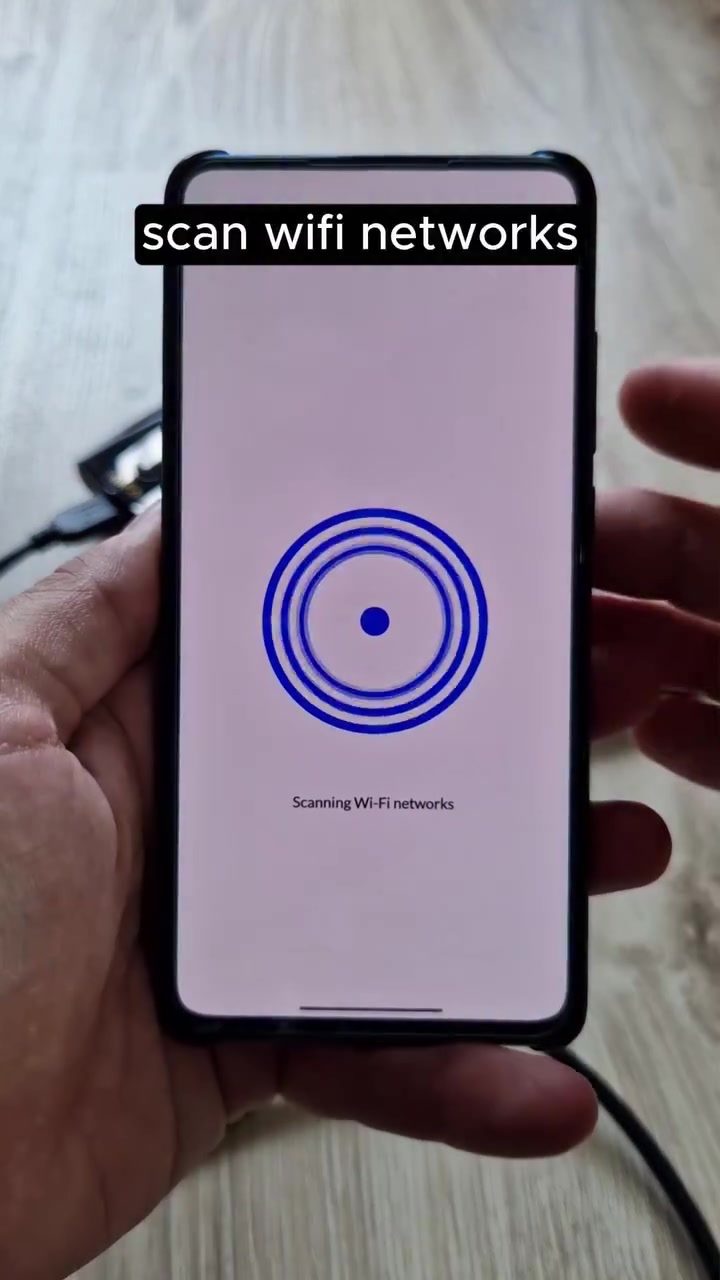
The Stryker Mobile App: Your Ultimate Wi-Fi Auditing and Network Scanning Tool
The Stryker app has emerged as a powerful, free resource for those looking to audit Wi-Fi networks and scan networks using just an Android device. This app is packed with features specifically designed for network analysis and security.
Why This Matters
In today's interconnected world, network security is paramount. Understanding the devices connected to your network and monitoring their activities can help identify potential vulnerabilities. The Stryker app simplifies this process, making it accessible even to those without extensive technical expertise.
Main Discussion
Key Features of the Stryker App
The Stryker app is designed with a user-friendly interface that makes it easy to navigate and utilize its various tools. Here are some of the standout features:
-
Network Scanning: The app identifies all connected devices on a network, displaying their IP and MAC addresses. This allows users to see exactly what devices are connected and their unique identifiers, which can be crucial for network management and security.
-
Wi-Fi Auditing: The app includes tools specifically for Wi-Fi auditing, which can help users understand the strength and security of their Wi-Fi networks. This is particularly useful for identifying weak points that could be exploited.
-
Exploit Hub: One of the more advanced features, the Exploit Hub provides tools for network exploitation and analysis. This feature is aimed at more experienced users who might need to conduct in-depth security testing.
-
RScan: Another powerful tool within the app, RScan allows for a more detailed scan of the network, providing users with comprehensive data about the connected devices and their activities.
-
Wi-Fi History: This feature keeps a log of past network activity, allowing users to track changes and monitor for any unusual behavior over time.
Real-World Applications
The Stryker app has a range of real-world applications, making it a versatile tool for both casual users and professionals. Here are a few scenarios where the app can be particularly useful:
-
Home Network Security: For home users, the app can help ensure that only authorized devices are connected to their Wi-Fi network, enhancing overall security.
-
Small Businesses: Small businesses can use the app to monitor their network, ensuring that all devices are secure and that there are no unauthorized connections.
-
Network Administrators: For professionals, the app provides a mobile solution for network analysis and security testing, making it easier to identify and address potential vulnerabilities on the go.
Practical Tips
To get the most out of the Stryker app, consider the following tips:
-
Regular Scans: Make it a habit to regularly scan your network to identify any unauthorized devices or unusual activity. This proactive approach can help you stay ahead of potential security threats.
-
Audit Wi-Fi Networks: Use the Wi-Fi auditing tools to regularly assess the security of your Wi-Fi network. Look for weak points and address them promptly to enhance overall security.
-
Explore Advanced Tools: If you're comfortable with more advanced features, explore the Exploit Hub and RScan to gain deeper insights into your network’s health and security.
Important Takeaways
-
Comprehensive Network Scanning: The Stryker app offers a comprehensive suite of tools for network scanning and analysis, making it a valuable asset for anyone concerned with network security.
-
User-Friendly Interface: Despite its advanced features, the app is designed to be user-friendly, making it accessible to both beginners and professionals.
-
Versatile Applications: The app can be used in a variety of settings, from home networks to small businesses and professional network administration.
Conclusion
The Stryker app is a powerful, free tool for anyone looking to enhance their network security. With its range of features, including network scanning, Wi-Fi auditing, and advanced tools like the Exploit Hub and RScan, it provides a comprehensive solution for network analysis and security. Whether you're a home user, a small business owner, or a network administrator, the Stryker app is a valuable addition to your toolkit.
Watch the Reel
Questions readers ask
What are the key features of the Stryker Mobile App for network scanning and Wi-Fi auditing?
The Stryker Mobile App offers a range of features including the ability to identify all devices connected to your network, assess the security of your Wi-Fi, and monitor network activity in real-time. It also helps users discover 192.168 networks, making it a comprehensive tool for network analysis and security.
Is the Stryker App available for both iOS and Android devices?
Currently, the Stryker App is designed specifically for Android devices. It is optimized to work with the unique capabilities of Android, providing a robust set of tools for network scanning and Wi-Fi auditing directly from your Android device.
Can the Stryker Mobile App be used by beginners for Wi-Fi security audits?
Yes, the Stryker Mobile App is designed with a user-friendly interface that makes it accessible for beginners. It simplifies the process of network analysis and security, allowing users to assess their Wi-Fi security and monitor network activity without needing extensive technical knowledge.
How does the Stryker App help in identifying connected devices on a network?
The Stryker App uses advanced scanning techniques to identify all devices connected to a network, including those that may be hidden or less obvious. This feature is crucial for understanding the network landscape and detecting any unauthorized devices.
Can the Stryker Mobile App be used by hackers for malicious activities?
While the Stryker App is a powerful tool for network scanning and Wi-Fi auditing, it is intended for legitimate use by individuals seeking to secure their networks. Like any tool, it can potentially be misused, but ethical guidelines and responsible usage are strongly encouraged.
What makes the Stryker App a valuable tool for network activity monitoring?
The Stryker App provides real-time monitoring of network activities, allowing users to keep track of data usage, identify potential threats, and ensure that their network is operating securely. This continuous monitoring helps in proactive identification and mitigation of network issues.
Does the Stryker App require root access to function effectively?
The Stryker App can function effectively without root access, but certain advanced features may require root access for full functionality. Users should be aware of the benefits and risks associated with rooting their Android devices before proceeding.
Related deep dives
Similar reads based on topic and creator.




Recent articles
Fresh deep dives from the latest Reels we unpacked.




Comments
Be the first to comment.