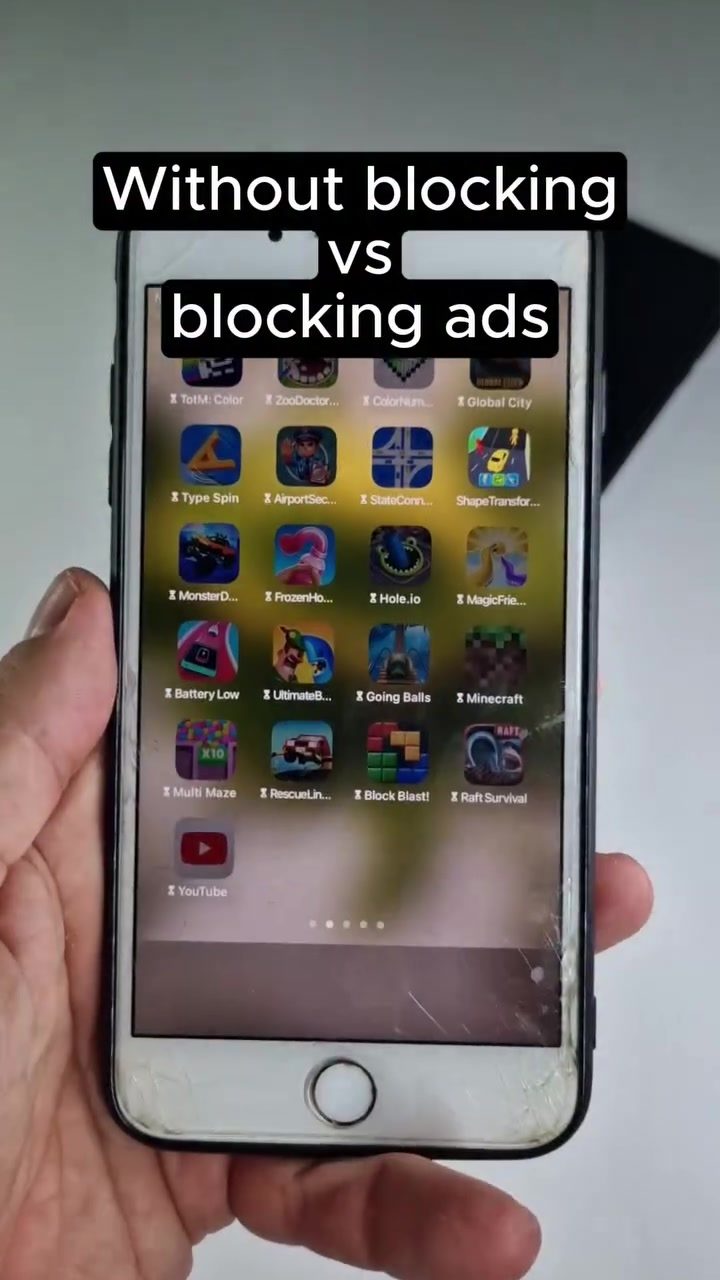
Ad Blocking with Pi-Hole
Pi-Hole is a powerful tool for blocking ads on smartphones, and it's becoming increasingly popular among tech enthusiasts. This tool can transform the way you experience apps and games on your device, making it more efficient and ad-free.
Why This Matters
Advertisements are ubiquitous in today's digital world, often cluttering the user experience on smartphones. From intrusive pop-ups to banners that disrupt gameplay, ads can be a significant nuisance. Pi-Hole offers a solution by filtering out these ads at the network level, providing a smoother and more enjoyable experience.
Main Discussion
What is Pi-Hole?
Pi-Hole is a network-wide ad blocker that operates by filtering out unwanted content at the DNS level. Unlike traditional ad blockers that work within individual apps or browsers, Pi-Hole intercepts ad requests before they reach your smartphone. This means that all devices on your network can benefit from ad-free browsing and usage, not just the device where Pi-Hole is installed.
Setting Up Pi-Hole on an Android Device
One efficient way to install Pi-Hole is by using a spare Android device. This approach allows you to repurpose an older smartphone as a dedicated ad-blocking device. Here’s how you can get started:
- Prepare the Android Device: Make sure your spare Android device is connected to the same network as your primary smartphone.
- Install Pi-Hole: Download and install Pi-Hole on your spare Android device. You can find detailed installation guides and resources on the Pi-Hole website or through community forums.
- Configure the Network: Once installed, configure your router or DHCP settings to direct all DNS queries to the Pi-Hole device. This ensures that all devices on your network benefit from ad-blocking capabilities.
- Monitor and Manage: Access the Pi-Hole dashboard to monitor the number of queries blocked and the domains on the list. This dashboard provides valuable insights into the effectiveness of your ad-blocking setup.
The Impact on Smartphone Usage
The difference between using a smartphone with and without Pi-Hole is striking. Without ad blocking, apps and games are often interrupted by ads, which can be particularly annoying during gameplay. By contrast, with Pi-Hole running, the user experience is significantly improved. Games run smoothly without interruptions, and apps load faster.
Practical Use Cases
Let’s dive into some practical use cases for Pi-Hole:
- Gaming: Ad-free gaming is a game-changer. Whether you’re playing casual games or more intensive titles, Pi-Hole ensures that your gaming experience remains uninterrupted.
- Browsing: For users who browse the internet frequently, Pi-Hole can make a significant difference. Websites load faster, and the overall browsing experience is smoother.
- Educational Apps: Many educational apps are plagued by ads that can distract students. Pi-Hole ensures a focused learning environment by eliminating these distractions.
Practical Tips
Optimizing Pi-Hole for Maximum Effectiveness
- Regular Updates: Keep your Pi-Hole software and blocklists up to date to ensure that you are protected against the latest ad networks.
- Custom Blocklists: Use custom blocklists to tailor the ad-blocking experience to your specific needs. For example, you can block specific domains or categories that are particularly bothersome.
- Install on a Dedicated Device: Using a dedicated device for Pi-Hole ensures that it runs smoothly and doesn't interfere with other tasks on your primary device.
- Use a VPN: For an extra layer of security and to block ads on public Wi-Fi networks, consider using a VPN in conjunction with Pi-Hole.
Important Takeaways
Pi-Hole is more than just an ad blocker; it's a comprehensive solution for enhancing your smartphone experience. By filtering out ads at the network level, Pi-Hole ensures that all devices on your network benefit from a smoother, more efficient browsing and gaming experience. Whether you're a casual user or a tech enthusiast, Pi-Hole offers a powerful tool to reclaim your digital space.
Conclusion
Ad blocking with Pi-Hole is a game-changer for smartphone users. By installing Pi-Hole on a spare Android device, you can enjoy an ad-free experience across all your devices. The benefits are clear: faster load times, uninterrupted gameplay, and a more focused browsing experience. Whether you're looking to enhance your gaming, browsing, or educational app usage, Pi-Hole provides a powerful and effective solution.
Watch the Reel
Questions readers ask
What is Pi-Hole and how does it work on a smartphone?
Pi-Hole is a network-level ad blocker that runs on a device, such as an Android smartphone, and intercepts ad requests at the DNS level before they reach your device, preventing ads from appearing in your apps and web browsers.
Can Pi-Hole block ads on all devices in a network?
Yes, Pi-Hole can block ads on all devices connected to the same network, including smartphones, tablets, and computers. It centralizes blocklist management and ad blocking, providing an ad-free experience across all devices.
How can I set up Pi-Hole on my spare Android device?
To set up Pi-Hole on an Android device, you will need to root your device to install a compatible Linux distribution, as Pi-Hole can run on Raspberry Pi OS, Ubuntu, etc. Follow a detailed Pi-Hole setup guide to install the software, configure the DNS settings, and enable ad blocking.
What is the difference between Pi-Hole and ad blocker apps for smartphones?
Pi-Hole operates at the network level, meaning it blocks ads for all devices on the network and doesn't require any specific app installing on each device. Ad blocker apps, on the other hand, work on a per-device basis and often require individual app installations for each device and browser.
Is Pi-Hole only for tech-savvy users?
While setting up Pi-Hole requires some technical knowledge, such as handling Linux commands, configuring DNS settings, and rooting an Android device, there are guides and tutorials available to assist users throughout the process, making it accessible for those willing to learn and follow detailed instructions.
What are the benefits of using Pi-Hole for blocking ads on a smartphone?
Using Pi-Hole for ad blocking on a smartphone can enhance your overall browsing and app experience by eliminating intrusive pop-ups and banners, reducing data usage, and improving page load times. Additionally, it provides a more comprehensive ad-blocking solution that doesn't rely on individual apps.
Related deep dives
Similar reads based on topic and creator.




Recent articles
Fresh deep dives from the latest Reels we unpacked.




Comments
Be the first to comment.