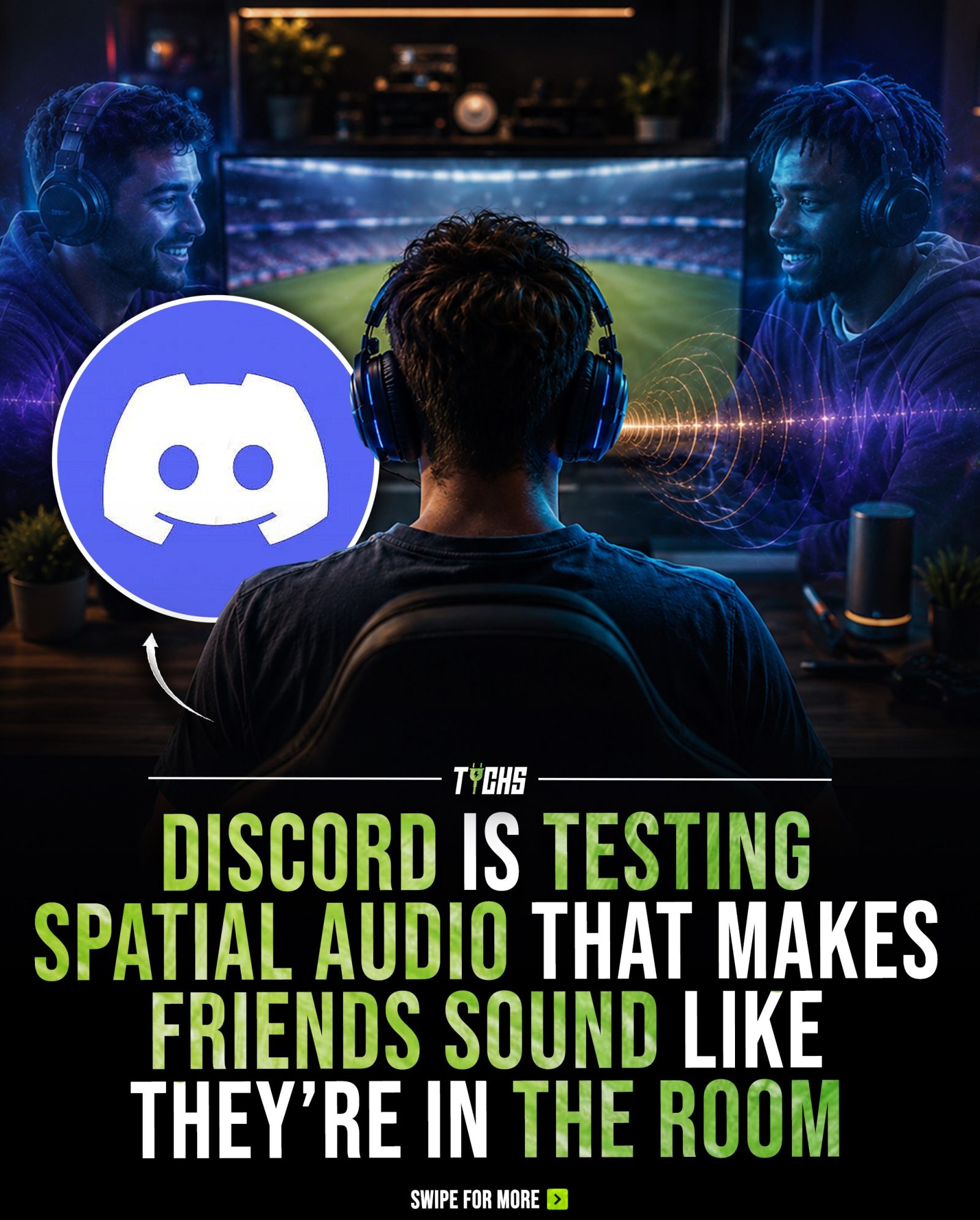
Discord Spatial Audio: Enhancing Voice Chats with Immersive 3D Sound
Discord, the popular communication platform for gamers and communities, is introducing a new spatial audio system designed to significantly enhance the way users experience voice chats. This innovative feature aims to make online conversations feel as though participants are physically sitting together in the same room, creating a more immersive and realistic social experience. By utilizing 3D sound environments, voices come from different directions, providing a more natural and engaging way to communicate.
Why This Matters
As digital communication platforms evolve, the demand for more immersive and interactive experiences is growing. Spatial audio technology, which creates a 3D sound environment, is becoming a crucial component in shaping the future of online social experiences. By making voice chats more realistic, platforms like Discord are not only enhancing user engagement but also paving the way for more interactive virtual communities.
The Technology Behind Discord's Spatial Audio
How It Works
Discord's new spatial audio system leverages 3D audio technology to create a more realistic sound environment. Unlike traditional stereo audio, which positions voices in a flat, two-dimensional space, spatial audio places voices in a three-dimensional environment. This means that users can perceive the direction and distance of each voice, mimicking the way sound works in a real room.
Customization Options
One of the standout features of Discord's spatial audio is its customization options. Users can arrange friends in different layouts, including line, arc, grid, and manual. This allows for a tailored experience where the virtual room can be adjusted to suit different preferences and scenarios. For example, a line layout might be ideal for a structured discussion, while an arc or grid layout could be more suitable for a more dynamic and interactive conversation.
The customization doesn't stop at layout choices. Users can also adjust the room size and spacing between participants, adding an extra layer of immersion. For instance, a smaller room size can make the conversation feel more intimate, while a larger room can provide a more expansive and open feel. This level of customization ensures that users can create an environment that best fits their needs and preferences.
The Benefits of Spatial Audio
Enhanced Immersion
The primary benefit of spatial audio is the enhanced sense of immersion it provides. By making voices sound as though they are coming from different directions, users can better visualize the virtual space and interact with it more naturally. This can lead to more engaging and enjoyable conversations, whether for gaming, work, or socializing.
Improved Communication
In a virtual environment, clear and effective communication is key. Spatial audio helps improve communication by making it easier to distinguish between different voices and identify their sources. This can be particularly useful in busy voice channels where multiple conversations might overlap.
Practical Tips for Using Discord's Spatial Audio
Getting Started
Currently, Discord's spatial audio feature is available only to Discord Canary users. Canary is a testing platform where users can try out new features before they are officially released. To access the feature, users need to download and install Discord Canary from the official Discord website. Once installed, users can enable spatial audio settings through the voice channel settings.
Maximizing Customization
To make the most out of the spatial audio feature, take advantage of the different layout and room size options. Experiment with various settings to find the configuration that works best for your communication style and environment. For example, a gaming group might prefer a grid layout for a more expansive and interactive feel, while a study group might benefit from a line layout for more structured discussions.
Ensuring Compatibility
Ensure that your audio hardware and software are compatible with spatial audio. While most modern devices support 3D audio, it's essential to check your system's specifications to avoid any issues. Additionally, make sure your audio drivers are up-to-date to ensure the best possible performance.
Important Takeaways
- Enhanced Realism: Spatial audio significantly enhances the realism of voice chats, making online conversations feel more like in-person interactions.
- Customization: The feature offers various customization options, including different layouts and room sizes, allowing users to tailor their experience.
- Current Availability: Spatial audio is currently available only to Discord Canary users, providing early access to the feature for testing and feedback.
Conclusion
Discord's new spatial audio system represents a significant step forward in the evolution of digital communication. By creating a more immersive and realistic voice chat experience, users can enjoy more engaging and natural conversations. As platforms like Discord continue to innovate, spatial audio is set to become a key technology in shaping the future of online social experiences. Whether for gaming, work, or socializing, spatial audio offers a more interactive and enjoyable way to connect with others in the digital world.
Watch the Reel
Questions readers ask
How does Discord's spatial audio work?
Discord's spatial audio uses 3D sound technology to simulate voices coming from different directions, making it feel like users are in the same room together. This is achieved by placing user's voices in a 3D space based on their position within the chat, creating a more natural and immersive voice chat experience.
Who can use Discord's spatial audio feature?
Discord's spatial audio feature is available to all users, but it is most beneficial for Discord servers with a larger voice chat size. However, it is still a good tool for small groups. If you are unsure how to use this feature, it is best to check the Discord support page for a step-by-step guide.
Can I customize the spatial audio settings in Discord?
Yes, Discord allows users to customize their audio settings to better fit their preferences. Users can adjust the volume, balance, and other audio settings to enhance their immersive voice chat experience. This customization helps users create a more personalized and engaging virtual environment.
How does spatial audio enhance virtual communities on Discord?
Spatial audio makes virtual communities on Discord feel more connected and interactive by creating a more natural and engaging conversation environment. The 3D sound environment helps users better understand the flow of conversation, making it easier to follow along and participate in group discussions.
What devices are compatible with Discord's spatial audio?
Discord's spatial audio feature is compatible with a wide range of devices, including PCs, laptops, and gaming consoles. However, for the best experience, it is recommended to use headphones or a surround sound audio setup to fully immerse yourself in the 3D sound environment.
What are the benefits of using spatial audio in voice chats?
Spatial audio in voice chats provides a more natural and engaging way to communicate, making conversations feel more realistic and interactive. This enhanced experience can lead to better user engagement, improved communication, and a more enjoyable overall experience for users.
Is spatial audio available on mobile devices?
As of now, Discord's spatial audio feature is primarily designed for use on desktop and console devices. Mobile users may not have access to the full range of spatial audio features, but Discord is continually updating and improving its platform to enhance the mobile experience.
Related deep dives
Similar reads based on topic and creator.




Recent articles
Fresh deep dives from the latest Reels we unpacked.




Comments
Be the first to comment.