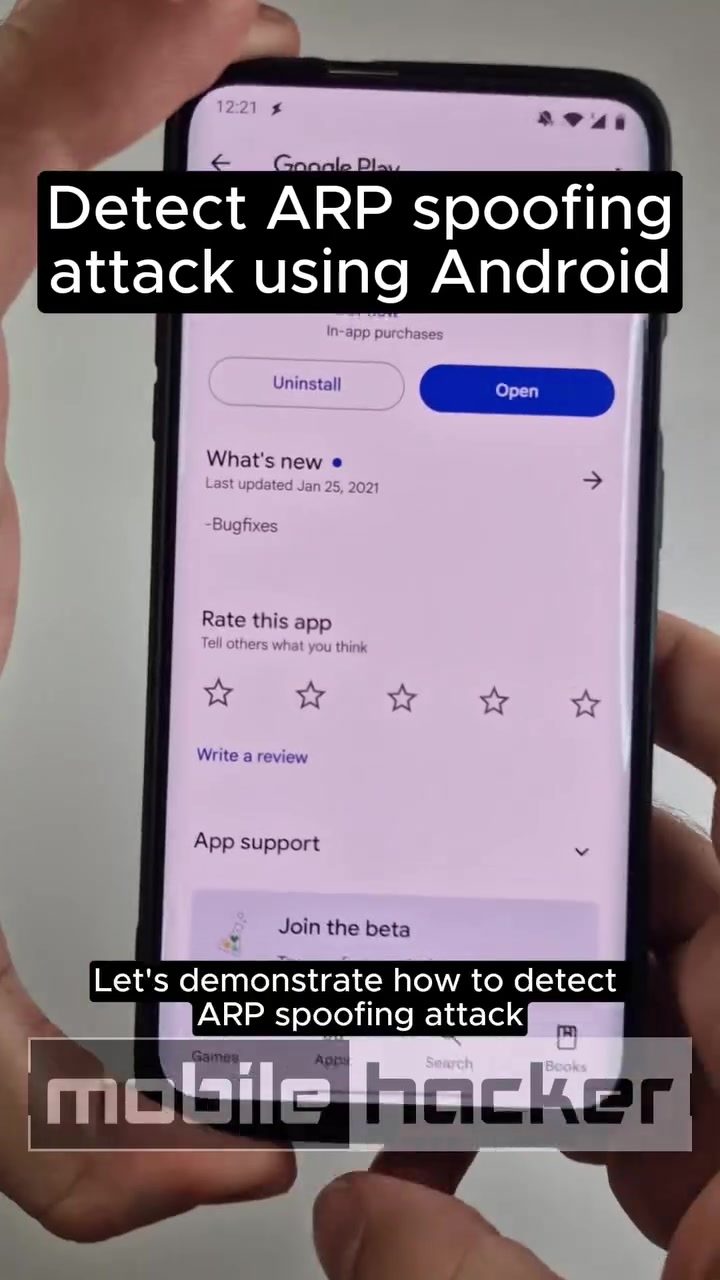
ARP Spoofing Attack Detection on Android
ARP (Address Resolution Protocol) spoofing is a type of cyberattack that allows an attacker to intercept, modify, or stop data in a network. Detecting and mitigating such attacks is crucial for maintaining network security. Android devices, with the right tools, can play a significant role in identifying ARP spoofing attacks.
Why This Matters
ARP spoofing is a common technique used in man-in-the-middle (MITM) attacks, where an attacker sends fake ARP messages over a local network. This can lead to serious security breaches, including data theft and unauthorized access. Understanding how to detect and respond to these attacks is essential for anyone responsible for network security.
Main Discussion
Understanding ARP Spoofing
ARP spoofing exploits the way ARP works to associate IP addresses with MAC addresses. An attacker sends gratuitous ARP replies associating their MAC address with the IP address of another computer, such as the default gateway. This can redirect traffic meant for the legitimate device to the attacker's device.
Using Android for Detection
Android devices can be used effectively to monitor and detect ARP spoofing attacks. One popular tool for this purpose is the ARP Guard app, which provides real-time monitoring and notifications of potential ARP spoofing attempts.
Setting Up ARP Guard
To get started, install the ARP Guard app from the Google Play Store. This app is designed specifically for detecting ARP spoofing attacks on Android devices. Once installed, it provides continuous monitoring and alerts you immediately if an ARP spoofing attack is detected.
Performing the Attack
For demonstration purposes, tools like Kali Linux can be used to simulate an ARP spoofing attack. Kali Linux includes various tools for network testing, including ARP spoofing. By using a command like arpspoof -i wlan0 -t 192.168.0.141 192.168.0.1, an attacker can initiate an ARP spoofing attack. This command targets the IP address 192.168.0.141 and poisons the ARP cache of the gateway 192.168.0.1.
Detection in Action
When ARP Guard is actively monitoring the network, it will immediately detect the ARP spoofing attack and notify you via a pop-up alert. This alert includes crucial information such as the attacker's MAC and IP addresses, allowing you to take appropriate action.
For example, the pop-up might show:
- MAC Address: The MAC address of the attacking device.
- IP Address: The IP address associated with the attacking device.
- Vendor: Information about the device vendor, if available.
This information is invaluable for identifying and blocking the attacker on the network.
Identifying Attacker Information
The ARP Guard app not only alerts you to the presence of an ARP spoofing attack but also provides detailed information about the attacker. This includes the MAC address, IP address, and sometimes even the vendor of the attacking device. This level of detail helps in quickly identifying and mitigating the threat.
Practical Tips
-
Install ARP Guard: Ensure that the ARP Guard app is installed on your Android device. This app is available on the Google Play Store and is designed specifically for detecting ARP spoofing attacks.
-
Enable Continuous Monitoring: Keep the ARP Guard app running in the background to continuously monitor your network for any signs of ARP spoofing.
-
Respond to Alerts: When an alert is triggered, immediately take action to identify and block the attacker. Use the information provided in the alert to trace the source of the attack and implement appropriate security measures.
-
Use Trusted Tools: For simulating attacks and testing your network's defenses, use trusted tools like Kali Linux. This will help you understand how ARP spoofing works and how to detect it.
-
Regular Updates: Keep your ARP Guard app and other security tools updated to ensure they can detect the latest types of ARP spoofing attacks.
Important Takeaways
-
Real-Time Detection: ARP Guard provides real-time detection of ARP spoofing attacks, ensuring that you are immediately notified of any potential threats.
-
Detailed Information: The app not only alerts you to the attack but also provides detailed information about the attacker, including MAC and IP addresses.
-
Ease of Use: The ARP Guard app is user-friendly and can be installed on any Android device, making it accessible to a wide range of users.
-
Proactive Security: By continuously monitoring your network, you can proactively detect and mitigate ARP spoofing attacks, enhancing your overall network security.
Conclusion
ARP spoofing is a significant threat to network security, but with the right tools, it can be effectively detected and mitigated. Android devices, equipped with applications like ARP Guard, offer a powerful solution for monitoring and identifying ARP spoofing attacks. By understanding how to use these tools and responding promptly to alerts, you can protect your network from potential breaches and ensure the safety of your data.
Watch the Reel
Questions readers ask
What is ARP spoofing and why is it a concern for network security?
ARP spoofing is a cyberattack where fake ARP messages are sent over a local network to associate the attacker's MAC address with the IP address of another device, such as the default gateway. This allows the attacker to intercept, modify, or stop data, making it a serious concern for network security, as it can lead to data theft and unauthorized access.
How can Android devices help in detecting ARP spoofing attacks?
Android devices can be used to detect ARP spoofing attacks by employing tools like ARP Guard. These tools monitor network traffic and alert users to any suspicious ARP activities, helping to identify potential security breaches.
What is the ARP Guard app and how does it work?
ARP Guard is a tool that can be installed on Android devices to monitor ARP traffic on a network. It detects any suspicious or abnormal ARP activities, such as unexpected changes in IP and MAC address pairings, and alerts the user to potential ARP spoofing attacks. It's important to note that ARP Guard is one of the many tools available and users should explore which tool works best for their needs.
How can I monitor my network for ARP spoofing attacks using my Android device?
You can monitor your network for ARP spoofing attacks using your Android device by downloading and installing a reliable ARP spoofing detection app. Once installed, these apps will constantly monitor your network's ARP traffic and notify you of any suspicious activity. Ensure your device is connected to the network you wish to monitor and always follow the app's specific instructions for optimal results.
Why is it important to detect man-in-the-middle (MITM) attacks, and how can Android devices help?
Detecting man-in-the-middle (MITM) attacks is crucial because they can lead to data interception, modification, or theft, compromising network security. Android devices can help by using 192.168 ARP spoofing detection apps to monitor for unusual ARP activities, which are often a sign of a MITM attack. This proactive approach enables users to respond to threats promptly and maintain their network's security.
What should I do if I detect an ARP spoofing attack on my network?
If you detect an ARP spoofing attack, it's important to act quickly. First, disconnect your device from the network to prevent further data leakage. Then, alert your network administrator or IT department. They can take further steps to mitigate the attack, such as isolating affected devices or changing network configurations. Additionally, consider using a VPN to encrypt your data and prevent future attacks.
Are there other tools or apps for ARP spoofing detection besides ARP Guard?
Yes, there are several other tools and apps available for ARP spoofing detection. Some popular options include Fing, ARP Watcher, and NetScan. Each of these tools has its own set of features and capabilities, so it's a good idea to research and compare them to find the one that best suits your needs. Be sure to regularly update these tools to ensure you are protected against the latest threats.
Related deep dives
Similar reads based on topic and creator.




Recent articles
Fresh deep dives from the latest Reels we unpacked.




Comments
Be the first to comment.