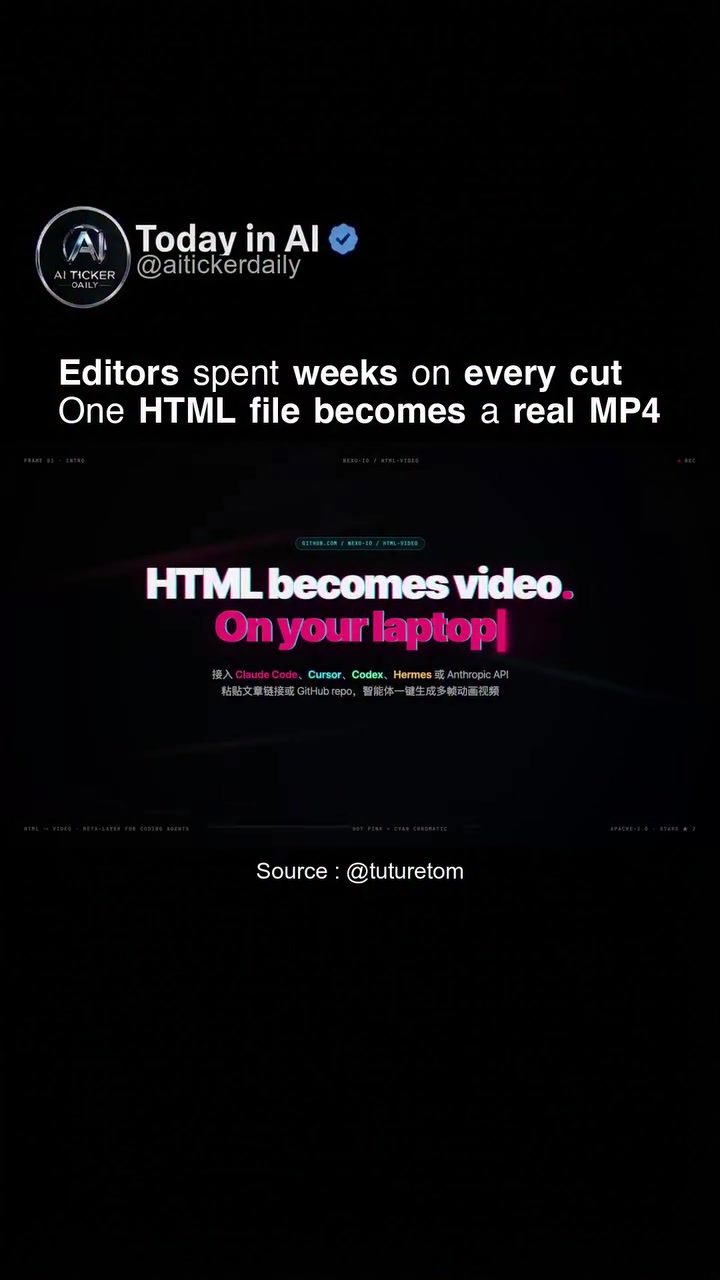
HTML to Video Conversion
The process of converting HTML to video has become increasingly popular, enabling developers to create dynamic video content from static HTML files. This transformation leverages various tools and coding techniques to produce engaging and interactive videos, often used in product reels, tutorials, and online presentations.
Why this Matters
In the digital age, video content is king. From product demonstrations to educational tutorials, videos are a powerful medium for capturing attention and delivering information. Traditionally, video editing required extensive time and resources, often handled by professional editors. However, with advancements in code and software, the process has become more accessible. HTML to video conversion allows developers to streamline this process, creating high-quality videos directly from HTML files without the need for complex editing software.
Main Discussion
The Evolution of Video Creation
Historically, creating videos involved a series of meticulous steps, including shooting footage, editing, and exporting final cuts. This process was time-consuming and often required specialized skills. With the advent of HTML to video conversion, this process has been significantly simplified. Developers can now convert HTML files into videos using a variety of tools and APIs, making the creation of dynamic content more efficient and cost-effective.
Tools and Technologies
Several tools and technologies facilitate the conversion of HTML to video. These tools often utilize APIs and coding scripts to automate the process, reducing the need for manual intervention. Some of the key technologies involved in this conversion include:
- HTML, CSS, and JavaScript: These are the foundational languages used to create and style web pages. By leveraging these technologies, developers can design interactive and visually appealing content that can be converted into videos.
- Code Snippets and APIs: Tools like nexu-io and similar platforms provide code snippets and APIs that help in converting HTML files into video formats. These tools often come with pre-built templates and storyboards that can be customized to fit specific needs.
- AI Soundtracks and Templates: Many HTML to video conversion tools offer optional AI-generated soundtracks and a variety of style templates. These features enhance the overall quality of the video, making it more engaging and professional.
The Open-Source Advantage
The open-source nature of many HTML to video conversion tools adds an extra layer of flexibility and accessibility. The html-video tool, for instance, is open-source under the Apache-2.0 license. This means developers can access the source code, modify it, and distribute their own versions, fostering a community-driven approach to improvement and innovation. The open-source model also ensures transparency, allowing users to understand exactly how the conversion process works and to customize it according to their needs.
Integration with Development Environments
One of the standout features of html-video is its compatibility with popular development environments and coding agents. It integrates seamlessly with tools like Cursor, Claude Code, Codex, and Hermes, among others. This integration allows developers to leverage their existing workflows and coding practices, making the conversion process more intuitive and efficient. For example, developers can use these environments to write HTML and CSS code, which can then be converted into a video format with just a few additional steps.
Multi-Frame Storyboards and Templates
The flexibility offered by tools like html-video extends to multi-frame storyboards and a wide array of style templates. These features enable developers to create videos that are not only dynamic but also visually appealing. With 21 different style templates to choose from, developers can tailor the look and feel of their videos to match their brand or the specific requirements of their project. The ability to convert articles or GitHub repositories into videos further expands the possibilities, making it easier to share documentation, tutorials, and project updates in an engaging format.
Practical Tips
When diving into HTML to video conversion, there are several practical tips to keep in mind:
- Start with a Clear Plan: Before beginning the conversion process, have a clear plan in place. This includes defining the purpose of the video, the content to be included, and the desired style and format.
- Choose the Right Tools: Select tools and templates that best fit your needs. Consider the level of customization required, the type of content, and the desired output format.
- Leverage Code Snippets and APIs: Utilize pre-built code snippets and APIs to streamline the conversion process. These resources can save time and ensure a high-quality output.
- Explore Open-Source Options: Open-source tools like html-video offer the flexibility to customize and modify the conversion process. Take advantage of these options to tailor the video to your specific needs.
- Integrate with Development Environments: If you are already using popular development environments, look for tools that integrate with these platforms. This will make the conversion process more seamless and efficient.
- Experiment with Multi-Frame Storyboards and Templates: Utilize the multi-frame storyboards and style templates provided by the tool to create visually appealing and engaging videos.
Important Takeaways
HTML to video conversion represents a significant advancement in the world of digital content creation. By leveraging tools and technologies that automate the conversion process, developers can create high-quality videos directly from HTML files. The open-source nature of many of these tools, along with their compatibility with popular development environments, makes the process more accessible and flexible. With the ability to convert articles, GitHub repositories, and other content into engaging videos, developers have a powerful new tool at their disposal for sharing information and showcasing their work.
Conclusion
The conversion of HTML to video is a transformative process that democratizes video creation, making it accessible to developers and content creators alike. By understanding the tools, technologies, and best practices involved, anyone can create dynamic and engaging videos with ease. Whether you're a developer looking to streamline your workflow or a content creator aiming to reach a wider audience, HTML to video conversion offers a versatile and efficient solution.
Watch the Reel
Questions readers ask
What are the key benefits of converting HTML to video for developers?
Converting HTML to video allows developers to create engaging, interactive video content from static HTML files. This process simplifies the production of tutorials, product demos, and presentations, making video creation more efficient and accessible. Additionally, it reduces the need for extensive video editing skills, enabling developers to produce high-quality videos directly from their existing HTML projects.
What tools and techniques are commonly used for HTML to video conversion?
There are various tools and coding techniques available for HTML to video conversion. Tools like HTML5 and CSS3 are often used for creating the initial HTML content, while software like Puppeteer and OBS Studio can automate the process of converting HTML files into video formats like MP4. Additionally, there are specialized HTML video editors and conversion tools that streamline this process.
How can HTML to video conversion enhance product demos and presentations?
By converting HTML to video, developers can showcase product features and functionality in a dynamic, engaging format. This approach allows for the creation of detailed, step-by-step demonstrations and interactive presentations, improving user engagement and understanding. These videos can be easily shared and embedded in web pages, blogs, or social media platforms, reaching a wider audience and increasing visibility.
Is any software or coding knowledge required for HTML to video conversion?
While some coding knowledge can be beneficial, many tools and software applications simplify the HTML to video conversion process, making it accessible even for those with limited coding experience. For example Puppeteer, a Node.js library, can record HTML files to video, while other HTML video conversion tools offer user-friendly interfaces and pre-built templates to create videos quickly and efficiently. It’s also possible to hire a developer to handle the conversion process.
What are the typical use cases for HTML to video conversion?
HTML to video conversion is particularly useful for creating tutorials, product demos, and online presentations. These videos can be used to demonstrate software features, walk users through complex processes, or present information in an engaging, visual format. Additionally, the conversion process can help in video from HTML projects, making it easier to repurpose existing content for different platforms and audiences. It also helps in creating video tutorials, product demos, and video presentations.
Related deep dives
Similar reads based on topic and creator.




Recent articles
Fresh deep dives from the latest Reels we unpacked.




Comments
Be the first to comment.