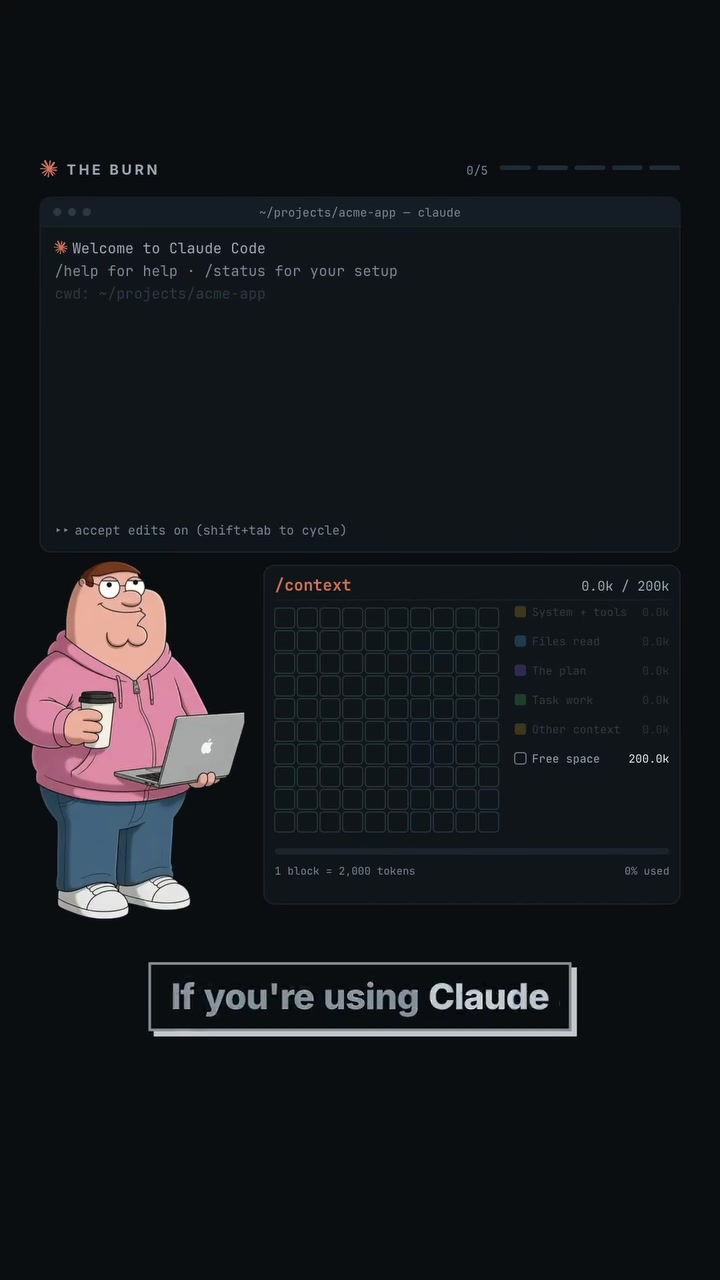
Coding sessions gobbled up your entire usage limit in 10 minutes? It might not be Claude Code's fault. Peter Stewart — the startup author — emphasizes that the problem lies in session manner. Developers carry out multiple tasks in a single session which bloats the 20 Kilobytes context, making it slow and inefficient. Claude Code can handle it smartly.
Claude Code: The Concept and its Purpose
Claude Code is an AI coding assistant. It aids developers by managing the context of what it is working on, in its own lingo, "tokens." The tool ensures that tasks remain efficient, and projects stay on track. For instance, the function /context displays the exact number of tokens a session uses. With it, you'll see that handling several tasks in one session causes Cloud Code's job to slow down, hike up the number of tokens, and make it hard to do a clean analysis.
What Exactly Happens in a Lightweight Coding Session
Every time Claude Code reads files, tools, skills, or MCP context, that session gets bigger. This is because each action leaves a kind of trail in the context, which gets sent again along with the next message. When you start another task in the same chat session, these additional elements make it difficult for the assistant to make sense of the task at hand. With such a build-up, the assistant has to repeatedly refer to information, slowing down the process and making it less efficient. It also means you pay for more tokens than is necessary. Especially when you start another task in the same session. Multiple tasks = more tokens = more resources. Claude is usually the only cost consideration. However, these tokens also impact the quality of the output. The more tokens there are (context) present in a single session, the more difficult it becomes for Claude Code to do its job. Also, with a bloated session, the amount of data to be processed and sent is excessive, leading to costly mistakes.
Why the Need for a New Context with Every Task
More Handles, More Handles to Manage
There are some developers who do not understand the importance of new task-new session. They continue to read half the repository, opening unnecessary files, and trying to understand what you meant. This leads to excessive token usage. Therefore, it is important to start each task with a fresh session and don't let Claude do the guessing unless it is about a minor issue.
Contextual Information Changes by Task
Every task that developers undertake is a job. It is crucial that each job gets its own session. In a new session, those files you haven't seen yet get such focus as the ones in the first session. The context of each task is unique, and it is crucial to keep them separate. Fresh context helps in achieving accurate results and delegating tasks better.
Workflow Hacks — Refined Coding Work with Claude
The Art of Splitting Jobs to Maximize Efficiency
This simple tip involves an extra step. Often it seems like more work, but amasses efficiency and precision. As simple as hitting Shift + Tab. Claude Code's plan mode takes the strain.
Imagine you're cooking a particularly complex recipe. You wouldn't just dive in to start chopping, sautéing, and stirring all at once. Likewise, a planned approach in coding ensures a seamless and less blunder-ridden finish.
The user first hits Shift + Tab and selects plan mode. This is where the heavy lifting begins. Claude transforms into a detective, exploring the codebase and understands the build, then proposes a plan. Then it stops and waits for a nod from the user. This plan involves understanding what files need to change, what logic goes where, and what dependencies are involved.
Why Claude Code’s Plan Mode is Worth It
Plan mode is particularly valuable for catching errors early. By identifying potential issues in a 10-line plan, you avoid the hassle of dealing with changes in 12 files. Developers often ignore plan mode, but you'd be surprised how much it helps some tasks. Sudden changes can change the logic of the code in ways that aren’t noticeable until it’s too late.
Why Plan Mode Makes it Easy
Once the model has already explored the code base during planning, it has a much better map of the project before implementation starts. Full exploration before implementation ensures factors involved aren't missed. Plan mode provides a precise map of the project before implementation starts. That ensures all elements have been considered and accounted for. It’s a small step that pays off big time in the long run. Think of it as getting a blueprint before setting foot in a building site.
Leveraging Different Models for Optimal Efficiency
Sometimes, you don't need a heavyweight to do minor tasks. One job for the stronger model, another for the lighter one. Opus does the heavy lifting of figuring out the architecture and writing a precise implementation plan. Sonnet takes that plan and builds it. This is cost-effective. Planning is where you need the expensive reasoning, whereas implementation becomes much more straightforward. After all, once the plan exactly states what needs to happen, the execution becomes a walk in the park.
Unseen Behavior, Front-End, the Hidden Token Mistake
Don't trust code for front-end work. For front-end work, don't trust the code alone. Ensure it works by having the agent open the app, take screenshots, click through the flow, and verify the actual UI. It’s not just about what you see on the screen but also what you don't. This prevents mistakes that occur when developers trust a code snippet too much. It might run perfectly in one scenario but fail in another. This way, you avoid the pitfall of trusting the code alone. Everything seems perfectly fine from a developer's perspective, but the actual user's experience is a different story. Claude Code ensures that this is minimized.
Efficiency Beyond plan Mode
The more you let Claude do the heavy thinking, the less wandering you are likely to do. Be specific. The key to making the most out of Claude Code is to be precise. Tell it which feature, which files, where the relevant logic probably lives, and what behavior you want. The less guessing Claude has to do, the less code it has to inspect. This can help users save costs and by extension, resources.
Start Reasoning Like an AI: Practical Tips
- Task Segregation: Each task has its own importance, and each deserves its own session. This keeps the context clean. Start each task with a fresh session and don't let Claude do unnecessary guessing. Begin handling your next task only after you have submitted the previous one.
- Using
/context: Getting an idea of what a session is carrying is crucial. Knowing the exact weight helps in delegating tasks efficiently. - Proper Planning: Always plan before you execute. It might seem like an extra step, but it ensures you don't fall into the pitfalls of plan mode.
- Model Segregation: Use high-power models for tasks that need proper cognition. Use lower-power models for tasks that are mundane.
- Verification: Claude Code doesn't just feed you code, it ensures that it works as well. Make it test, lint, and verify after it executes any code.
In the Realm of AI-Powered Coding
Go at it and let the results speak for themselves. Claude promises efficiency, accuracy, and simplicity. Use it to get the most out of your coding and cut down the cost. Use Claude Code's tools and make the assistant your own with its customizable features. Claude Code can help developers manage their usage of context, and this results in efficient and error-free coding. The context of each task is unique, and it is crucial to maintain it in the same session. By delegating tasks carefully, Claude Code helps developers manage their coding tasks effectively. Claude Code is an efficient and precise tool with the tools to make coding an efficient process.
Watch the Reel
Questions readers ask
What exactly is a 'token' in the context of Claude Code?
In Claude Code, a 'token' is a unit of text that the AI uses to understand and generate responses. Tokens can be words, parts of words, or even punctuation. The more tokens in a session, the more context Claude has to manage, which can slow down its performance and increase the number of tokens used. So, it's important to keep an eye on token usage to optimize efficiency.
How does starting a new session for each task help with token usage?
Starting a new session for each task helps by resetting the context, which means Claude Code doesn't have to sift through a large amount of information from previous tasks. This makes each session more efficient and helps keep the number of tokens used to a minimum. Multiple tasks in a single session can bloat the context, making it hard for Claude to provide accurate and efficient responses.
Can I use Claude Code for multiple tasks in a single session if I'm careful?
While it's technically possible to handle multiple tasks in a single session, it's not recommended. Doing so can slow down Claude Code and increase token usage, making the process less efficient. It's best to start a new session for each task to keep the context manageable and optimize performance.
How does Claude Code's plan mode help in managing tasks?
Claude Code's plan mode allows developers to split tasks into smaller, more manageable parts. This helps in organizing tasks better and ensures that each task gets its own session, keeping the context clean and efficient. It's like breaking down a complex recipe into simpler steps, making the whole process smoother and more precise.
What happens if I exceed the token limit in a single session?
Exceeding the token limit in a single session can slow down Claude Code's performance and make it harder for the assistant to provide accurate responses. It can also lead to costly mistakes and inefficient use of resources. To avoid this, it's important to keep an eye on token usage and start a new session for each task.
Related deep dives
Similar reads based on topic and creator.

Recent articles
Fresh deep dives from the latest Reels we unpacked.




Comments
Be the first to comment.