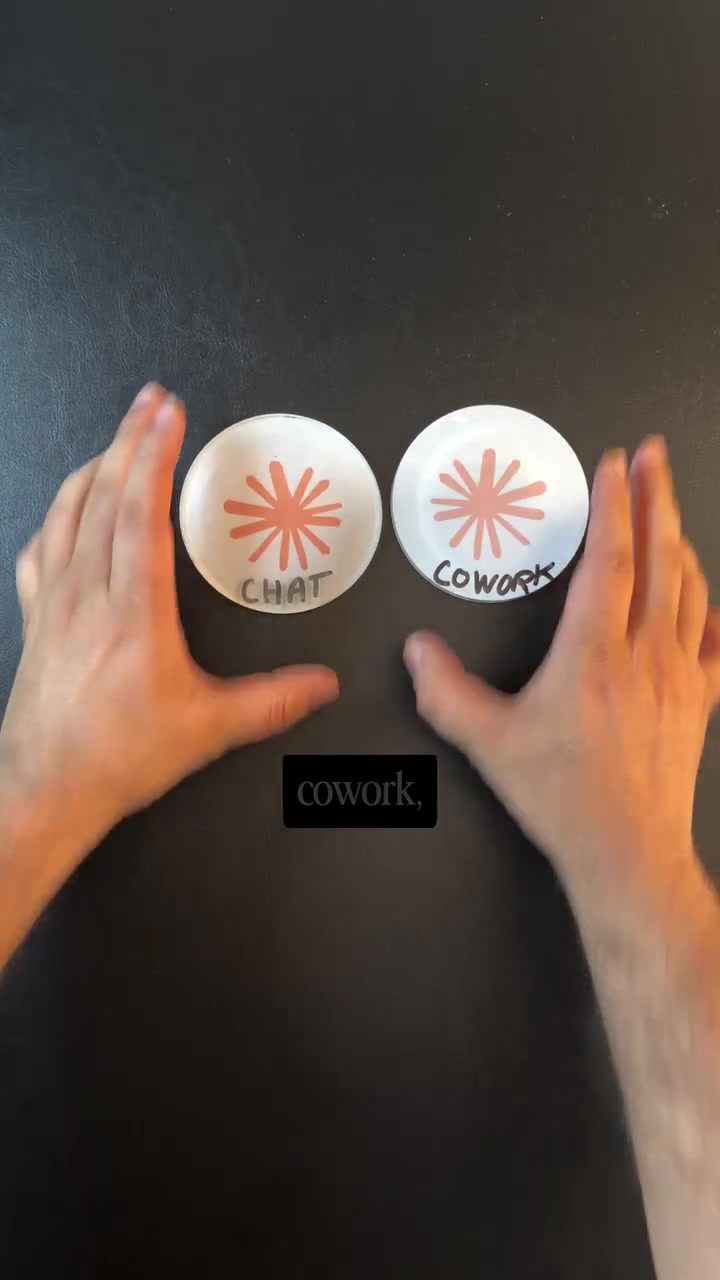
Claude: Making the Most of Chat and Cowork
Ever felt like Claude, a powerful AI tool, isn't living up to its potential? The issue might not be with the tool itself, but with how you're using it. Claude operates in two distinct modes: Chat and Cowork. Understanding the differences between these modes can significantly enhance your productivity. Let's dive into the details.
Context: Why This Matters
Many users are unaware that Claude offers two modes, which can lead to a less than optimal experience. By grasping the unique strengths of each mode, you can tailor your workflow to maximize efficiency. This is particularly crucial for marketing professionals who rely on AI for various tasks, from generating ad copies to analyzing competitor strategies.
Chat vs. Cowork: The Core Differences
Understanding the Fundamentals
At its core, both Chat and Cowork utilize the same AI technology. The difference lies in how they handle files and data.
Chat Mode:
In Chat mode, files are confined within the conversation. Every time you open a new chat session, you need to upload the necessary files again. This mode is ideal for tasks that require quick, straightforward answers without the need for long-term data retention. Examples include generating ad copies, crafting email subject lines, or writing video scripts.
Cowork Mode:
Cowork, on the other hand, operates within a folder you own. It can access files in this folder without requiring you to upload them repeatedly. This mode is perfect for more complex tasks that involve multiple files, such as running scheduled tasks, conducting audits, or compiling competitor analysis reports. Cowork accumulates data over time, allowing it to maintain a continuous workflow.
Practical Examples
Using Chat Mode
- Ad Copies and Hooks: Quickly generate compelling ad copies and hooks for marketing campaigns.
- Email Subject Lines: Craft effective email subject lines to boost open rates.
- Video Scripts: Write scripts for videos or reels in a snap.
- Campaign Angles: Explore different angles for your marketing campaigns.
- Basic Campaign Math: Perform quick calculations related to CAC (Customer Acquisition Cost), ROAS (Return on Ad Spend), and CPL (Cost Per Lead).
- How-To Questions: Get clear, concise answers to your how-to questions.
- Strategy Pressure Testing: Test the viability of your marketing strategies with quick feedback.
Using Cowork Mode
- File and Folder Management: Fetch files or folders from your system or drive effortlessly.
- Scheduled Tasks: Run tasks on a schedule, ensuring your workflow remains uninterrupted.
- Competitor Analysis: Regularly study your competition and submit detailed reports.
- Combining Files: Combine different files or reports from your laptop and run them on a schedule.
- Data Organization: Maintain all your artifacts in one place, reducing the need to upload files repeatedly.
- Email Sequences: Run full email sequences without the hassle of re-uploading files.
Practical Tips
When to Use Chat
- Simple, Standalone Tasks: If the task at hand is straightforward and doesn't require accessing previous data, Chat mode is your go-to.
- Quick Answers: For tasks where you need an immediate answer without the need for data retention, Chat is sufficient.
When to Use Cowork
- Long-Term Projects: For tasks that span multiple sessions and require access to previous data, Cowork is the better choice.
- Data-Heavy Tasks: If your task involves handling multiple files or folders, Cowork's ability to maintain data over time is invaluable.
- Collaborative Work: When other team members need to access the output, Cowork ensures everyone is on the same page.
Important Takeaways
- Understand the Limits of Chat: While Chat is great for quick tasks, it lacks the data retention capabilities needed for more complex projects.
- Leverage Cowork for Complexity: Cowork's ability to maintain and accumulate data over time makes it indispensable for long-term, data-heavy tasks.
- Choose the Right Mode: The mode you choose should depend on the nature of the task. For quick, standalone tasks, use Chat. For more complex, data-intensive tasks, opt for Cowork.
Conclusion
Claude's Chat and Cowork modes offer distinct advantages tailored to different types of tasks. By understanding and leveraging these modes effectively, you can streamline your workflow, enhance productivity, and get the most out of Claude. Whether you're generating quick ad copies or conducting in-depth competitor analysis, choosing the right mode can make all the difference.
Watch the Reel
Questions readers ask
What are the primary differences between Claude Chat and Cowork modes?
Claude Chat is best suited for quick, file-independent tasks such as drafting emails, brainstorming ideas, or generating ad copies. In contrast, Cowork mode is designed to handle multiple files and longer-term workflows, making it ideal for projects that require ongoing management and organization, like campaign planning or competitor analysis.
Which mode should I use for managing multiple files in a marketing campaign?
For managing multiple files and long-term workflows, you should use Cowork mode. This mode allows you to handle various documents and tasks simultaneously, ensuring that all aspects of your campaign are organized and easily accessible.
How can I benefit from using Claude Chat for quick tasks in my marketing workflow?
Claude Chat is perfect for quick tasks that don't require handling multiple files, such as writing marketing notes, scheduling emails, or generating ad copies. The mode is optimized for speed and efficiency, allowing you to complete tasks rapidly and move on to the next.
Can I switch between Chat and Cowork modes during a project?
Yes, you can switch between the two modes based on your current needs. If you start with Chat mode and realize you need to handle multiple files or a longer-term project, you can transition to Cowork mode without losing any information. The flexibility allows you to tailor your workflow as needed.
Which mode is better for handling ongoing marketing projects, like social media management?
Cowork mode is better for ongoing marketing projects, like social media management. It allows you to manage multiple files, schedule posts, and track progress over time. This mode ensures that your entire project is organized and that you can access all necessary information in one place.
How can I optimize my marketing workflows using AI tools like Claude?
To optimize your marketing workflows, understand the strengths of each mode in Claude. Use Chat mode for quick, independent tasks and Cowork mode for managing multiple files and long-term projects. By choosing the right mode for each task, you can maximize efficiency and productivity in your marketing efforts.
Related deep dives
Similar reads based on topic and creator.




Recent articles
Fresh deep dives from the latest Reels we unpacked.




Comments
Be the first to comment.