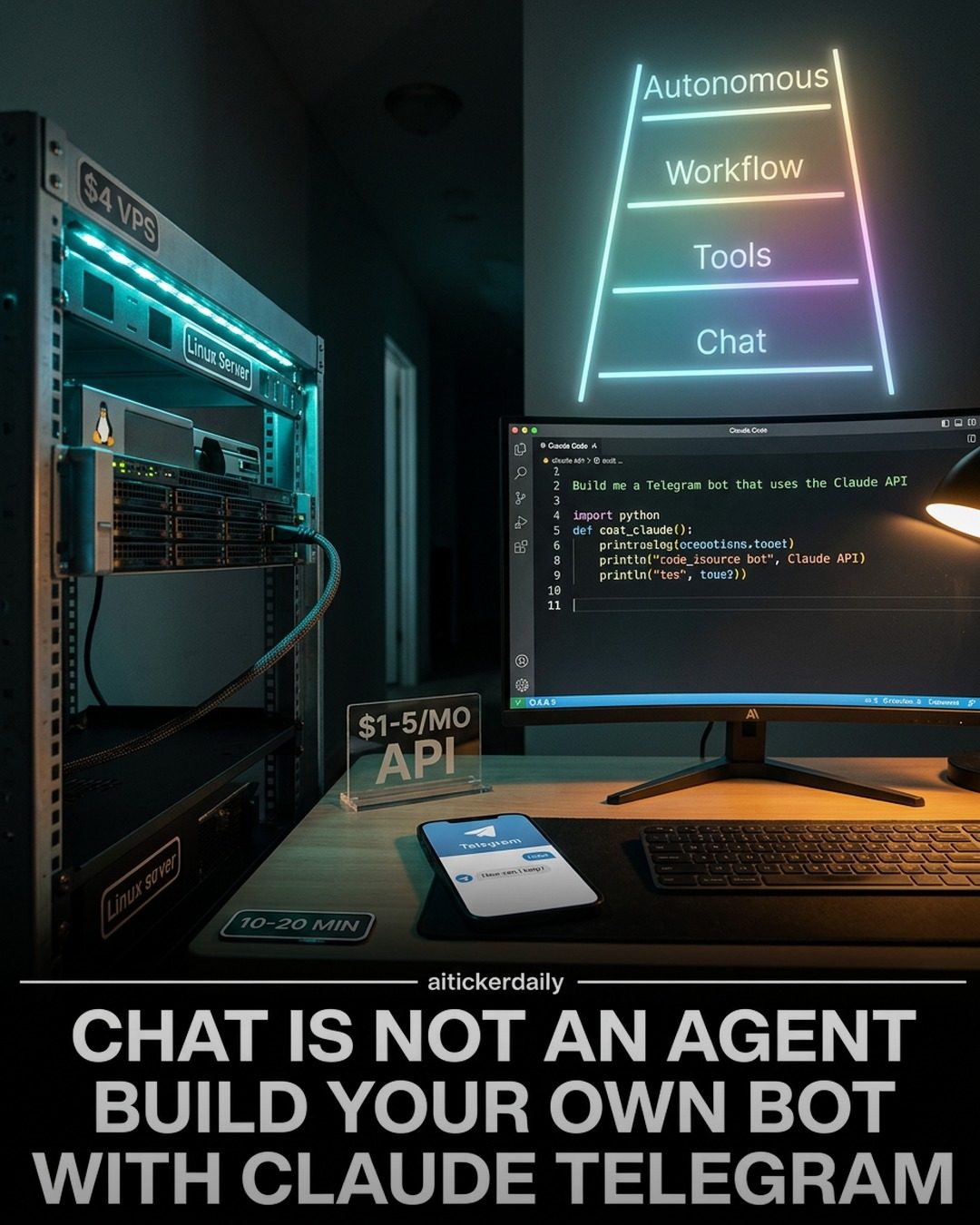
Building a Telegram Bot with Claude: Automating Tasks with AI
Building a Telegram bot using Claude can revolutionize how you automate tasks and manage your workflow. This guide walks you through the process, from setting up your bot to adding various skills and capabilities. Whether you're looking to streamline research, writing, coding, or personal tasks, this setup can help you achieve efficiency and automation.
Context / Why this matters
In today's fast-paced world, automating repetitive tasks is crucial for productivity. Telegram bots can handle a wide range of tasks, from answering customer queries to scheduling meetings. By leveraging Claude and integrating it with a Telegram bot, you can create a powerful tool that fits your specific needs. Whether you're handling extensive research, writing, coding, or managing personal tasks, there are numerous benefits to automating these processes.
Main discussion
Understanding the Spectrum of Agents
Before diving into the technical details, it's essential to understand the spectrum of agents. While a chatbot might seem like an agent, real agents have tools, memory, and a loop that allows them to perform tasks autonomously. In this context, a Telegram bot built with Claude serves as a true agent capable of handling complex tasks with efficiency.
Setting Up Your VPS and Claude Code
To get started, you'll need a $4-6 VPS (Virtual Private Server). This setup ensures that your bot runs smoothly and can handle various tasks efficiently. Here’s a step-by-step guide to setting up your VPS and integrating Claude Code:
- Choose a VPS Provider: Select a reliable VPS provider that offers affordable plans. Popular options include DigitalOcean, Linode, and Vultr.
- Install Linux: Once you have your VPS, install a Linux distribution. Popular choices include Ubuntu or Debian.
- Set Up Claude Code: Follow the instructions to install Claude Code on your server. This will be the backbone of your bot, handling the AI functionalities.
Building the Core of Your Telegram Bot
Once your server is set up, the next step is to build the core of your Telegram bot. This involves creating a bot with specific functionalities, such as research, writing, coding, business, or personal tasks. Here are the five main agent types you can build:
- Research Agent: This agent gathers sources, extracts relevant information, and delivers a structured summary. It compresses hours of manual reading into a concise report, saving you time and effort.
- Writing Agent: This agent drafts content in your tone, format, and audience. It handles rewrites without the need for sentence-by-sentence babysitting, making it ideal for content creation and editing.
- Code Agent: This agent writes, runs, reads errors, and fixes code until it works. It’s perfect for developers who need to automate repetitive coding tasks.
- Business Agent: This agent handles emails, customer requests, lead qualification, and reports on autopilot. Once the rules are set, it operates autonomously, freeing up your time for more critical tasks.
- Personal Agent: This agent schedules tasks, briefings, and planning, automating the tasks you usually do manually every morning. It’s a personal assistant that keeps you organized and efficient.
Adding Skills and Memory Fixes
After building the core of your bot, you can add various skills to enhance its capabilities. Some key skills to consider include:
- Web Search (Tavily): Your bot can decide when current information is needed and search automatically. This is achieved by adding the
TAVILY_API_KEYto your .env file. - Note-Taking: Save notes or use the
/clearnotescommand to manage your notes efficiently. This feature keeps all your important information organized. - User Restriction: Restrict access to your bot by setting the
ALLOWED_USER_IDin your .env file. This ensures that only authorized users can access the bot. - Tracking API Costs: Log tokens per response and maintain running totals in a
costs.jsonfile. Use the/costscommand to get daily and all-time spend estimates, helping you manage your budget effectively. - Scheduled Briefings: Use
APSchedulerto send an 8:00 AM message with a priority reminder and a useful fact to your Telegram ID. This feature keeps you informed and prepared for the day.
Practical Tips
Here are some practical tips to help you get the most out of your Telegram bot:
- Start with a Template: Choose a template that fits your needs. Whether it’s a Research, Writing, or Code agent, starting with a template can save you time and effort.
- Customize Your Bot: Customize your bot to fit your specific situation. The examples provided are just a starting point; feel free to build what works best for you.
- Open Claude Code: To add more skills anytime, open Claude Code in the project folder and describe the feature you want to add. This flexibility allows you to continuously improve your bot.
Memory Fixes and Automation
Memory fixes are crucial for ensuring that your bot performs efficiently over time. Here are some key memory fixes to consider:
- Persistent Storage: Use persistent storage solutions to ensure that your bot remembers previous interactions and data.
- Regular Backups: Regularly back up your bot’s data to prevent loss of information. This is essential for maintaining continuity in your workflow.
- Automated Maintenance: Set up automated maintenance tasks to keep your bot running smoothly. This includes updating dependencies, cleaning up logs, and optimizing performance.
Important takeaways
- Automation is Key: Automating tasks with a Telegram bot can significantly enhance your productivity, allowing you to focus on more critical tasks.
- Customization is Essential: Customize your bot to fit your specific needs, whether it’s for research, writing, coding, or personal tasks. The flexibility of the setup allows for endless possibilities.
- Continuous Improvement: Regularly update and improve your bot’s skills and memory fixes to ensure it remains efficient and effective. This ongoing process will help you stay ahead in your automation journey.
Conclusion
Building a Telegram bot with Claude is a powerful way to automate tasks and streamline your workflow. Whether you’re handling extensive research, writing, coding, or personal tasks, this setup can help you achieve efficiency and productivity. By following the steps outlined, you can create a custom bot that fits your specific needs, ultimately saving you time and effort.
Watch the Reel
Questions readers ask
What is a VPS and why is it necessary for setting up a Telegram bot with Claude?
A Virtual Private Server (VPS) is a virtualized server that provides dedicated resources and can be used to host a Telegram bot. It's necessary because it ensures your bot runs independently and reliably, without being affected by your local machine's performance or availability. Plus, it allows for continuous operation and better performance.
How do I set up a Linux VPS for my Telegram bot?
To set up a Linux VPS, choose a hosting provider and select a Linux distribution like Ubuntu. Follow their setup instructions, which typically involve creating an account, selecting a plan, and configuring the server. Once set up, you can access it via SSH and begin installing necessary software for your Telegram bot.
What are some key skills that Claude can bring to a Telegram bot?
Claude can enhance a Telegram bot with a variety of skills, including language understanding, content generation, and task automation. These can be tailored to specific needs, such as answering customer queries, drafting emails, or even assisting with coding tasks, making the bot a versatile tool for different applications.
Can a Telegram bot with Claude handle personal tasks and enhance productivity?
Yes, a Telegram bot integrated with Claude can significantly enhance productivity by automating personal tasks. It can manage schedules, set reminders, draft messages, and even provide quick answers to queries, freeing up your time for more important activities and reducing the need for manual intervention.
How does integrating Claude with a Telegram bot improve customer support?
Integrating Claude with a Telegram bot can improve customer support by providing instant, AI-powered responses to customer queries. This reduces response times and ensures customers receive accurate information, enhancing their overall experience. Claude's ability to understand and generate human-like text makes it a valuable asset for customer service automation.
What are the benefits of using a Telegram bot for automation over other methods?
Telegram bots offer several benefits, including easy integration with the Telegram platform, which has a large user base. They can be accessed from anywhere with an internet connection, and Telegram itself is highly secure. Furthermore, bots can handle multiple conversations simultaneously, ensuring efficient task management and streamlined workflows.
How can I add memory capabilities to my Telegram bot with Claude?
To add memory capabilities, you can configure Claude to store and retrieve previous interactions, user preferences, and other relevant data. This can be achieved by integrating a database or using file storage solutions. By maintaining context, the bot can provide more personalized and coherent responses, improving user experience and functionality.
Related deep dives
Similar reads based on topic and creator.




Recent articles
Fresh deep dives from the latest Reels we unpacked.




Comments
Be the first to comment.