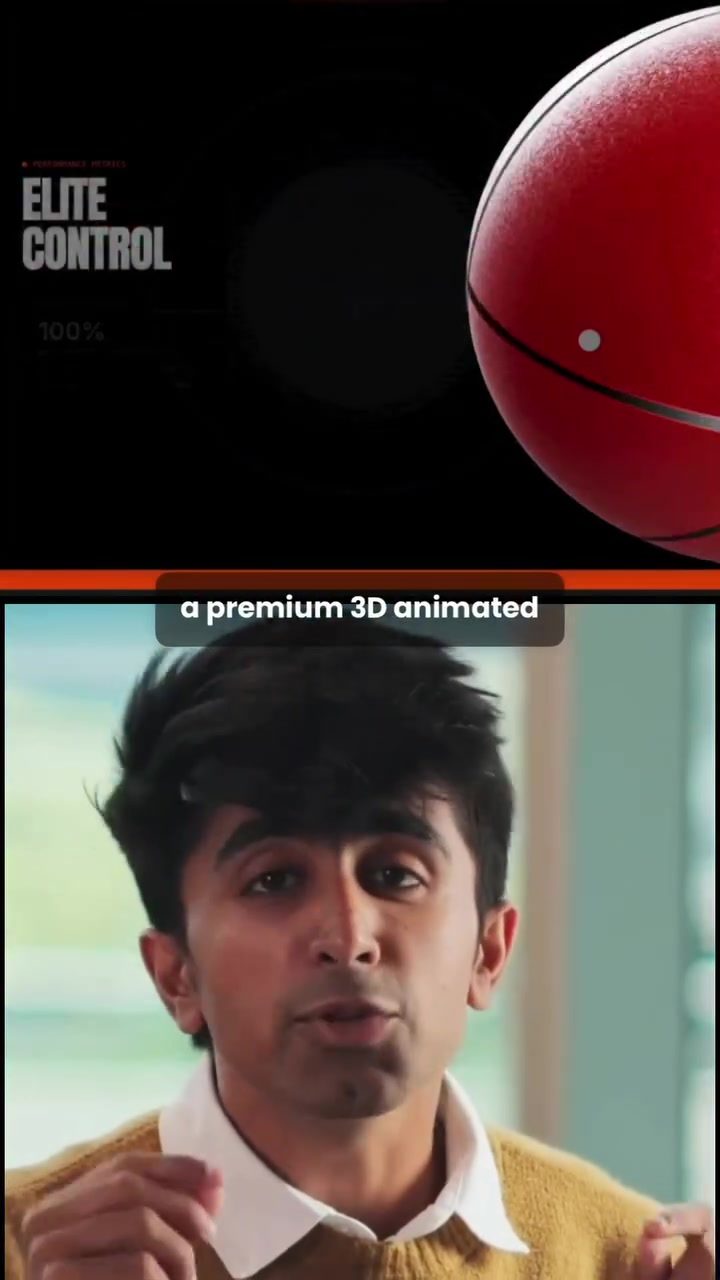
Building a Premium 3D Animated Website in Under 60 Seconds
Creating a 3D animated website used to be a time-consuming task that required extensive coding skills and design expertise. However, with the advent of advanced web design tools, it is now possible to build a premium 3D animated website in just under 60 seconds without writing a single line of code. This process can be broken down into two simple steps, making it accessible even to those with minimal technical knowledge.
Why This Matters
The ability to create high-quality, visually appealing websites quickly has significant implications for both personal and professional projects. Whether you are a small business owner, a freelancer, or an individual looking to showcase a portfolio, having a professional-looking website can make a substantial difference in how you are perceived online. Moreover, the demand for interactive and visually engaging websites is on the rise, making this skill highly valuable in today's digital landscape.
Main Discussion
Step 1: Selecting and Copying Animated Objects
The first step in building a 3D animated website is to gather the necessary animated objects. These objects can include icons, images, and other graphical elements that will enhance the visual appeal of your site. Websites like Emergent offer libraries full of pre-animated objects that float, rotate, and react to cursor movements. To select the right objects:
-
Choose a Library: Navigate to a website that offers a library of animated objects. These libraries are designed to provide a wide range of visually appealing elements that can be easily integrated into your website.
-
Pick Icons: Browse through the available icons and select those that best fit the brand or theme of your website. Look for elements that are not only visually appealing but also relevant to the content and purpose of your site.
-
Copy the Objects: Once you have selected the desired icons, copy them. Most libraries allow you to copy the objects directly, making the process quick and straightforward.
Step 2: Building the Website with Emergent
After gathering your animated objects, the next step is to use a web design tool to create your website. Emergent is a powerful tool that simplifies the process of building fully functional and visually stunning websites through simple conversations. Here’s how to use it:
- Open Emergent: Go to the Emergent website and create a new project.
- Select Full Website: Choose the "full website" option to ensure that your site is complete and professionally designed.
- Paste the Icons: Insert the animated objects you copied in the previous step into the Emergent interface.
- Provide a Prompt: Specify what kind of website you want to create. This could be a simple, engaging prompt like, "Create a more interactive page for Nike shoes." Emergent will use this prompt to generate a website that meets your specifications.
- Final Touches: Within a few seconds, Emergent will build a full website with scroll animations, hover effects, gradient backgrounds, and beautifully placed icons. The final product will look like it was designed by a professional, complete with all the interactive features you specified.
Practical Tips
Choosing the Right Animated Objects
When selecting animated objects for your website, consider the following tips:
- Relevance: Ensure that the icons and graphics you choose are relevant to the content and purpose of your website. For example, if you are creating a site for a sports brand, choose objects that represent athleticism and movement.
- Consistency: Maintain a consistent style and theme throughout your website. This includes the colors, shapes, and overall design of the animated objects.
- User Experience: Think about how the animated objects will enhance the user experience. Objects that float, rotate, or react to cursor movements can make the site more engaging and interactive.
Maximizing Emergent's Capabilities
To get the most out of Emergent, consider the following tips:
- Clear Prompts: Provide clear and specific prompts to Emergent. The more detailed your instructions, the better the tool can create a website that meets your needs.
- Iterate: Don’t be afraid to iterate. If the first attempt doesn’t meet your expectations, tweak your prompt and try again. Emergent allows for quick adjustments, making it easy to fine-tune your site.
- Leverage Templates: Use Emergent’s pre-built templates as a starting point. These templates can serve as a foundation for your design, saving you time and effort.
Important Takeaways
Creating a premium 3D animated website in under 60 seconds is not only possible but also highly efficient. By using tools like Emergent, you can build a website that looks professional and is highly interactive, all without writing a single line of code. This not only saves time and resources but also ensures that your website stands out in today’s competitive digital landscape.
Conclusion
The ability to create visually appealing and interactive websites quickly is a valuable skill in today’s digital world. With the right tools and a bit of guidance, anyone can build a premium 3D animated website in under 60 seconds. Whether you are looking to enhance your personal brand, promote a business, or offer a service, the tips and techniques outlined in this article should help you get started on the right foot.
Watch the Reel
Questions readers ask
Do I need any coding skills to build a 3D website?
No, you do not need any coding skills. The process is designed to be simple and accessible, even for those with minimal technical knowledge. Advanced web design tools handle the coding behind the scenes.
How long does it take to create a 3D animated website?
You can create a 3D animated website in under 60 seconds. This is possible because of the simplicity of the builder and the power of advanced web design tools.
Are there templates available for 3D websites?
Yes, there are various 3D website templates available. These templates allow you to quickly create a professional-looking website without starting from scratch.
Can I use a 3D website for my business?
Absolutely! A 3D website can help showcase your products or services in a visually appealing way, making it an excellent choice for small business owners and freelancers.
Is it possible to create a 3D website for showcasing products?
Yes, 3D websites are perfect for showcasing products. They allow for a more interactive and engaging user experience, which can help increase customer interest and sales.
What are the benefits of using a 3D website builder?
Using a 3D website builder saves you time and effort. It allows you to create a high-quality, visually appealing website quickly, without the need for extensive design or coding skills, making it a great tool for both personal and professional projects.
Related deep dives
Similar reads based on topic and creator.




Recent articles
Fresh deep dives from the latest Reels we unpacked.




Comments
Be the first to comment.