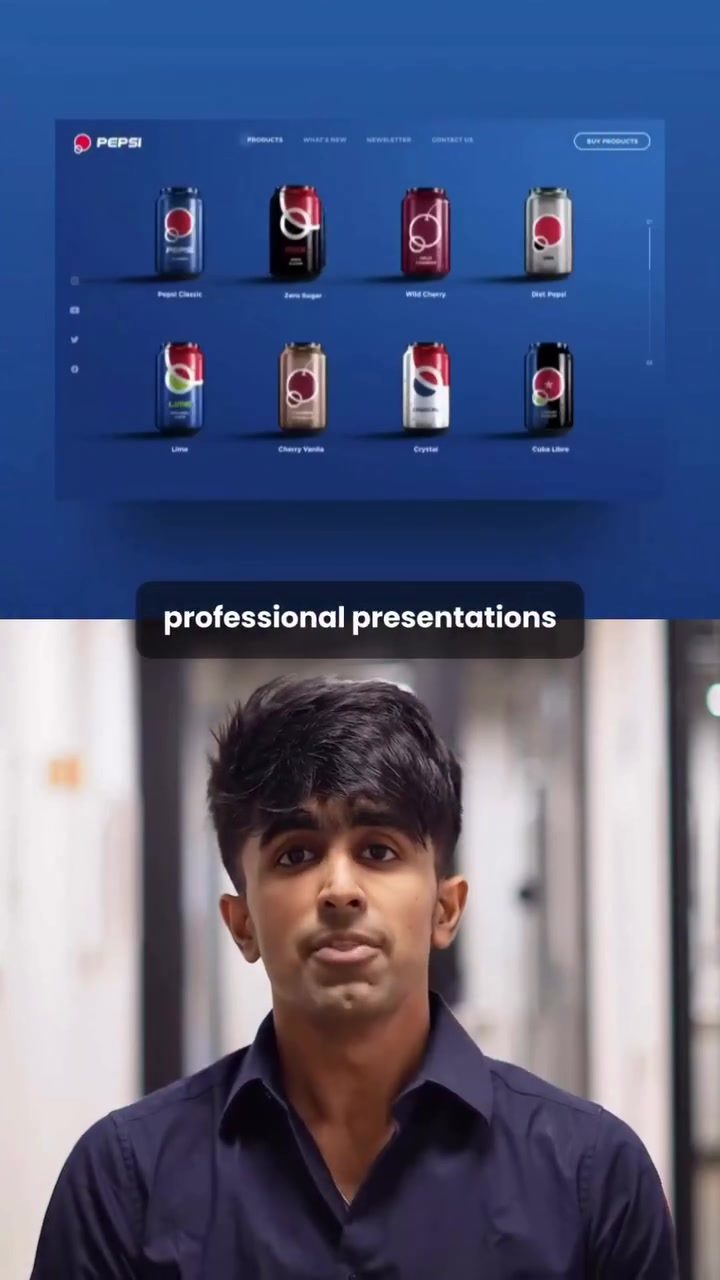
AI-Powered Presentation Software
Presentation software has come a long way from the days of static slides and basic templates. Today, AI-powered tools are revolutionizing how presentations are created, offering unprecedented accuracy, customization, and efficiency. Among these, AIPPT (AI Presentation Power Tool) stands out as a versatile and powerful option for crafting professional presentations. Whether you're a seasoned presenter or just starting out, AIPPT can significantly enhance your workflow and the quality of your presentations.
Why This Matters
In the fast-paced world of business and academia, the ability to create compelling presentations quickly and efficiently is more important than ever. AI-powered presentation software like AIPPT is designed to meet this need, providing users with the tools to generate high-quality presentations with minimal effort. By automating many of the tedious tasks associated with presentation creation, AIPPT allows users to focus on the content and delivery, ensuring that their message is communicated effectively.
Main Discussion
Introducing AIPPT
AIPPT is an AI-powered presentation tool that promises to deliver professional presentations with exceptional accuracy. The tool is designed to be user-friendly, making it accessible even to those who may not have extensive design or technical skills. One of the standout features of AIPPT is its ability to generate complete outlines and presentations with just a few clicks. This feature is particularly useful for busy professionals who need to create presentations quickly.
Generating Presentations with AI
Creating a presentation with AIPPT is straightforward. Users can start by clicking on the "Generate PPT with AI" option and typing in their desired topic. For example, a user might input "Create a Presentation on Apple Design." The tool then prompts users to select a scenario, such as "Analytical," and choose the content amount. Within seconds, AIPPT generates a complete outline, complete with market analysis and design insights. This automated process saves users a significant amount of time and effort, ensuring that they have a solid foundation for their presentation.
Customization Options
Once the outline is generated, users can further customize their presentation to suit their needs. AIPPT offers a variety of themes and layouts, allowing users to choose a design that best represents their content. Users can also select an image model, such as "Nano Banana Pro," to generate appropriate images for their slides. This feature is particularly useful for presentations that require visual aids, as it ensures that the images are relevant and high-quality.
Editing and Customization
AIPPT allows users to customize every aspect of their presentation. Users can change the layout, edit the text, swap images, or even upload their own visuals directly within the tool. This level of customization ensures that the final presentation is tailored to the user's specific needs and preferences.
Advanced Features
In addition to its basic presentation creation capabilities, AIPPT also comes with a range of advanced features. These include:
- Paste Text or Markdown: This feature allows users to instantly turn content into slides by pasting text or markdown directly into the tool.
- Import from URL: Users can pull content from various websites, including Notion, Wikipedia, or Forbes, making it easy to incorporate external information into their presentations.
- Import Document: AIPPT can upload Word or PDF files and convert them into slides, streamlining the process of creating presentations from existing documents.
These features make AIPPT a versatile tool for a wide range of users, from business professionals to students and educators.
Practical Tips
Maximizing Efficiency with AIPPT
To get the most out of AIPPT, consider the following tips:
- Start with a Clear Topic: Before generating a presentation, have a clear topic in mind. This will help AIPPT generate a more relevant and accurate outline.
- Leverage Customization Options: Take advantage of AIPPT's customization options to tailor the presentation to your specific needs. This includes selecting the right theme, layout, and image model.
- Utilize Advanced Features: Explore AIPPT's advanced features to enhance your presentation. For example, importing content from URLs or documents can save time and ensure that your presentation is comprehensive.
- Review and Edit: While AIPPT generates presentations with high accuracy, it's always a good idea to review and edit the content to ensure it meets your standards.
Important Takeaways
Streamlined Presentation Creation
AIPPT offers a streamlined approach to presentation creation, allowing users to generate complete outlines and presentations with minimal effort. This feature is particularly useful for busy professionals who need to create presentations quickly.
Customization and Flexibility
One of the key strengths of AIPPT is its customization and flexibility. Users can choose from a variety of themes and layouts, edit text, swap images, and even upload their own visuals. This level of customization ensures that the final presentation is tailored to the user's specific needs.
Advanced Features for Enhanced Functionality
AIPPT's advanced features, such as paste text or markdown, import from URL, and import document, make it a versatile tool for a wide range of users. These features allow users to incorporate external content, convert documents into slides, and enhance the overall functionality of their presentations.
Conclusion
AI-powered presentation software like AIPPT is transforming the way presentations are created. With its user-friendly interface, customization options, and advanced features, AIPPT offers a comprehensive solution for creating professional presentations quickly and efficiently. Whether you're a seasoned presenter or just starting out, AIPPT can help you elevate your presentations to new heights. Explore its capabilities today to see how it can enhance your workflow and the quality of your presentations.
Watch the Reel
Questions readers ask
How does AIPPT ensure presentations are professional and precise?
AIPPT uses advanced AI algorithms to analyze and optimize the content and design of your presentations. This ensures that the layout, formatting, and overall aesthetics are polished and professional, enhancing the clarity and impact of your message.
Can AIPPT help with quick presentation creation?
Yes, AIPPT is designed to streamline the presentation creation process. With its AI-driven tools, users can generate professional slides in a fraction of the time it would take manually, allowing for rapid development without sacrificing quality.
What kind of customization options does AIPPT offer?
AIPPT provides a wide range of customization options. Users can tailor the design, color schemes, fonts, and other visual elements to match their brand or personal style. The AI also suggests improvements and customizations based on the content, ensuring a unique and relevant presentation.
Is AIPPT suitable for both beginners and experienced users?
Absolutely. AIPPT is user-friendly, making it accessible for beginners who need a helping hand with design and content. At the same time, it offers advanced features that experienced users can leverage to create even more sophisticated and customized presentations.
How does AIPPT assist in focusing on content and delivery?
By automating the design and formatting processes, AIPPT allows users to concentrate on developing their content and refining their delivery. This means less time spent on technical details and more time perfecting the substance and presentation style.
What kinds of businesses and professionals can benefit from AIPPT?
AIPPT is beneficial for a wide range of professionals, including business executives, academics, marketers, and trainers. Any role that requires frequent or high-stakes presentations can leverage AIPPT to ensure their presentations are impactful and engaging.
Can AIPPT integrate with other tools and platforms?
While the article does not specify integration details, tools like AIPPT often provide APIs and compatibility with popular software like Microsoft Office, Google Slides, and other presentation platforms, allowing for seamless workflow integration
Related deep dives
Similar reads based on topic and creator.




Recent articles
Fresh deep dives from the latest Reels we unpacked.




Comments
Be the first to comment.