Unity AI Beta: Revolutionizing Game Development with Agentic Assistance
Game development has entered a new era with the launch of Unity’s AI Beta, now available for all developers using Unity 6 and above. This innovative tool introduces an agentic assistant tailored specifically for game development workflows, going far beyond traditional code generation.
Why This Matters
The integration of AI into game development marks a significant leap forward. Developers are now equipped with an assistant that can handle a wide range of tasks, from analyzing performance bottlenecks to building complex game scenes. This shift allows developers to direct an AI that writes, builds, and verifies code, fundamentally changing the way games are created.
Main Discussion
Enhanced Code Generation
Unity’s AI Beta excels in code generation, but it doesn't stop there. The assistant can analyze performance bottlenecks, a critical task that often requires manual intervention. By identifying and addressing these issues, the AI helps ensure that the game runs smoothly and efficiently.
Building Game Scenes
One of the most impressive features of Unity’s AI assistant is its ability to build game scenes from existing assets. This capability significantly reduces the time and effort required to create immersive game environments. Whether you need a sprawling cityscape or an intricate dungeon, the AI can construct it with precision and detail.
Converting Figma Designs
Designers often use Figma to create user interface (UI) designs. Traditionally, these designs need to be manually exported and integrated into the game engine, a process that can be time-consuming and prone to errors. Unity’s AI assistant simplifies this process by converting Figma designs into production-ready Unity UI in a single conversation. This feature eliminates the need for manual exports, streamlining the workflow and ensuring a seamless transition from design to development.
Rollback System
Mistakes happen, even with AI assistance. That’s why Unity’s AI Beta includes a rollback system. This feature allows developers to undo any AI-made changes across both code and assets, providing a safety net and ensuring that developers have full control over their projects.
Third-Party Integration
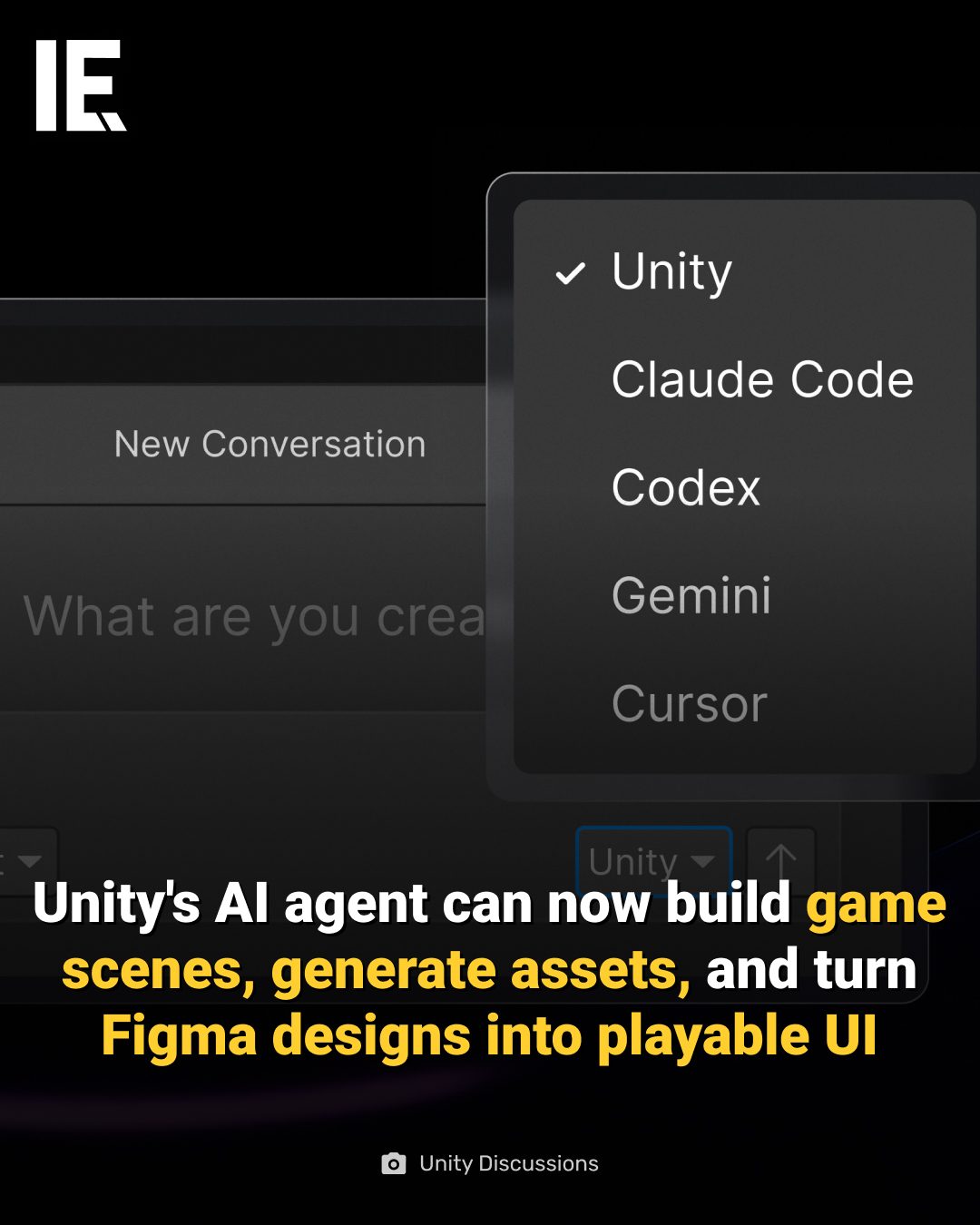
Unity’s AI Beta is designed to be flexible and extensible. Developers can connect third-party AI tools like Claude or GPT directly into the editor via an AI Gateway. Additionally, the MCP server allows control of the Unity editor from external LLM (Large Language Model) applications, opening up a world of possibilities for customization and integration.
Practical Tips
Maximizing AI Assistance
To get the most out of Unity’s AI Beta, it’s essential to understand its capabilities and limitations. Start by experimenting with code generation and performance analysis. Gradually incorporate more complex tasks like building game scenes and converting Figma designs as you become comfortable with the AI’s capabilities.
Utilizing the Rollback System
The rollback system is a powerful feature that can save you a lot of headaches. Make a habit of checking the changes made by the AI regularly. If something doesn’t look right, don’t hesitate to use the rollback system to revert to a previous state.
Exploring Third-Party Integrations
The AI Gateway and MCP server offer exciting opportunities for customization. Explore how third-party AI tools can enhance your workflow. For example, integrating Claude or GPT can provide additional insights and suggestions, further streamlining your development process.
Important Takeaways
Unity’s AI Beta is more than just a code generation tool; it’s a comprehensive assistant that can handle various aspects of game development. From analyzing performance bottlenecks to building game scenes and converting Figma designs, this tool is designed to make developers' lives easier and more efficient.
The rollback system provides a safety net, allowing developers to correct any AI-made changes seamlessly. Additionally, the ability to integrate third-party AI tools opens up new possibilities for customization and innovation.
Conclusion
The launch of Unity’s AI Beta signifies a broader shift in game development—from writing code to directing an AI that writes, builds, and verifies it for you. This revolutionary tool is set to transform the way games are created, offering developers unprecedented efficiency and control. As game development continues to evolve, tools like Unity’s AI Beta will play a crucial role in shaping the future of the industry.
Watch the Reel
Questions readers ask
How does Unity AI Beta improve the game development process?
Unity AI Beta enhances the game development process by automating several key tasks. It can analyze performance, generate code, and construct game scenes, allowing developers to focus on creative aspects and strategic decision-making.
Can Unity AI Beta convert Figma designs into Unity UI?
Yes, one of the standout features of Unity AI Beta is its ability to convert Figma designs directly into Unity UI. This streamlines the workflow for designers and developers, ensuring that the visual elements are seamlessly integrated into the game.
What types of tasks can the AI assistant in Unity AI Beta handle?
The AI assistant in Unity AI Beta can handle a variety of tasks, including performance analysis to identify bottlenecks, generating code snippets, and constructing complex game scenes. This makes it a versatile tool for game development.
Is Unity AI Beta compatible with all versions of Unity?
Unity AI Beta is currently available for developers using Unity 6 and above. This ensures that users have access to the latest features and improvements in the Unity platform while leveraging AI-assisted workflows.
How does AI-assisted code generation benefit game developers?
AI-assisted code generation in Unity AI Beta helps developers by writing, building, and verifying code efficiently. This reduces the time spent on repetitive tasks, allowing developers to focus on more complex and creative aspects of game development.
What are the key advantages of using Unity AI Beta for game scene construction?
Unity AI Beta simplifies game scene construction by automating the creation of complex scenes. This not only speeds up the development process but also ensures a higher level of consistency and accuracy in the game environment.
Can Unity AI Beta assist with performance analysis in game development?
Yes, Unity AI Beta excels in performance analysis by identifying performance bottlenecks in your game. This allows developers to optimize their games more effectively, ensuring smoother gameplay and better overall performance.
Related deep dives
Similar reads based on topic and creator.

Recent articles
Fresh deep dives from the latest Reels we unpacked.




Comments
Be the first to comment.