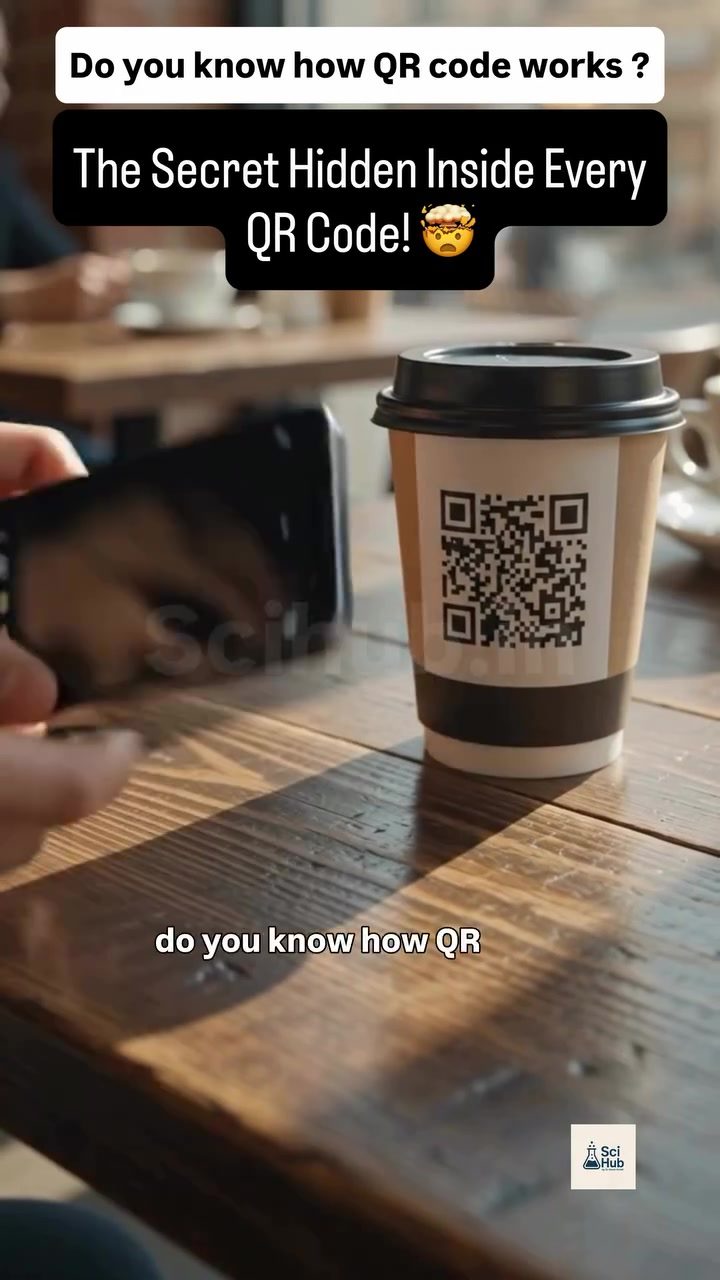
How QR Codes Work
QR codes are everywhere—on menus, in ads, on product packaging. They are a quick and efficient way to transfer information, but how do they actually work? Understanding the science behind QR codes reveals a fascinating blend of design and technology.
Why QR Codes Matter
QR (Quick Response) codes have become ubiquitous in our daily lives. They streamline processes, reduce errors, and enhance user experiences. From accessing a website to making a payment, QR codes simplify interactions between consumers and businesses. But their functionality goes beyond mere convenience. QR codes are a testament to the power of smart design and error correction algorithms.
The Structure of a QR Code
At first glance, a QR code appears to be a random pattern of black and white squares. However, each square holds a specific purpose. The code is structured to combine positional information, data, and error correction, making it both readable and resilient.
Corner Markers and Position Detection
The first step in decoding a QR code is locating the three corner markers. These markers, which are found at the three corners of the QR code, are the most crucial elements. They provide the necessary positional information for the phone to understand the code's orientation. Once these markers are located, the phone can accurately read the code, regardless of its orientation or angle.
Data Modules and Encoding
After locating the corner markers, the phone identifies the data modules. These modules are the rest of the black and white squares in the QR code, which contain the actual information. The phone translates these modules into binary data, a process that involves interpreting the pattern of black and white squares.
Error Correction
One of the most impressive features of QR codes is their error correction capability. Even if part of a QR code is scratched or damaged, the code can still be read accurately. This is due to built-in error correction algorithms that help the phone recover missing data. The level of error correction can vary, but even if up to 30% of the code is damaged, it can often still be scanned successfully.
The Decoding Process
When you scan a QR code, your phone performs millions of calculations in a fraction of a second. Here’s a step-by-step breakdown of the process:
- Locate Corner Markers: The phone first identifies the three corner markers, which reveal the code's position and angle.
- Decode Data Modules: The phone then decodes the black and white modules into binary data. This binary data is the actual information hidden within the QR code.
- Apply Error Correction: If any part of the QR code is damaged, the phone uses error correction algorithms to recover the missing data.
- Translate Information: Finally, the phone translates the binary data into a readable format, such as a URL, text, or contact information.
From a simple pattern of tiny squares to a fully functional link, this decoding process happens almost instantaneously, making QR codes an efficient tool for information transfer.
Practical Tips for Using QR Codes
While QR codes are incredibly convenient, there are a few best practices to keep in mind:
Ensuring Quality
When designing a QR code, ensure that it is large enough and has a high enough resolution to be easily scanned. Avoid placing QR codes on surfaces that are too reflective or have a complex background, as these can interfere with scanning.
Placing QR Codes
Position QR codes in areas where they are easily accessible and visible. For example, if you’re using a QR code on a menu, place it on a flat, clean surface where customers can easily scan it with their phones.
Testing Scannability
Always test QR codes with different devices to ensure they are scannable. Different phones and cameras have varying levels of scanning capabilities, so it’s important to verify that your QR code works on multiple devices.
Important Takeaways
QR codes are a powerful tool for transferring information quickly and efficiently. Their design incorporates clever engineering and computer science, making them both user-friendly and robust. Understanding how QR codes work can enhance your appreciation for this technology and help you use them more effectively in various applications.
Conclusion
The next time you scan a QR code, you’ll know that there’s more to it than meets the eye. From locating corner markers to decoding data modules and applying error correction, the process involves millions of calculations. Whether you’re using QR codes for digital payments, sharing Wi-Fi credentials, or accessing websites, appreciating the science behind them can make your interactions with this technology even more meaningful.
Watch the Reel
Questions readers ask
What makes QR codes error-resistant?
QR codes have built-in error correction algorithms. These algorithms allow the code to be scanned even if a portion of it is damaged or obscured. This makes QR codes particularly useful in environments prone to wear and tear, like product packaging or outdoor displays.
How do QR codes store data?
Data in a QR code is stored through a pattern of black and white squares, called modules. Each module can represent a binary value (0 or 1). The arrangement of these modules encodes the information, which can include text, URLs, or contact information. The more modules, the more data a QR code can hold.
Why do QR codes have specific patterns and three corners?
The three large squares in the corners of a QR code, called finder patterns, help the scanner quickly locate the code. These patterns, along with the alignment patterns, allow for efficient and accurate scanning from any angle. The design ensures that each QR code is easily readable by a smartphone camera or QR scanner.
Why can't I scan a QR code with a smartphone if it's not in good condition?
QR codes are designed to be scanned by digital devices, but they rely on the presence of recognizable patterns and intact modules to function. If a QR code is damaged to the point where its patterns are unclear or essential modules are missing, the device will struggle to decode it. Modern QR codes are designed to be robust, but this is only to a certain extent.
How do QR codes simplify information transfer?
QR codes simplify information transfer by encoding data in a format that can be quickly scanned and decoded by a smartphone or QR scanner. This eliminates the need for manual data entry, reducing the risk of errors and saving time. Users can access websites, download apps, or make payments with just a scan, making interactions more seamless.
Related deep dives
Similar reads based on topic and creator.

Recent articles
Fresh deep dives from the latest Reels we unpacked.




Comments
Be the first to comment.