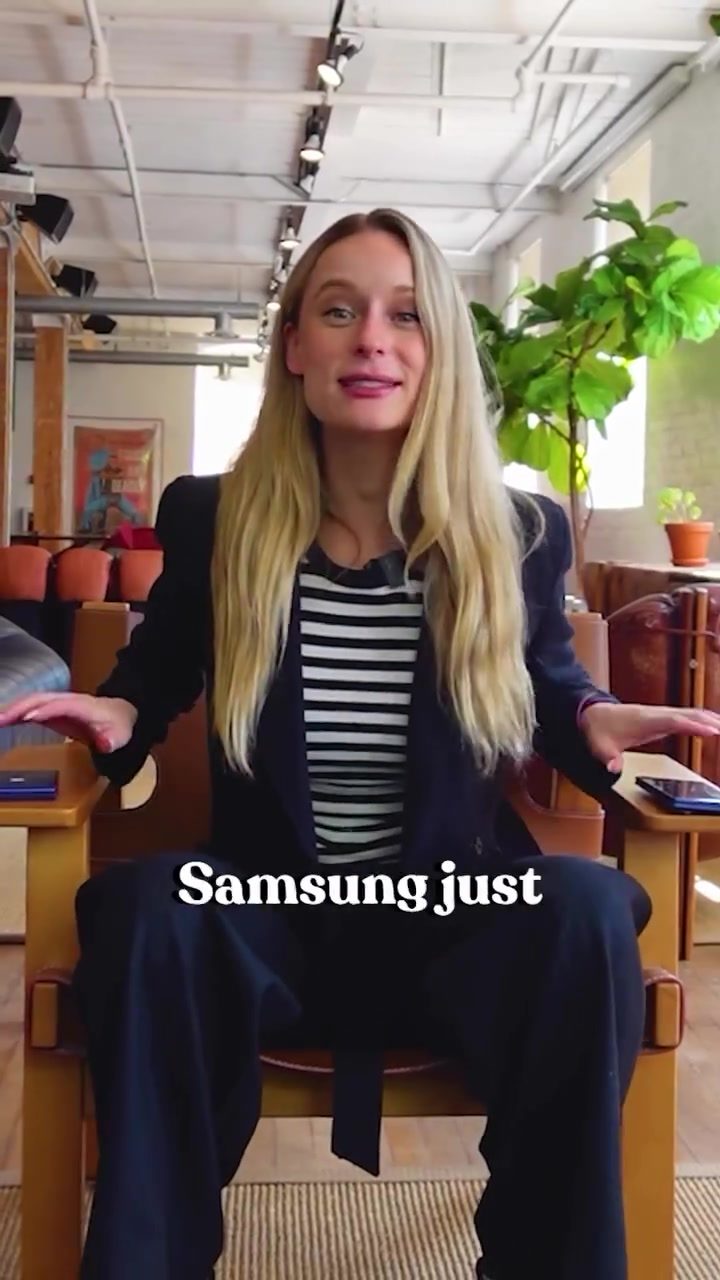
The Galaxy Z Fold 7 and Z Flip 7: Revolutionizing Productivity
Smartphones have evolved significantly over the years, but the latest offerings from Samsung, the Galaxy Z Fold 7 and Galaxy Z Flip 7, are pushing the boundaries of what a phone can do. These devices are not just about adapting to your life; they are designed to multiply your capabilities, especially when it comes to productivity.
Why This Matters
In today's fast-paced world, productivity is key. The ability to multitask and stay organized can make a significant difference in both personal and professional settings. The Galaxy Z Fold 7 and Z Flip 7 are built with this in mind, offering features that can transform how you work and interact with your device.
Main Discussion
The Galaxy Z Fold 7: A Multitasking Powerhouse
The Galaxy Z Fold 7 is designed for those who need a larger canvas for their tasks. It offers a full-screen, tablet-like experience that is perfect for multitasking. With the ability to run three apps simultaneously, you can seamlessly switch between tasks without the need for constant app switching. This is particularly useful for professionals who need to manage multiple projects or for creators who need to juggle different tools.
One of the standout features of the Fold 7 is the Circle to Search function. This allows you to highlight a word or phrase on one side of the screen and instantly get context or related information on the other side. Powered by Galaxy AI, this feature makes information retrieval faster and more efficient.
Note Assist is another game-changer. When you don't have the time or inclination to write down notes, you can simply record a note. Galaxy AI will transcribe it and turn it into smart, shareable summaries. This is particularly useful for meetings or brainstorming sessions where you need to capture ideas quickly.
The Galaxy Z Flip 7: Your Smart Assistant
The Galaxy Z Flip 7, on the other hand, is all about convenience and smart assistance. The cover screen is bigger, brighter, and smarter than ever before. You can check your schedule, respond to messages, and even use voice commands without ever opening the phone. This makes the Flip 7 feel more like a smart assistant than a traditional phone.
The FlexCam feature is another highlight. With FlexCam, you can use the hinge to position the phone at various angles, allowing for hands-free video calls. This is particularly useful for those who are always on the go and need to stay connected without the hassle of balancing their phone.
Tech Specs and Performance
Both devices are powered by the Snapdragon 8 Gen 3 chip, ensuring they run smoothly even with multiple tasks. The combination of a powerful processor and advanced AI capabilities makes these phones incredibly useful for a variety of tasks, from content creation to project management.
Practical Tips
Maximizing Productivity with the Galaxy Z Fold 7
- Utilize the Split-Screen Feature: Take advantage of the ability to run three apps simultaneously. This is perfect for multitasking, whether you're working on a project or managing multiple tasks.
- Use Circle to Search: Highlight a word or phrase and get instant context. This can save you time when researching or needing quick information.
- Leverage Note Assist: Instead of typing notes, use the voice recording feature. Galaxy AI will transcribe and summarize your notes, making it easier to organize your thoughts.
- Customize Your Workspace: Arrange your apps and widgets in a way that suits your workflow. The larger screen makes it easy to have everything you need at your fingertips.
Enhancing Convenience with the Galaxy Z Flip 7
- Take Advantage of the Cover Screen: Use the cover screen for quick tasks like checking messages or setting reminders. This saves you the hassle of unlocking your phone.
- Master FlexCam: Experiment with different angles for hands-free video calls. This is particularly useful for video conferencing or recording content.
- Voice Commands: Use voice commands to perform tasks without even opening the phone. This adds a layer of convenience to your daily routine.
- Optimize Battery Life: Close any unnecessary apps running in the background to extend your battery life.
Important Takeaways
- Multitasking Capabilities: The Galaxy Z Fold 7 is perfect for those who need to juggle multiple tasks, with features like split-screen and Circle to Search.
- Smart Assistance: The Galaxy Z Flip 7 offers a range of smart features, including a bright cover screen and hands-free video calls with FlexCam.
- Advanced AI Features: Both devices are powered by Galaxy AI, which enhances productivity with features like Note Assist and Circle to Search.
- Powerful Performance: The Snapdragon 8 Gen 3 chip ensures that both devices can handle multiple tasks smoothly.
Conclusion
The Galaxy Z Fold 7 and Galaxy Z Flip 7 represent a significant leap forward in smartphone technology. Whether you need a device for serious multitasking or one that feels more like a smart assistant, these foldables have you covered. With advanced AI features and a powerful processor, they are designed to adapt to your needs and multiply your productivity.
Watch the Reel
Questions readers ask
How does the Samsung Galaxy Z Fold 7 enhance multitasking?
The Z Fold 7 offers a flexible form factor, allowing you to run multiple apps simultaneously across its large, tablet-like screen. This setup enables you to switch between tasks swiftly, and features like pop-up view and split-screen mode further streamline multitasking, making it easier to manage work and stay organized.
What are the main productivity features of the Galaxy Z Fold 7?
The Galaxy Z Fold 7 includes several advanced productivity features. These include Samsung's Multi-Window mode, which allows you to run up to three applications at once, and the patented S Pen support, which offers a natural writing and drawing experience. Additionally, the large screen real estate in tablet mode provides ample space for managing tasks.
How does the Galaxy Z Flip 7 assist with productivity?
The Galaxy Z Flip 7 offers smart assistance features like the Quick Settings panel and the Task Bar, which allow you to manage tasks and access productivity tools swiftly. These features ensure that you can stay on top of your to-do list, even when you're on the go, by delivering a seamless and intuitive user experience.
Can the Galaxy Z Fold 7 replace a tablet for productivity tasks?
The Galaxy Z Fold 7's tablet-like mode offers a large display area, making it quite suitable for productivity tasks. It can handle a range of applications and activities typically reserved for a tablet, enhancing your work efficiency, particularly when you need to handle spreadsheets, presentations, or multimedia content.
What are the benefits of using the Galaxy Z Fold 7 for work?
The Galaxy Z Fold 7's unique design and productivity features make it an excellent tool for work. Its ability to multitask with multiple windows, paired with a large screen, enhances efficiency and organization. Whether you are drafting documents, managing emails, or participating in video calls, the Z Fold 7 ensures a seamless and productive workflow.
How does the Galaxy Z Flip 7 help in staying organized?
The Galaxy Z Flip 7 supports smart assistance through features like Smart Widgets and the Task Manager. These tools help you organize tasks, reminders, and notifications, ensuring that you never miss an important deadline or meeting. The device adapts to your daily routine, providing timely alerts and suggestions to keep you on track, and making your life more organized.
What are the key differences between the Galaxy Z Fold 7 and Z Flip 7 for productivity?
The Galaxy Z Fold 7 focuses on providing a large, tablet-like screen for multitasking and productivity, allowing you to run multiple apps simultaneously. In contrast, the Z Flip 7 offers a compact, pocket-friendly design with smart assistance tools that help you stay organized and efficient on the go. The choice between the two depends on whether you prioritize screen real estate or portability.
Related deep dives
Similar reads based on topic and creator.

Recent articles
Fresh deep dives from the latest Reels we unpacked.




Comments
Be the first to comment.