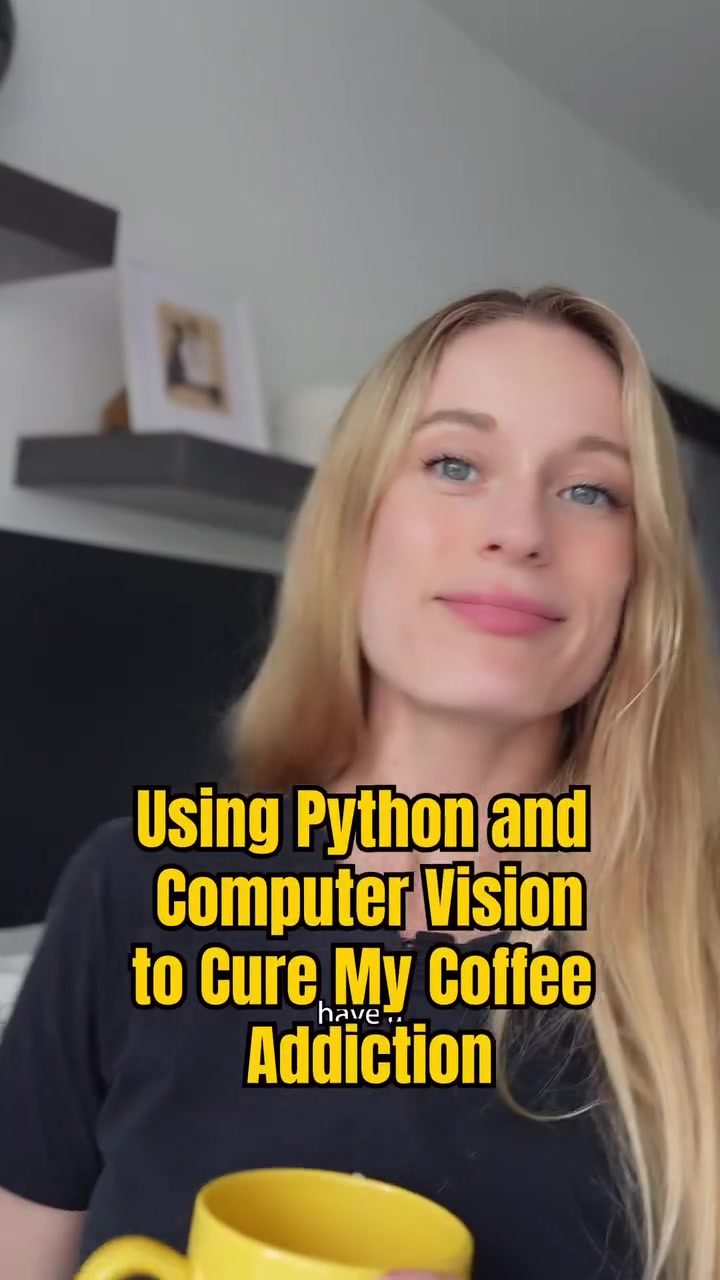
Computer Vision and Python for Coffee Detection
Harnessing the power of computer vision and Python can open up a world of possibilities, even for something as simple as monitoring your coffee drinking habits. By using OpenCV, a popular computer vision library, you can create a script that detects when you take a sip from your mug. This isn't just a fun tech project; it can also serve as a practical tool for tracking habits and potentially curbing overconsumption.
Why This Matters
Understanding how to use computer vision for everyday tasks can provide valuable insights into behavioral patterns. For instance, tracking your coffee consumption can help you become more mindful of your habits. Additionally, the underlying technology—OpenCV and Python—can be applied to a wide range of other monitoring and detection tasks, making it a versatile skill to have.
Main Discussion
Setting Up the Environment
To get started with this project, you'll need to have Python and OpenCV installed on your computer. OpenCV is a powerful library that provides tools for image processing and computer vision. While the details of the script are specific to detecting coffee drinking, the principles can be applied to many other tasks.
The Script Basics
The Python script uses OpenCV to capture video from a webcam, analyzing each frame for the presence of a mouth and a cup. This is achieved through Haar cascades, a machine learning-based approach for object detection. The script focuses on the mouth area, counting the number of white pixels to determine if the person is drinking. If the count exceeds a threshold, the script recognizes this action as drinking.
Detecting a Sip
The key to detecting a sip is in analyzing the mouth region. Changes in the mouth area, such as the lips parting and the presence of a cup, are the primary indicators that a sip is occurring. When these conditions are met, the script triggers a notification, which can be a printed message or a sound alert.
Implementation Details
The process involves several steps:
- Capture Video: The script uses the webcam to capture video frames in real-time.
- Face and Mouth Detection: Haar cascades are employed to detect the face and the mouth region. The mouth area is isolated for further analysis.
- Pixel Counting: The script counts the number of white pixels in the mouth area. This count is used to determine if a drinking action is occurring.
- Threshold Setting: A threshold value is set to differentiate between a normal mouth position and a drinking action. When the pixel count exceeds this threshold, a drinking action is detected.
- Notification: Upon detecting a drinking action, the script prints a message and plays a sound notification.
Real-Time Detection
One of the most impressive aspects of this script is its ability to detect drinking actions in real-time. This is crucial for practical applications, as it allows for immediate feedback and tracking. The real-time capability is achieved through efficient processing algorithms and optimized code, making the script both effective and user-friendly.
Practical Tips
Optimizing the Script
To enhance the accuracy of the script, you can fine-tune the threshold values and the resolution of the video frames. Adjusting these parameters can improve the detection accuracy and responsiveness. Additionally, experimenting with different Haar cascades can help in achieving more precise face and mouth detection.
Expanding the Script
The principles used in this script can be applied to a variety of other detection tasks. For instance, you could modify the script to detect eating habits, monitoring hand movements, or even tracking eye movements. The flexibility of OpenCV and Python makes it a powerful tool for various computer vision applications.
Troubleshooting
If the script is not detecting drinking actions as expected, ensure that the webcam is properly lit and positioned. Poor lighting or an incorrect angle can affect the accuracy of face and mouth detection. Additionally, verify that the Haar cascades are correctly configured and that the threshold values are appropriately set.
Important Takeaways
- Power of OpenCV: OpenCV offers a robust set of tools for image processing and computer vision, making it ideal for various detection tasks.
- Real-Time Detection: The ability to detect actions in real-time is crucial for practical applications, providing immediate feedback and tracking.
- Versatility: The principles used in this script can be applied to a wide range of detection tasks, from monitoring drinking habits to tracking hand movements.
Conclusion
Using Python and computer vision to detect drinking actions is a fascinating application of technology. By leveraging OpenCV and Haar cascades, you can create a script that not only monitors your coffee consumption but also serves as a foundation for other detection tasks. Whether you're looking to track habits, improve productivity, or simply explore the capabilities of computer vision, this project offers a wealth of possibilities. Embrace the power of technology to gain insights into your daily activities and take control of your habits.
Watch the Reel
Questions readers ask
What is OpenCV and how is it used in this project?
OpenCV is an open-source computer vision library that provides tools for real-time computer vision. In this project, OpenCV is used to analyze video streams and detect when a person takes a sip from a coffee mug, enabling the tracking of coffee drinking habits.
Can this Python script be adapted for other detection tasks?
Yes, the script can be modified to track other actions or objects. The underlying principles of computer vision and Python can be applied to a wide range of detection and monitoring tasks, making it a versatile tool for various projects.
How does the script detect when a sip is taken?
The script uses computer vision techniques to analyze video frames. By monitoring changes in the position of the mug and facial movements, the script can identify when a sip is taken, and these instances are recorded and tracked over time.
What kind of insights can I gain from tracking my coffee sips?
Tracking your coffee sips can help you understand your drinking habits better. You can see patterns such as how often you drink, what times of day you drink the most, and whether you are drinking more or less over time.
Do I need to install any specific software to run this script?
To run the script, you will need to have Python and OpenCV installed on your computer. Both are freely available and can be installed via package managers like pip. Detailed instructions are typically provided in the project's documentation.
Can this tool help in managing coffee consumption?
Yes, by providing a visual representation of your coffee drinking habits, this tool can help you become more aware of your consumption patterns, which could potentially help in managing and reducing overconsumption, such as in controlling a coffee addiction.
Is the script only for monitoring coffee or can it be used for other beverages?
While this script is specifically designed for tracking coffee sips, the principles can be applied to monitor the consumption of other beverages. You would need to adjust the detection parameters to suit the specific characteristics of the beverage and mug or cup used.
Related deep dives
Similar reads based on topic and creator.

Recent articles
Fresh deep dives from the latest Reels we unpacked.




Comments
Be the first to comment.