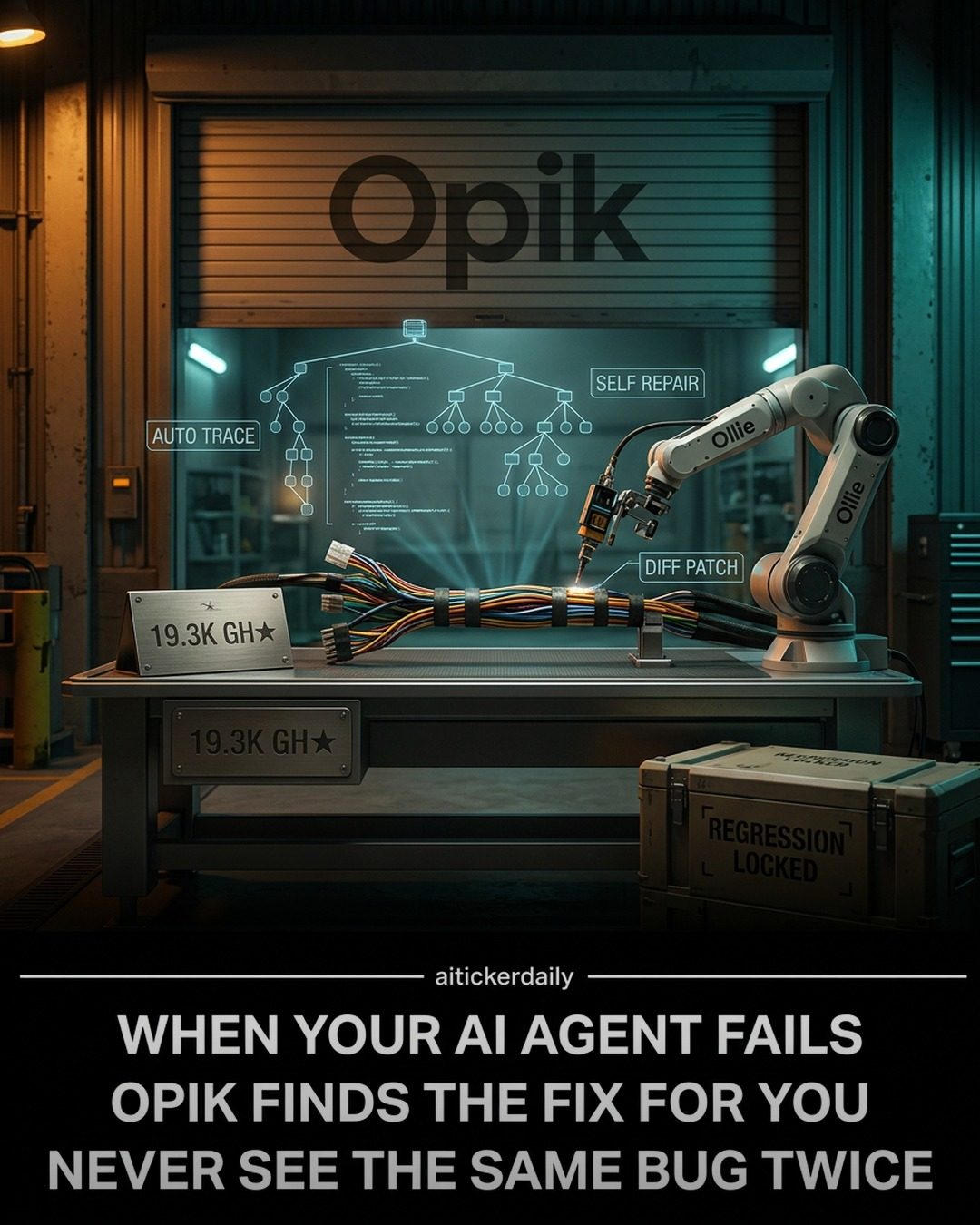
Opik: Automating AI Debugging with a Four-Layered Approach
Opik is an open-source software tool designed to streamline the process of logging, debugging, and optimizing AI models. It stands out by focusing on automating the post-trace loop, which is crucial for production debugging. Opik's primary goal is to ensure that the post-trace loop closes automatically, making the debugging process more efficient and less prone to human error.
Why This Matters
In the rapidly evolving field of AI, the ability to debug and optimize models efficiently is paramount. Traditional debugging methods often involve manual intervention, which can be time-consuming and error-prone. Opik addresses these challenges by automating key steps in the debugging process, from diagnosing issues to proposing fixes and verifying solutions.
Main Discussion
The Four-Layered Stack of Opik
Opik operates on a four-layered stack, each layer playing a critical role in the debugging process:
-
Tracing: This layer focuses on capturing and logging the behavior of AI models in real-time. The data collected here serves as the foundation for diagnosing issues and optimizing performance.
-
Ollie Diagnoses: Ollie, the second layer, is responsible for analyzing the traced data and diagnosing the root cause of any issues. This layer uses advanced algorithms to identify patterns and anomalies that could indicate problems.
-
Ollie Proposes Fix: Once the issue is diagnosed, Ollie proposes potential fixes. This layer leverages machine learning models to suggest changes that could resolve the identified issues. Ollie’s automatic fixing proposal can reduce the need for manual intervention.
-
Regression: The final layer ensures that the proposed fixes do not introduce new issues. Regression testing involves running a series of tests to verify that the changes have not negatively impacted the model's performance.
The Role of Automation
Automation is a key feature of Opik. It automates various stages of the debugging process, including diagnosing, diffing, approving, rerunning, and regression locking. This automation not only speeds up the debugging process but also reduces the likelihood of human error.
Agent Sandbox for Full-Graph Config Tests
Opik includes an Agent Sandbox, which allows for comprehensive testing of AI models in various configurations. This sandbox environment enables full-graph configuration tests, ensuring that the model behaves as expected under different conditions. This feature is particularly useful for complex models with multiple interconnected components.
The Flywheel Workflow
The flywheel workflow is a concept that describes the continuous improvement cycle of Opik. It involves a loop where data from one iteration is used to improve the next, creating a self-reinforcing cycle of optimization. This workflow ensures that the AI models are continually refined and optimized.
Open Source and Community Support
Opik is open-source, with a vibrant community contributing to its development. With more than 19.3K GitHub stars, it has garnered significant attention and support from the developer community. This open-source nature allows developers to customize and extend the tool to meet their specific needs. Additionally, Opik can be self-hosted with just three commands, making it accessible and easy to integrate into existing workflows.
Key Features and Benefits
- Automated Post-Trace Loop: Opik automates the post-trace loop, ensuring that the debugging process is efficient and less error-prone.
- Four-Layered Stack: The four-layered structure of Opik provides a comprehensive approach to debugging, from tracing to regression testing.
- Agent Sandbox: The sandbox environment allows for full-graph configuration tests, ensuring robust performance under various conditions.
- Open Source: Opik's open-source nature encourages community contributions and customization, making it a versatile tool for developers.
Practical Tips
Integrating Opik into Your Workflow
- Start with Tracing: Begin by setting up the tracing layer to capture real-time behavior of your AI models. This will provide the data needed for diagnosing issues.
- Utilize Ollie for Diagnoses: Leverage Ollie's diagnostic capabilities to identify the root cause of any problems. This layer uses advanced algorithms to analyze the traced data.
- Implement Ollie's Fixes: Once diagnoses are complete, apply Ollie's proposed fixes. This layer automates the suggestion of potential solutions.
- Run Regression Tests: Ensure that the fixes do not introduce new issues by running regression tests. This final layer verifies the stability and performance of the model after changes.
- Use the Agent Sandbox: Take advantage of the sandbox environment for full-graph configuration tests. This ensures that your model behaves as expected under different conditions.
- Adopt the Flywheel Workflow: Implement the flywheel workflow for continuous improvement. Use data from one iteration to refine and optimize the next, creating a self-reinforcing cycle of optimization.
Customizing Opik
As an open-source tool, Opik can be customized to meet specific needs. Developers can modify the code to add new features or integrate it with other tools. The community support and extensive documentation make this process easier and more accessible.
Important Takeaways
- Opik's four-layered stack provides a comprehensive approach to AI debugging, from tracing to regression testing.
- Automation in Opik streamlines the debugging process, reducing the need for manual intervention and minimizing the risk of human error.
- The Agent Sandbox and flywheel workflow contribute to robust and continuous improvement of AI models.
- Opik's open-source nature and strong community support make it a versatile and accessible tool for developers.
Conclusion
Opik represents a significant advancement in AI debugging and optimization. Its four-layered stack, automation capabilities, and open-source nature make it a valuable tool for developers seeking to streamline their debugging processes. By adopting Opik, developers can ensure that their AI models are optimized, robust, and performant, ultimately leading to better outcomes in AI-driven applications.
Watch the Reel
Questions readers ask
What is the post-trace loop in AI model debugging?
The post-trace loop refers to the phase of AI model debugging that occurs after the initial tracing of model behavior. It involves analyzing the traced data to identify issues, propose fixes, and verify that the fixes have resolved the problems.
How does Opik automate the AI debugging process?
Opik automates the AI debugging process by employing a four-layered approach. This begins with real-time tracing of model behavior, followed by issue diagnosis, proposal of fixes, and finally, regression testing to verify the solutions, all without requiring manual intervention.
What are the layers in Opik's four-layered approach to automated AI debugging?
The four layers in Opik's approach are: real-time tracing, issue diagnosis, fix proposal, and regression testing. Each layer builds on the previous one to systematically identify, address, and verify fixes for AI model issues.
Why is regression testing important in the context of AI model debugging?
Regression testing is crucial for ensuring that fixes applied to an AI model do not introduce new issues. Opik uses regression testing to verify that the proposed solutions not only resolve the identified problems but also maintain the overall performance and stability of the model.
Can Opik be integrated with other AI development tools?
As an open-source tool, Opik is designed to be flexible and can often be integrated with other AI development tools. However, specific integration details would depend on the compatibility and APIs provided by the other tools.
What benefits does Opik offer over traditional AI debugging methods?
Opik offers several benefits, including reduced dependence on manual intervention, faster issue resolution, and improved accuracy in diagnosing and fixing problems. By automating the post-trace loop, Opik enhances efficiency and minimizes human error in the debugging process.
Recent articles
Fresh deep dives from the latest Reels we unpacked.




Comments
Be the first to comment.