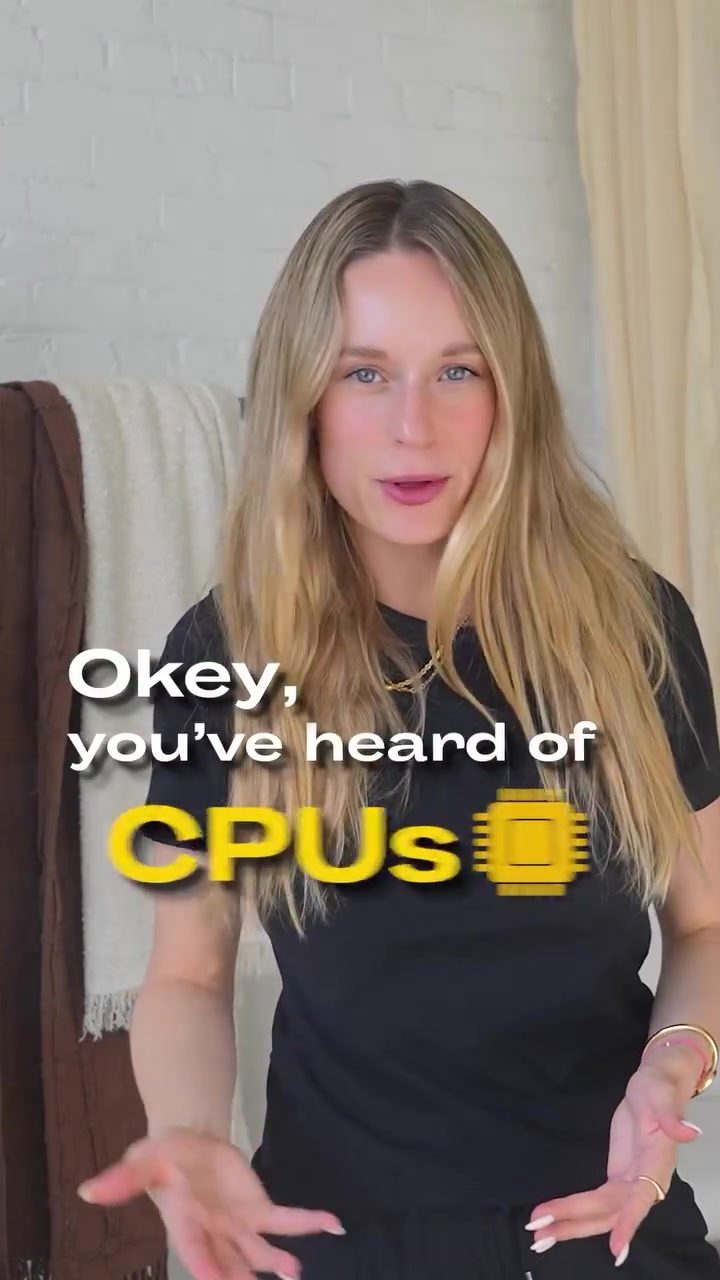
NPUs and TPUs: The Key to AI's Future
AI photo enhancement: A smartphone's secret weapon
The days of struggling to capture the perfect landscape photo on your smartphone are fading. With AI-powered photo enhancement, smartphones can now significantly improve image quality directly on the device. This tech is designed to make your photos look better without needing a powerful computer or cloud connection. Edge AI, which runs on your device, is the driving force behind this transformation.
Why are NPUs and TPUs suddenly everywhere?
In today's world, everyone is talking about NPUs and TPUs, but what exactly are they? What's the difference between the two? And why are tech companies investing so heavily in developing their own? Let's dive in.
NPUs: The Brain in Your Pocket
NPUs, or Neural Processing Units, are designed to run AI models directly on your devices, such as smartphones and laptops. Think of them as the brain in your pocket, making local AI possible. They prioritize low power consumption, low latency, and high privacy. This is crucial for tasks like image and voice enhancement, as well as running local chat models.
NPUs are designed for edge AI, which means they can process data locally on your device without needing to send it to a cloud server. This has several advantages:
- Speed: Processing data locally can be significantly faster than sending it to a cloud server and waiting for a response.
- Privacy: Keeping data on your device means it's less likely to be intercepted or misused.
- Power efficiency: NPUs are designed to use as little power as possible, which is crucial for battery life in mobile devices.
TPUs: The Powerhouse of Cloud AI
TPUs, or Tensor Processing Units, were initially developed by Google for massive cloud servers. Their primary function is to process huge datasets as quickly as possible. They're all about throughput, making them ideal for training large AI models in the cloud. Think of them as the brain of the cloud AI.
TPUs are optimized for the kind of heavy lifting required by large-scale machine learning tasks. They can handle complex calculations quickly and efficiently, making them ideal for tasks like training neural networks. However, they're not designed for the kind of low-power, high-speed processing needed for edge AI.
Key Differences
While both NPUs and TPUs use similar mathematical principles, they're designed for different environments and tasks. Here's a quick comparison:
| NPU | TPU | |
|---|---|---|
| Environment | Local (on-device) | Cloud (remote servers) |
| Power Consumption | Low (few milliwatts) | High |
| Latency | Low | Higher |
| Privacy | High (data stays local) | Lower (data sent to cloud) |
| Primary Use | Edge AI, smaller models | Large AI models, training |
Important Considerations
When shopping for your next device, pay attention to whether it has an NPU. Many big tech companies are now racing to include NPUs in their products. This is because NPUs enable advanced features like AI photo enhancement, voice transcription, and local chat models.
What to Look For
When considering a new device, look for:
- NPU Presence: Ensure the device has a dedicated NPU for edge AI tasks.
- Battery Life: NPUs are designed for low power consumption, so they can help extend battery life.
- Privacy Features: Devices with NPUs can often process data locally, enhancing privacy.
Practical Tips
Here are a few tips to make the most of your device's NPU:
- Enable AI Features: Make sure AI features like photo enhancement and voice transcription are turned on.
- Update Software: Keep your device's software up-to-date to ensure you have the latest AI improvements.
- Check for NPU: Before buying a new device, check its specifications to ensure it has an NPU.
AI's Future: Smartphones as Local AI Powerhouses
Big AI models are typically trained in the cloud, but the future is moving towards on-device AI. This means that soon, your smartphone could be as powerful as a cloud server when it comes to AI tasks. With NPUs, your device can run complex AI models locally, making tasks like image and voice enhancement faster, more private, and more energy-efficient.
Conclusion
NPUs and TPUs are both crucial for AI's future, but they serve different purposes. While TPUs power the cloud AI, NPUs bring AI to your pocket, enabling powerful features directly on your device. Understanding the difference between the two can help you make more informed decisions when purchasing new tech. As AI continues to evolve, expect to see more devices equipped with powerful NPUs, transforming how we interact with technology.
Watch the Reel
Questions readers ask
What are the main differences between NPUs and TPUs?
NPUs, or Neural Processing Units, are designed for on-device AI tasks, focusing on speed, efficiency, and user privacy. In contrast, TPUs, or Tensor Processing Units, are optimized for processing large datasets in the cloud, making them ideal for training complex AI models.
Why are NPUs beneficial for mobile devices?
NPUs enable on-device AI processing, which means tasks like photo enhancement can be performed quickly and efficiently without needing a cloud connection. This not only saves time but also ensures user data remains private on the device.
What types of tasks are TPUs best suited for?
TPUs excel at handling large-scale AI model training in the cloud. They are particularly well-suited for tasks that require processing vast amounts of data, such as developing and refining complex AI algorithms.
Can NPUs and TPUs work together?
While NPUs and TPUs serve different purposes, they can complement each other in AI workflows. NPUs handle on-device tasks, while TPUs manage cloud-based processing. This combination can enhance overall AI capabilities and efficiency.
Why are companies investing in developing their own NPUs and TPUs?
Companies are investing in NPUs and TPUs to stay competitive in the AI landscape. By developing their own processors, they can offer unique AI features, improve performance, and cater to specific needs, whether for on-device tasks or large-scale cloud processing.
How do NPUs enhance on-device AI tasks like photo enhancement?
NPUs enable AI-powered photo enhancement directly on the device by processing tasks locally. This allows for real-time improvements in image quality, faster results, and the ability to work offline, making your smartphone a powerful tool for capturing and enhancing photos.
What are the advantages of using TPUs for AI model training?
TPUs accelerate the training of complex AI models by efficiently processing large datasets in the cloud. This results in faster development cycles and the ability to refine models more effectively, ultimately leading to more advanced AI applications.
Related deep dives
Similar reads based on topic and creator.

Recent articles
Fresh deep dives from the latest Reels we unpacked.




Comments
Be the first to comment.