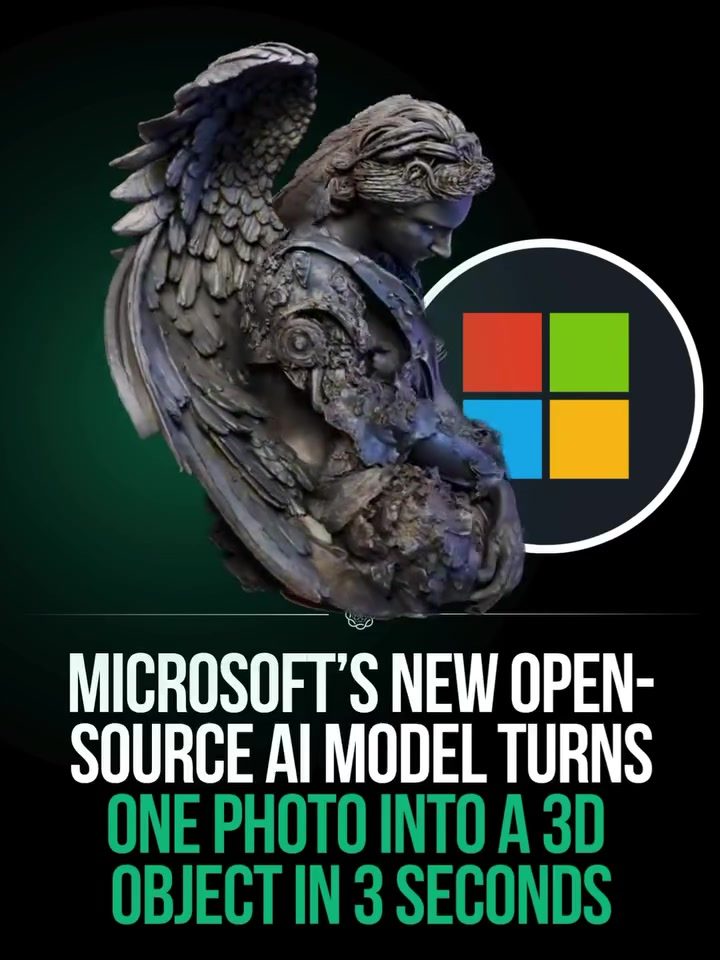
AI 3D Model Generation
AI 3D model generation has taken a significant leap forward with Microsoft's recent release of an open-source AI model. This groundbreaking tool can transform a single 2D photo into a detailed 3D object in just three seconds. The implications for studios and creators are vast, offering new possibilities for digital art, gaming, and more.
Context / Why this matters
The ability to quickly and efficiently convert 2D images into 3D models has long been a goal in the fields of computer graphics, game development, and digital art. Traditionally, this process required highly skilled artists and extensive manual labor. Microsoft's new AI model changes the game by automating much of this work, making 3D model generation accessible to a broader range of creators.
Main discussion
The Technology Behind the Model
Microsoft's AI model leverages advanced algorithms to analyze a 2D image and construct a corresponding 3D model. The process involves several key steps:
- Image Analysis: The AI starts by understanding the content and structure of the 2D image. This includes identifying edges, textures, and other visual cues.
- 3D Reconstruction: Using this data, the AI generates a 3D mesh that closely matches the 2D image. This mesh is a basic 3D structure that serves as the foundation for the final model.
- Detailing and Refining: The AI then adds details and refines the model to match the original image as closely as possible. This step involves adding textures, shading, and other visual elements.
- Exporting: The final 3D model is exported in a standard format, such as GLB, which can be used in various 3D modeling and game development tools like Blender and Unreal Engine.
Hardware Requirements
One of the main limitations of this technology is the hardware requirement. Currently, the model needs a Linux operating system and an NVIDIA GPU with at least 24GB of memory. This means that while the software is open-source and freely available, the hardware requirements may be a barrier for some users. However, for studios and developers with the necessary hardware, the benefits are significant.
Performance and Output
The AI model can generate a 512³ 3D asset in about three seconds using an NVIDIA H100 GPU. For higher resolution models, the process takes between 17 and 60 seconds. The models are then exported as GLB files, which are widely supported in various 3D tools.
Practical tips
Getting Started
- Check Hardware Compatibility: Before downloading the model, ensure your system meets the hardware requirements. You need a Linux operating system and an NVIDIA GPU with at least 24GB of memory.
- Download the Model: The model, along with the code, weights, and full training process, is available under an MIT license. You can download it from Microsoft's official repositories.
- Set Up the Environment: Follow the setup instructions provided by Microsoft to configure your environment. This may involve installing specific software and dependencies.
- Test with Sample Images: Start by testing the model with a few sample images to understand its capabilities and limitations. This will help you get familiar with the process and make any necessary adjustments.
Optimizing Performance
- Use the Right Hardware: Ensure you have the recommended GPU and sufficient memory to handle the model. An NVIDIA H100 GPU is ideal for this task.
- Optimize Image Quality: High-quality 2D images will yield better 3D models. Ensure your input images are clear and well-lit.
- Experiment with Settings: The model may have various settings and parameters that you can adjust to fine-tune the output. Experiment with these settings to get the best results for your specific use case.
Important takeaways
- Accessibility: The open-source nature of Microsoft's AI model makes 3D model generation more accessible to a wider audience, including independent artists, small studios, and hobbyists.
- Efficiency: The model's ability to generate 3D assets in a matter of seconds significantly speeds up the creative process, allowing creators to iterate and experiment more quickly.
- Hardware Limitations: While the software is freely available, the hardware requirements may be a barrier for some users. Ensure you have the necessary equipment before diving in.
- Versatility: The exported GLB files can be used in a variety of 3D tools, making the model versatile for different applications, from gaming to digital art.
Conclusion
Microsoft's open-source AI model for 3D generation represents a significant advancement in the field of digital art and game development. By automating much of the 3D model generation process, it opens up new possibilities for creators and studios. While hardware requirements may be a challenge, the benefits in terms of speed, efficiency, and accessibility are undeniable. As this technology continues to evolve, it has the potential to revolutionize the way we create and interact with 3D digital content.
Watch the Reel
Questions readers ask
What are the primary benefits of using Microsoft's open-source AI model for 3D object creation?
The primary benefits include significantly reduced time to create 3D objects, as it can convert a 2D image to a 3D object in just three seconds. Users can also expect to decrease manual labor, which makes 3D model generation more accessible to a broader range of creators, and opens up new possibilities for digital art, gaming, and other fields.
How does the automation of 3D model generation affect creators in the digital art and gaming industries?
Automation allows creators to generate 3D models more efficiently and quickly, reducing the need for extensive manual labor. This means artists can focus on other creative aspects of their projects, and studios can meet tight deadlines more effectively. Overall, it lowers the barrier to entry for new creators and enhances productivity for experienced professionals.
What kinds of 2D images can be converted into 3D objects using Microsoft's AI model?
The AI model is designed to work with a variety of 2D images, but it performs best with clear, high-quality photos. The more detailed and well-lit the 2D image, the better the 3D conversion results. However, the exact types of images that work best may evolve as the model is further developed and refined.
Can Microsoft's 3D AI model be integrated with other software tools, such as Nvidia's 3D AI tools?
While the article does not provide specific details, as an open-source tool, Microsoft's 3D AI model can likely be integrated with other software tools, including those from Nvidia. Users should refer to the model's documentation and community resources for guidance on compatibility and integration methods.
What hardware requirements are needed to run Microsoft's 3D AI model?
The hardware requirements are not specified in the article. However, since it's an open-source tool, users should review the model's documentation for details on necessary hardware specifications. Generally, such AI models may require a powerful GPU and sufficient RAM to handle the processing demands.
Related deep dives
Similar reads based on topic and creator.

Recent articles
Fresh deep dives from the latest Reels we unpacked.




Comments
Be the first to comment.