Mastering Image Editor Skills with CLAWD
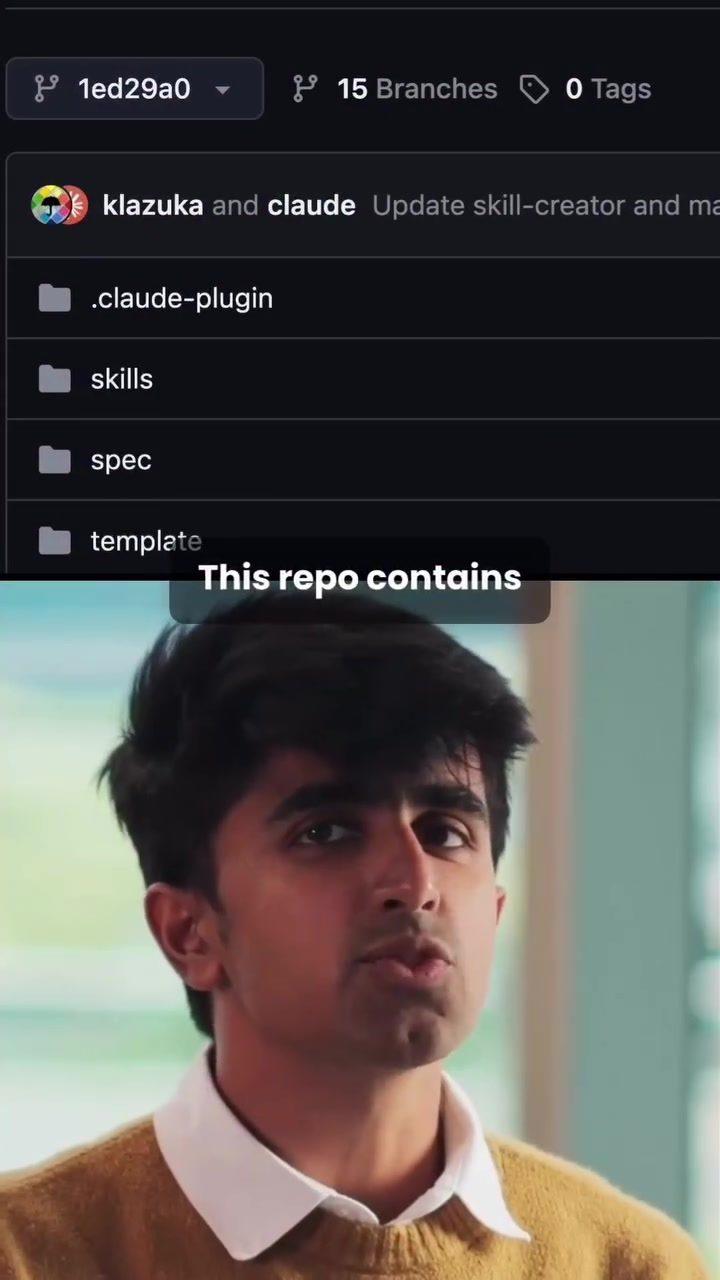
Image editors are essential tools for graphic designers, photographers, and digital artists. The variety of tasks and workflows can be daunting, but tools like CLAWD are designed to streamline these processes. A repository containing over 200 CLAWD skills offers a comprehensive solution for a wide range of image editing tasks, from creating presentations to designing user interfaces and editing PDFs.
Why This Matters
Integrating CLAWD skills into your image editing workflow can significantly enhance productivity and precision. These skills are essentially sets of instructions that guide CLAWD through specific tasks, ensuring consistent and reliable outcomes. Without these skills, CLAWD relies on guesswork, but with predefined workflows, it performs tasks with proven methods.
Main Discussion
What is a CLAWD Skill?
A CLAWD skill is a detailed set of instructions you install into CLAWD, which teaches it to perform a specific task accurately. These skills are crucial for tasks such as creating PowerPoints, reading and editing PDFs, designing UI elements, and connecting to MCP servers, among many others.
Installation and Setup
Setting up a CLAWD skill is straightforward. Here’s a step-by-step guide to installing a skill:
-
Access the Repo: Start by visiting the repository that contains the CLAWD skills. This repo is a treasure trove of over 200 skills, covering everything from presentation creation to document editing.
-
Download the Skill: Click the green "Code" button, download the ZIP file, and extract it.
-
Install the Skill:
- Go to the CLAWD interface.
- Click on "Customize" and then "Add New Skill."
- Hit the plus icon at the top and click "Add File."
- Upload the skill folder you downloaded. In this example, the PPTX skill was uploaded to create presentations.
-
Activate the Skill: Once the skill is uploaded, it's ready to use. You can now type commands like "Create in PPTX" to automatically generate a presentation following the precise instructions in the skill.
Applications and Benefits
CLAWD skills can be applied to a wide range of tasks:
-
Creating Presentations: The PPTX skill allows you to generate presentation slides effortlessly. Simply type the command, and CLAWD will follow the instructions to create the slides automatically.
-
Editing PDFs: Another valuable skill is for reading and editing PDFs. This ensures that all formatting and content are maintained accurately, saving time and reducing errors.
-
UI Design: Designing user interfaces can be complex, but with CLAWD skills, the process becomes more efficient. The skills guide the tool through the best practices for UI design, ensuring a polished and professional output.
-
Project Management: Skills like "mcp-builder" and "pm-skills" help integrate CLAWD with project management tools, making it easier to manage tasks and collaborate with team members.
Practical Tips
Maximizing Workflow
To get the most out of CLAWD skills, follow these tips:
-
Customize Skills: Tailor the skills to your specific needs. If a skill doesn’t exactly fit your workflow, you can modify it to better suit your requirements.
-
Combine Skills: Use multiple skills together to enhance your workflow. For example, combine the PPTX skill with the PDF editing skill to create presentations directly from PDF content.
-
Stay Updated: Keep an eye on the repository for new skills and updates. The repository is constantly being updated with new skills and improvements, so regularly checking for updates can help you stay ahead.
Troubleshooting
If you encounter issues while installing or using a skill, consider the following steps:
-
Check the Skill Documentation: Each skill usually comes with documentation that provides detailed instructions and troubleshooting tips.
-
Seek Community Help: The community around CLAWD is active and helpful. If you run into problems, consider reaching out to the community for support.
-
Update CLAWD: Ensure that your version of CLAWD is up to date. Sometimes, issues arise from using outdated software, and updating can resolve many common problems.
Important Takeaways
-
Efficiency and Precision: CLAWD skills enhance the efficiency and precision of your image editing tasks by following predefined workflows.
-
Versatility: The repository offers a wide range of skills for various tasks, from presentation creation to UI design and document editing.
-
Ease of Use: Installing and using CLAWD skills is straightforward, making it accessible even for those new to the tool.
Conclusion
Mastering image editing with CLAWD skills can revolutionize your workflow. Whether you're a graphic designer, photographer, or digital artist, these skills offer a powerful way to streamline your tasks and ensure consistent, high-quality results. From creating presentations to designing UIs, CLAWD skills provide a versatile and efficient solution for a wide range of image editing needs.
Watch the Reel
Questions readers ask
What are CLAWD skills and how do they enhance image editing?
CLAWD skills are pre-defined workflows that guide the CLAWD tool through specific image editing tasks. They enhance productivity and precision by ensuring consistent and reliable outcomes, eliminating the need for manual guesswork.
How many pre-defined workflows are available in the CLAWD library?
The CLAWD library offers over 200 pre-defined workflows, covering a wide range of image editing tasks, from creating presentations to designing user interfaces and editing PDFs.
Can CLAWD skills help in creating presentations efficiently?
Yes, CLAWD skills include specific workflows designed for efficient presentation creation. These skills streamline the process, making it easier to create professional-looking presentations quickly.
How does CLAWD assist in PDF editing?
CLAWD provides specific skills for editing PDFs, allowing users to make precise changes to documents. These skills ensure that PDFs are edited accurately and efficiently, saving time and effort.
What are the benefits of using CLAWD for UI design?
CLAWD skills for UI design offer a structured approach to creating and editing user interfaces. They help ensure consistency and precision, making it easier to design interfaces that are both functional and visually appealing.
How can I start using CLAWD skills in my image editing workflow?
To begin using CLAWD skills, explore the library of pre-defined workflows and choose the ones that best fit your tasks. Integrate these skills into your workflow to streamline processes and achieve more consistent results.
What are CLAWD MCP workflows and how do they differ from other CLAWD skills?
CLAWD MCP workflows are a specialized set of skills tailored for specific tasks. They differ from general CLAWD skills by offering more targeted solutions, ensuring that complex and precise tasks are handled with enhanced accuracy.
Recent articles
Fresh deep dives from the latest Reels we unpacked.




Comments
Be the first to comment.