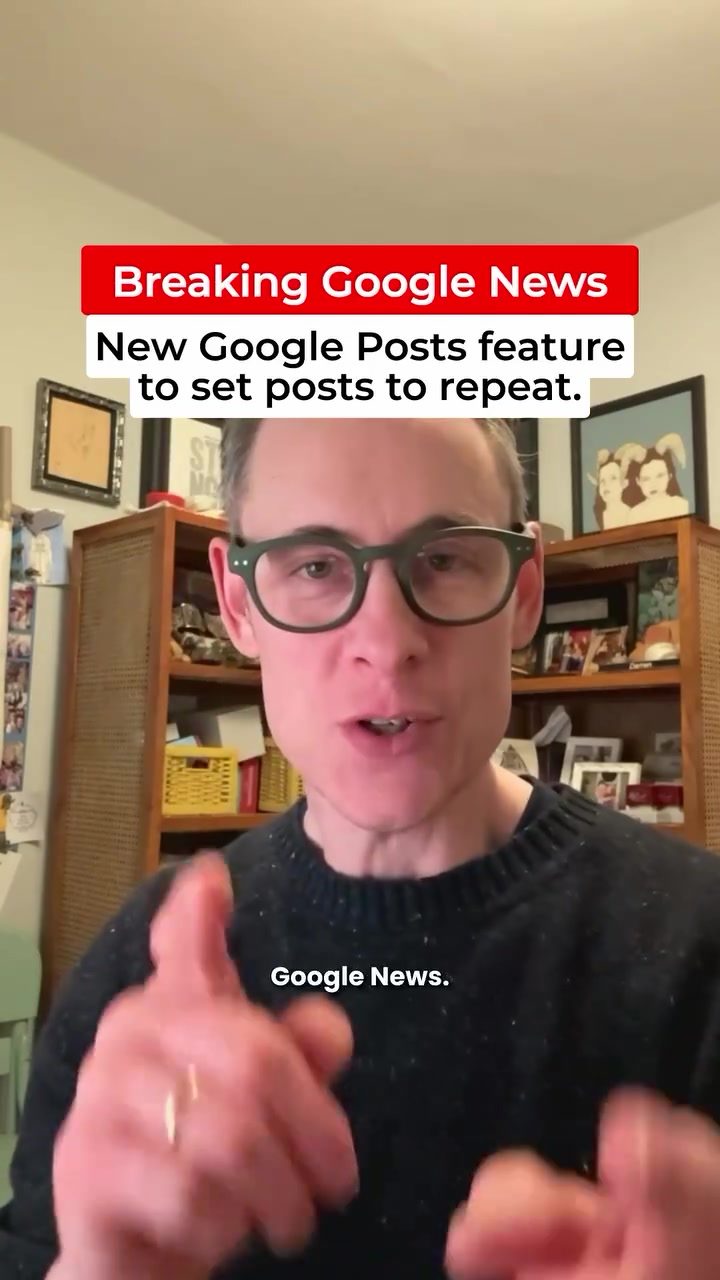
Google Posts Repeat Feature: Streamlining Recurring Event Promotion
Google has introduced a new feature in Google Business Profiles that allows users to set posts to repeat, making it easier to manage recurring events and offers. This feature, called "Repeats," is available for both Offer and Event posts, but not for Update posts. Here's a comprehensive guide on how to use this new tool to keep your business profile looking fresh and up-to-date.
Why This Matters
Managing recurring events and offers can be time-consuming. With the new Repeats feature, businesses can save time and ensure their profiles are always updated with the latest information. This is particularly useful for restaurants, bars, and other businesses that host regular events like happy hours, quiz nights, or live music performances.
Main Discussion
How to Access and Use the Repeats Feature
To access the Repeats feature, navigate to your Google Business Profile and click on "Posts." From there, create a new post and select either "Offer" or "Event." Once you've chosen the type of post, you'll notice the "Repeats" option below the post details.
Setting Up Repeating Posts
The Repeats feature allows you to set posts to repeat daily, weekly, or monthly. Here's how to do it:
- Create a New Post: Start by creating a new Offer or Event post.
- Fill in the Details: Add a title, description, start date, and end date for your post.
- Enable Repeats: Look for the "Repeats" option and click on it. You'll see options to set the post to repeat daily, weekly, or monthly.
- Customize the Schedule: Specify the days and times for the repeating posts. For example, if you're promoting a weekly happy hour, you can set the post to repeat every Thursday.
- Save and Publish: Once you've set the repeating schedule, save and publish your post.
Types of Posts That Support Repeats
The Repeats feature is currently available for Offer and Event posts. Update posts do not support this feature. Here's a breakdown of the types of posts that can use Repeats:
- Offer Posts: Perfect for promoting discounts, sales, or special deals that occur on a regular basis.
- Event Posts: Ideal for recurring events like workshops, classes, or social gatherings.
Practical Examples
Here are some practical examples of how to use the Repeats feature:
- Weekly Happy Hour: If you host a weekly happy hour, create an Event post and set it to repeat every week on the specific day and time.
- Monthly Promotions: For monthly promotions, create an Offer post and set it to repeat every month.
- Regular Workshops: If you offer regular workshops or classes, use the Event post type and set it to repeat on the specific days and times when the workshops are held.
Practical Tips
Leveraging the Repeats Feature for Maximum Impact
To make the most of the Repeats feature, consider the following tips:
- Plan Ahead: Plan your recurring events and offers in advance and schedule your posts accordingly.
- Use Clear Titles and Descriptions: Ensure your post titles and descriptions are clear and concise, making it easy for customers to understand what's happening and when.
- Include Relevant Information: Add relevant details like start and end times, location, and any special instructions.
- Monitor and Update: Regularly monitor your posts to ensure they are accurate and update them as needed.
Best Practices for Using Repeating Posts
Here are some best practices to follow when using the Repeats feature:
- Be Consistent: Consistency is key when it comes to repeating posts. Ensure your events and offers are consistent in their timing and details.
- Keep It Fresh: While the Repeats feature is convenient, make sure your posts remain fresh and engaging. Update the descriptions and titles periodically to keep them relevant.
- Engage with Your Audience: Encourage engagement by asking customers to like, share, and comment on your posts. This can help increase visibility and reach.
Important Takeaways
- The Repeats feature is a valuable tool for businesses looking to streamline the promotion of recurring events and offers.
- It allows users to set posts to repeat daily, weekly, or monthly, ensuring that their Google Business Profile always looks fresh and up-to-date.
- The feature is available for Offer and Event posts but not for Update posts.
- By planning ahead and using clear, concise language, businesses can maximize the impact of their repeating posts.
- Regular monitoring and updating of posts are essential to maintain accuracy and relevance.
Conclusion
The new Repeat feature in Google Posts is a game-changer for businesses that rely on recurring events and offers. By enabling users to schedule posts to repeat, Google has made it easier than ever to keep business profiles updated and engaging. Whether you're promoting a weekly happy hour, a monthly promotion, or regular workshops, the Repeats feature can help you save time and ensure your customers always have the latest information. Start using this feature today to enhance your online presence and attract more customers.
Watch the Reel
Related deep dives
Similar reads based on topic and creator.



Recent articles
Fresh deep dives from the latest Reels we unpacked.




Comments
Be the first to comment.