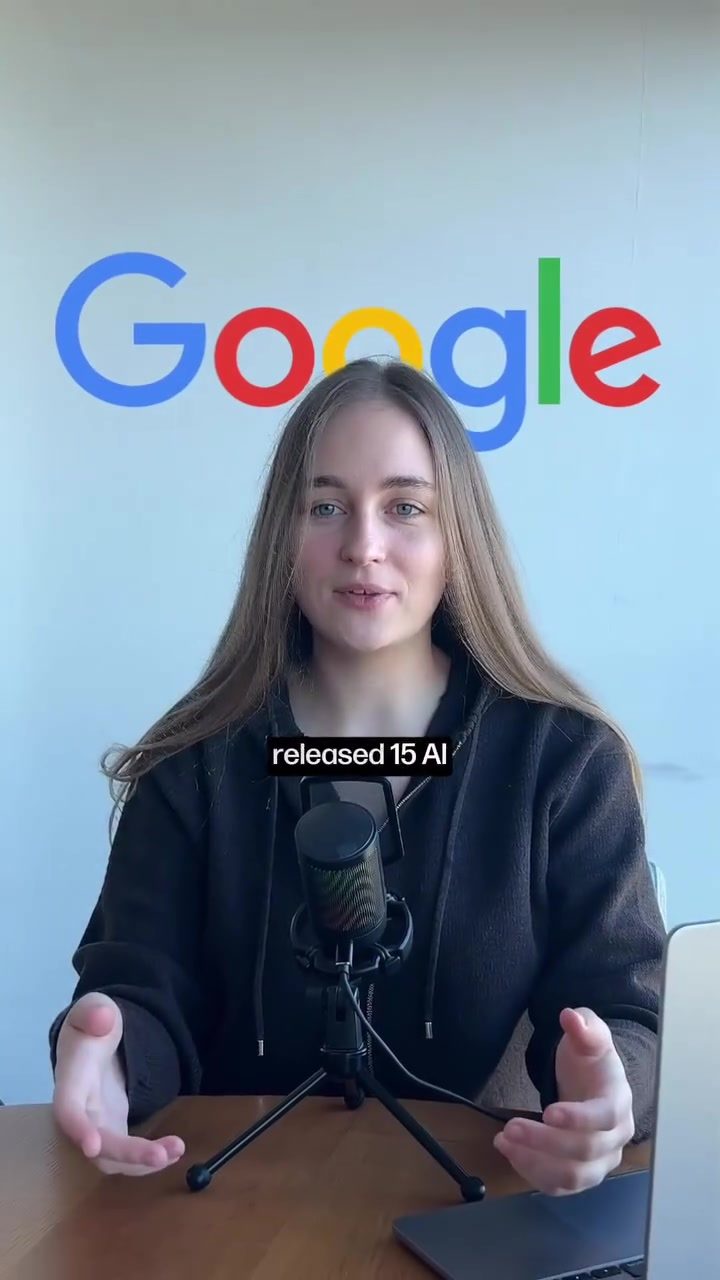
Maximizing Productivity with Google's Free AI Tools
Google has recently released a suite of 15 free AI tools that are revolutionizing various aspects of digital work. These tools cover a wide range of applications, from marketing content generation to UI design, AI automation, coding, and visual creation. Here, we delve into five standout tools that can significantly enhance your productivity and creativity.
Context / Why This Matters
The digital landscape is rapidly evolving, with AI playing a pivotal role in streamlining processes and enhancing creativity. Google's latest offering of free AI tools is a testament to this shift. By leveraging these tools, professionals can save time, reduce costs, and achieve higher-quality outputs.
Five Essential AI Tools from Google
Pomelo: AI-Driven Marketing Content Generation
Pomelo is a powerful marketing tool that can generate full social media content for your brand. All you need to do is provide a website link, and Pomelo will handle the rest. This tool is particularly useful for marketers and content creators who need to produce high-quality, engaging content quickly. Pomelo's ability to understand and replicate a brand's voice makes it an invaluable asset for social media management.
Stitch: Modern UI Design from Prompts
Stitch is an innovative tool that turns your design ideas into clean, modern UI designs for apps and websites. Simply describe your concept, and Stitch will generate a professional-looking design. This tool is perfect for designers who want to create mockups and prototypes rapidly, allowing them to focus on the bigger picture rather than getting bogged down in the details.
Google Opal: AI Automations without Complex Setup
Google Opal allows you to build powerful AI automations using Google's models. The best part? There's no complex setup required. This tool is ideal for anyone looking to automate repetitive tasks, freeing up time for more creative and strategic work. Whether you're a developer, marketer, or project manager, Google Opal can help streamline your workflow.
Anti-Gravity: AI Code Editor for Rapid Prototyping
Anti-Gravity is an AI code editor similar to Cursor, designed for "vibe coding" and rapid prototyping. This tool is perfect for developers who need to quickly test ideas and iterate on code. Its intuitive interface and powerful features make it a valuable addition to any developer's toolkit.
Mixpool: AI Image Workflow for Visual Creatives
Mixpool is a versatile tool that combines the functionalities of Canva and Pinterest. It allows you to generate multiple AI images, tweak them, combine them, and refine them until you get exactly what you want. This tool is perfect for graphic designers, content creators, and anyone involved in visual storytelling. Mixpool's ability to generate high-quality images quickly makes it an essential tool for modern creators.
Practical Tips for Getting the Most Out of These Tools
- Explore the Full Range of Tools: While these five tools are standouts, there are ten more in the suite. Take the time to explore all the tools and see how they can fit into your workflow.
- Integrate with Existing Workflows: Identify areas in your workflow where these tools can be most effective. For example, use Pomelo for regular social media content generation and Stitch for designing new app interfaces.
- Experiment and Iterate: Don’t be afraid to experiment with different prompts and settings to get the best results. AI tools often improve with iterative use and refinement.
- Leverage Community Resources: Engage with the community to share tips and tricks. Commenting and sharing experiences can help you discover new uses for these tools.
Important Takeaways
Google's release of these free AI tools underscores the growing importance of AI in various fields. By understanding and utilizing these tools, professionals can stay ahead of the curve, improve efficiency, and enhance the quality of their work. Whether you're a marketer, designer, developer, or creative, there's something in this suite for everyone.
Conclusion
The digital landscape is continually evolving, and AI is at the forefront of this transformation. Google's suite of free AI tools is a game-changer, offering a range of applications that can significantly enhance productivity and creativity. From marketing content generation to UI design and rapid prototyping, these tools provide a comprehensive suite that can benefit professionals across various fields. By integrating these tools into your workflow, you can save time, reduce costs, and achieve higher-quality outputs.
Watch the Reel
Questions readers ask
How can Google's free AI tools help me in my marketing efforts?
Google's AI tools can assist in marketing by automating content generation, creating tailored campaigns, and analyzing data to provide insights. Tools like these can help you create compelling content more efficiently, allowing you to focus on strategic aspects of your marketing efforts.
Are there any AI tools from Google that can aid in UI/UX design?
Yes, Google offers AI tools specifically designed for UI/UX design. These tools can help automate the creation of user interfaces, suggest design improvements, and even generate prototypes, making the design process more efficient and effective.
Can Google's AI tools help with coding tasks?
Absolutely. Google provides AI tools that can assist with coding by suggesting code snippets, identifying errors, and even generating entire functions. These tools can significantly speed up the development process and reduce the likelihood of bugs.
What kind of automation can I achieve with Google's AI tools?
Google's AI automation tools can handle a variety of tasks, from scheduling and reminders to data entry and workflow management. By automating these repetitive tasks, you can free up time to focus on more complex and creative endeavors.
How do Google's AI tools support visual creation?
Google's AI tools for visual creation can help generate images, design layouts, and even create animations. These tools use advanced algorithms to understand your design preferences and assist in creating high-quality visual content quickly and easily.
Are these AI tools suitable for beginners?
Yes, Google's AI tools are designed to be user-friendly and accessible to users of all skill levels. They come with intuitive interfaces and helpful guides to ensure that even beginners can start using them right away to enhance their productivity.
Can I use these AI tools for free?
Yes, all 15 AI tools offered by Google are completely free to use. This makes them accessible to a wide range of users, from freelancers to large enterprises, allowing everyone to benefit from the advancements in AI technology without any cost.
Related deep dives
Similar reads based on topic and creator.




Recent articles
Fresh deep dives from the latest Reels we unpacked.




Comments
Be the first to comment.