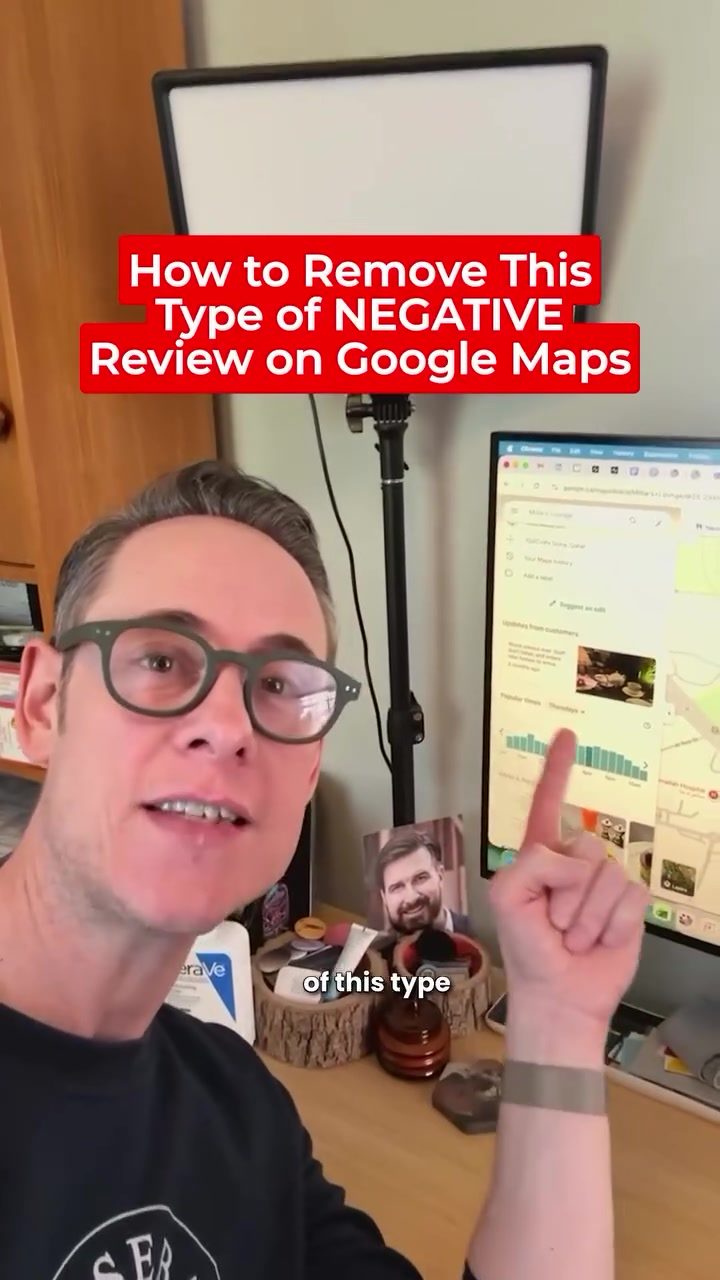
Removing Negative Google Reviews
Negative reviews can significantly impact your online presence, but one particularly troublesome tactic involves posting negative updates directly to your Google Maps profile. These updates, unlike traditional reviews, are not easily removed and can remain visible to potential customers for months. This is a problem because most business owners often overlook their Google Maps profiles, thereby missing these negative updates. Additionally, Google does not send notifications for these updates, making it even harder to address them promptly. But don't worry, we have some strategies to help you take control of your online reputation.
Why This Matters
Google Maps is a powerful tool for local businesses. It allows customers to find your location, check your hours, and read reviews before deciding to visit. Positive reviews can boost your visibility and attract new customers, while negative reviews can deter them. Unfortunately, negative updates from customers can be particularly harmful because they are not always visible in the main review section and remain in a prominent place on your profile. These updates are tricky because they are not flagged as reviews and do not trigger notifications, making them easy to miss.
Understanding Negative Updates from Customers
Negative updates from customers are different from traditional reviews. They are posted directly to your Google Maps profile and can remain visible for an extended period. These updates are often used by disgruntled customers or competitors to harm your business reputation. Since they are not standard reviews, they are harder to manage and can't be replied to directly. It is essential to understand how these updates work and how to handle them effectively.
How to Report Negative Updates
Reporting a negative update to Google is one potential solution, but it's not always effective. If you decide to report an update, you should choose the "Off topic" option. However, Google does not often remove these updates, so this method should be your last resort. Instead, consider pushing the negative update out of view by replacing it with a new, positive update from a happy customer. This approach is more likely to be successful and will help maintain your online reputation.
How to Replace Negative Updates
The most effective way to handle a negative update from a customer is to
replace it with a positive one. Here’s how you can do it:
- Identify a Happy Customer: Reach out to a satisfied customer who is likely to post a positive update. This could be someone who has recently had a good experience with your business or a loyal customer who regularly uses your services or products.
- Request a Positive Update: Ask the customer to post a positive update on your Google Maps profile. Be clear about what you are asking for and why it is important. Make sure the customer understands the significance of their update in helping to improve your online reputation.
- Monitor the Profile: Once the positive update is posted, monitor your Google Maps profile to ensure the negative update has been replaced. If the negative update is still visible, you may need to repeat the process with another happy customer.
Practical Tips
- Check Your Profile Regularly: Make it a habit to regularly check your Google Maps profile for any updates from customers. This will help you catch and address negative updates promptly.
- Engage with Positive Updates: Encourage your happy customers to post updates and reviews. This will not only push out any negative updates but also improve your overall rating and reputation.
- Respond to Reviews: While you can't respond to updates, responding to traditional reviews shows that you value customer feedback and are proactive in addressing concerns.
Important Takeaways
- Negative updates from customers can be particularly harmful to your online reputation because they are hard to remove and often go unnoticed.
- Reporting negative updates to Google is not always effective, and the best method is to replace them with positive updates from happy customers.
- Regularly monitor your Google Maps profile and engage with your customers to maintain a positive online presence.
- Most business owners are not aware of these updates, so staying proactive is crucial.
Conclusion
Negative updates from customers on Google Maps can be a significant challenge for businesses. However, by understanding how these updates work and implementing effective strategies to manage them, you can maintain a positive online reputation. Regularly monitoring your profile, engaging with your customers, and proactively addressing negative updates will help ensure that your business continues to thrive.
Watch the Reel
Questions readers ask
What are 'updates from customers' on Google Maps and why are they harmful?
'Updates from customers' on Google Maps are short posts made by users about a business, which can include negative feedback. They are harmful because they can linger on your profile for months, affecting your online presence. Unlike traditional reviews, Google does not send notifications when these updates are posted, making them easy to miss.
How can I identify negative updates from customers on my Google Maps profile?
To identify negative updates, regularly check your Google Maps listing for any new updates from customers. Look for any posts that contain negative feedback or complaints about your business. Since Google does not send notifications for these updates, it's important to manually check your profile regularly.
Can I remove negative updates from customers on Google Maps?
Removing negative updates directly is not possible, but you can take steps to address them. Flag the update if it violates Google's policies or report it through Google Maps support. Additionally, you can respond to the update publicly to mitigate its impact and show potential customers that you are addressing the issue.
What should I do if I find a harmful post on my Google Maps profile?
If you find a harmful post, first assess if it violates Google's policies. If it does, use the 'Flag as inappropriate' option. If not, respond to the post publicly to address the customer's concerns. This shows other users that you are proactive in handling customer feedback, which can help maintain your business's reputation.
Can I prevent negative updates from customers on Google Maps?
While you cannot prevent customers from posting updates, you can minimize their impact. Encourage satisfied customers to leave positive updates and reviews. Regularly monitor your Google Maps profile, and respond promptly to any negative feedback. This proactive approach can help maintain a positive online presence.
How do negative updates on Google Maps affect my business?
Negative updates on Google Maps can significantly impact your business as they are visible to potential customers searching for your services. They can influence customer decisions and affect your business's reputation. Since these updates are not reviews, they do not trigger notifications, which makes them harder to manage and address promptly.
What if a negative update on Google Maps is false or malicious?
If a negative update is false or malicious, you can report it to Google. Use the 'Flag as inappropriate' feature on the update and provide evidence that the update is false. Google will review the report and may remove the update if it violates their policies. Keeping a record of such incidents can also help in building a case for removal.
Related deep dives
Similar reads based on topic and creator.



Recent articles
Fresh deep dives from the latest Reels we unpacked.




Comments
Be the first to comment.